

QuickBooks Online | Surcharging
Pass processing fees to customers with surcharging in QuickBooks Online
Turn on compliant credit card surcharging in QuickBooks Online (QBO), so you can offset processing costs without adding manual work for your team.
6+ hours
Saved weekly on AR
40% decrease
In payment processing costs
3x reduction
In days sales outstanding
Trusted by companies large and small since 2004
Trusted by companies large and small since 2004






Why QuickBooks Online users love the ability to offset processing costs with surcharging
Why QuickBooks Online users love the ability to offset processing costs with surcharging
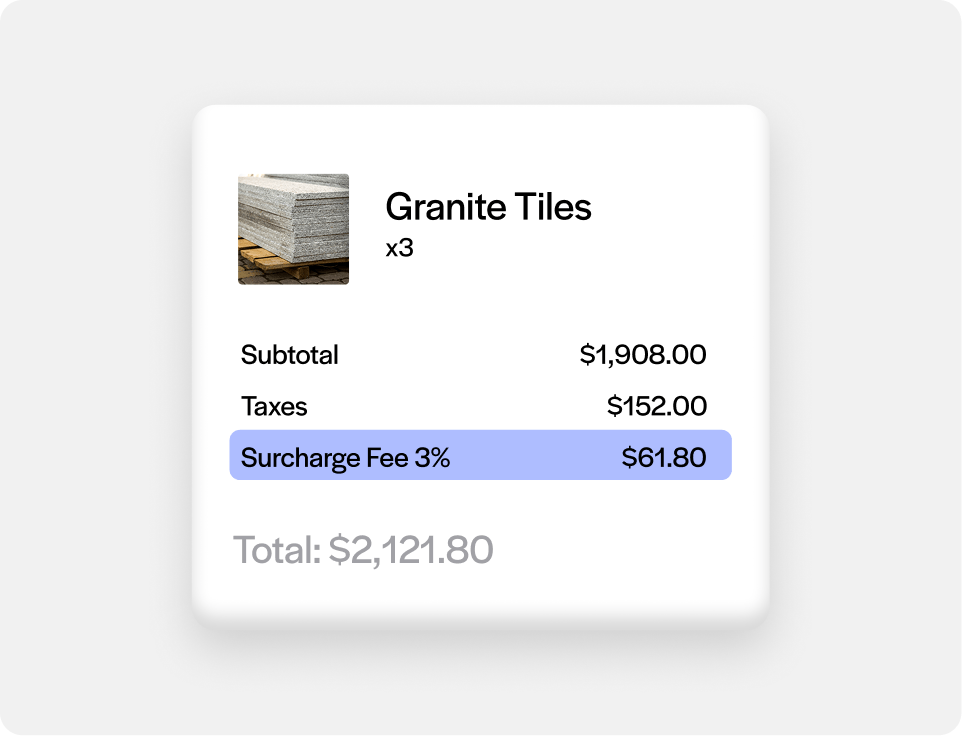
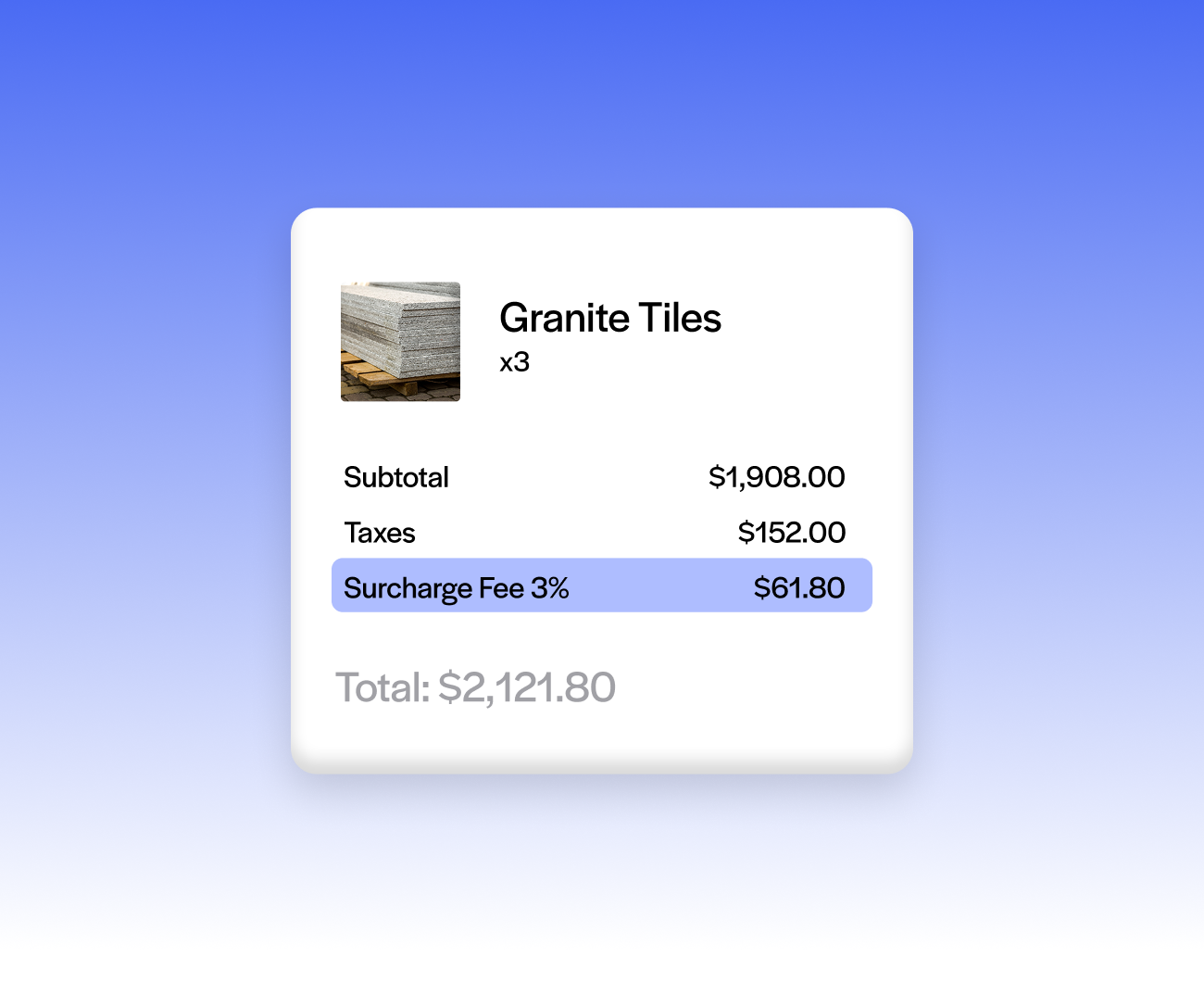
Off by default, on when you decide
Surcharging is embedded in the integration but not applied out of the box, so nothing changes for customers until you turn it on.
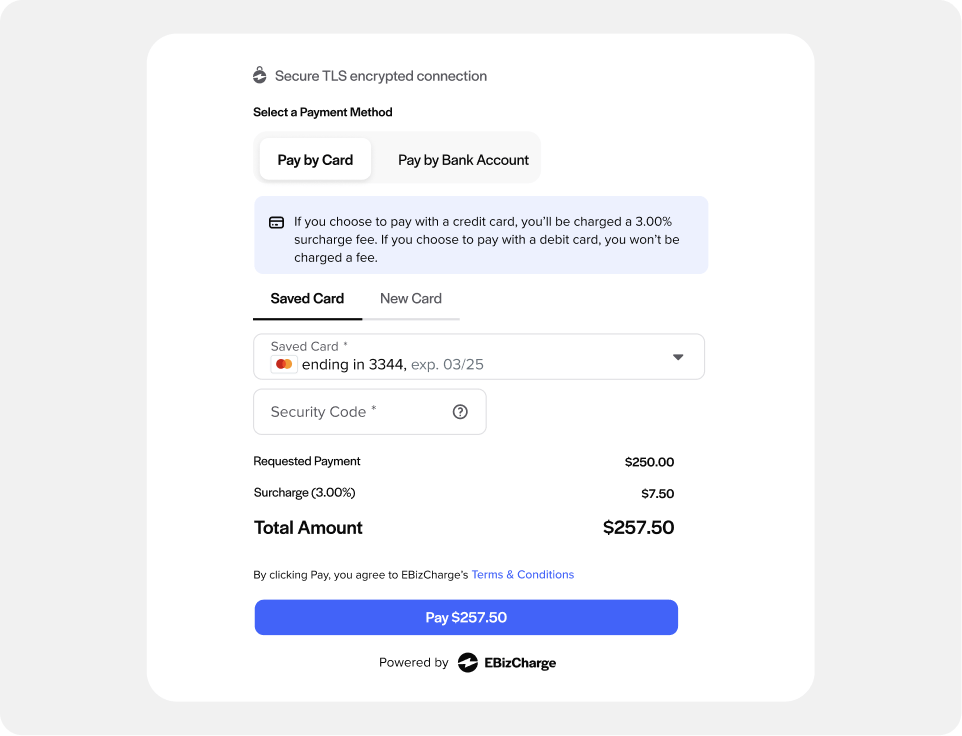
100% compliant across entire US
Surcharge Toggle applies a compliant surcharge using a fully compliant model; no custom development is needed on your end.
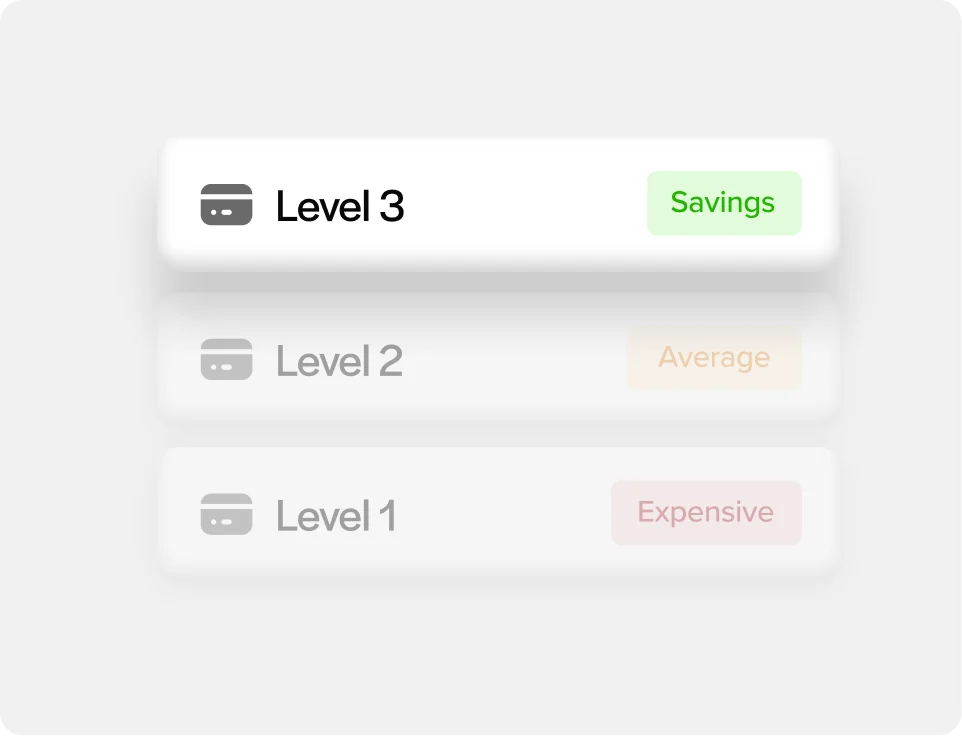
Pairs with Level II/III processing
Surcharging works alongside Level 2 and 3 data processing, so you’re not just passing on costs, you’re also qualifying for lower B2B interchange rates.
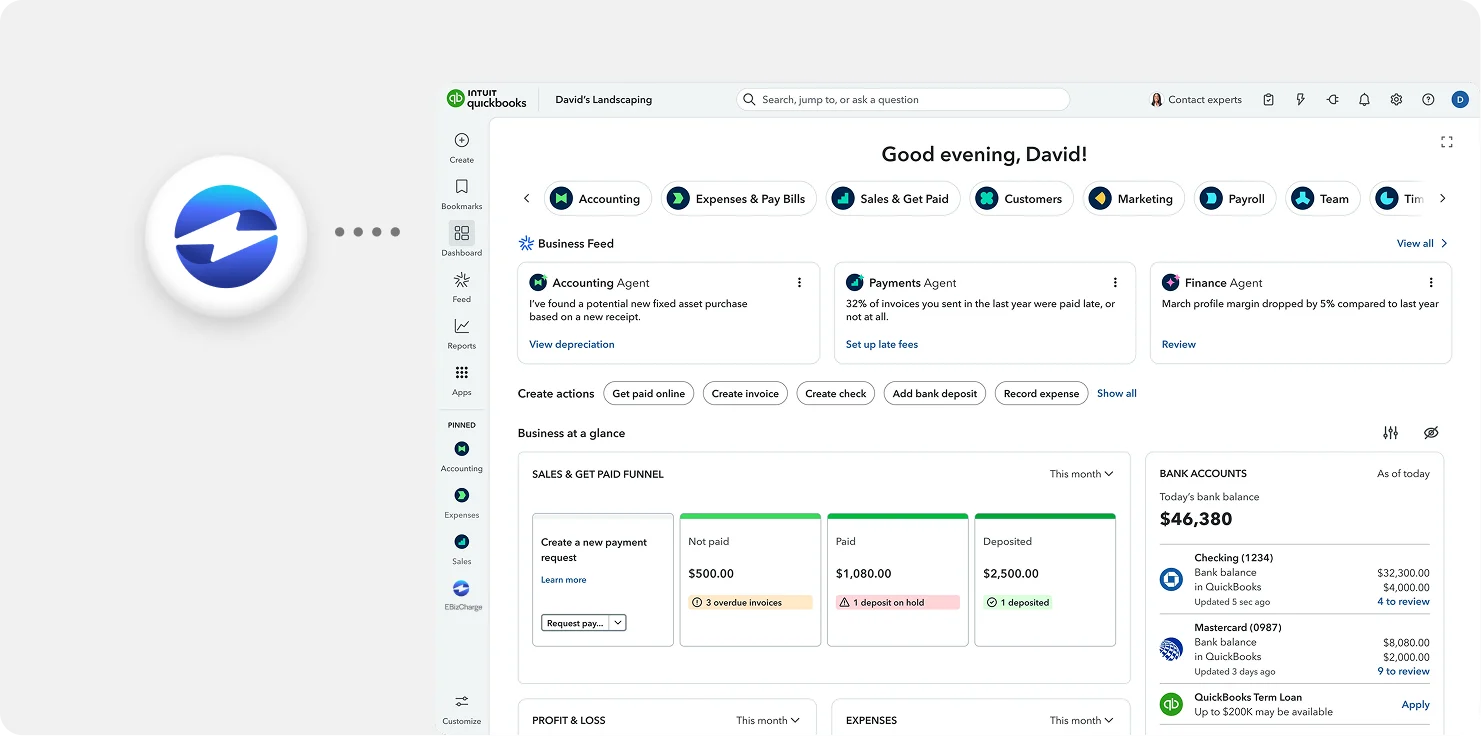
Payments and surcharges post straight to QuickBooks Online
Surcharge amounts apply to AR and the GL automatically alongside the underlying payment.
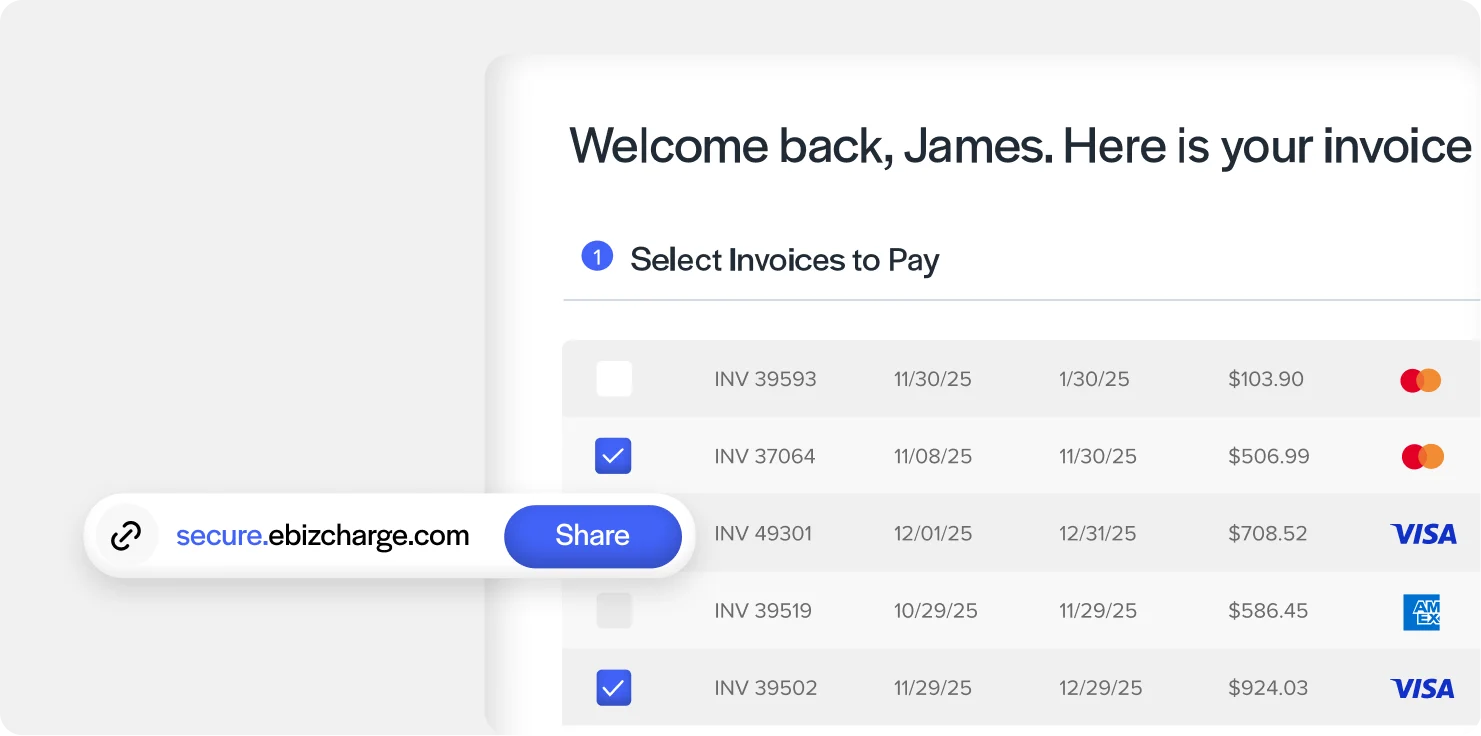
Applies whether a customer pays by email or portal
Surcharging calculates correctly whether the payment comes through a QBO emailed request or the QuickBooks customer portal.
What our customers are saying
What our customers are saying

“Outstanding support and an easy, smooth implementation in a short timeframe.”
Terry M.
“EBizCharge has been a wonderful partner and has eliminated a tremendous amount of
manual data entry.”
Greg L.
“Simple and easy to use. Customer service is outstanding, efficient and always friendly.”
Donna B.
“Outstanding support and an easy, smooth implementation in a short timeframe.”
Terry M.
“EBizCharge has been a wonderful partner and has eliminated a tremendous amount of manual data entry.”
Greg L.
“Simple and easy to use. Customer service is outstanding, efficient and always friendly.”
Donna B.
EBizCharge is rated 4.8/5 stars on 105+ G2 reviews. | See what they are saying 
EBizCharge is rated 4.8/5 stars on 105+ G2 reviews.
