NetSuite Payment Processing — Accept Credit, Debit & ACH
Accept credit, debit, and ACH payments natively inside NetSuite. EBizCharge automates AR, cuts processing costs 40%, and reduces DSO — no development needed.
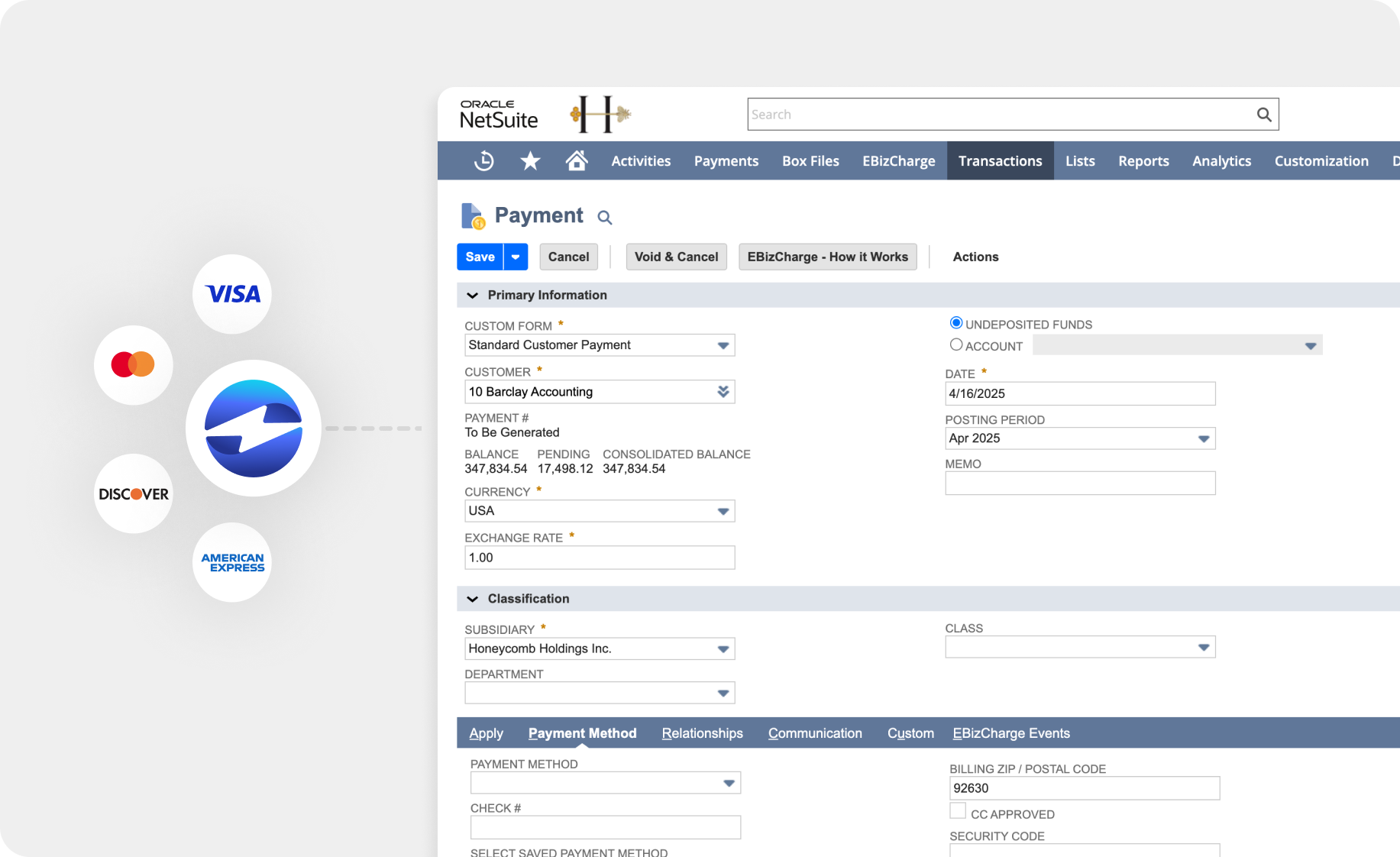
Process credit cards, debit, and ACH payments directly on NetSuite invoices and sales orders. Authorize, capture, void, or refund without leaving NetSuite — and watch payments post to the general ledger automatically.
Get paid faster with payment links & a customer payment portal
Send secure payment request links directly from NetSuite invoices. Sync outstanding balances to a self-service portal where customers can pay on their own time — no phone calls, no paper checks.
Automate high-volume AR tasks in NetSuite
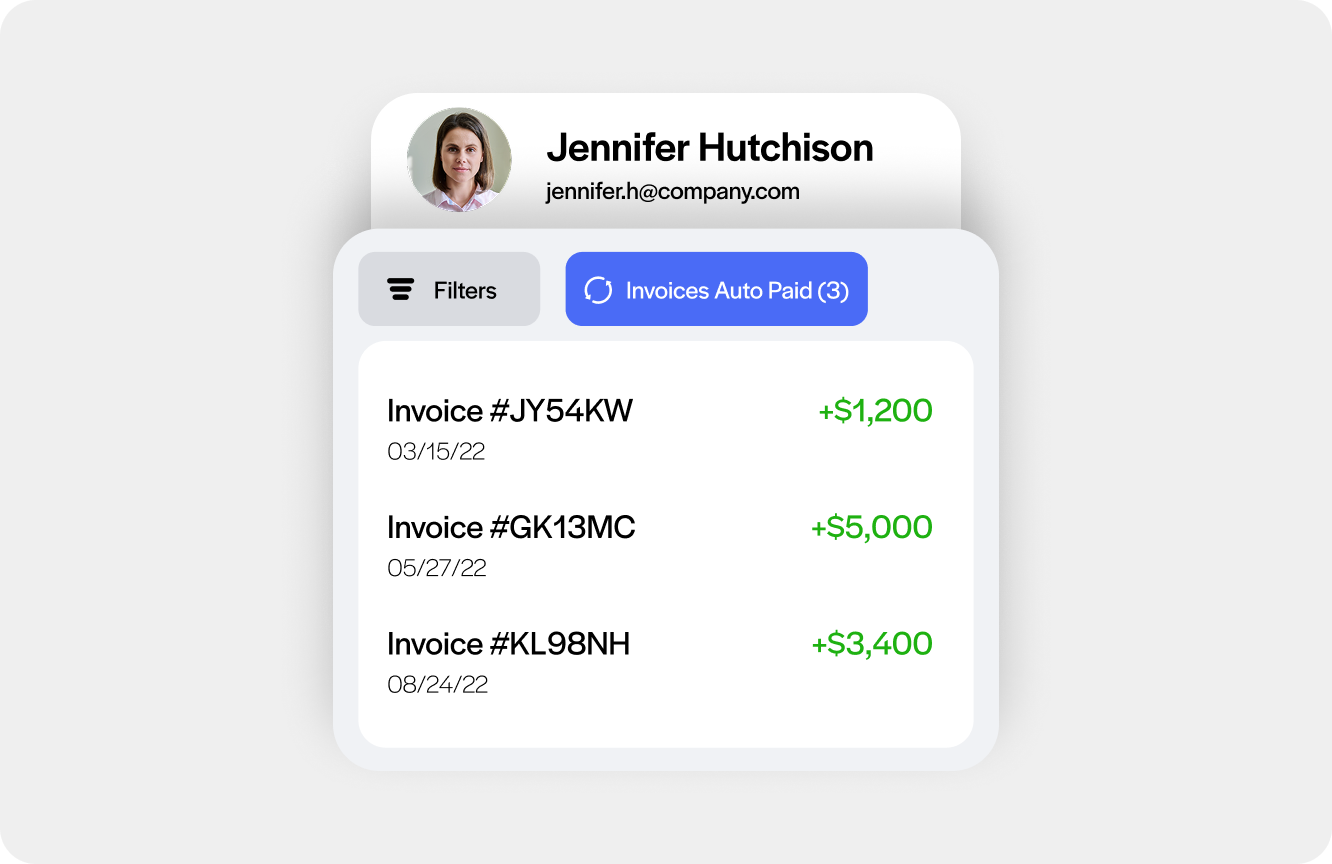
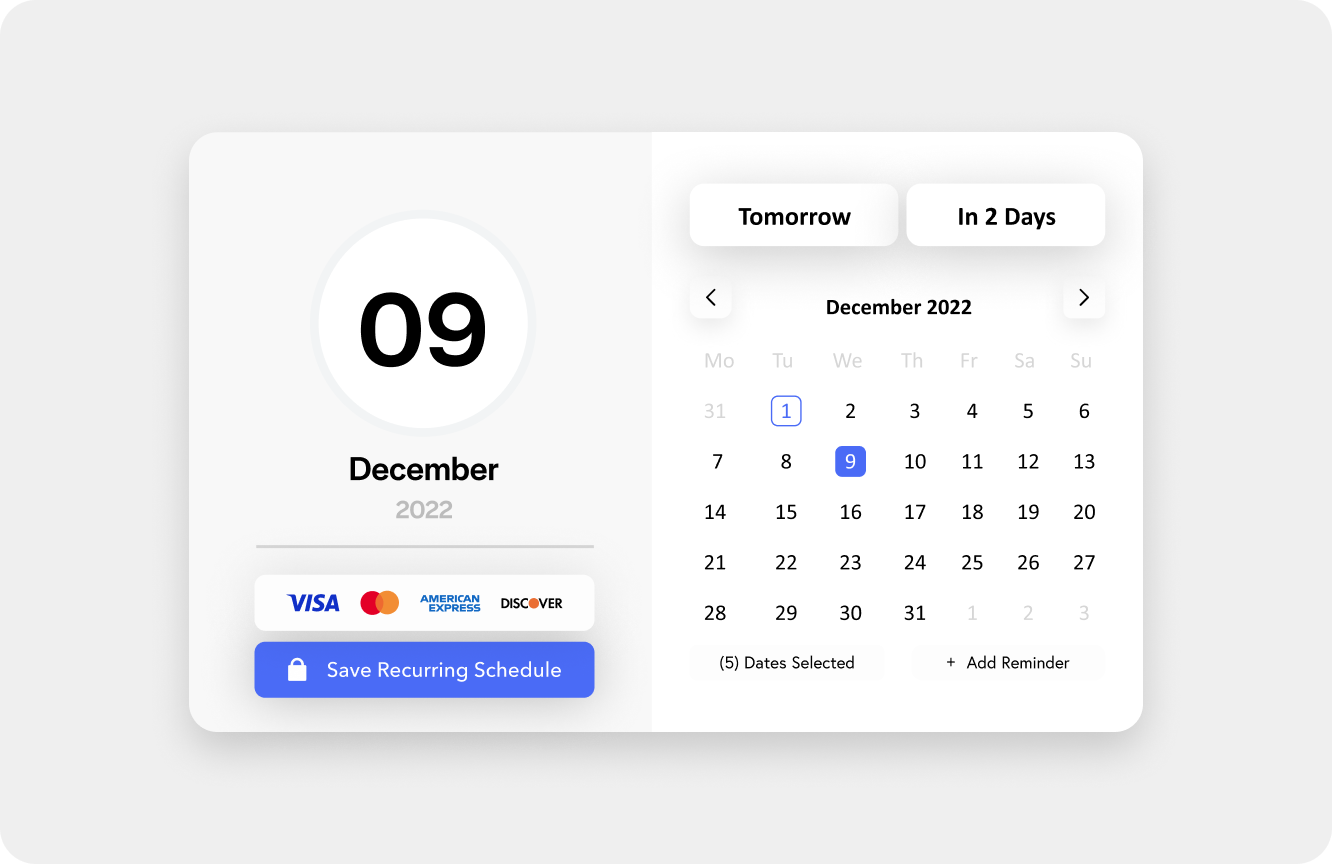
Batch-charge multiple customers at once, auto-charge statement balances on a schedule, and set up automated reminders and retry logic for failed payments. Purpose-built for AR teams running at scale.
How EBizCharge Works with NetSuite
EBizCharge is a native NetSuite payment processing integration built for B2B AR teams. Unlike bolt-on gateways, it runs entirely inside NetSuite — so payments post to the general ledger automatically, with no manual entry required.
Key features
Accept payments inside NetSuite
Process credit card and ACH payments directly on NetSuite invoices and sales orders
Search and pay customer invoices from the mobile app
Generate invoices on the go and collect payment on the spot
Use a card reader or scan card details with your device camera
Compare EBizCharge to other NetSuite payment providers
Versapay
NetSuite Pay
Credit & debit cards
ACH/eCheck
Level 3 processing
Surcharging
EMV terminals
Auto-post to NetSuite GL
Batch payment processing
Auto-pay
Payment links from invoices
Self-service customer pay portal
Automated payment reminders
PCI DSS Level 1 certified
Tokenization & Encryption
US-based in-house support
$0 installation fee
Dedicated account manager
Competitive custom rates
Implementation that fits your NetSuite timeline
Quick installation. EBizCharge installs as a NetSuite bundle in your sandbox environment (15-20 minutes) first, so your team can test the integration before it touches live data. Requires a NetSuite account with full admin rights.
Configuration built around how you actually invoice. Your account is configured to match your specific workflow, including payment methods, deposit accounts, receipt templates, and how payments post back to the general ledger.
Multi-entity and subsidiary support from day one. If you run multiple subsidiaries, each can be configured with its own merchant account, gateway credentials, and permissions, so payment processing stays consistent across your organization without extra manual setup.
Role-based access, configured to your team. Access permissions are set per user role, so AR staff, sales reps, and admins each see only what they need.
Bridge workflow available before go-live. Not fully live on NetSuite yet? Start processing payments with a virtual terminal or payment links now, and move into the full integration once your ERP project is ready.
A dedicated account manager guides the process, from initial setup through testing, training, and cutover from your previous provider.
The right answer depends on your volume and workflow complexity. For simple, low-volume payment acceptance, NetSuite Pay or a SuitePayments-certified gateway may be sufficient. For B2B companies processing significant invoice volume, EBizCharge is widely regarded as one of the top integrations for NetSuite. Unlike generic processors that connect via API, EBizCharge is purpose-built for NetSuite — payments are fully embedded in your workflow, post automatically to the general ledger, and your AR team never has to touch a separate system. It also supports Level 2 and Level 3 processing, ACH, surcharging, automated batch charging, and a self-service customer payment portal — features that generic gateways don’t offer out of the box.
NetSuite supports credit card acceptance through three main routes: NetSuite Pay (the native built-in option), SuitePayments-certified third-party gateways, or a deeper embedded integration like EBizCharge. To get started with NetSuite Pay, you apply directly within NetSuite and use pre-negotiated rates through Versapay. For a third-party integration, you’ll connect a certified payment gateway through NetSuite’s SuitePayments framework. With EBizCharge specifically, the setup takes a few hours — a dedicated implementation team handles configuration, and once live, you can accept Visa, Mastercard, Amex, Discover, debit, and ACH directly from the invoice or sales order screen. Payments authorize and post to the general ledger automatically with no manual entry.
Yes. EBizCharge supports ACH/eCheck processing natively within NetSuite. Your team can collect bank transfers directly from the invoice screen, and payments post automatically — just like credit card transactions. ACH is especially popular for B2B companies looking to reduce processing costs on large invoices.
NetSuite doesn’t process ACH natively — you need a connected gateway. With EBizCharge, setup takes four steps:
Install the EBizCharge NetSuite payment module
Enable ACH in your EBizCharge account settings.
Process ACH directly on NetSuite invoices and sales orders — payments post to the general ledger automatically.
Once live, your team can batch-process ACH across multiple customers, set up autopay schedules, and let customers authorize ACH through a self-service portal. ACH rates are significantly lower than credit card, making it the preferred method for high-volume B2B invoices.
Most businesses are up and running with EBizCharge in NetSuite within a few days. EBizCharge has a dedicated implementation and support team based in Irvine, CA that handles the setup process and is available by phone or email at no additional cost. The timeline can vary depending on your NetSuite configuration, but there’s no lengthy development work required — it’s a pre-built, certified integration.
We help you plan the migration during onboarding, including what can transfer automatically and what requires customer re-entry, so you’re never caught off guard mid-transition.
Payment reconciliation in NetSuite is the process of matching incoming payments to open invoices and updating your general ledger automatically. With NetSuite’s native tools, some reconciliation steps remain manual — you may need to import batch settlement files or manually apply payments to records. With a deeply embedded third-party integration like EBizCharge, reconciliation is fully automated: every payment processed inside NetSuite posts directly to the correct invoice and general ledger account in real time, with no manual entry. This eliminates the end-of-month reconciliation bottleneck that AR teams commonly face and gives finance managers a real-time view of outstanding balances and cash position.
Yes. Many customers begin with a virtual terminal or payment links to solve immediate payment problems, then transition into the full NetSuite-native integration once their ERP go-live is complete. You don’t have to wait on your NetSuite timeline to improve how you collect payments.
NetSuite offers two native payment options — NetSuite Pay and SuitePayments. NetSuite Pay is a built-in solution powered by Versapay that lets you start accepting payments quickly with pre-negotiated rates. SuitePayments is a certified partner framework that connects NetSuite to approved third-party gateways. Both work for basic payment acceptance, but neither is designed for high-volume B2B AR workflows — they require manual reconciliation steps, offer limited automation, and don’t include features like batch processing, Level 2/3 interchange optimization, or a self-service customer payment portal. EBizCharge fills that gap with a purpose-built integration that runs natively inside NetSuite and automates the full AR cycle.
NetSuite supports a broad range of payment methods through its native tools and certified third-party integrations. These include credit and debit cards (Visa, Mastercard, Amex, Discover), ACH and eCheck bank transfers, digital wallets like Apple Pay and PayPal, and recurring or subscription-based billing. The specific methods available depend on which payment solution you use — NetSuite Pay, a SuitePayments-certified gateway, or a third-party integration like EBizCharge. For B2B companies, ACH is particularly popular for reducing processing costs on large invoices, while credit card acceptance with Level 2 and Level 3 data can qualify for lower interchange rates on corporate purchasing cards.
NetSuite payment processing costs vary depending on the solution you choose. NetSuite Pay uses pre-negotiated rates through Versapay — you apply directly within NetSuite and pricing is bundled. For SuitePayments-certified third-party processors like EBizCharge, pricing typically includes a per-transaction fee, a monthly platform fee, and in some cases a setup cost — though EBizCharge charges $0 for installation. The total cost of processing also depends on your card mix: B2B companies processing commercial or purchasing cards can reduce effective rates significantly through Level 2 and Level 3 data processing, which EBizCharge supports natively inside NetSuite.
Approval requires standard business and banking documentation. Our team walks you through exactly what’s needed and can work with alternatives when standard paperwork doesn’t fit your business.
Why EBizCharge?
Oracle gold partner
Official sponsor of NetSuite Users Groups
All-in-one solution
US-based support
$0 Installation fees
Dedicated account manager
20+ years in service
“EBizCharge has transformed the way our clients manage payment collections within NetSuite… Our clients appreciate the seamless automation and reliability that EBizCharge provides, and so do we”