

QuickBooks Online | Saved Cards
Securely save customer cards inside QuickBooks Online
Store customer payment methods securely in QBO so repeat charges take one click instead of re-entering card details every time.
6+ hours
Saved weekly on AR
40% decrease
In payment processing costs
3x reduction
In days sales outstanding
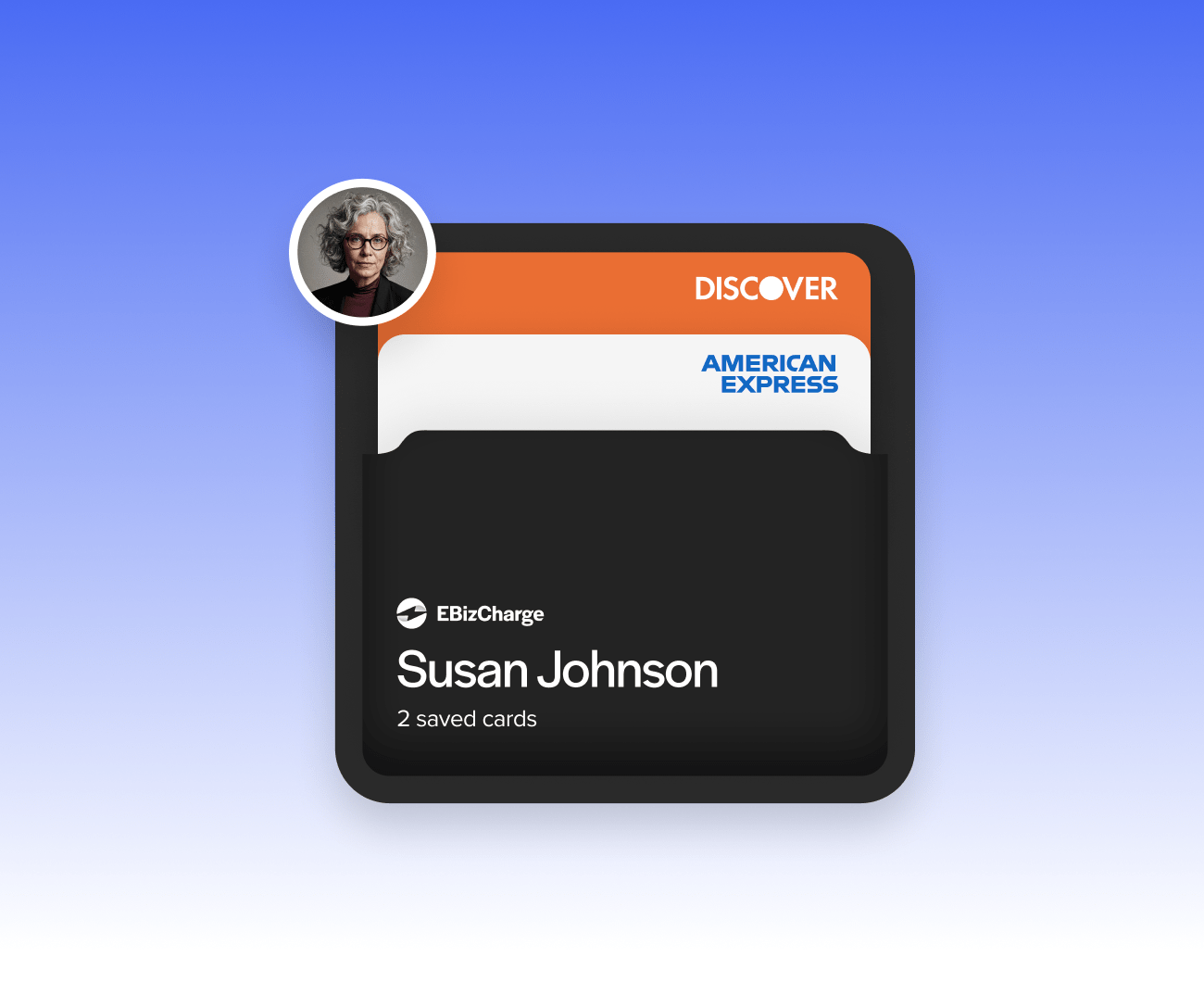
Trusted by companies large and small since 2004
Trusted by companies large and small since 2004






Why QuickBooks Online users love the ability to save customer payment methods
Why QuickBooks Online users love the ability to save customer payment methods
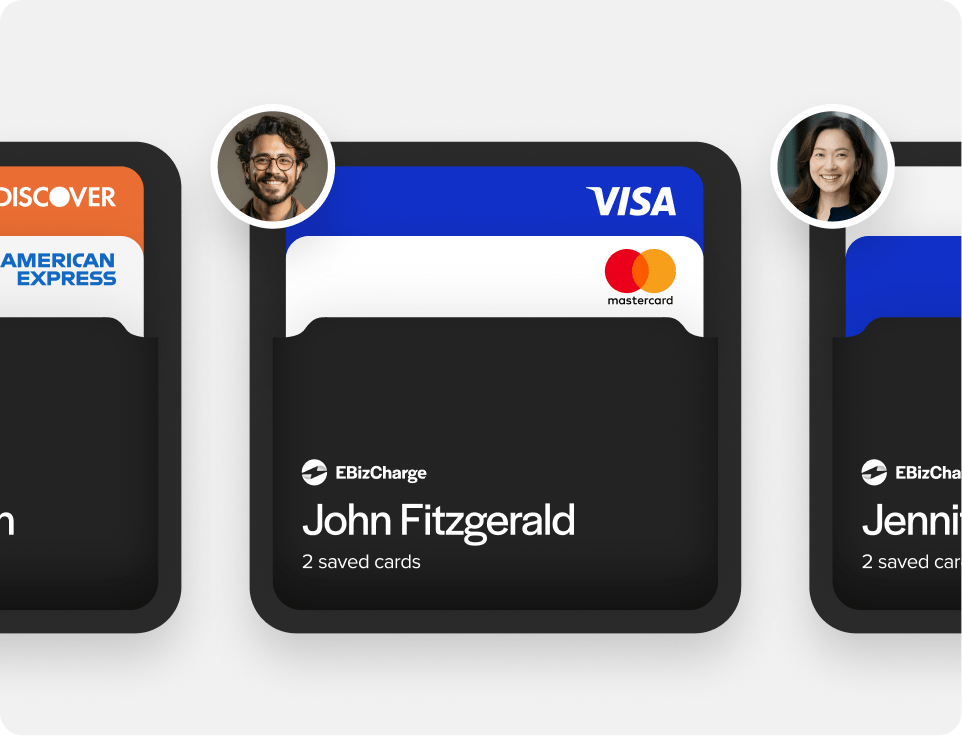
Securely store cards for future use
Store a customer’s payment method once, then reuse it on future orders without asking them to hand over their card details again.
Faster repeat transactions
Skip manual card entry on every repeat sale or invoice, which saves time for both your team and the customer.
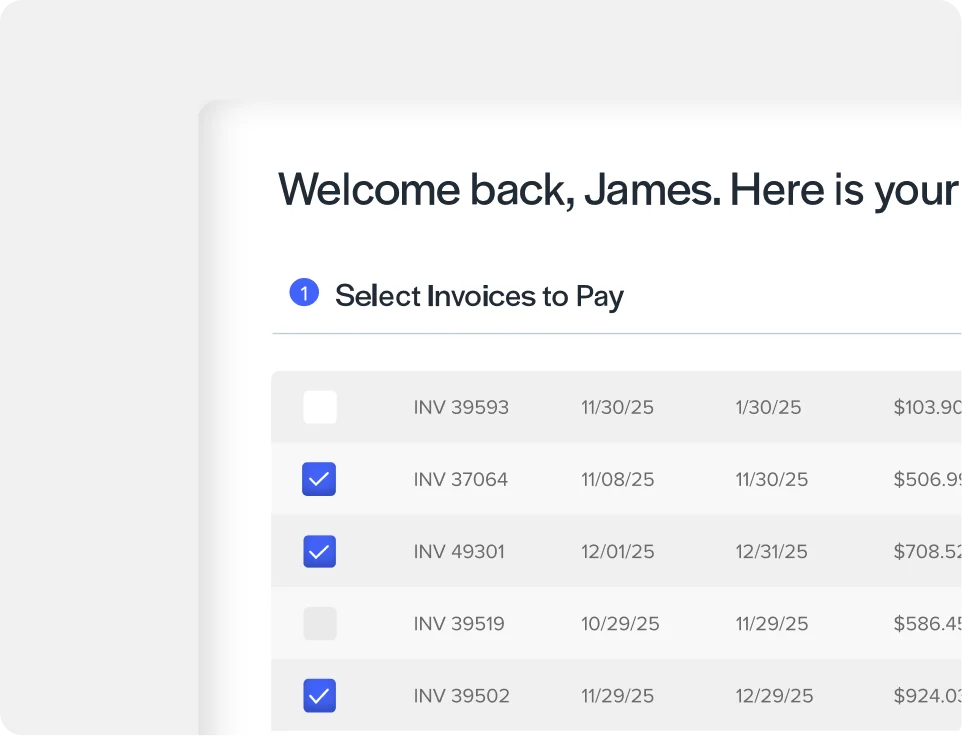
Available through the customer portal
Customers can manage their own saved cards from the customer payment portal.
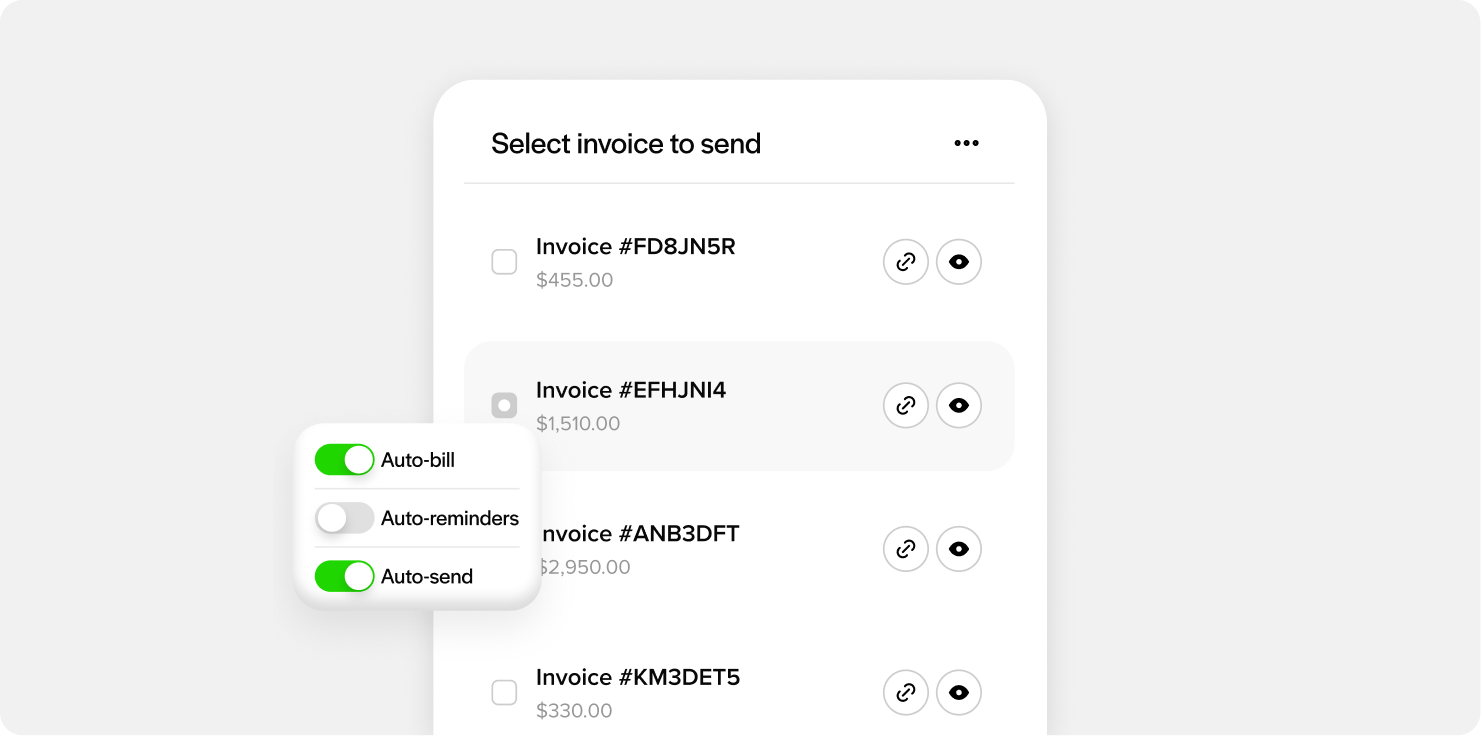
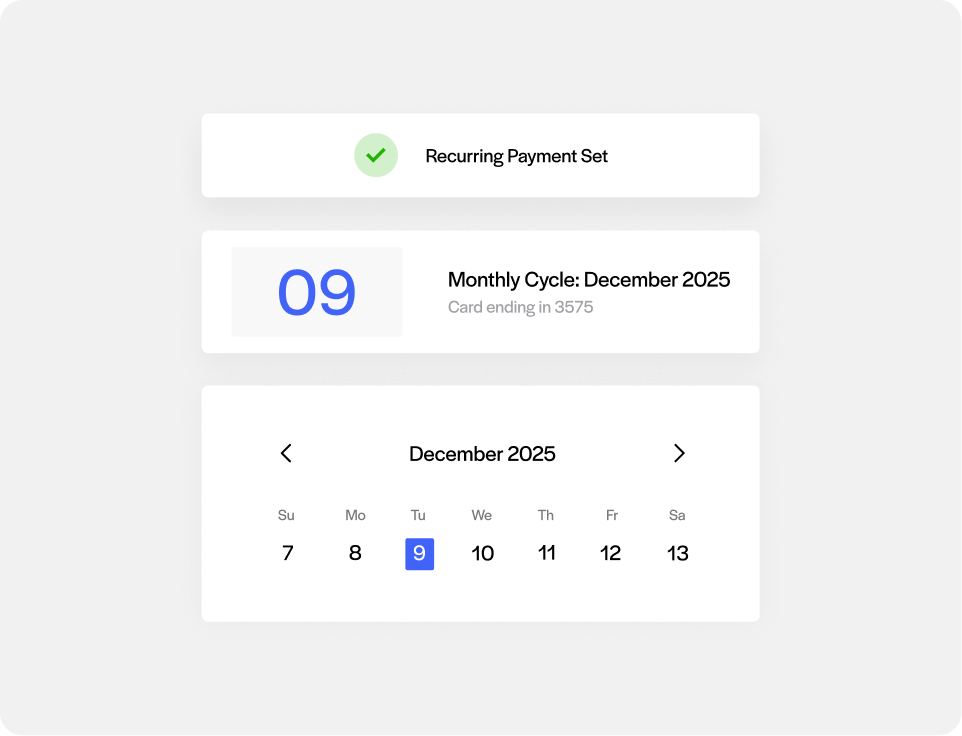
Works with recurring billing
Saved cards power scheduled and recurring QBO charges automatically, without anyone needing to re-enter payment details each cycle.
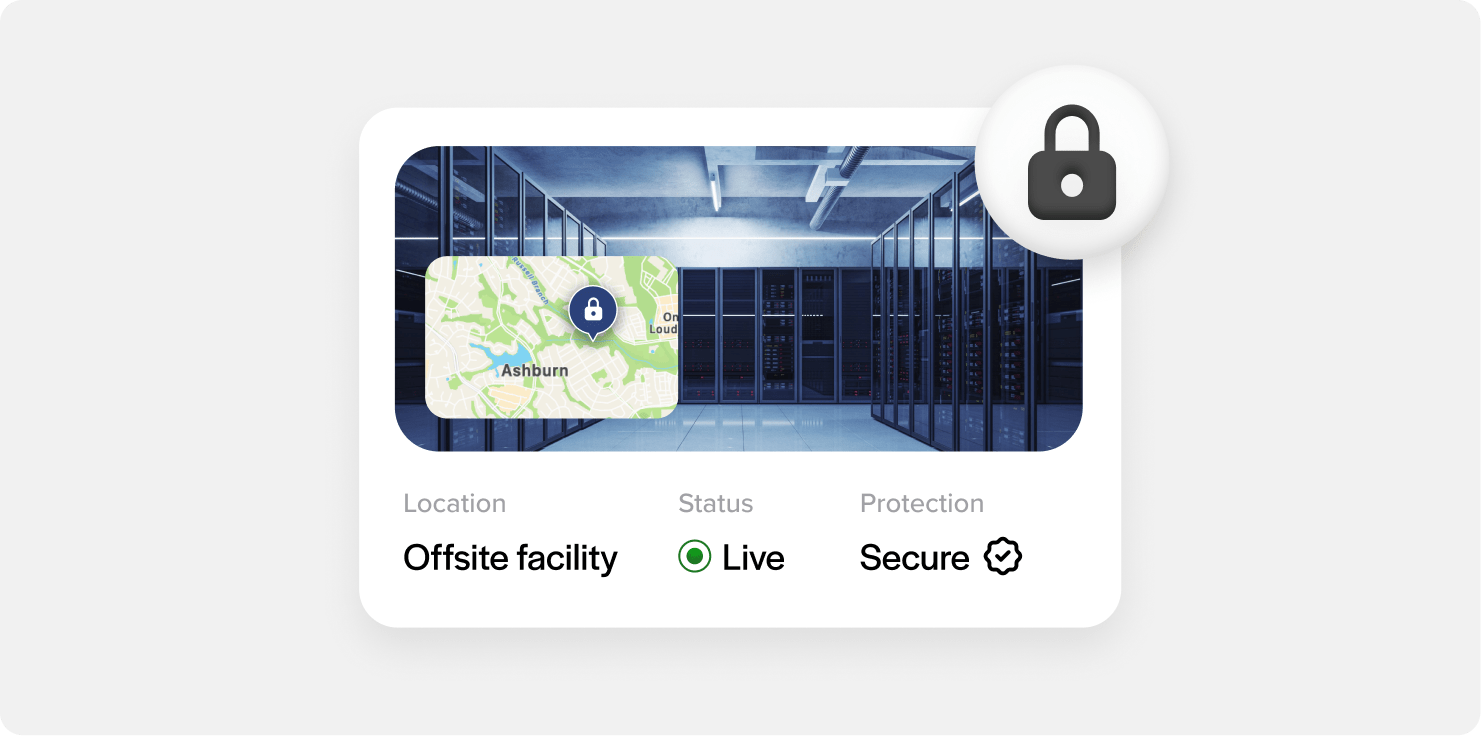
Secure, tokenized storage
Card data is stored on secure third-party servers instead of on local machines or in office desk spaces where it could be exposed.
What our customers are saying
What our customers are saying

“Outstanding support and an easy, smooth implementation in a short timeframe.”
Terry M.
“EBizCharge has been a wonderful partner and has eliminated a tremendous amount of
manual data entry.”
Greg L.
“Simple and easy to use. Customer service is outstanding, efficient and always friendly.”
Donna B.
“Outstanding support and an easy, smooth implementation in a short timeframe.”
Terry M.
“EBizCharge has been a wonderful partner and has eliminated a tremendous amount of manual data entry.”
Greg L.
“Simple and easy to use. Customer service is outstanding, efficient and always friendly.”
Donna B.
EBizCharge is rated 4.8/5 stars on 105+ G2 reviews. | See what they are saying 
EBizCharge is rated 4.8/5 stars on 105+ G2 reviews.
