

Integrations/Sage 100
Sage 100 Payment Processing Integration
Run transactions, automate AR, and eliminate manual reconciliation with the Sage 100 payment processing integration by EBizCharge.
6+ hours
saved each week on AR
40% decrease
in payment processing costs
3x reduction
is days sales outstanding
Official sage payment partner

Feature Highlights
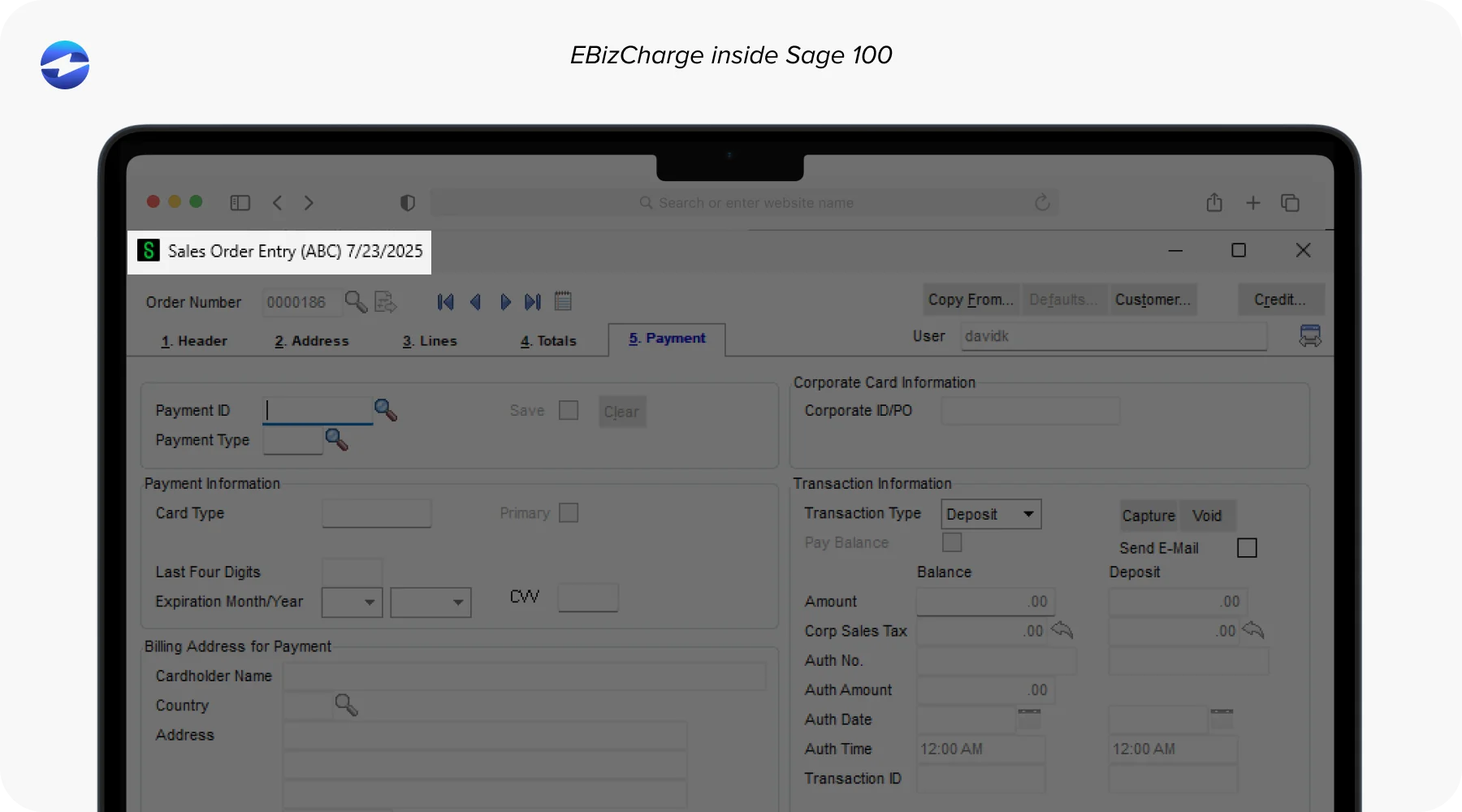
Run transactions natively inside Sage 100
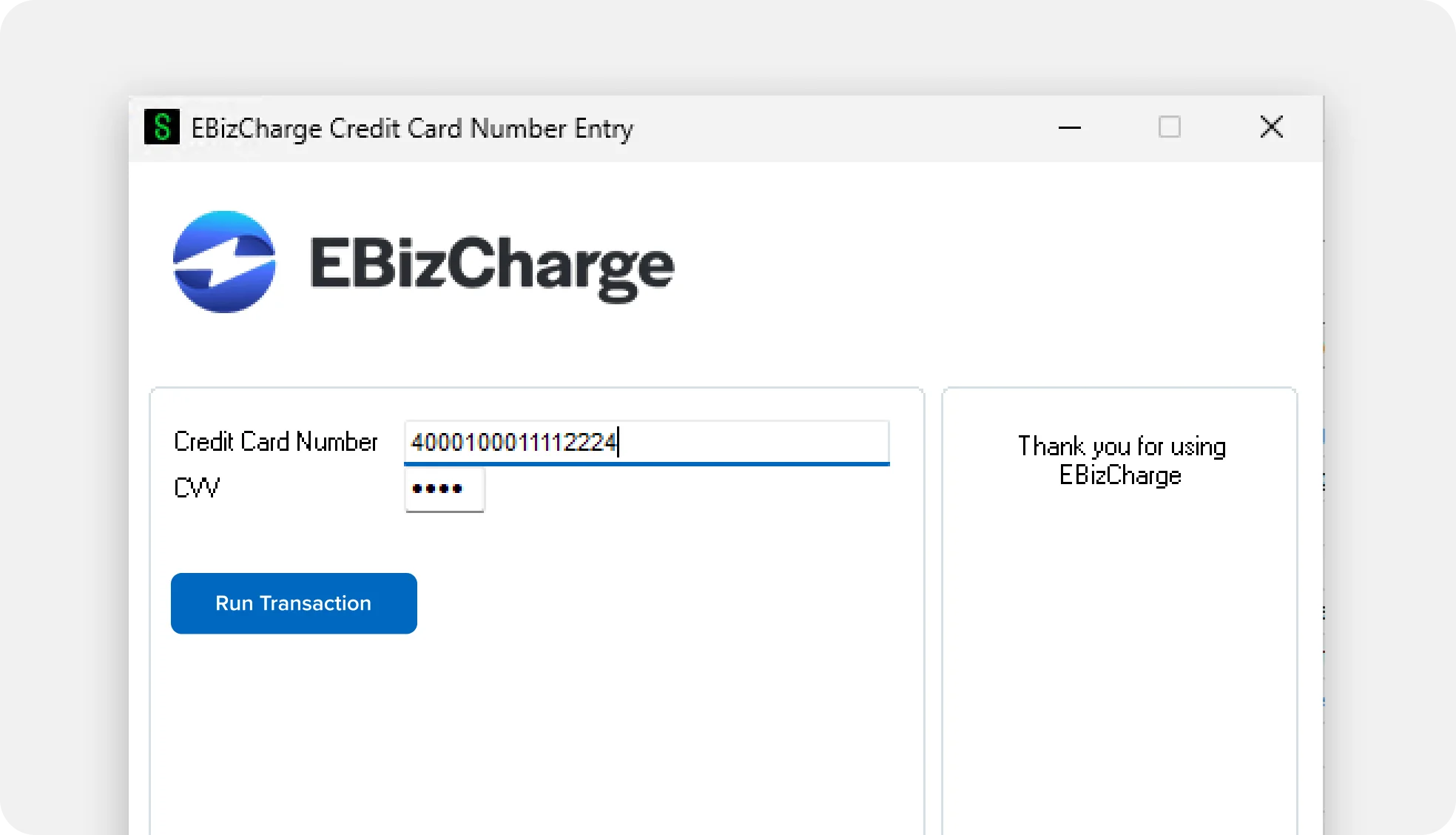
Process credit cards, debit, and ACH payments directly on Sage 100 invoices and sales orders. Authorize, capture, void, or refund without leaving Sage 100 — and watch payments post to the general ledger automatically.
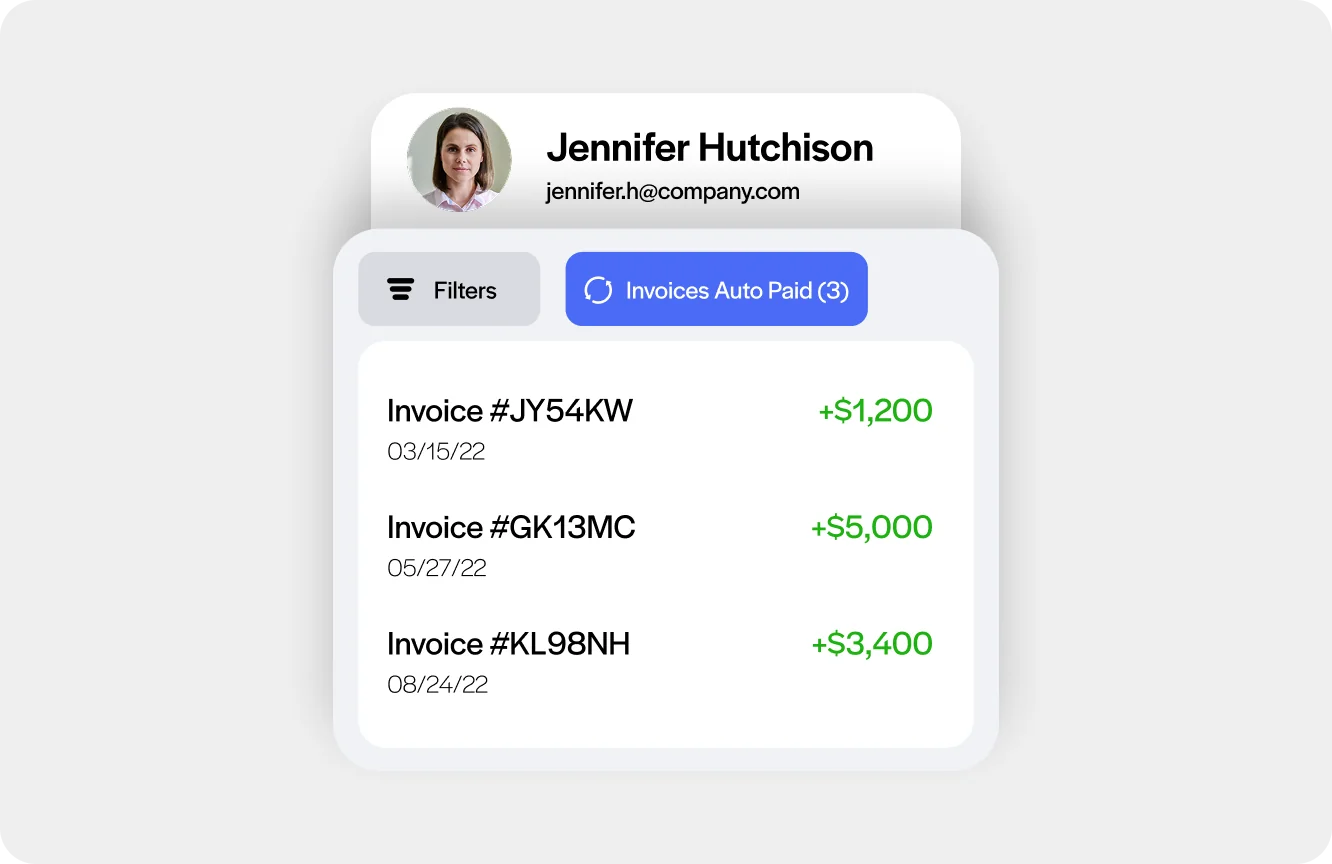
Get paid faster with payment links & a customer payment portal
Send secure payment request links directly from Sage 100 invoices. Sync outstanding balances to a self-service portal where customers can pay on their own time — no phone calls, no paper checks.
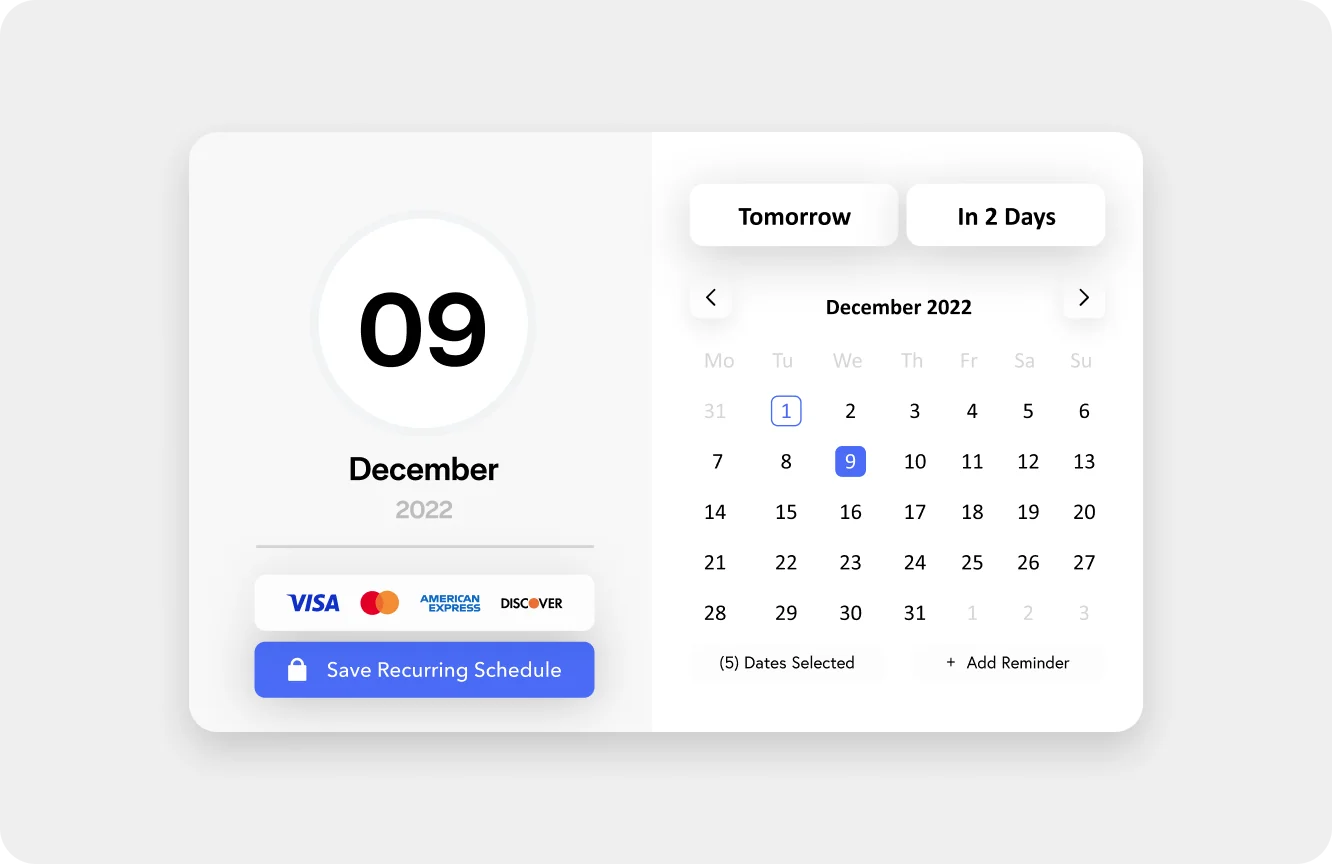
Automate high-volume AR tasks in Sage 100
Batch-charge multiple customers at once, auto-charge statement balances on a schedule, and set up automated reminders. Purpose-built for AR teams running at scale.
How EBizCharge Works with Sage 100
EBizCharge is a native Sage 100 payment processing integration built for B2B AR teams. Unlike bolt-on gateways, it runs entirely inside Sage 100 — so payments post to the general ledger automatically, with no manual entry required.
A dedicated implementation specialist and EBizCharge Relationship Manager manage your go-live, backed by an in-house support team. We check your environment for existing customizations or third-party modules before installation so nothing gets overwritten or broken. US-based support is included at no additional cost. One team owns your processing, gateway, and Sage 100 integration, so you’re never bounced between vendors.
Key features
Accept payments inside Sage 100
- Process credit card and ACH payments directly on Sage 100 invoices and sales orders
- Connect an EMV device for in-person payments synced to Sage 100
- Accept Visa, Mastercard, Amex, Discover, debit, and ACH/eCheck
- Authorize, capture, void, or refund right from Sage 100 — no tab switching
- Payments auto-post to open invoices and the general ledger instantly
- Accept deposits and pre-authorizations on invoices and sales orders, including multiple deposits on the same order using different cards
- Use one system for in-person (EMV), invoice, and online payment collection, rather than separate tools per channel
Get paid without chasing customers
- Send secure payment request links via email directly from Sage 100
- Sync invoices to a branded self-service customer payment portal
- Embed “Pay Now” buttons on Sage 100 invoices and sales orders
- Automate payment reminders for outstanding balances
Automate AR tasks at scale in Sage 100
- Batch process payments for multiple customers in one action
- Auto-charge statement balances during a pay period
- Send bulk payment requests in a single click
- Automated general ledger posting — zero manual reconciliation
- Schedule recurring payments or installment plans
Enterprise grade security built for Sage 100
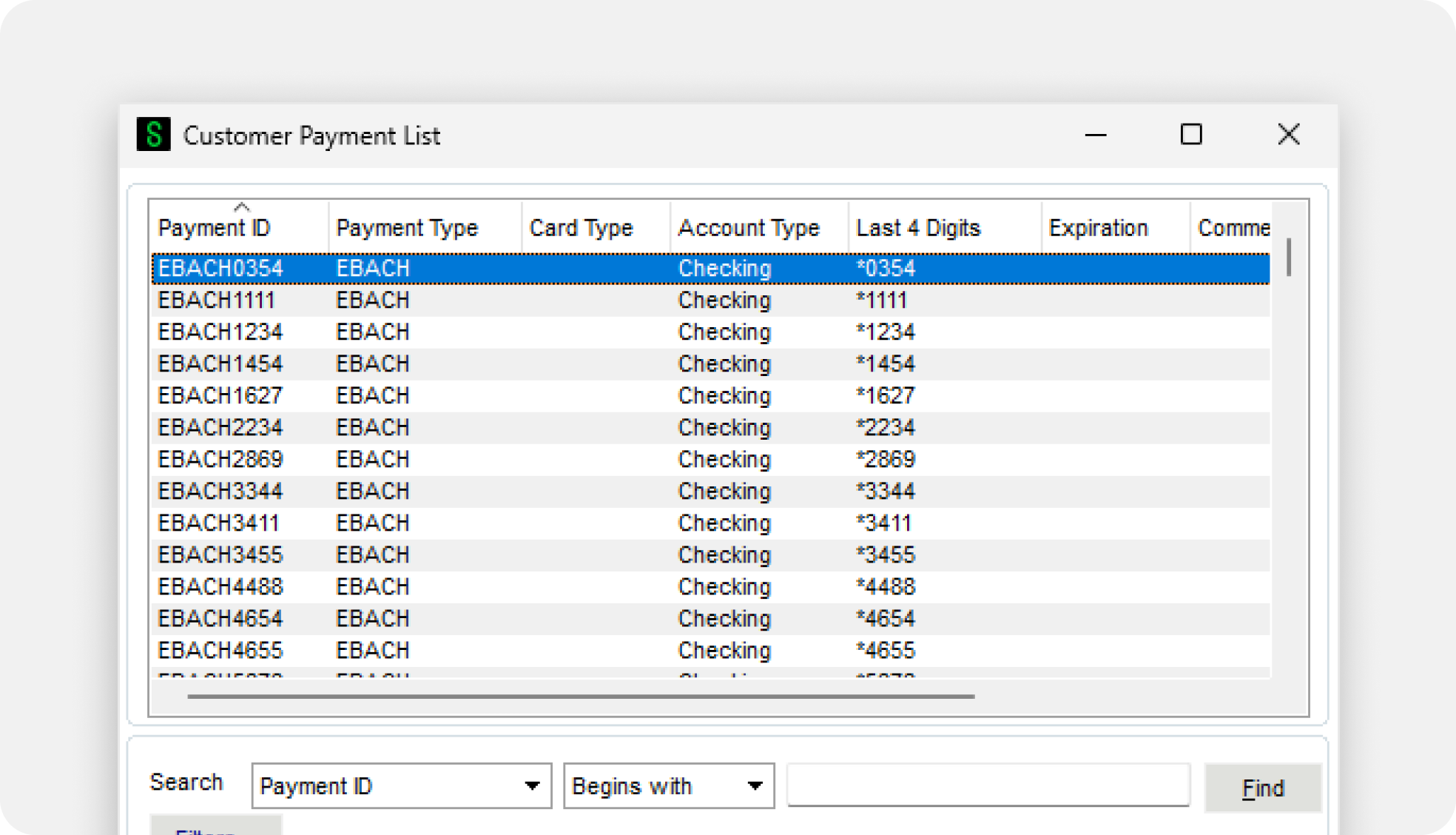
- Securely save customer payment methods for future use
- Request payment details via a secure, branded link
- All card data stored off your servers — reduces your PCI scope
- Tokenization and encryption on every transaction
- Proactive alerts for expiring customer payment methods
Reduce processing costs each month
- Surcharging program to legally pass processing fees to customers
- Competitive base rates for high-volume B2B merchants
Accept payments from a mobile device
- Generate transactions on the go using the EBizCharge mobile app
- Use a card reader or scan card details with your device’s camera