

QuickBooks Online | Recurring Billing
Set up recurring billing cycles in QuickBooks Online
Schedule recurring charges directly from QuickBooks Online (QBO), so repeat invoices get paid automatically instead of sitting in your AR queue.
6+ hours
Saved weekly on AR
40% decrease
In payment processing costs
3x reduction
In days sales outstanding
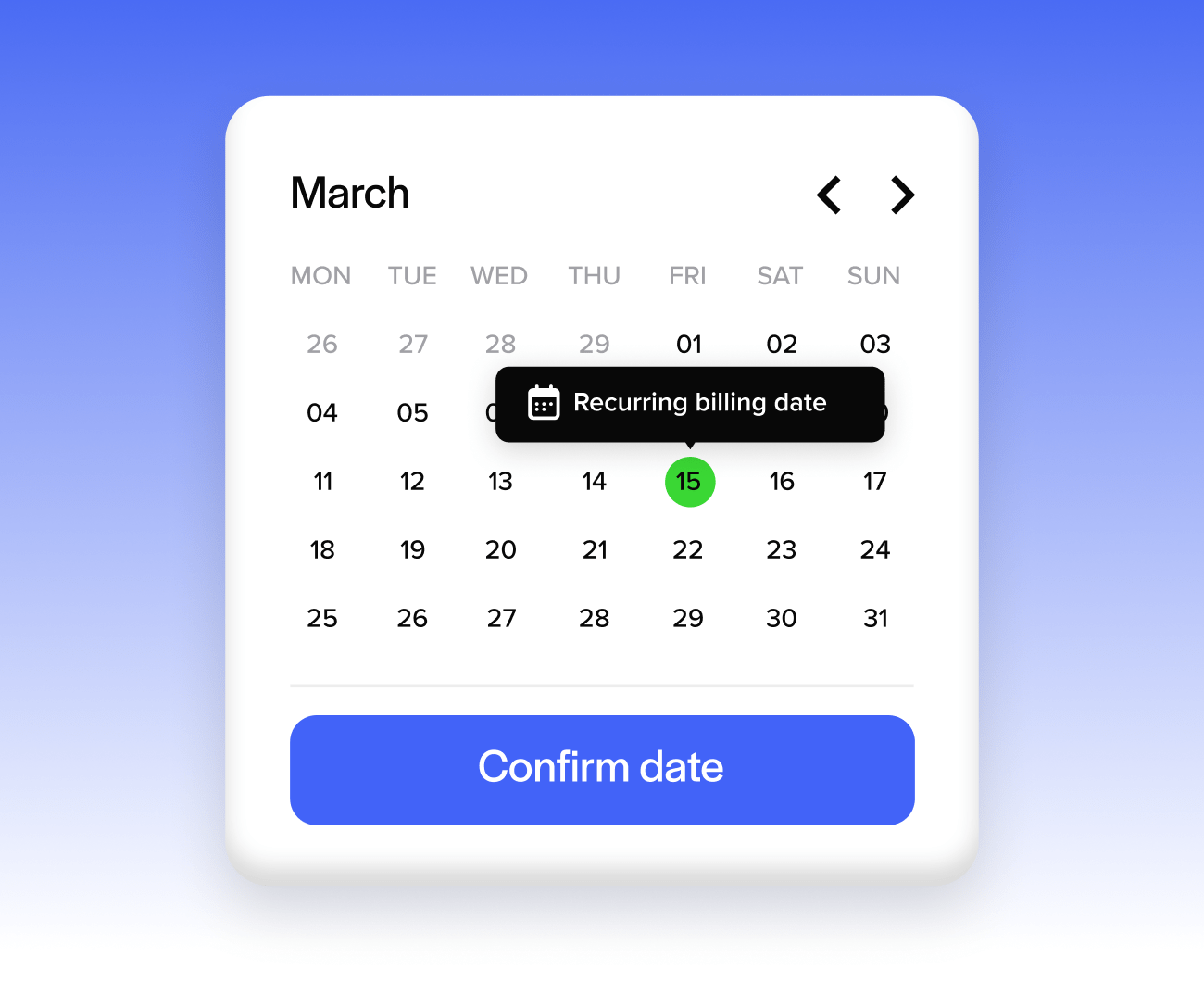
Trusted by companies large and small since 2004
Trusted by companies large and small since 2004






Why QuickBooks Online
users love recurring billing
Why QuickBooks Online users love recurring billing
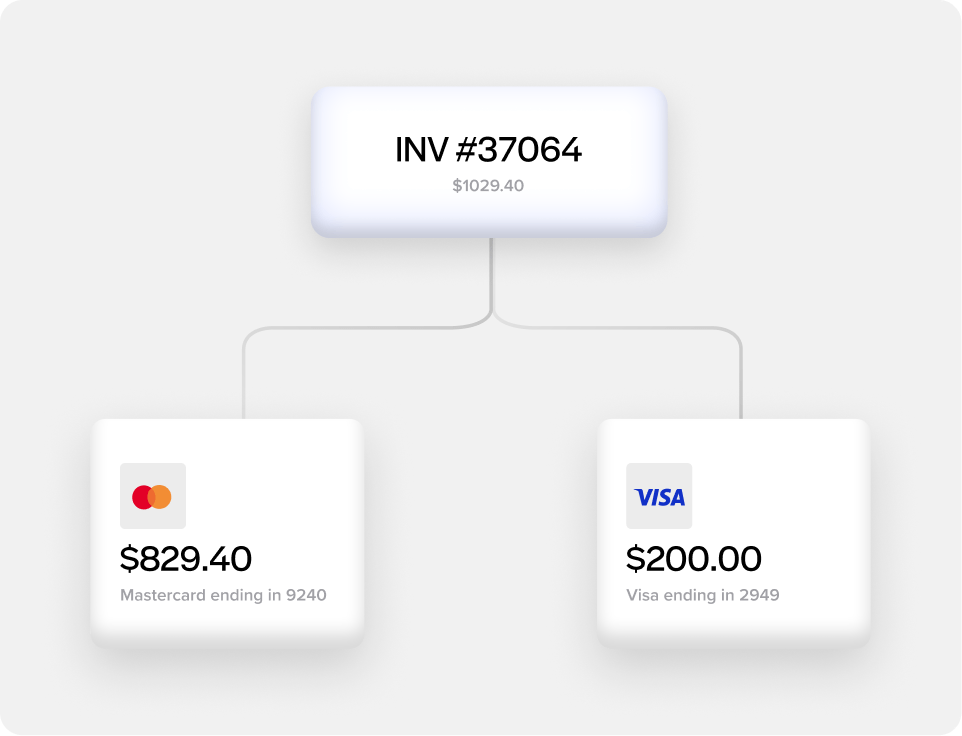
Choose fixed or full-statement billing
Set up recurring cycles that charge a set amount each period, or variable cycles that charge the full statement balance automatically.
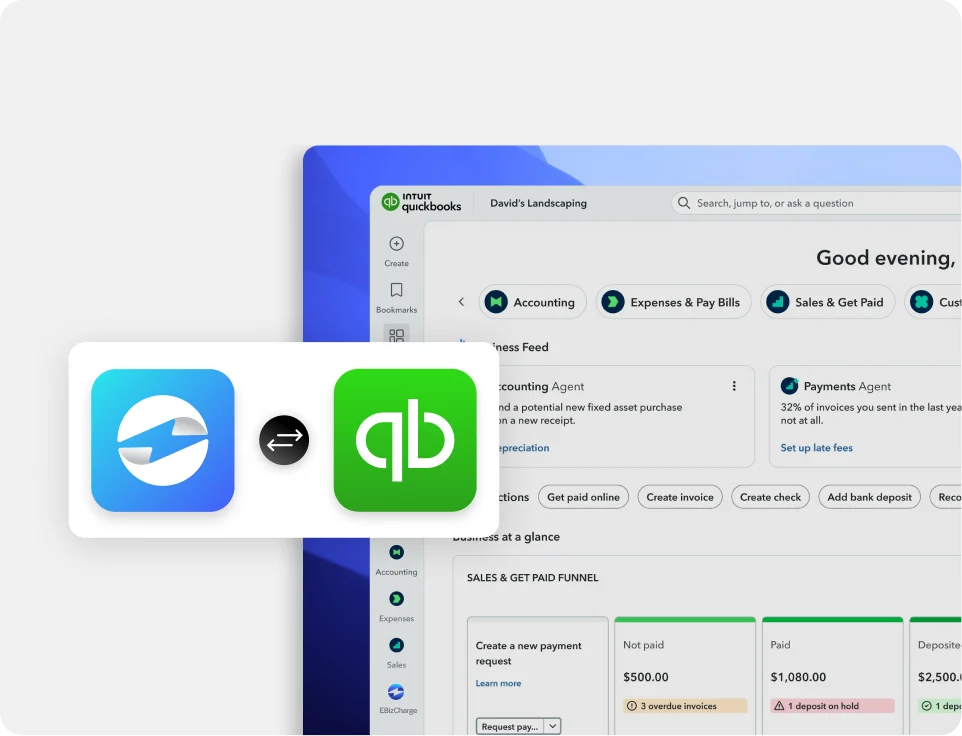
Payments post straight to QuickBooks Online
Every recurring charge applies directly to AR and the GL, and marks the invoice as paid, with nothing to enter by hand.
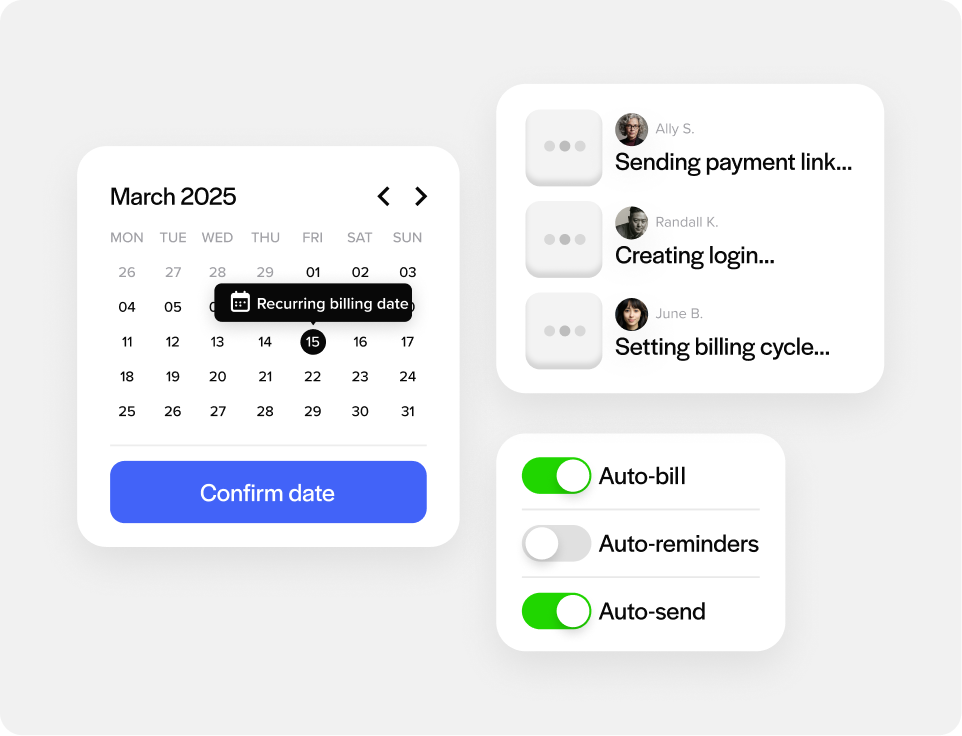
Fewer manual follow-ups
Once a schedule is set, the charge runs on its own, so your team spends less time chasing repeat invoices every billing cycle.
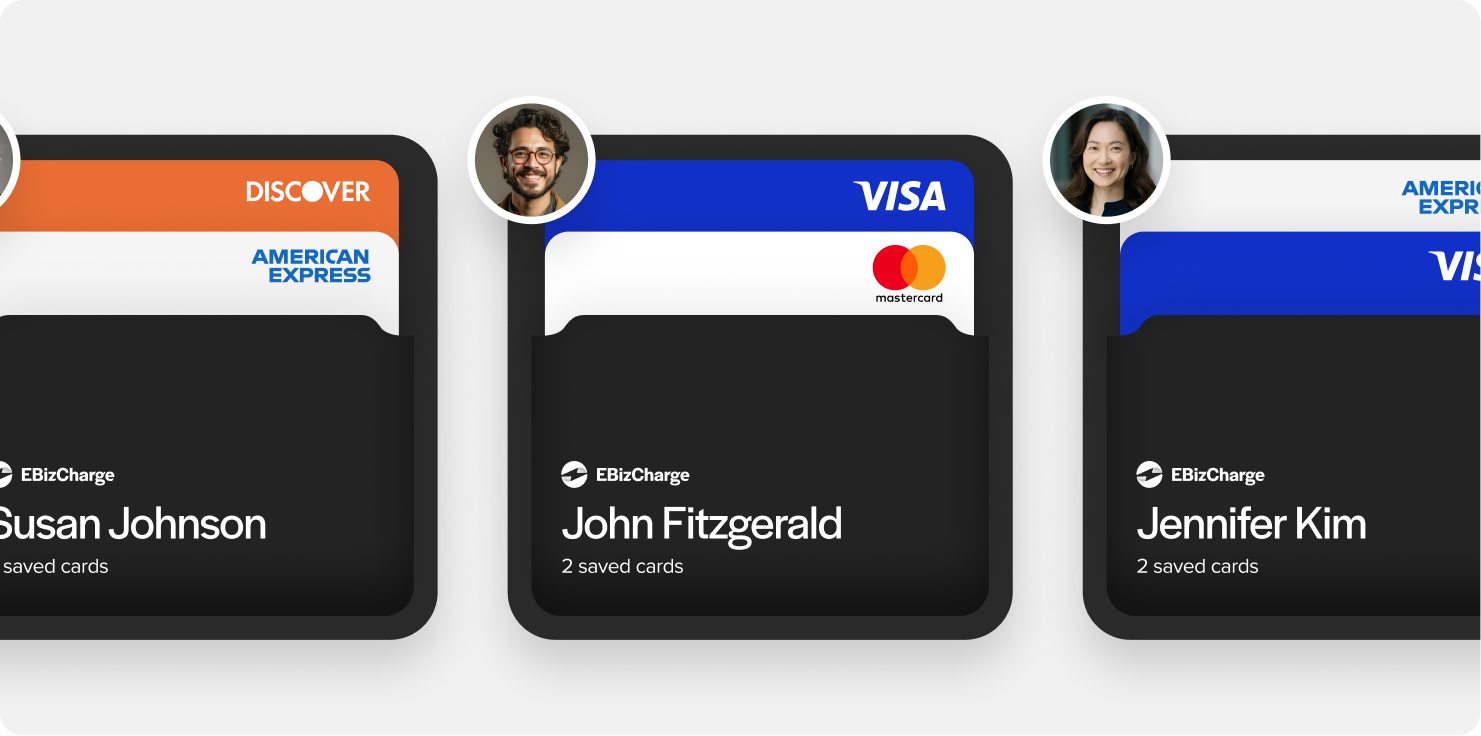
Runs on stored payment methods
Recurring charges are securely pulled from QuickBooks-saved cards or bank accounts on file in QuickBooks, so there’s no card re-entry each cycle.
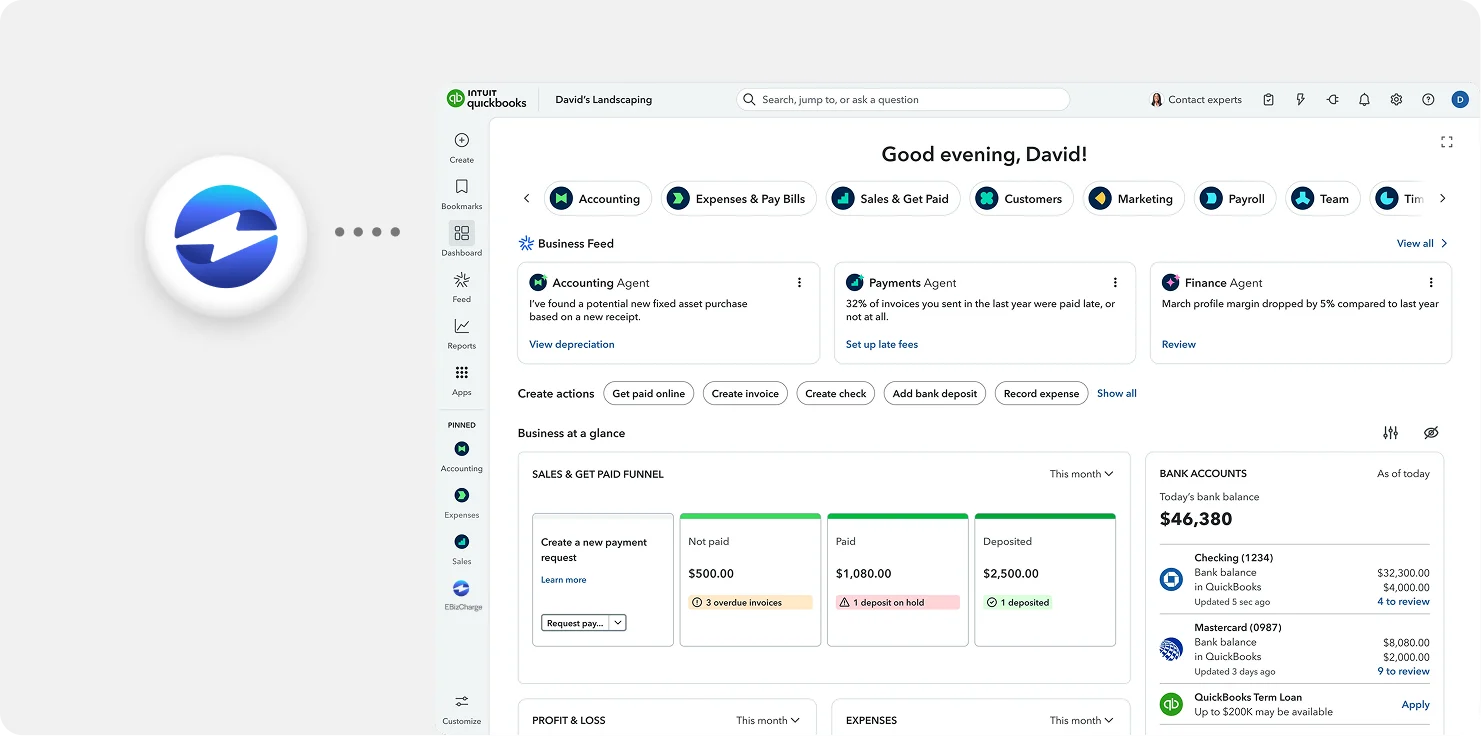
Works directly within your QuickBooks Online workflow
Recurring charges run through your existing QuickBooks Online account, so there’s nothing extra to log into or reconcile.
See an overview
What our customers are saying
What our customers are saying

“Outstanding support and an easy, smooth implementation in a short timeframe.”
Terry M.
“EBizCharge has been a wonderful partner and has eliminated a tremendous amount of
manual data entry.”
Greg L.
“Simple and easy to use. Customer service is outstanding, efficient and always friendly.”
Donna B.
“Outstanding support and an easy, smooth implementation in a short timeframe.”
Terry M.
“EBizCharge has been a wonderful partner and has eliminated a tremendous amount of manual data entry.”
Greg L.
“Simple and easy to use. Customer service is outstanding, efficient and always friendly.”
Donna B.
EBizCharge is rated 4.8/5 stars on 105+ G2 reviews. | See what they are saying 
EBizCharge is rated 4.8/5 stars on 105+ G2 reviews.
