

QuickBooks Online | Email Pay
Email payment links from QuickBooks Online
Send secure payment requests straight from QuickBooks Online (QBO) invoices and sales orders, so customers can pay without a phone call or a paper check.
6+ hours
Saved weekly on AR
40% decrease
In payment processing costs
3x reduction
In days sales outstanding
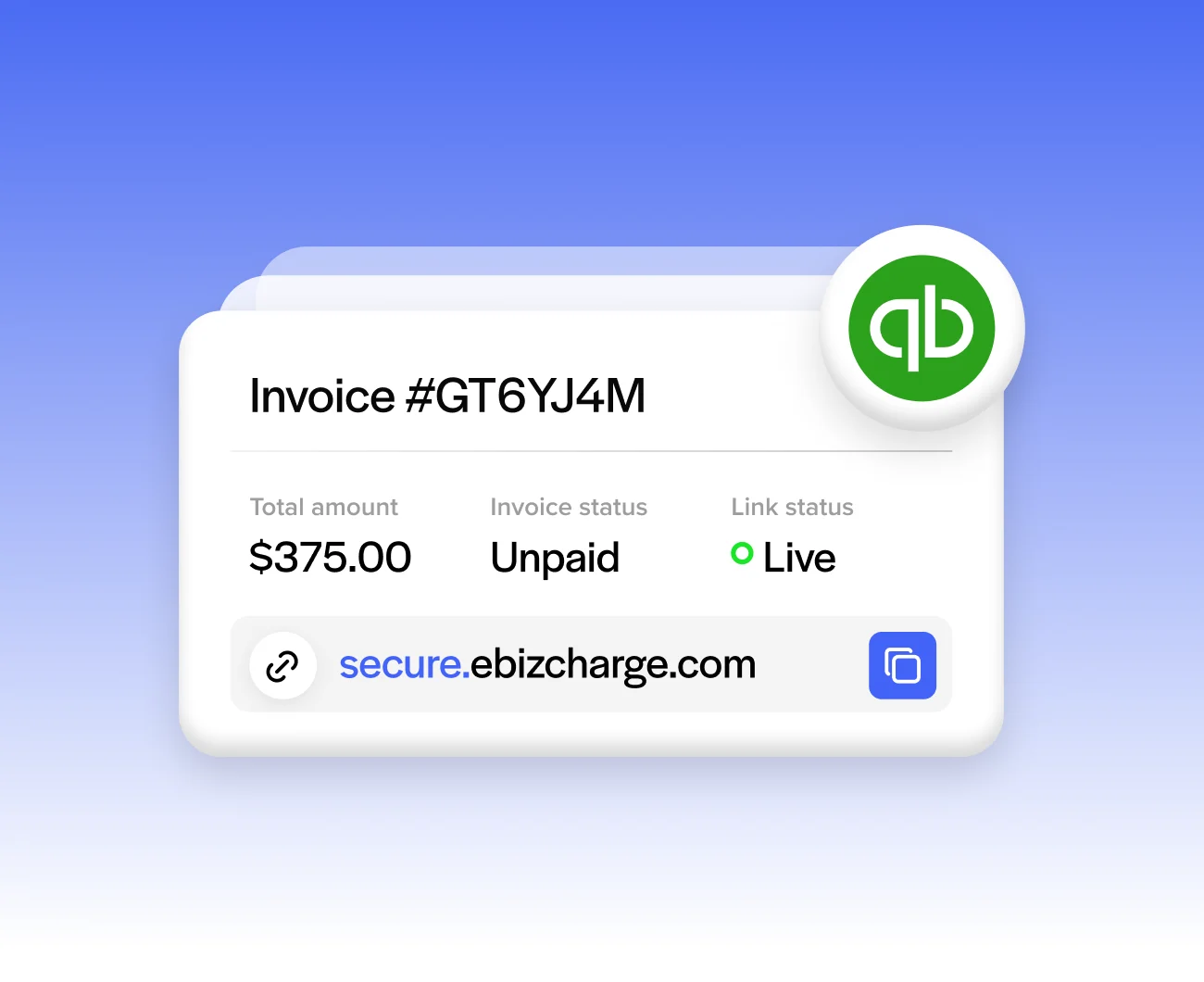
Trusted by companies large and small since 2004
Trusted by companies large and small since 2004






Why QuickBooks Online users love email pay
Why QuickBooks Online users love email pay
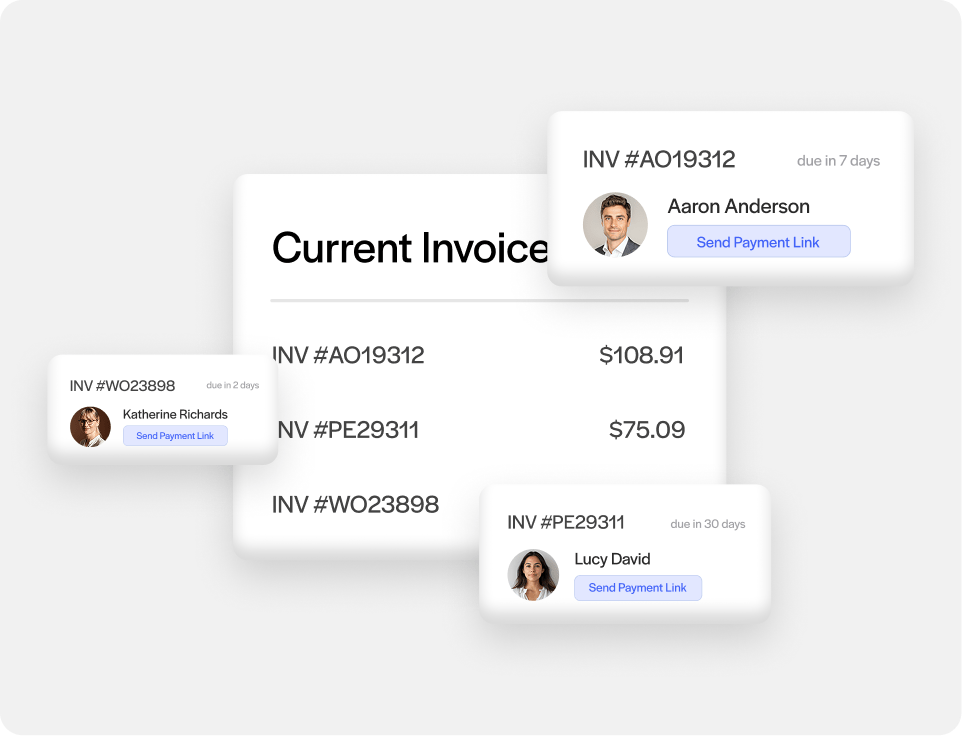
Send secure payment requests by email
Email pay works for both invoices and sales orders, so you’re not limited to one document type.
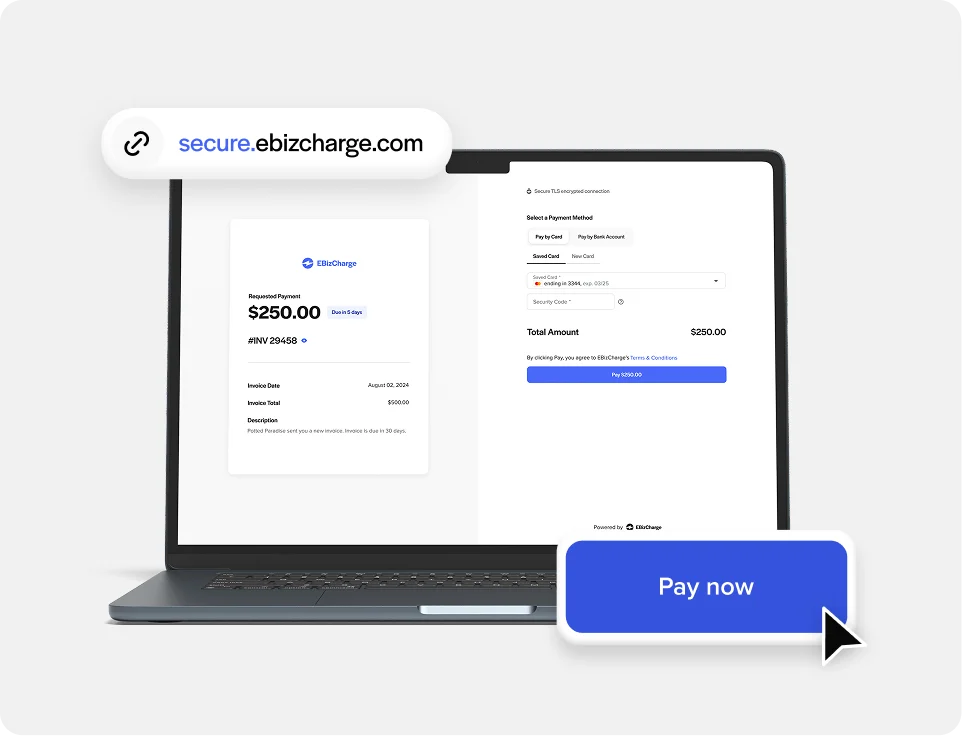
Pay Now button on the invoice itself
Embed a payment button directly on invoices and estimates, so customers can pay from the document instead of needing a separate link.
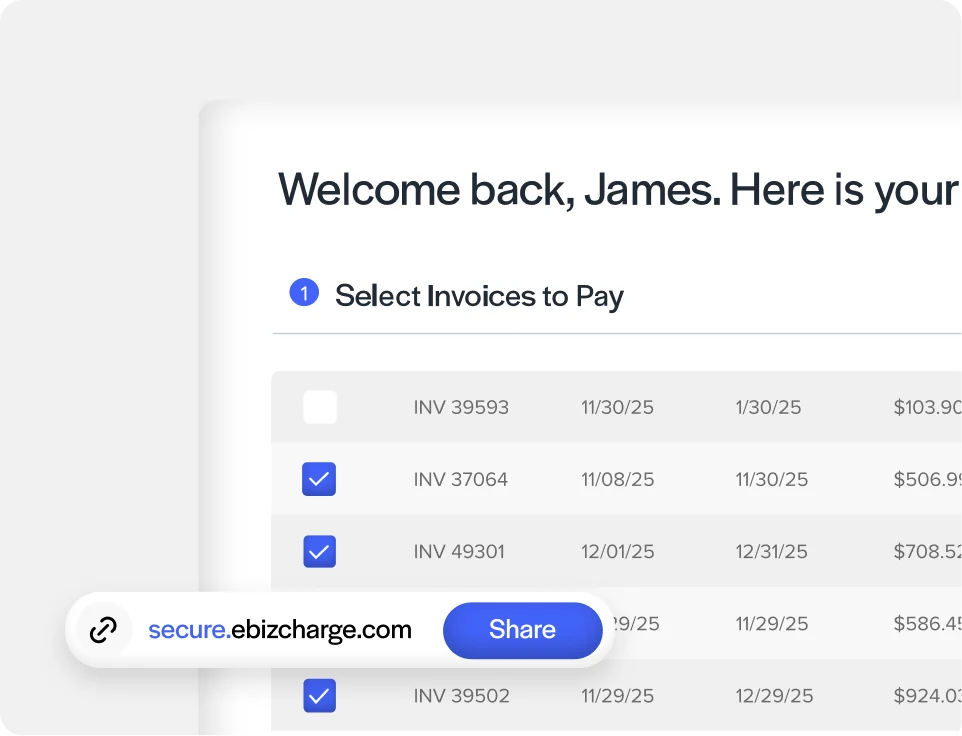
Works alongside the customer portal
Customers can also settle balances anytime through the QuickBooks customer payment portal, not just from the emailed request.
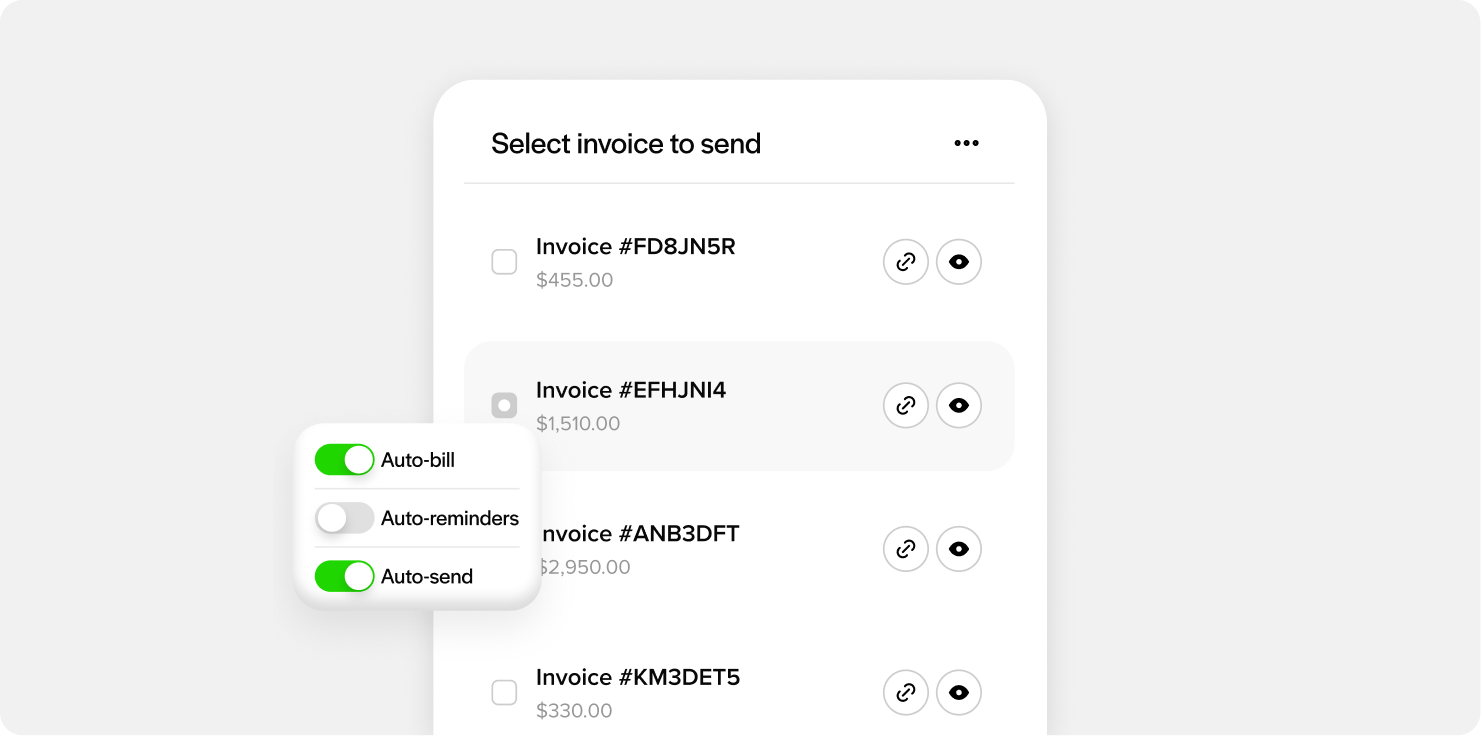
Send payment links for your invoices and estimates
Create a payment link for an individual invoice or estimate whenever you need one, and it automatically shows up on the native QuickBooks Online record for easy tracking.
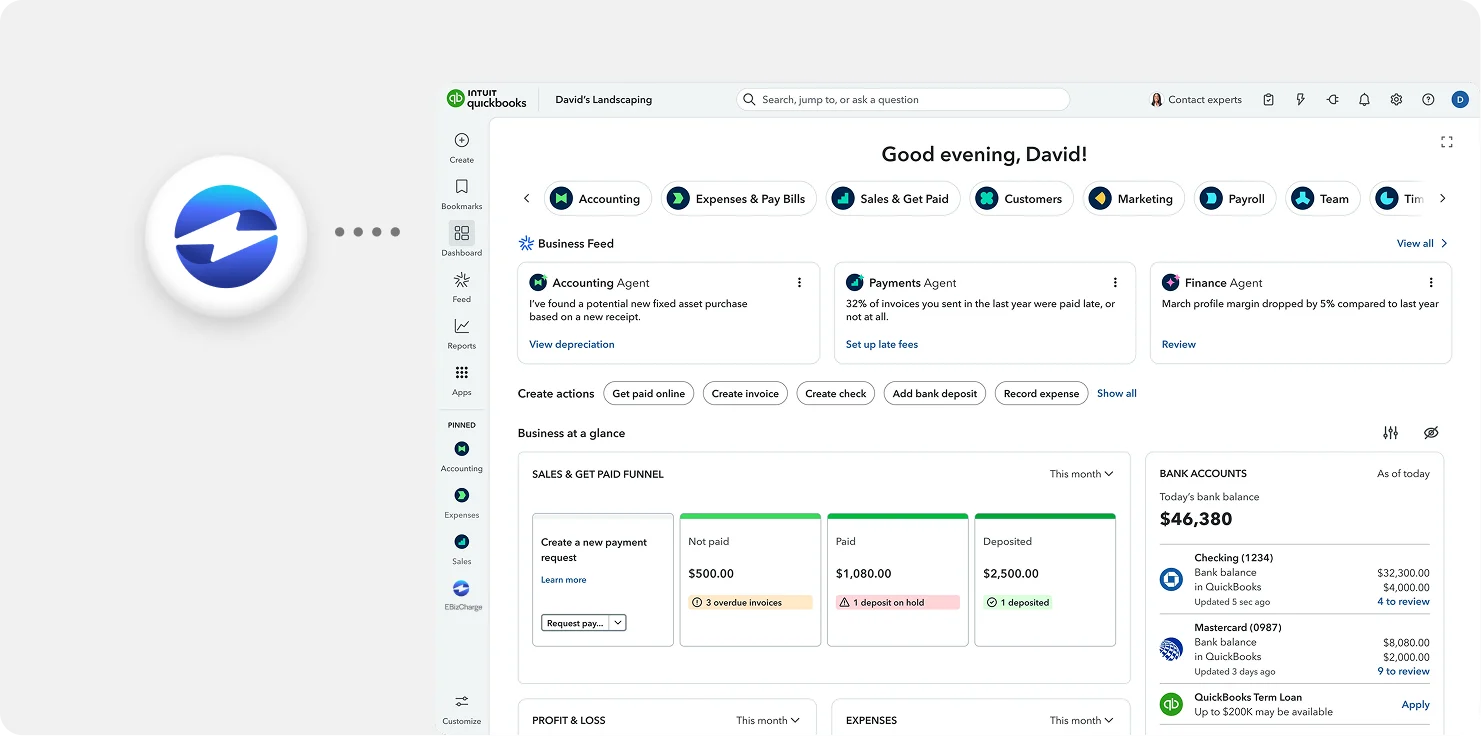
Payments post straight to QuickBooks Online
Once paid, the amount applies to AR and the GL automatically, with nothing to reconcile by hand.
See an overview
What our customers are saying
What our customers are saying

“Outstanding support and an easy, smooth implementation in a short timeframe.”
Terry M.
“EBizCharge has been a wonderful partner and has eliminated a tremendous amount of
manual data entry.”
Greg L.
“Simple and easy to use. Customer service is outstanding, efficient and always friendly.”
Donna B.
“Outstanding support and an easy, smooth implementation in a short timeframe.”
Terry M.
“EBizCharge has been a wonderful partner and has eliminated a tremendous amount of manual data entry.”
Greg L.
“Simple and easy to use. Customer service is outstanding, efficient and always friendly.”
Donna B.
EBizCharge is rated 4.8/5 stars on 105+ G2 reviews. | See what they are saying 
EBizCharge is rated 4.8/5 stars on 105+ G2 reviews.
