

QuickBooks Desktop | Surcharging
Pass processing fees to customers with surcharging in QuickBooks Desktop
Turn on compliant credit card surcharging in QuickBooks Desktop (QBD), so you can offset processing costs without adding manual work for your team.
6+ hours
Saved weekly on AR
40% decrease
In payment processing costs
3x reduction
In days sales outstanding
Trusted by companies large and small since 2004
Trusted by companies large and small since 2004






Why QuickBooks Desktop users love the ability to offset processing costs with surcharging
Why QuickBooks Desktop users love the ability to offset processing costs with surcharging
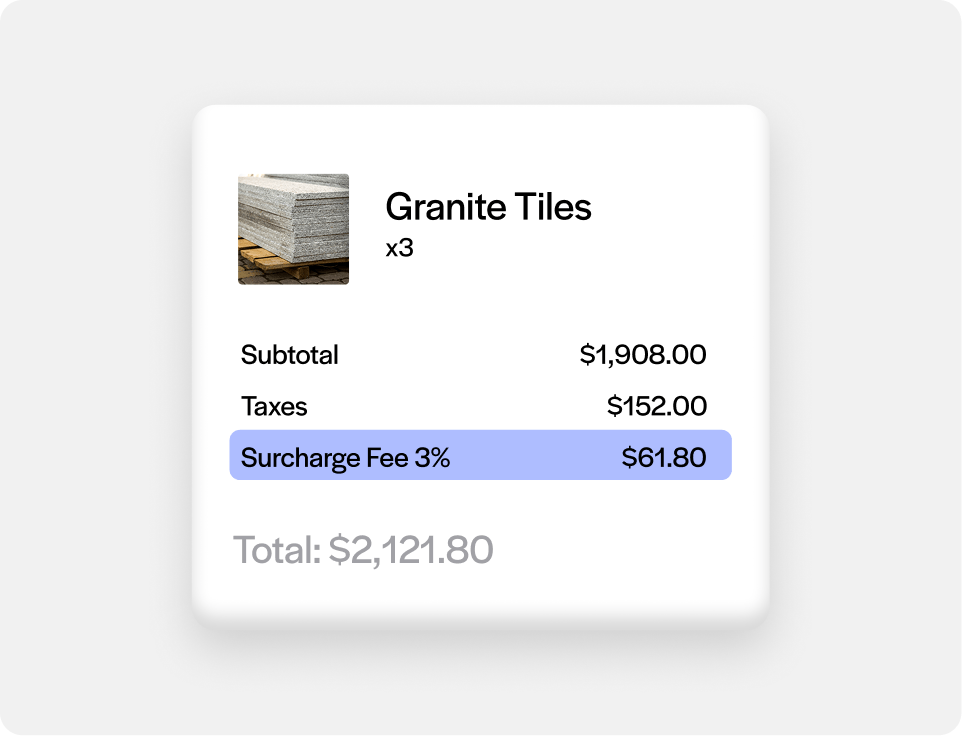
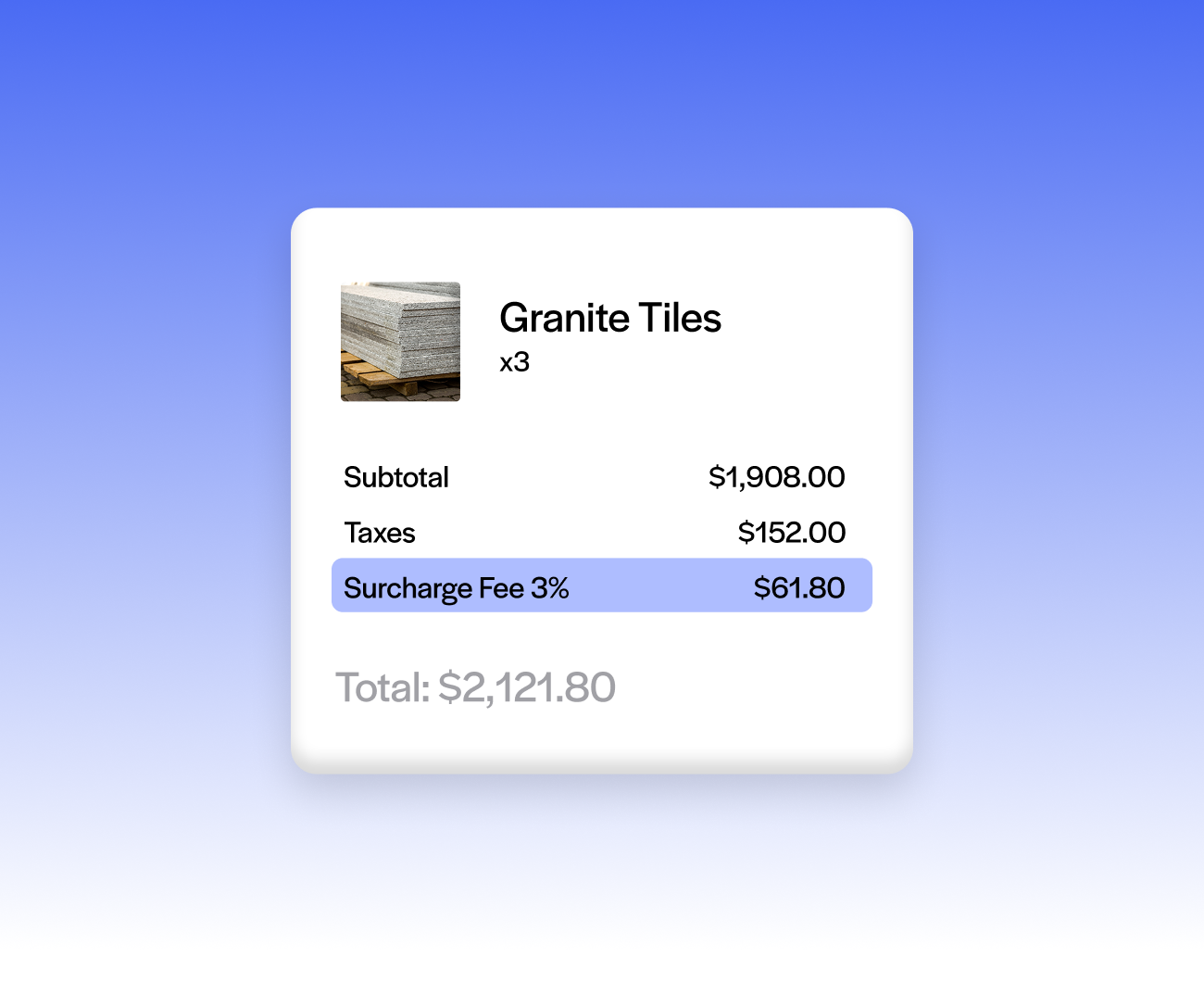
Off by default, on when you decide
Surcharging is embedded in the integration but not applied out of the box, so nothing changes for customers until you turn it on.
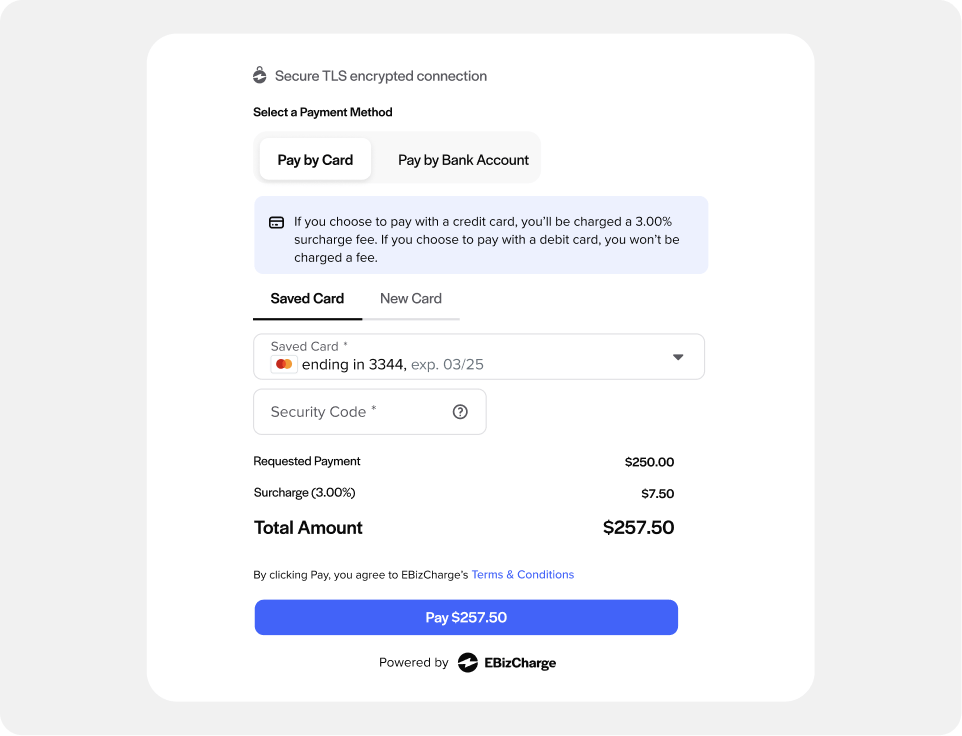
100% compliant across entire US
Surcharge Toggle applies a compliant surcharge using the Daily Discount model, with no custom development needed on your end.
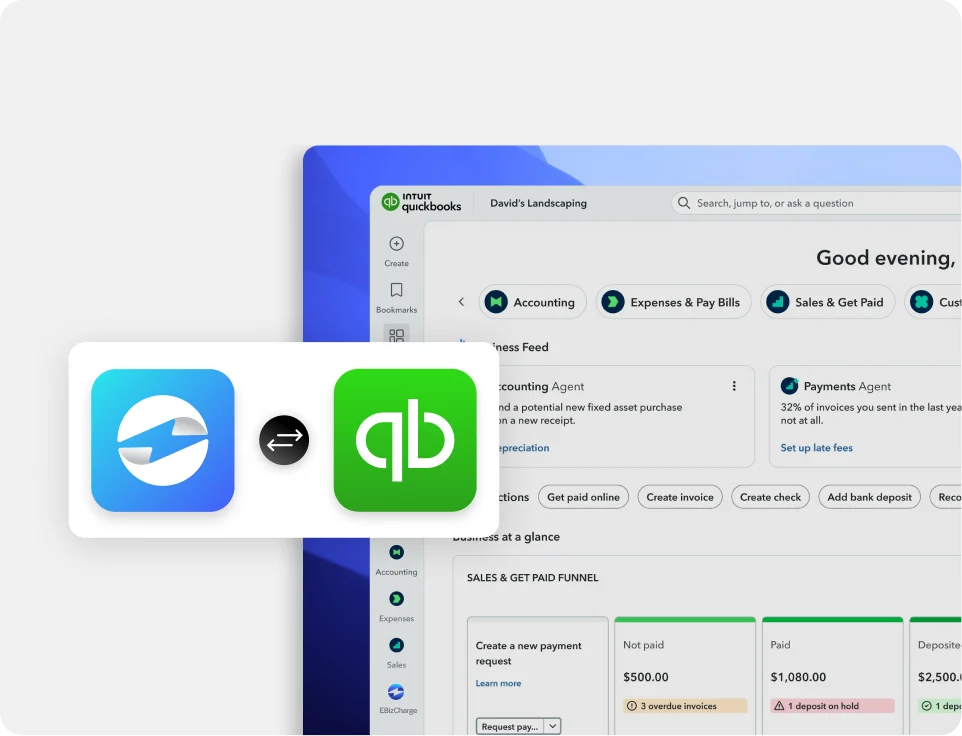
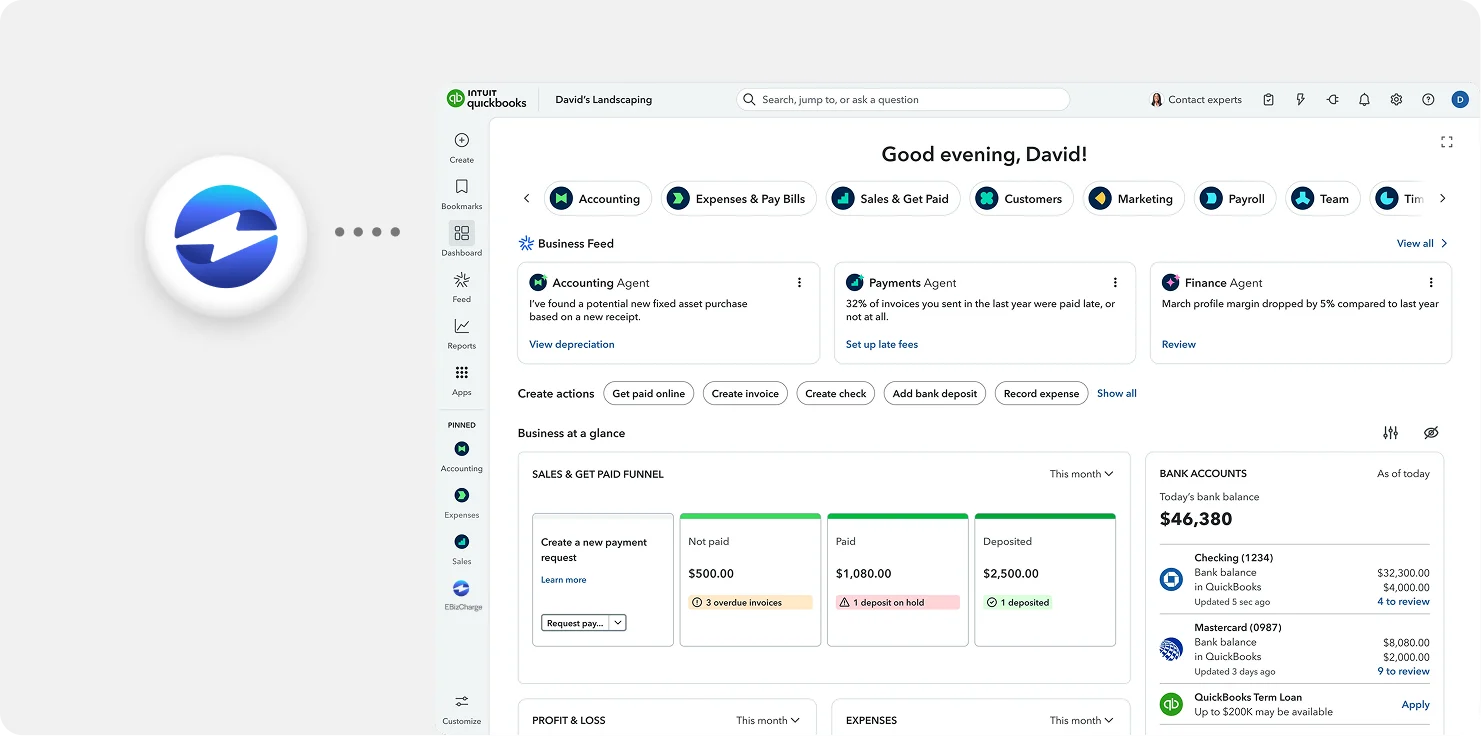
Works the same from the desktop app or a payment link
Whether a payment is entered directly in QuickBooks Desktop or paid through a QuickBooks payment link, the surcharge calculates the same way.
One less thing to calculate on deposits and sales orders
Since sales orders here support both QuickBooks pre-authorization and deposits, surcharging applies consistently across all of it instead of needing separate math for each.
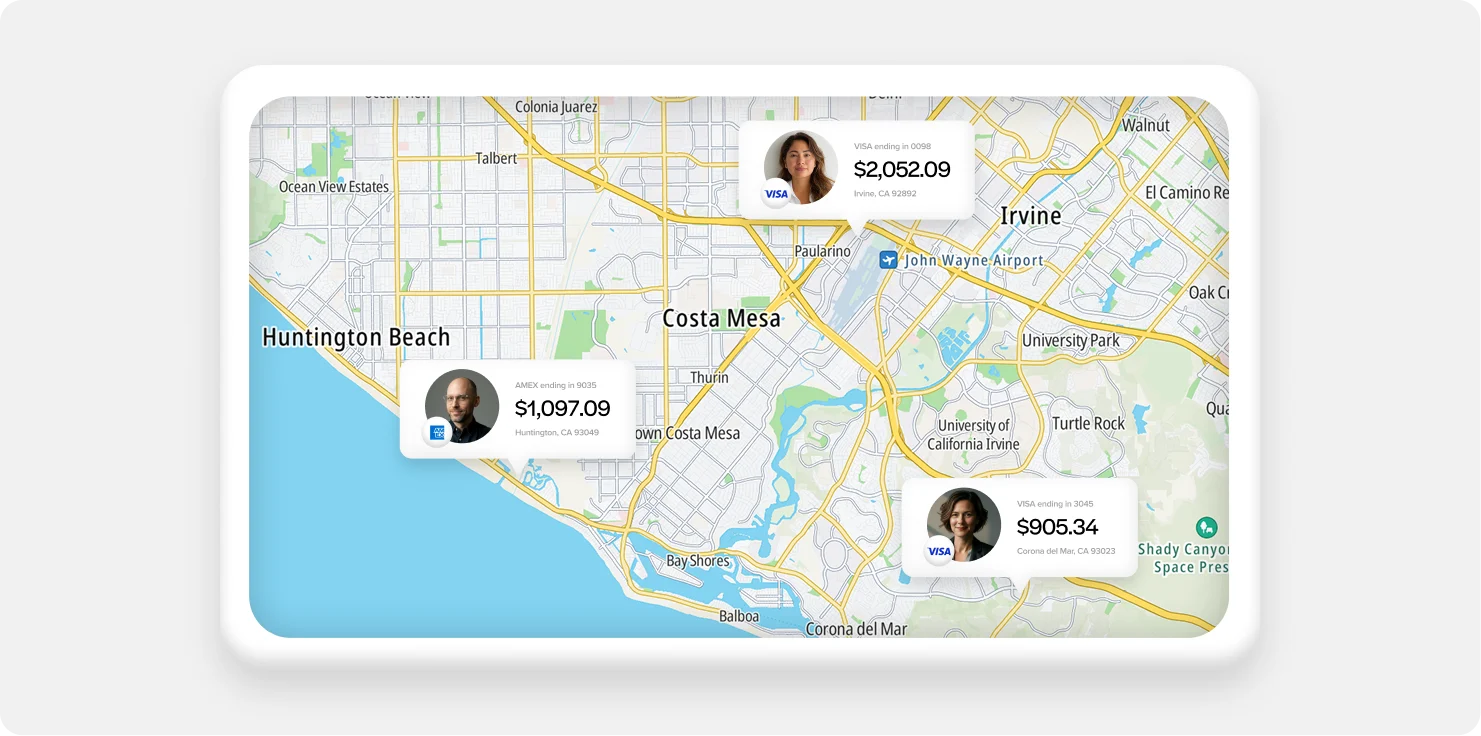
Simple by nature of a single-MID setup
QuickBooks Desktop runs on one MID and one currency per account, so there’s no juggling different surcharge rates across multiple entities or currencies.
What our customers are saying
What our customers are saying

“Outstanding support and an easy, smooth implementation in a short timeframe.”
Terry M.
“EBizCharge has been a wonderful partner and has eliminated a tremendous amount of
manual data entry.”
Greg L.
“Simple and easy to use. Customer service is outstanding, efficient and always friendly.”
Donna B.
“Outstanding support and an easy, smooth implementation in a short timeframe.”
Terry M.
“EBizCharge has been a wonderful partner and has eliminated a tremendous amount of manual data entry.”
Greg L.
“Simple and easy to use. Customer service is outstanding, efficient and always friendly.”
Donna B.
EBizCharge is rated 4.8/5 stars on 105+ G2 reviews. | See what they are saying 
EBizCharge is rated 4.8/5 stars on 105+ G2 reviews.
