

QuickBooks Desktop | ACH Payments
Accept ACH payments in QuickBooks Desktop
Accept bank account payments alongside credit cards, processed directly through QuickBooks Desktop (QBD).
6+ hours
Saved weekly on AR
40% decrease
In payment processing costs
3x reduction
In days sales outstanding
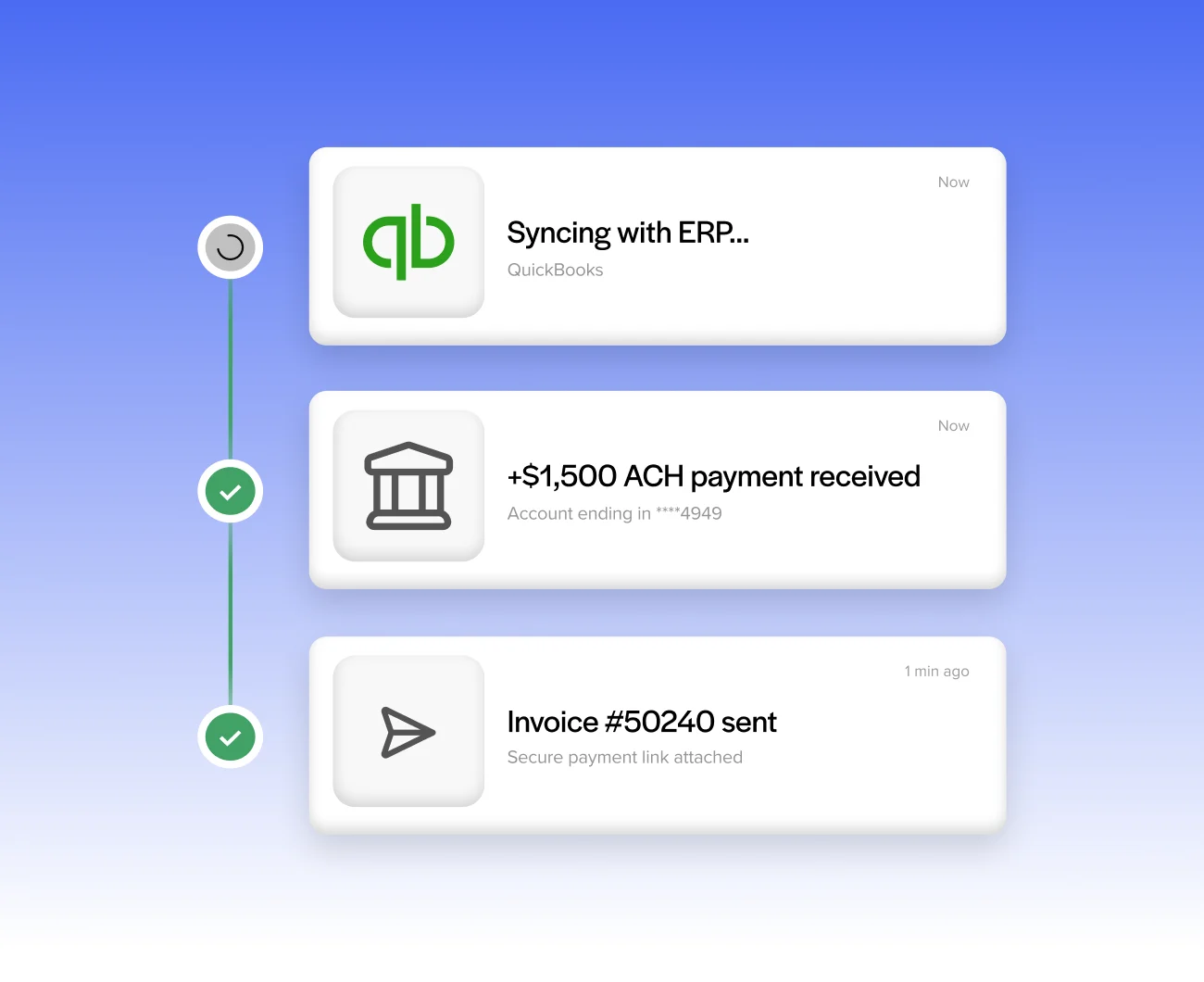
Trusted by companies large and small since 2004
Trusted by companies large and small since 2004






Why QuickBooks Desktop users love accepting ACH payments
Why QuickBooks Desktop users love accepting ACH payments
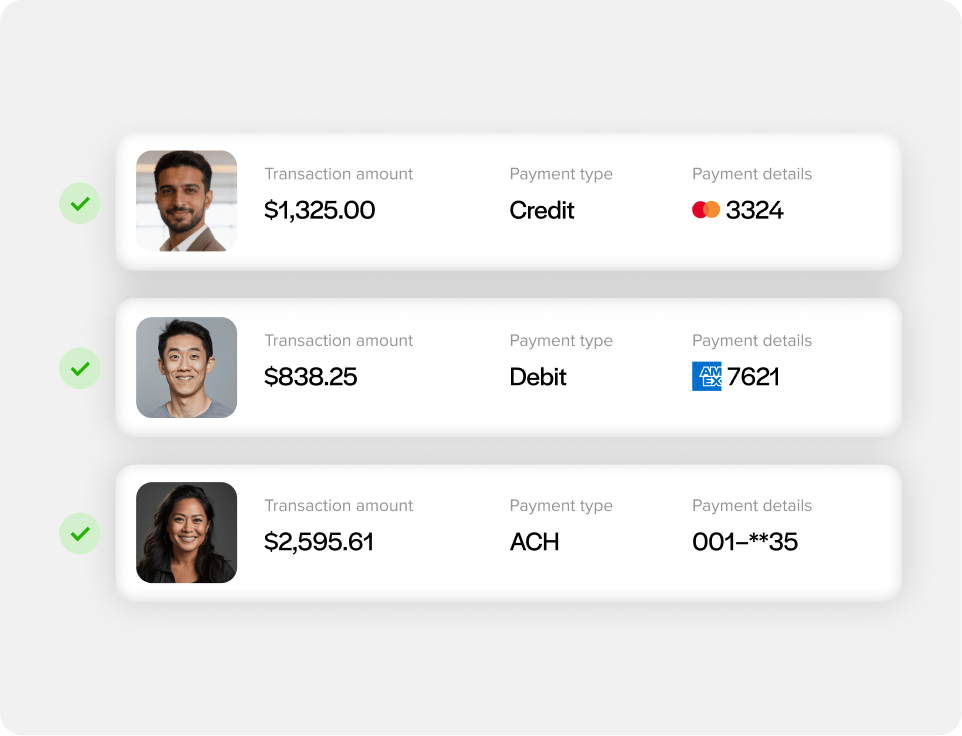
Accept ACH alongside card payments
Give customers a bank account option in addition to saved cards in QuickBooks, so they can pay however works best for them.
A lower-cost option for larger invoices
ACH typically costs less to process than card, which adds up especially on bigger transactions where card fees start to sting.
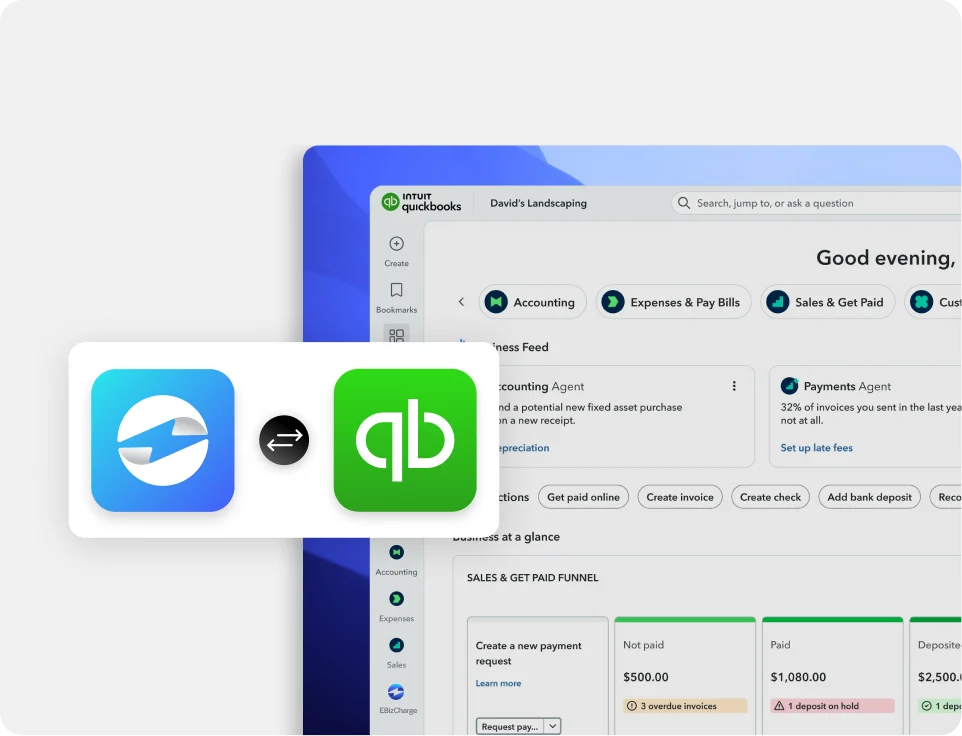
Payments post straight to QuickBooks Desktop
ACH payments apply to AR and the GL automatically, the same way card payments do.
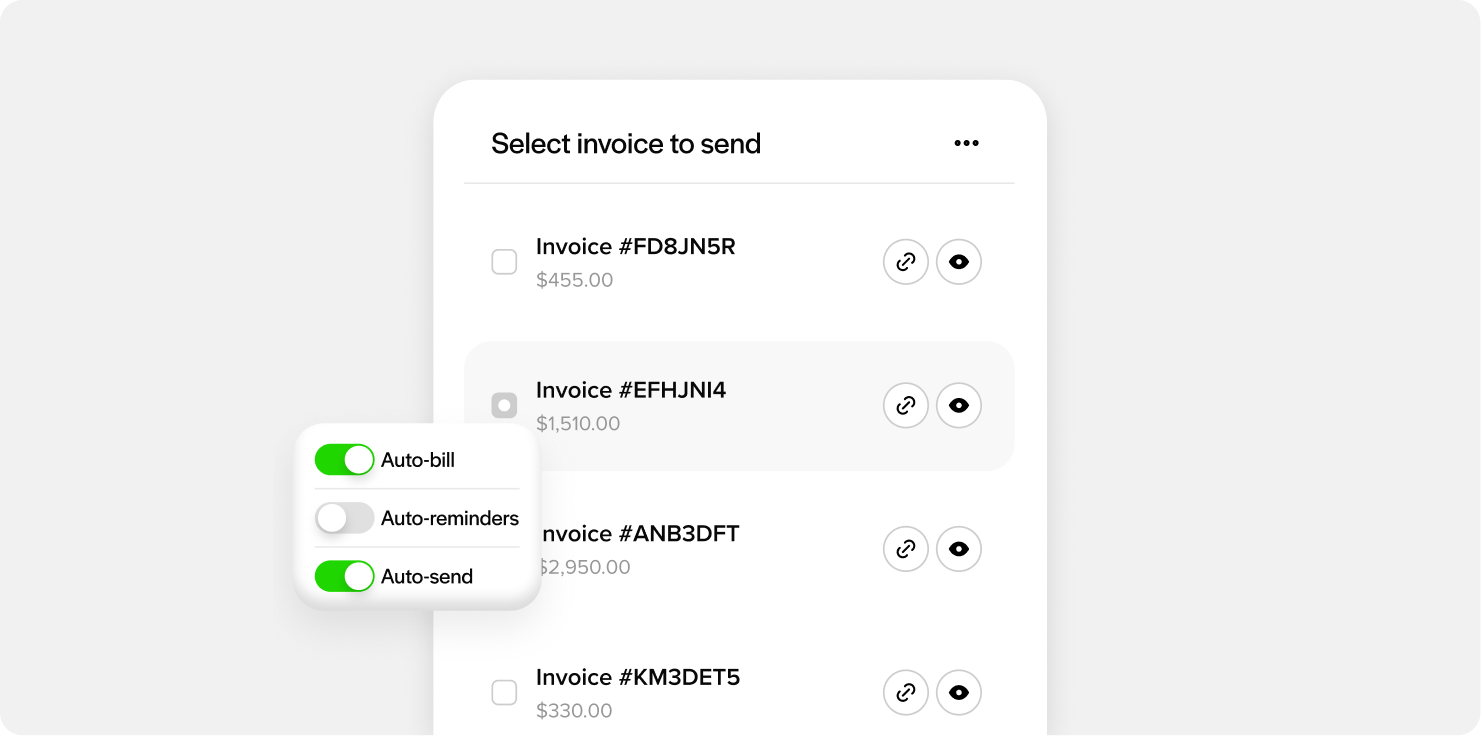
Works with recurring billing
Bank accounts on file can power recurring charges in QuickBooks, not just one-time payments.
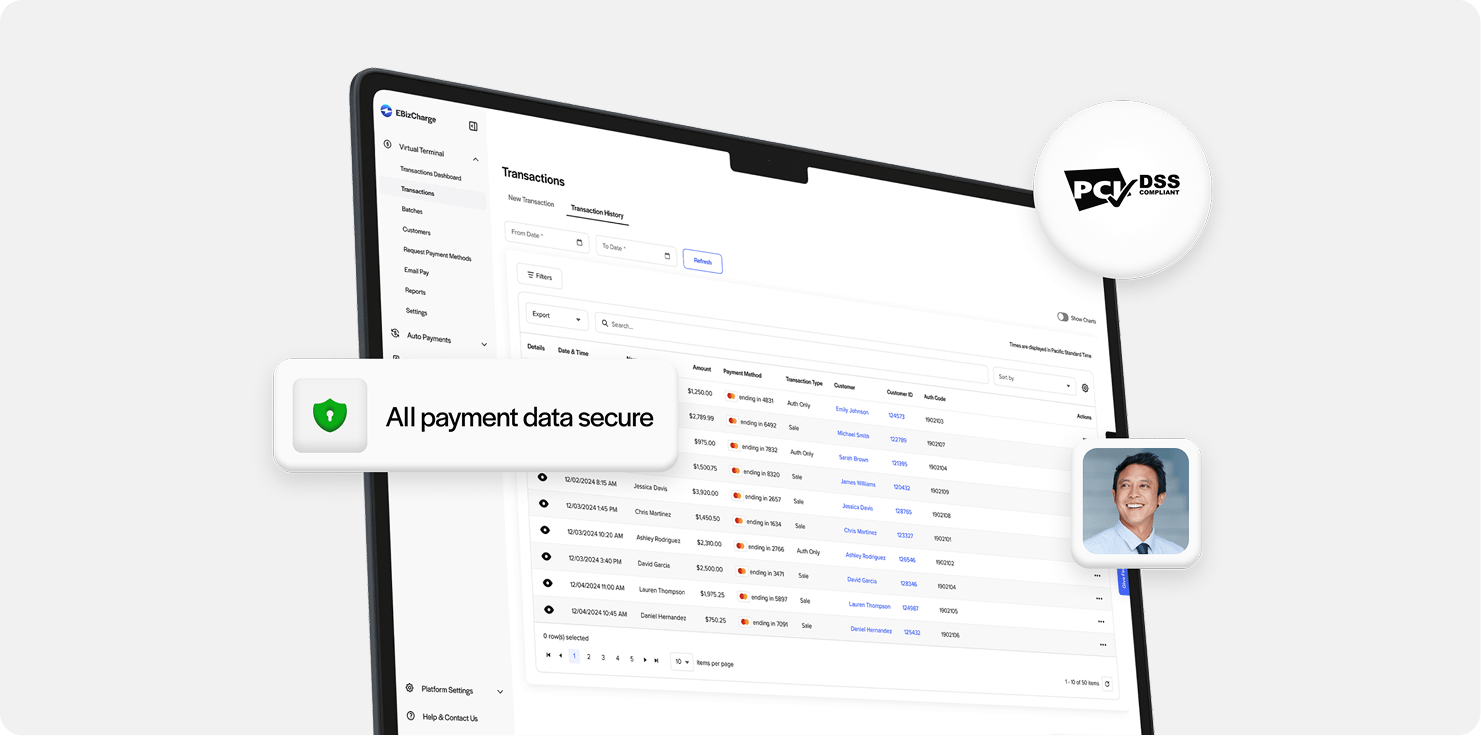
Secure, tokenized transactions
Bank account data is tokenized and stored off your local systems, keeping sensitive information out of your team’s hands.
What our customers are saying
What our customers are saying

“Outstanding support and an easy, smooth implementation in a short timeframe.”
Terry M.
“EBizCharge has been a wonderful partner and has eliminated a tremendous amount of
manual data entry.”
Greg L.
“Simple and easy to use. Customer service is outstanding, efficient and always friendly.”
Donna B.
“Outstanding support and an easy, smooth implementation in a short timeframe.”
Terry M.
“EBizCharge has been a wonderful partner and has eliminated a tremendous amount of manual data entry.”
Greg L.
“Simple and easy to use. Customer service is outstanding, efficient and always friendly.”
Donna B.
EBizCharge is rated 4.8/5 stars on 105+ G2 reviews. | See what they are saying 
EBizCharge is rated 4.8/5 stars on 105+ G2 reviews.
