

QuickBooks Desktop | Payment Links
Send payment links from QuickBooks Desktop
Generate secure payment links for invoices and sales orders in QuickBooks Desktop (QBD), then send them to customers or embed them wherever you bill.
6+ hours
Saved weekly on AR
40% decrease
In payment processing costs
3x reduction
In days sales outstanding
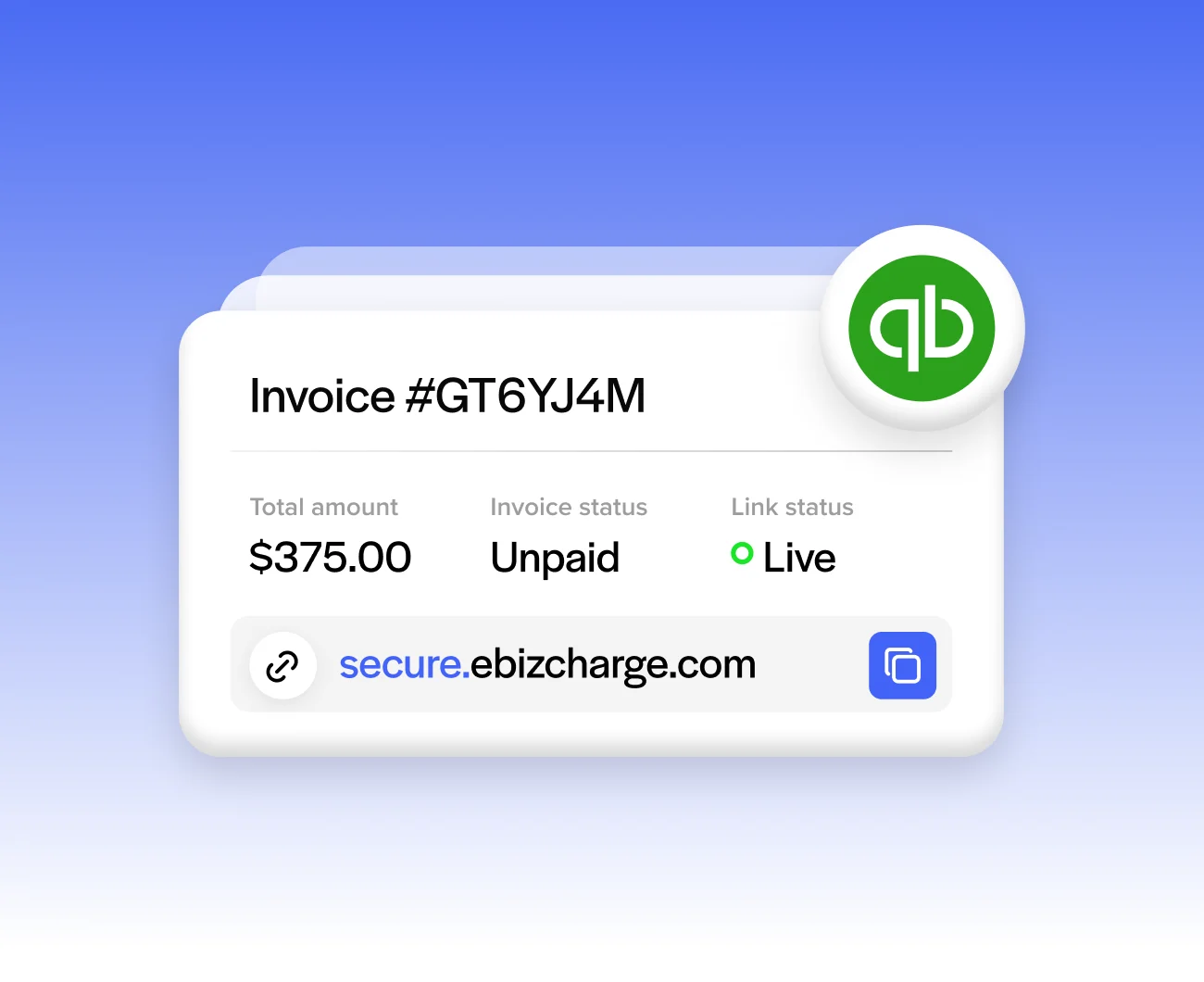
Trusted by companies large and small since 2004
Trusted by companies large and small since 2004






Why QuickBooks Desktop users love payment links
Why QuickBooks Desktop users love payment links
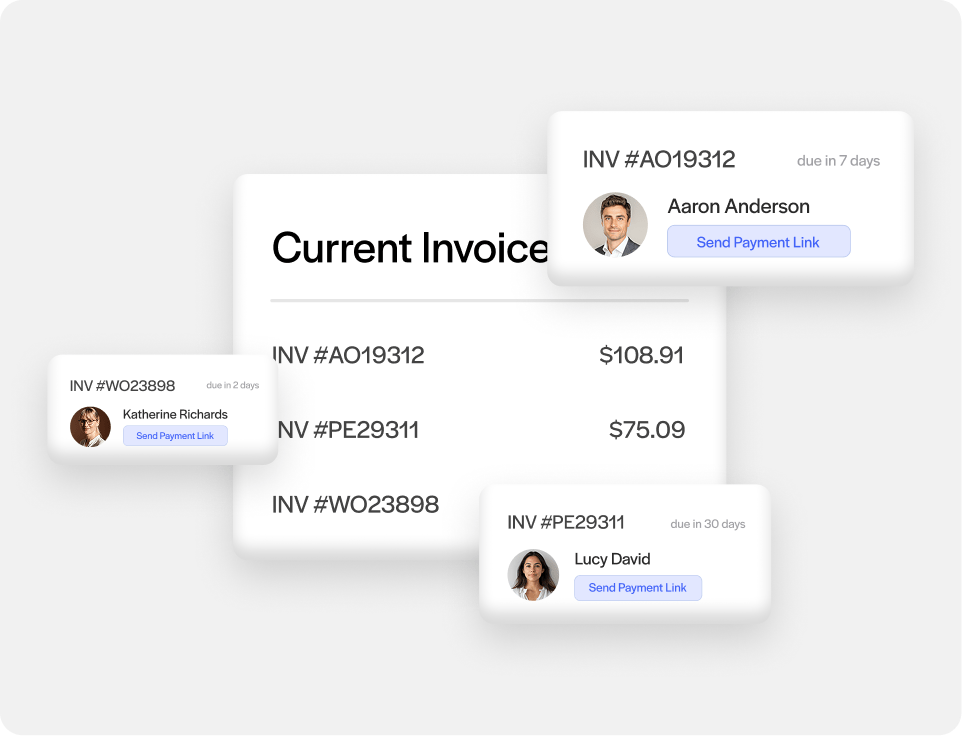
Links for invoices and sales orders
Generate a payment link for either one, including for QuickBooks deposits on open sales orders.
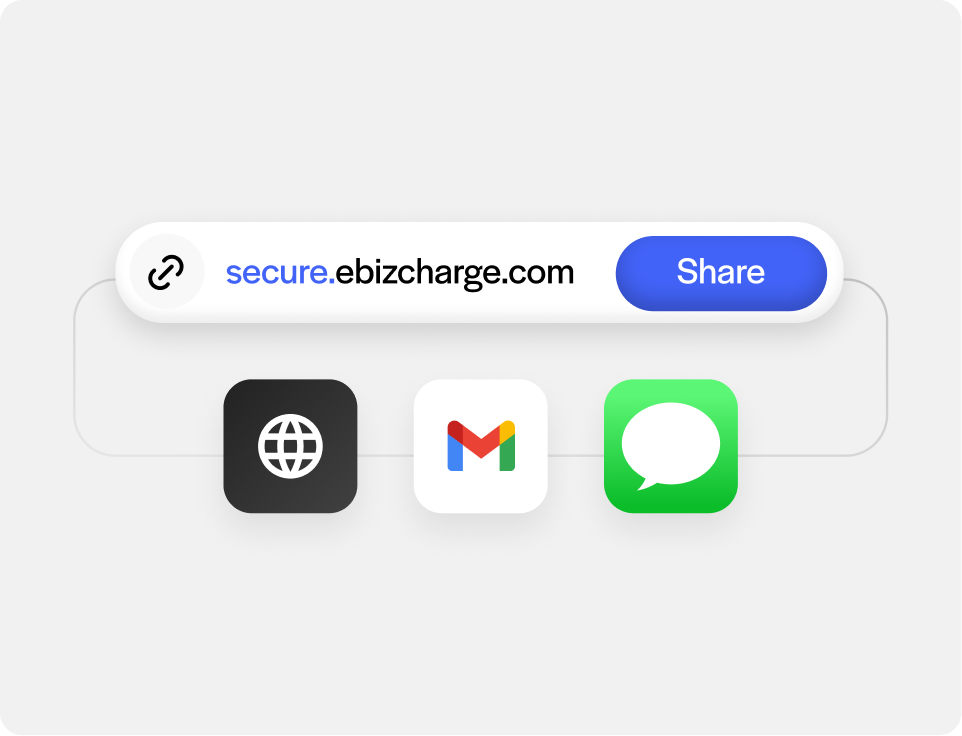
Send links anywhere you bill from
Drop payment links into an email, a text message, your QuickBooks customer payment portal, or your own webform, instead of only sending them as standalone messages.
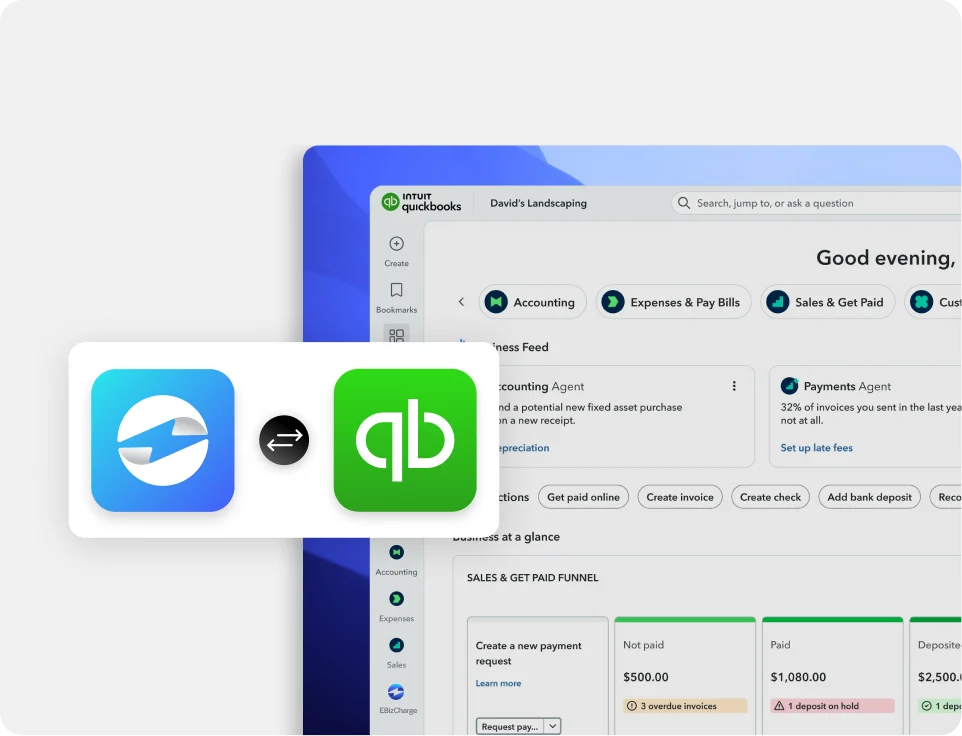
Authorize, capture, void, or refund right from QuickBooks Desktop
No tab switching between systems, and the same flow applies to deposits collected upfront on a sales order.
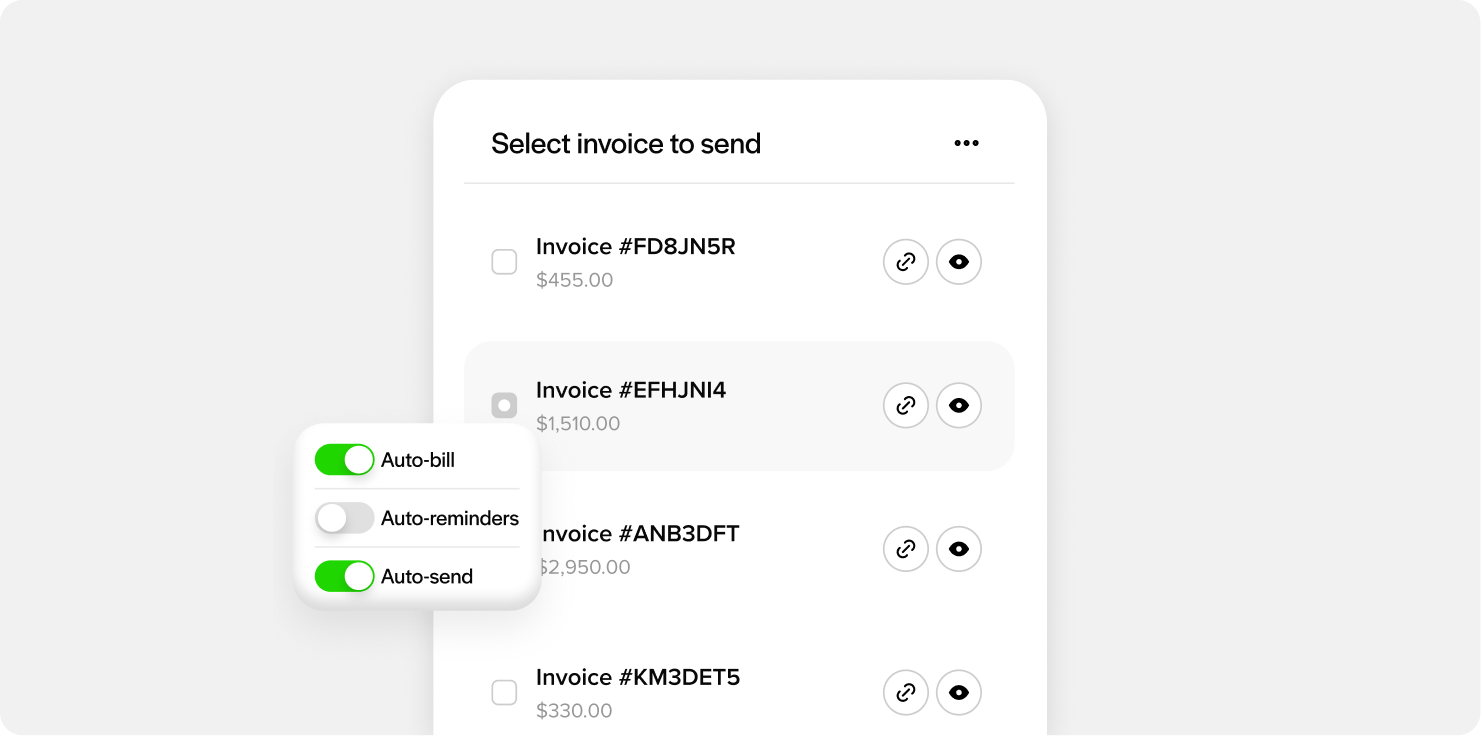
Send payment links individually or in bulk
Create one link at a time, or generate them in bulk across multiple invoices and orders when you need to send a lot of them at once.
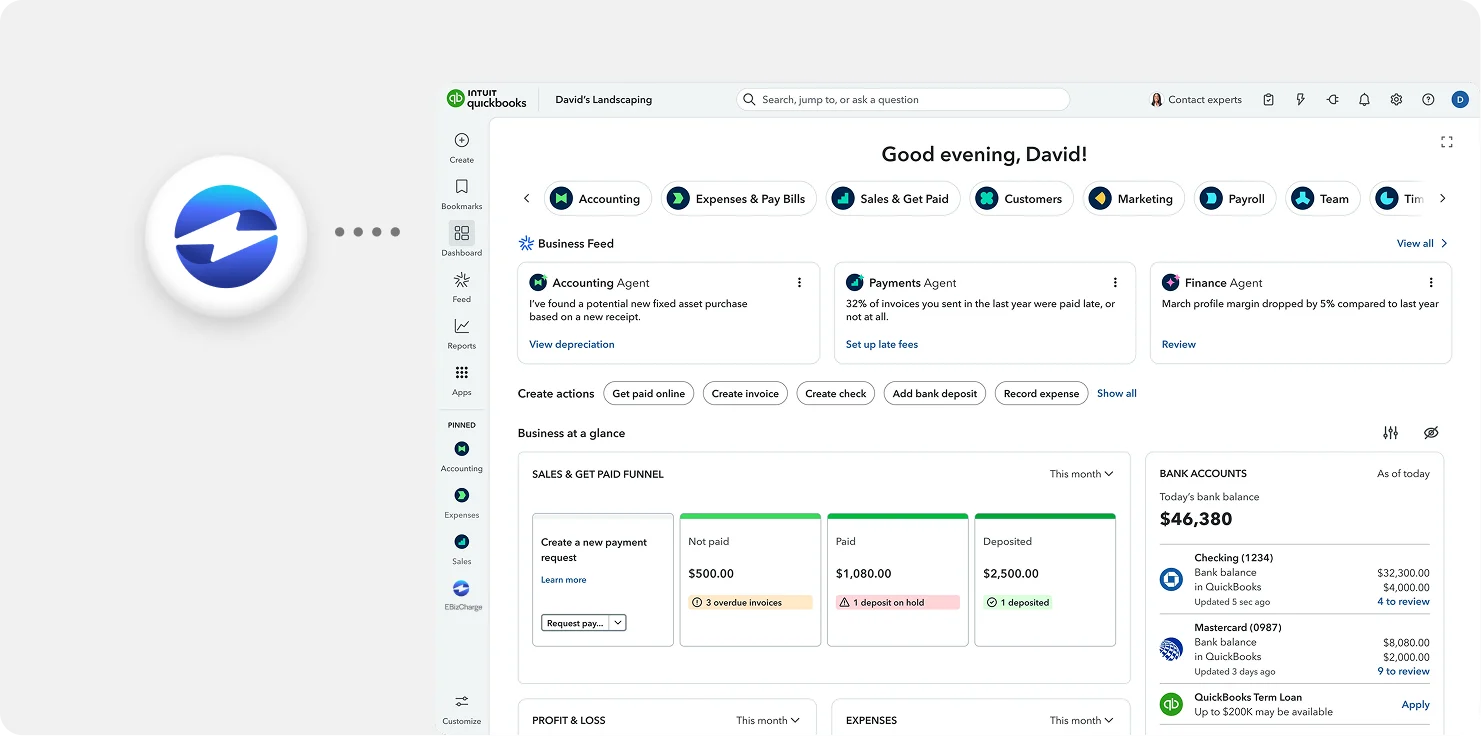
Payments post straight to QuickBooks Desktop
Once a link is paid, it applies to AR and the GL automatically, with no manual reconciling on your end.
See an overview
What our customers are saying
What our customers are saying

“Outstanding support and an easy, smooth implementation in a short timeframe.”
Terry M.
“EBizCharge has been a wonderful partner and has eliminated a tremendous amount of
manual data entry.”
Greg L.
“Simple and easy to use. Customer service is outstanding, efficient and always friendly.”
Donna B.
“Outstanding support and an easy, smooth implementation in a short timeframe.”
Terry M.
“EBizCharge has been a wonderful partner and has eliminated a tremendous amount of manual data entry.”
Greg L.
“Simple and easy to use. Customer service is outstanding, efficient and always friendly.”
Donna B.
EBizCharge is rated 4.8/5 stars on 105+ G2 reviews. | See what they are saying 
EBizCharge is rated 4.8/5 stars on 105+ G2 reviews.
