

4 Best Payment Processing Options for Small Businesses & SMBs


A customer pays online. Another pays by ACH. Then someone has to update the invoice, match the payment, and reconcile everything at the end of the day.
For a small business, that someone is often the owner, office manager, bookkeeper, or a one-person finance team. As sales grow, so does the time spent entering payments, following up on unpaid invoices, and keeping payment and accounting records in sync.
The right payment processing for small businesses can help reduce that manual work while giving customers more ways to pay.
This guide compares EBizCharge, Square, Stripe, and Helcim to help SMBs find payment processing that fits how they get paid today and how they plan to grow.
What Should Small Businesses Look for in Payment Processing?
Most businesses start with one question: Can it accept payments?
Nearly every payment processor can. The better question is: What happens before and after the customer pays?
When comparing the top payment processing software for SMBs, consider how each solution fits into your entire payment workflow, not just the transaction itself.
Multiple payment methods
Customers may prefer to pay by credit card, debit card, or ACH/eCheck. Supporting multiple payment methods gives customers more flexibility to pay in the way that works best for them.
Online and in-person payment options
Some customers may pay from an emailed invoice, while others pay at a counter or in the field. Look for a solution that supports the ways your business actually collects payments.
Payment links on invoices
Payment links give customers a simple way to pay directly from an invoice, email, or other digital communication without calling your office.
Recurring billing and autopay
Repeat customers should not require repeat manual work. Recurring billing and autopay can automate scheduled payments and reduce the time spent collecting the same payments each month.
A customer payment portal
A self-service portal can give customers a convenient place to view invoices, make payments, and access receipts or payment history on their own time.
Accounting and ERP integrations
Getting paid is only part of the process. Look for payment processing that connects with the accounting or ERP software your team already uses so employees do not have to re-enter payment information manually.
Automated posting and reconciliation
Once a payment comes in, someone shouldn’t have to go back into the accounting system and match it by hand. Look for a solution that can post the payment to the right invoice automatically, leaving less to reconcile later.
Security and fraud prevention
Small businesses shouldn’t have to store or handle raw card details themselves. Check how a processor stores card information, what happens when a transaction looks suspicious, and whether it meets PCI requirements.
Customer support
Payment issues can quickly turn into customer-service issues. Responsive support can help your team resolve problems faster when something goes wrong.
Room to grow or flex
Your payment process should adjust as your business changes. This is especially important for seasonal businesses, where payment volume may rise significantly for a few months and then fall again. A straightforward setup and the ability to accommodate changing transaction volumes can make growth easier to manage.
Payment Solutions for Small Businesses and SMBs Compared
| Feature |  |
 |
 |
 |
|---|---|---|---|---|
| Best for | Growing SMBs on accounting or ERP software | In-person and POS-first shops | Digital-first and SaaS businesses | Small businesses wanting core billing tools |
| What sets it apart | Payments auto-post to invoices | POS hardware and tools | Developer APIs and customization | Invoicing, virtual terminal and ACH in one |
| Recurring billing and autopay |  |
 |
|
|
| Customer payment portal | |
 |
|
|
| Accounting integration and auto-posting | |
 |
|
|
= Partial, varies, or needs partner/custom work
Scroll to compare 
4 Best Payment Processing Solutions for Small Businesses and SMBs
Different payment processors are built around different business needs. Some focus heavily on point-of-sale payments, while others are designed for online transactions, invoicing, or integrated accounting workflows.
Here are four options SMBs may consider.
1. EBizCharge
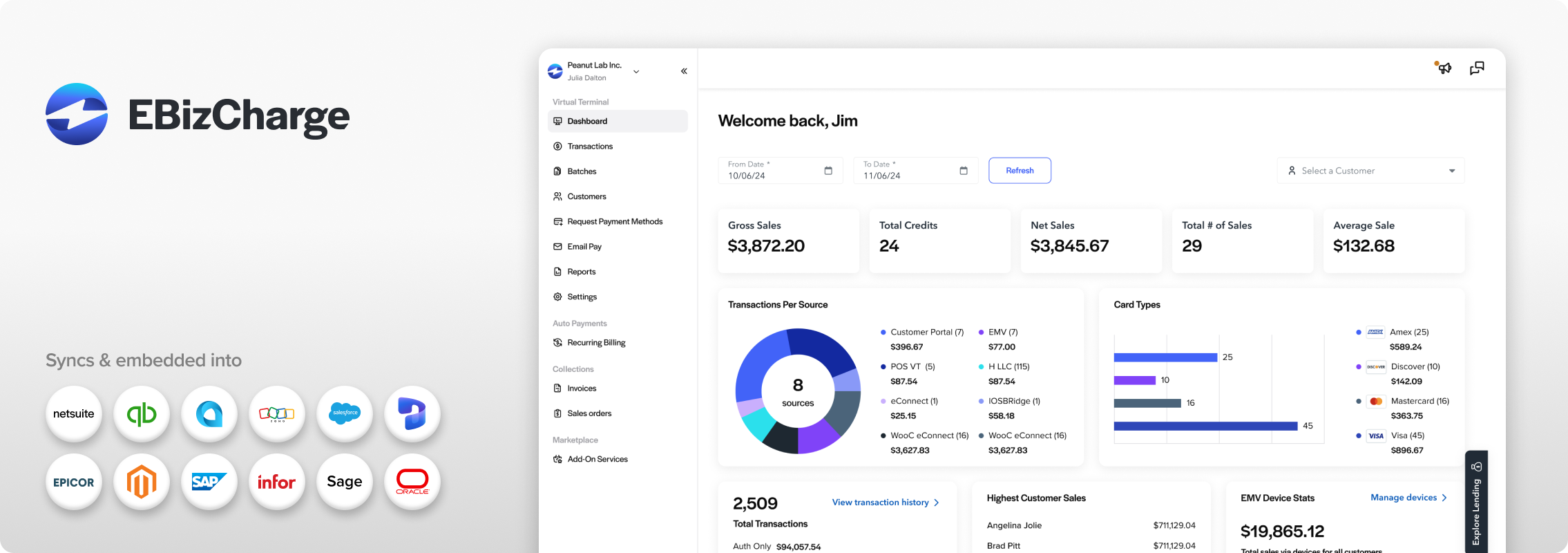
Best for: Growing SMBs that want integrated payment processing and AR automation.
Key features:
- Credit, debit, and ACH/eCheck payments across its integrations and payment products
- Online payment links for invoices
- Email Pay and payment method requests, so customers can pay or save a method securely without calling your office
- A customer payment portal where customers can view invoices, make full or partial payments, and download receipts, with activity syncing back to your accounting system
- Recurring billing and autopay
- Integrates with 100+ accounting and ERP systems
- Payments that post to the right invoice automatically
- PCI-compliant payment processing with tokenized card storage and encryption
- Chargeback management and fraud controls such as AVS and CVV checks
- U.S. based customer support
2. Square
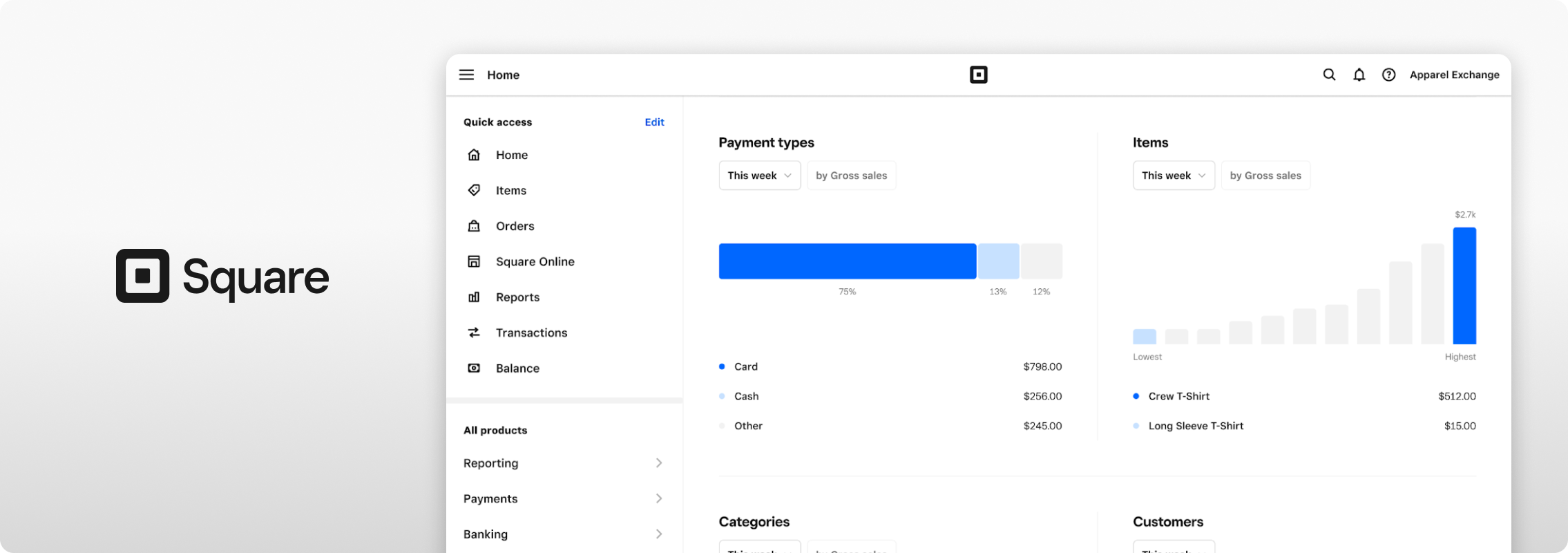
Square screen via squareup.com
Best for: Small businesses that need flexible in-person, online, and point-of-sale payment tools.
Key features:
- In-person and online payments
- POS tools
- Digital invoicing
- Recurring invoices
- Payment reminders
- Online checkout
3. Stripe
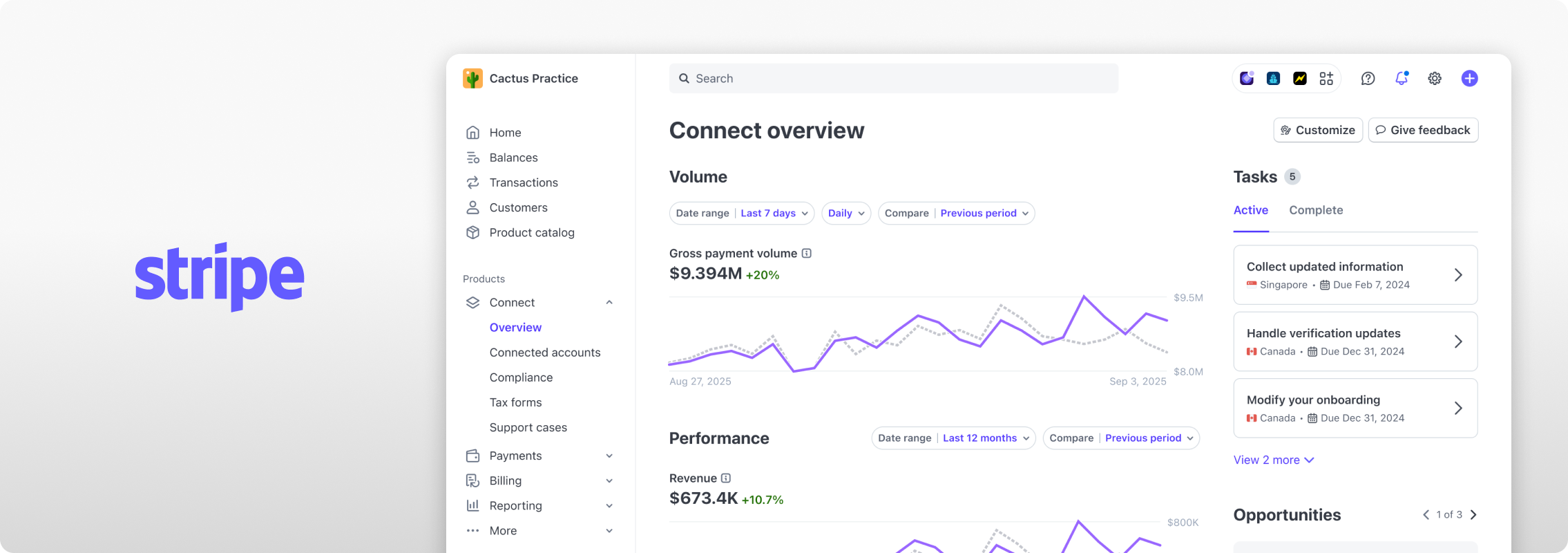
Stripe screen via stripe.com
Best for: Digital-first, ecommerce, SaaS, and technology-focused small businesses.
Key features:
- Online payment processing
- Customizable checkout
- Payment links
- Invoicing
- Recurring payments and subscriptions
- Developer APIs
- Multiple payment methods
4. Helcim

Helcim screen via helcim.com
Best for: Small businesses looking for core payment, invoicing, and billing tools in one platform.
Key features:
- In-person and online payments
- Virtual terminal
- Online invoicing
- Recurring payments
- ACH payments
- Online checkout
- Payment pages
5 Signs Your Small Business Is Outgrowing Its Payment Process
A payment process that worked when your business was smaller may become harder to manage as sales and transaction volume increase.
You may be outgrowing your current setup if:
- You manually enter payments into accounting software.
- Your team spends too much time matching payments to invoices.
- Customers regularly ask for payment options you do not offer
- Recurring billing requires repetitive manual work.
- More sales automatically create more administrative work.
If several of these sound familiar, your current payment process may be creating unnecessary work for your team.
How Integrated Payments Can Help SMBs Scale
Integrated payment processing removes the manual steps between getting paid and updating your financial records.
Without integrated payments: The customer pays. Staff finds the payment. They update the invoice, record the payment, and reconcile the account.
With integrated payments: The customer pays. The payment matches the invoice. Your accounting records update. Reconciliation gets easier.
As more payments move online, that difference can add up. According to Nacha, B2B ACH volume reached 2.2 billion payments in the second quarter of 2026, up 9.9% from the year before.
For a growing business, more payments can also mean more transactions to post, match, and reconcile. Connecting those payments directly with your accounting system helps your team handle the added volume without adding the same amount of work behind the scenes.
Simplify Small Business Payment Processing With EBizCharge
As your business grows, getting paid shouldn’t create more work. EBizCharge connects payment processing with your accounting and ERP workflows to help simplify the steps between payment and reconciliation.
- Give customers flexible ways to pay: Accept credit, debit, and ACH/eCheck through payment links, and a customer payment portal.
- Automate repeat payments: Use recurring billing and autopay to reduce repetitive collection tasks.
- Keep payments connected: Sync transactions with supported accounting and ERP software to reduce manual data entry.
- Simplify reconciliation: Automatically post payments to matching invoices, so your team spends less time matching transactions and cleaning up AR.
As payment volume grows, these automated workflows can help your business scale without adding the same amount of manual work.
See how EBizCharge can simplify payment processing and accounts receivable for your growing business.
Frequently Asked Questions About Small Business Payment Processing
What is the best payment processing solution for a small business?
It depends on how you get paid. A business that mostly sells in person may lean toward a POS-focused option like Square. A digital-first company may prefer Stripe. A business that invoices customers and runs on accounting or ERP software may benefit from integrated processing like EBizCharge, which can reduce manual entry and reconciliation.
What should SMBs look for in payment processing software?
Look past basic acceptance. Check for multiple payment methods, payment links, recurring billing, a customer portal, accounting integrations, automated payment posting, security tools, and responsive support. Also ask how pricing works and how much flexibility you have if your volume changes.
What are flat rate merchant services?
With flat rate merchant services, businesses pay a set processing rate for certain types of card transactions instead of having the rate change by card type. The exact rate can still vary depending on how the payment is made, such as online or in person. For small businesses, this type of pricing can make processing costs easier to anticipate from month to month.
What is the best payment processing for seasonal businesses?
Seasonal businesses should look for payment processing that can handle transaction-volume fluctuations without creating extra administrative work during busy periods. Multiple payment methods, payment links, online payments, automation, and a simple setup can also help businesses manage peak seasons with a smaller team.
Can small businesses accept ACH payments?
Yes. EBizCharge lets customers pay by credit card, debit card, or ACH/eCheck. ACH can be a good fit for larger invoices and recurring customers.
Can payment processing integrate with accounting software?
Yes. EBizCharge integrates with accounting and ERP platforms including QuickBooks Online, QuickBooks Desktop, Sage, NetSuite, Acumatica, Zoho Books, and Microsoft Dynamics 365 Business Central. Available features vary by integration, so confirm the details for your software.
How can small businesses automate accounts receivable?
A good place to start is figuring out which AR tasks take up the most time. For some businesses, that might be sending invoices or collecting repeat payments. For others, it is entering payments into their accounting system and matching them to invoices. Automating those parts of the process can take a lot of that routine work off your team’s plate.
When should a small business switch payment processors?
If getting paid is creating more work than it used to, your current setup may no longer fit your business. Maybe reconciliation is taking longer, customers want payment options you don’t offer, or your team is still entering payments manually. Those are good reasons to see what else is available.
Get paid faster with less work.
Get paid faster with less work.
3-minute product overview
