

4 Best Payment Processing Solutions for Professional Services Firms in 2026


If you run a consulting firm, accounting practice, agency, engineering firm, or any other service-based business, you already know collecting payment is rarely as simple as running a card. You may have retainers to bill monthly, milestones to invoice as projects progress, and large B2B invoices that clients want to pay their own way. Sometimes by card, sometimes by ACH, sometimes a week later than you’d like.
Collecting the payment is only half the job. A customer may have already paid, but your team can still be left figuring out which invoice it belongs to and why the books don’t reflect it yet.
The right payment processing for professional services can take a lot of that manual work off your plate. It gives clients more flexible ways to pay while reducing what your team has to do before and after the transaction. In this guide, we’ll walk through four payment processing solutions built for professional services firms and the features worth comparing before you choose one.
Why Payment Processing Is Different for Professional Services Firms
Retainers and recurring engagements
If you bill clients monthly, quarterly, or under an ongoing service agreement, you’re essentially running the same invoice-and-collect cycle over and over. Recurring billing and autopay let that cycle run itself, so no one on your team has to initiate the same charge each period manually.
Project and milestone-based billing
For project-based work, the full balance isn’t always due at once. A payment might be tied to a specific phase of the project, which means the invoice and payment process needs to keep up as the work moves forward. The right payment tools can make that easier without adding more manual work for your team.
Large B2B invoices
Clients have their own AP processes, and they don’t all want to pay the same way. Some prefer a card, while others prefer ACH or eCheck because of internal approval workflows. B2B payment processing software that supports multiple payment methods gives clients the flexibility their own finance teams expect. According to Nacha, B2B ACH payment volume grew 9.9% year over year in the second quarter of 2026, reaching 2.2 billion payments.
Late payments and manual follow-ups
Every finance team has asked the same questions at some point:
Did they get the invoice? Did anyone follow up? Did they already pay? Where does this payment even belong?
Payment links, self-service portals, recurring payments, and automated reminders exist to cut down on that back-and-forth.
Disconnected payment and accounting systems
This is often the highest hidden cost. When payment data lives in one system, and your accounting or ERP software lives in another, someone has to manually record every payment, match it to the right invoice, and update the customer’s balance by hand.
Integrated payment processing closes that gap. When payment activity connects directly to the accounting or ERP system your team already uses, there’s less duplicate data entry and less time spent reconciling at the end of the month. That matters even more when you’re managing payments across dozens or hundreds of clients, which is exactly where accounts receivable automation for professional services tends to pay for itself.
What to Look for in Payment Processing for Professional Services
Before comparing providers, here’s a quick checklist to run through.
1. Flexible ways for clients to pay
Support for credit, debit, and ACH/eCheck covers most professional services clients’ payment preferences.
2. Recurring billing and autopay
Especially valuable for retainers, managed services, and ongoing client engagements that repeat on a set schedule.
3. Online payment options
Payment links, online invoices, hosted payment pages, and a client payment portal make it easier for clients to pay without picking up the phone.
4. Accounting and ERP integrations
Look for a solution that works with the systems your finance team already uses, so payment posting and reconciliation don’t require extra manual steps.
5. Accounts receivable automation
Automated reminders, payment collection tools, invoice matching, and reporting all chip away at repetitive AR work.
6. Security
PCI-compliant processing, along with safeguards like tokenization, encryption, and AVS/CVV checks, protects both your firm and your clients.
7. Support
When something goes wrong with an invoice or a payment, having responsive support on the other end matters, especially for firms handling sensitive client billing.
A Side-by-Side Comparison of Payment Solutions for Professional Services Firms
| Feature |  |
 |
 |
 |
|---|---|---|---|---|
| Best for | Firms on QuickBooks or a major ERP | Firms with lighter integration needs | Small firms living in QuickBooks Online | CPA and tax firms |
| What sets it apart | Auto reconciliation inside accounting or ERP | General-purpose invoicing and recurring | Pay directly from QuickBooks invoices | Built for accounting practices |
| Recurring billing |  |
 |
|
|
| Client payment portal | |
|
 |
|
| QuickBooks sync | |
|
|
|
| Native ERP integrations | |
|
|
|
= Partial, varies, or needs API or custom workflows
Scroll to compare 
4 Best Payment Processing Solutions for Professional Services Firms
1. EBizCharge
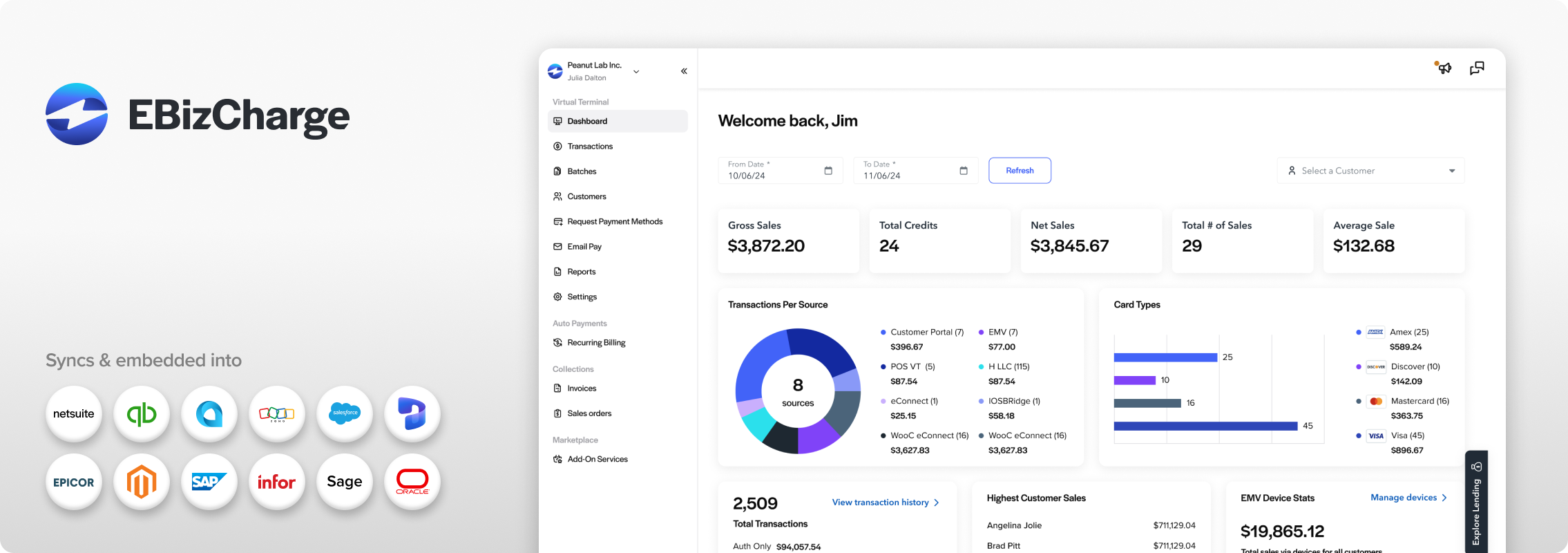
Best for: Professional services firms that want payment processing built into their accounting or ERP workflow, not bolted onto it.
EBizCharge is designed around the idea that payments shouldn’t live in a separate system from the rest of your financial records. It connects directly with the accounting, ERP, and CRM platforms many professional services firms already run, including QuickBooks, Sage Intacct, NetSuite, Microsoft Dynamics, and Acumatica, so payment activity can sync back into those systems instead of requiring manual entry.
Key features:
- Accept credit, debit, and ACH/eCheck payments.
- Automated recurring billing for retainers and ongoing engagements
- Secure payment links you can send directly to clients.
- A self-service customer payment portal where clients view and pay invoices on their own
- A virtual terminal for remote or over-the-phone payments
- Saved, tokenized payment methods for repeat clients
- Batch processing for firms handling high transaction volume
- PCI-compliant environment with encryption and tokenization
- Unlimited chargeback management
- U.S. based support
For a firm juggling monthly retainers, project invoices, and a steady stream of AR follow-up, the appeal isn’t just accepting a payment. It’s what happens to that payment afterward, and how little your team has to touch it.
2. Helcim

Helcim screen via helcim.com
Best for: Firms looking for a general-purpose payment platform with invoicing and recurring payment tools built in.
Key features:
- Credit card and ACH payment acceptance
- Online invoicing
- Recurring payments for retainers and installment plans
- A virtual terminal for remote payments
- Payment requests and hosted payment pages
- Stored customer and payment information for repeat transactions
- Accounting integrations, including QuickBooks Online and Xero
Helcim can work well for firms with lighter integration needs that want a straightforward, general-purpose platform rather than something built around a specific ERP.
3. QuickBooks Payments
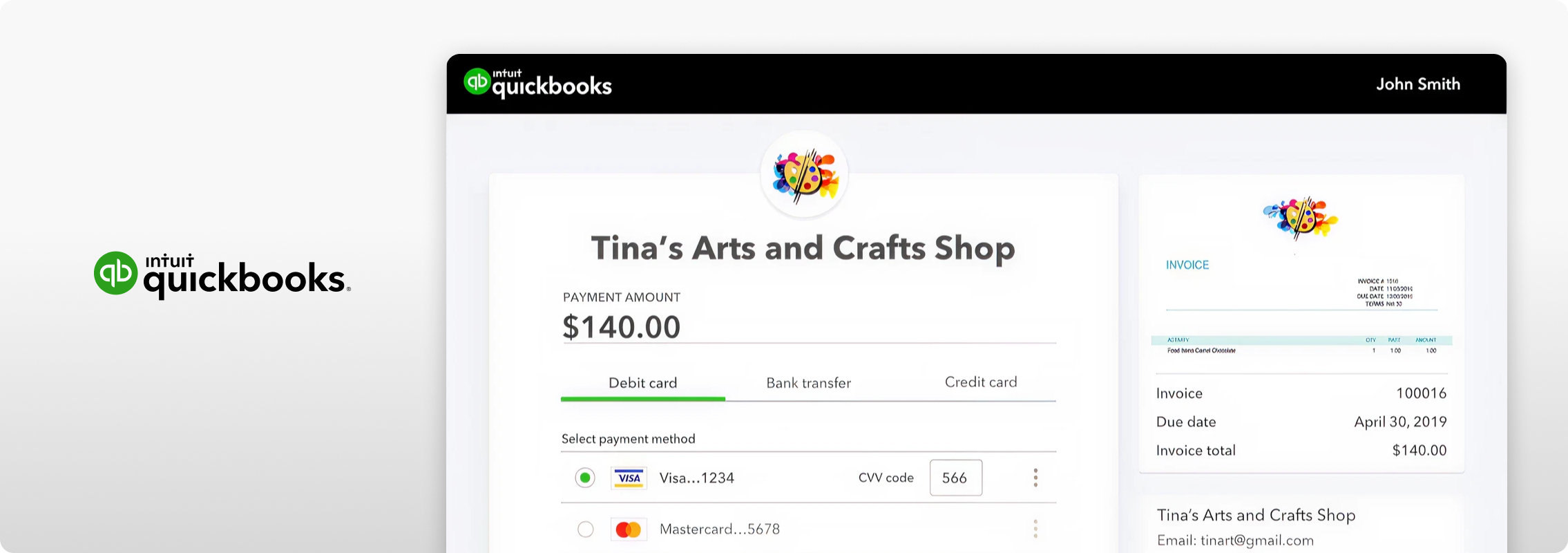
QuickBooks Payments screen via intuit.com
Best for: Smaller professional services firms already running invoicing and accounting primarily through QuickBooks Online.
Key features:
- Clients pay directly through QuickBooks invoices.
- Credit card and ACH payment options
- Recurring payments and autopay
- Payment records stay connected to QuickBooks accounting data.
QuickBooks currently supports online invoice payments and recurring payment workflows, including automated credit card and ACH collection through QuickBooks Payments. One factor worth pointing out: QuickBooks uses flat-rate transaction pricing rather than interchange-plus rates, which is worth comparing against a dedicated processor as invoice size or monthly volume grows. For firms that use accounting or ERP systems beyond QuickBooks, it may also be worth comparing solutions with broader integration capabilities.
4. CPACharge
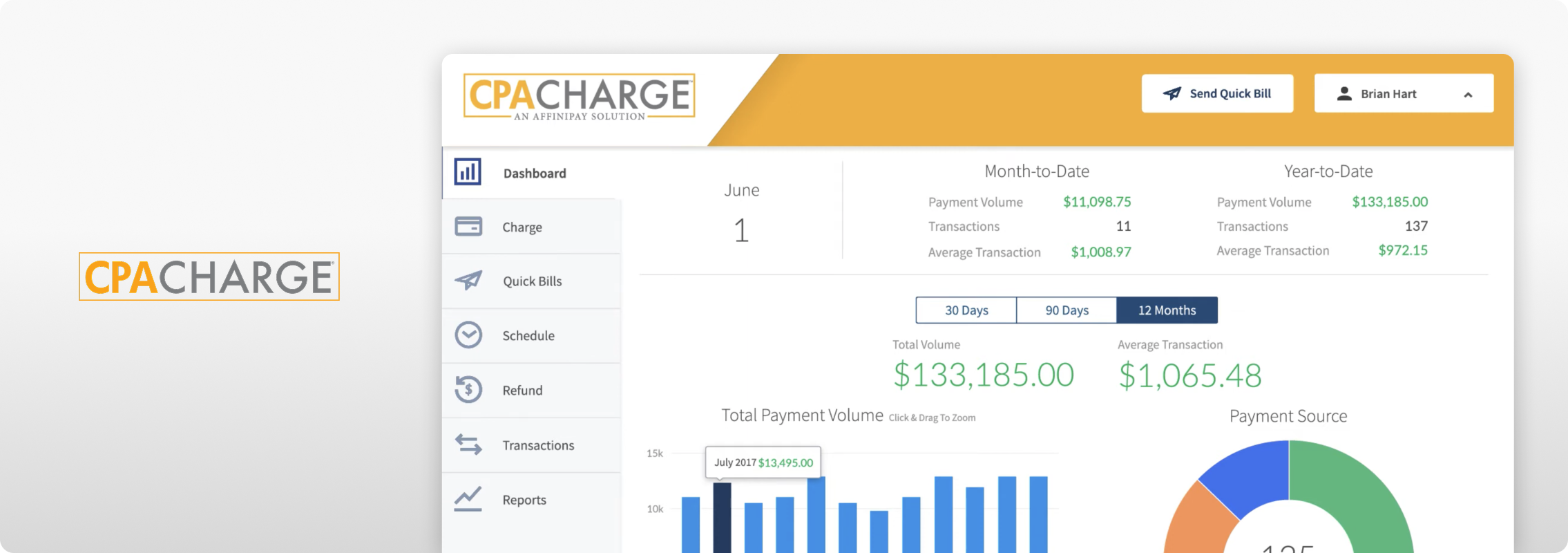
CPA Charge screen via youtube
Best for: Accounting and tax firms that want payment and billing tools built specifically for accounting practices.
Key features:
- Credit, debit, and ACH/eCheck payments
- Online and in-person payments
- Recurring and scheduled payments
- Client payment links
- Invoicing with status tracking
- Secure storage of client payment methods
- QuickBooks Online integration and other accounting industry software
CPACharge leans into the accounting and tax niche, which can appeal to firms that want billing tools built around that workflow.
How to Choose a Payment Processor for Your Professional Services Firm
Step 1: Start with how your clients pay you
Look at a typical client from the first invoice to the last. Do they pay you once, or are you collecting payments throughout the relationship? Start there, then look for a processor that fits the way money actually comes into your business.
Step 2: Identify how clients want to pay
Do most of your clients prefer cards, ACH/eCheck, online invoice payments, or payment links?
Step 3: Look at your existing technology
What accounting, ERP, CRM, or billing software does your team use day-to-day?
Step 4: Identify your biggest AR bottlenecks
Is your team spending most of its time sending reminders, entering transactions by hand, matching payments, reconciling accounts, or fielding client payment questions?
Step 5: Compare automation and integration, not just acceptance
Any processor can take a payment. The better question is what happens automatically before and after that transaction, and how much of it still lands on your team’s plate.
Simplify Professional Services Payment Processing With EBizCharge
Your team was hired for its expertise, not to spend Friday afternoons tracking down invoices and matching payments by hand.
EBizCharge brings payment processing and accounts receivable tools directly into the accounting and ERP systems professional services firms already use. Firms can accept credit, debit, and ACH/eCheck payments, send secure payment links, automate recurring billing, and give clients a self-service portal to manage their own invoices. From there, payment activity syncs back into the systems your finance team relies on.
Whether you’re collecting a monthly retainer, a project deposit, a milestone payment, or a final invoice, the goal stays the same. Make it easier for clients to pay, and easier for your team to manage everything that happens after.
See how EBizCharge can simplify payment processing for your professional services firm.
Frequently Asked Questions About Payment Processing for Professional Services
What is payment processing for professional services?
It’s the set of tools and systems a consulting firm, accounting practice, law firm, agency, or similar business uses to accept and manage client payments, including recurring retainers, project invoices, and one-time charges, often alongside accounting or ERP software.
What is the best payment processing solution for professional services firms?
There’s no single answer. It depends on your billing structure, the accounting software you already use, which payment methods your clients prefer, how much recurring billing you handle, and how much of your AR workflow you want automated. For firms that want payment processing tied directly to their accounting or ERP system, EBizCharge is built for that kind of integration, which can matter a lot if manual reconciliation is your biggest pain point.
Can professional services firms accept ACH/eCheck payments?
Yes. ACH/eCheck gives clients another way to pay beyond cards, which can be a good fit for B2B invoices where a client’s own AP process has a preferred payment method.
Can professional services firms automate recurring client payments?
Yes. Retainers, recurring consulting engagements, managed services, and other repeat billing arrangements can all run on automated recurring billing, reducing the need to initiate the same charge each period manually.
Can payment processing integrate with accounting software?
Yes, though capabilities vary by provider. EBizCharge, for example, integrates with accounting and ERP systems including QuickBooks, NetSuite, Microsoft Dynamics, Acumatica, and Sage Intacct, among others.
How can professional services firms reduce late client payments?
Convenient payment options can help. Payment links, recurring billing and autopay, self-service portals, and automated payment reminders can make it easier for clients to pay and reduce manual follow-up on outstanding invoices.
What payment methods should a professional services firm accept?
Most firms benefit from supporting credit cards, debit cards, and ACH/eCheck, along with online or remote payment channels like payment links and virtual terminals, depending on how clients prefer to pay.
Is payment processing secure for professional services firms?
It should be. Look for PCI-compliant processing with tokenization, encryption, and AVS/CVV checks, which reduce the need for your team to handle sensitive payment information manually.
What should professional services firms look for in a payment processor?
Bringing it all together: flexible payment options, recurring billing, a good client payment experience, strong security, accounting/ERP integration, AR automation, useful reporting, and support you can actually reach when you need it.
Get paid faster with less work.
Get paid faster with less work.
3-minute product overview
