
Blog > How to Process Credit Cards in Sage Intacct: A Step-by-Step Guide
How to Process Credit Cards in Sage Intacct: A Step-by-Step Guide

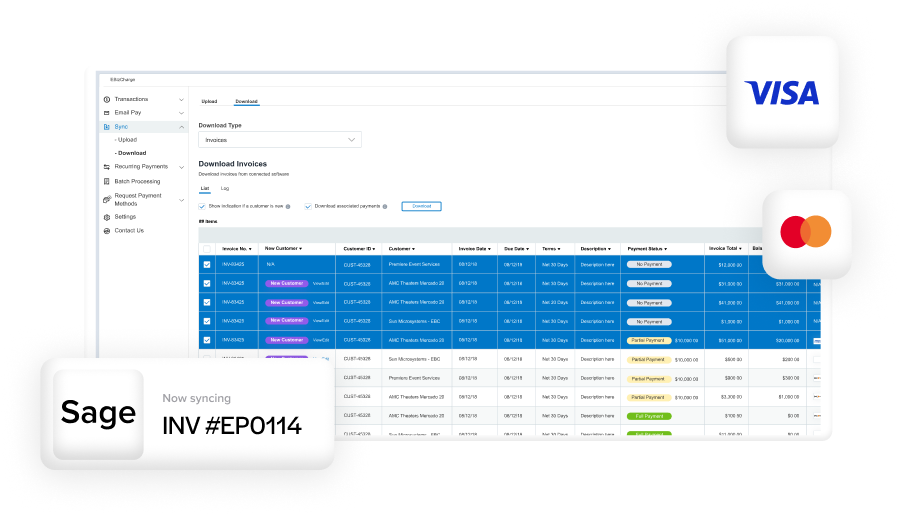
Efficient payment workflows are at the core of healthy business operations. For companies running on the Sage Intacct ERP system, managing payments and collections through automation can make a measurable difference in saving time and maintaining accuracy. One of the most common areas where this becomes clear is credit card processing. When handled properly, Sage credit card processing turns what used to be a manual task into a seamless, automated part of your daily accounting flow.
This guide walks you step-by-step through how to process credit cards in Sage Intacct — from setup and automation to reconciliation and integration best practices. Whether you’re just getting started with Sage Intacct credit card processing or looking to fine-tune your existing workflow, this walkthrough will help you understand the tools available and how to use them effectively.
Understanding Sage Intacct Credit Card Processing
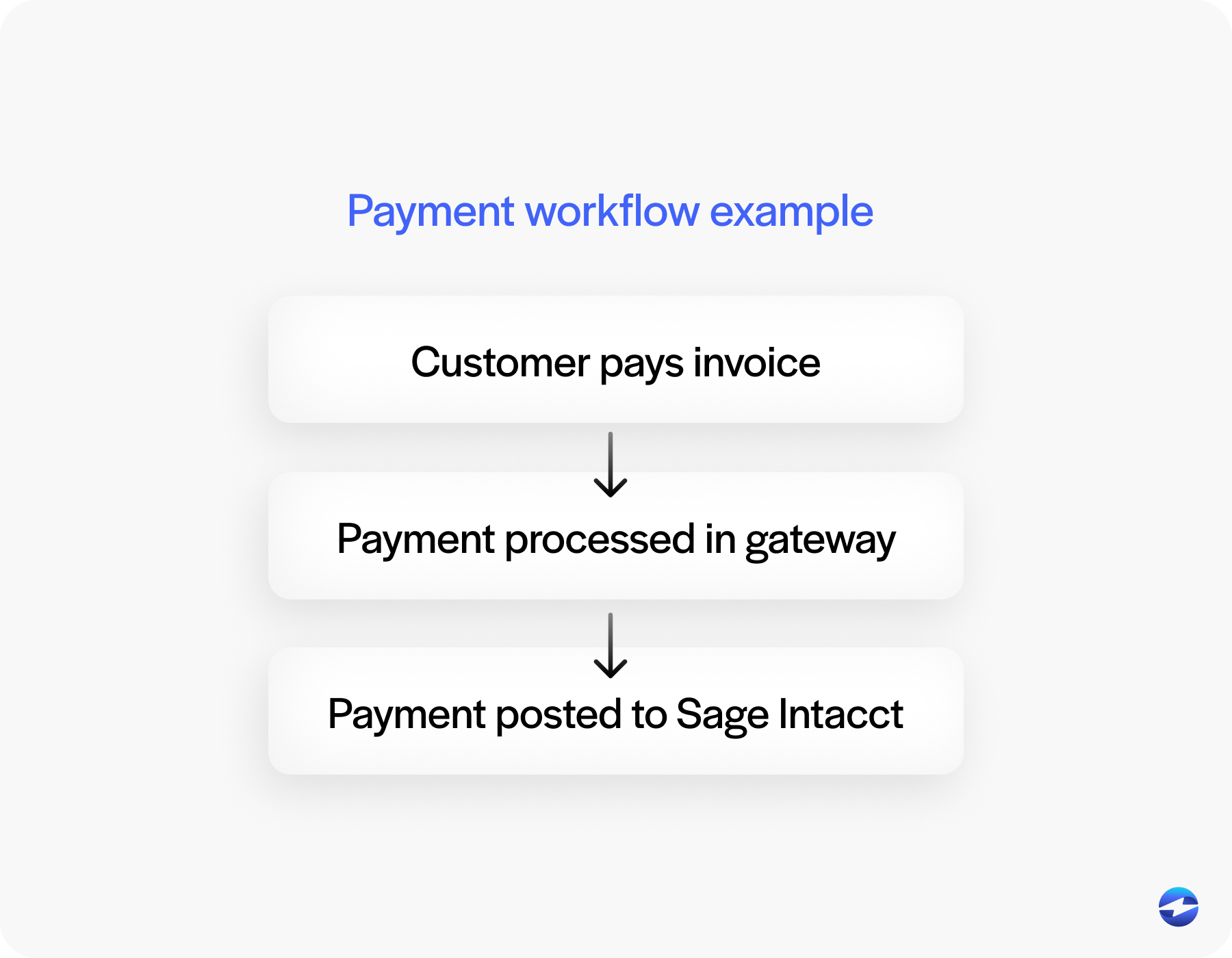
Credit card transactions move fast, and so should your financial system. Sage Intacct payment processing links customer payments, invoices, and ledger updates in one continuous flow. When a payment is made — whether it’s a one-time charge or a recurring subscription — it automatically syncs with your accounts receivable and general ledger.
The key here is a Sage Intacct payment integration. Instead of managing separate systems for billing, payments, and reporting, Sage integrated payment processing connects everything in one place. You can see who paid, how they paid, and when the funds hit your account without juggling multiple logins or spreadsheets. Security features like tokenization and PCI compliance ensure that sensitive card data is never exposed. This is one area where Sage Intacct ERP integration shines — it delivers the reliability and compliance standards that finance teams depend on every day.
For businesses still relying on legacy systems, such as Sage 100, the difference is noticeable. Sage Intacct’s cloud-native environment offers real-time reporting, built-in automation, and easier scalability — no manual syncing or delayed updates.
Step 1: Configure Your Payment Gateway
Before you can process a Sage credit card payment, you need to connect a payment gateway. This gateway acts as the secure channel between your customer’s bank and your own accounting records. Sage offers native compatibility with a variety of partners, but many organizations prefer to work with dedicated Sage Intacct integration partners like EBizCharge. These integrations make it possible to accept and reconcile payments without ever leaving Sage Intacct.
Start by selecting a gateway that fits your volume and transaction type. Once chosen, confirm your setup is PCI compliant and you’re utilizing the latest in tokenization tech — this ensures that credit card data is stored as encrypted tokens rather than raw numbers. It’s a simple step that reduces your compliance scope and keeps customer data safe.
Step 2: Configure Credit Card Payment Options
Once your gateway is configured, you’ll need to configure your credit card payment options inside your integrations Sage Intacct settings. This is where you specify accepted payment methods, set up third-party portals, or customize email templates for payment links.

Step 3: Process a Credit Card Payment in Sage Intacct
With your setup complete, you can begin processing payments. The process is straightforward:
- Open accounts receivable or a customer account in Sage Intacct.
- Select an outstanding invoice or group of invoices you want to pay.
- Enter credit card details or select a stored Sage credit card token.
- Authorize the payment.
Once submitted, the transaction is validated and funds are routed through your payment gateway. Behind the scenes, Sage automatically reconciles the payment with accounts receivable and posts updates to the ledger. That means no double entry, no spreadsheet corrections, and no waiting for nightly batch updates.
Step 4: Automate Invoice Payments
Manual payments are fine in small doses, but they can quickly become time-consuming. Fortunately, Sage Intacct credit card processing integrations, such as EBizCharge, support automation. You can set up recurring billing cycles, push invoices to a self-service customer payment portal, and even send reminders for upcoming charges.
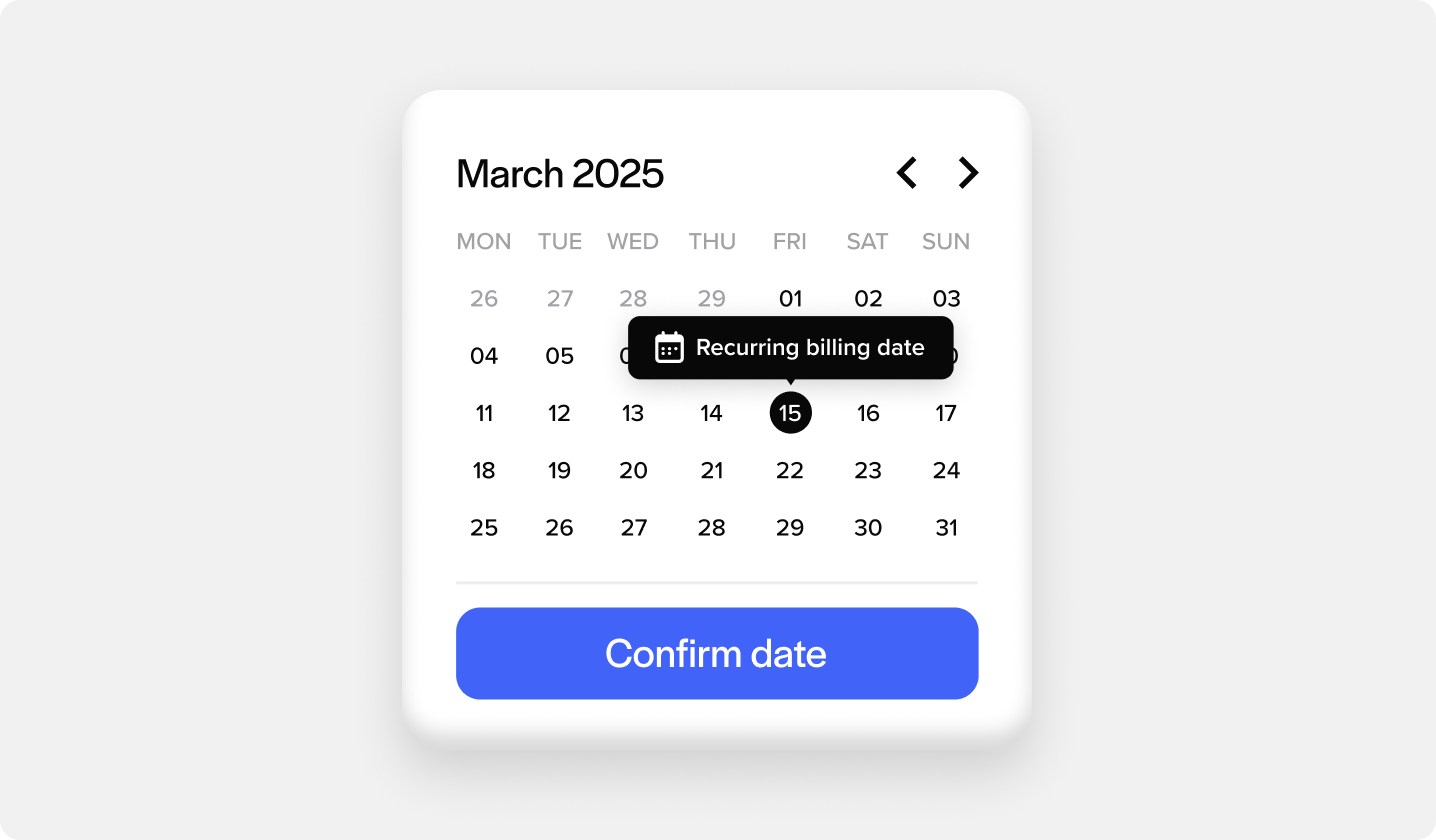
Automating invoice payments reduces errors and shortens your collection cycle. Whether you use Sage’s built-in automation features or work with a third-party integration like EBizCharge, the goal is the same — fewer manual steps, increased security, and faster payments. Many businesses combine automation with stored payment credentials, allowing repeat customers to pay instantly without re-entering their information.
Step 5: Review and Reconcile Payments
Once payments start flowing, the next step is to ensure they match your records. Reconciliation tools, typically provided by your third-party payment tool, make this part nearly automatic. Each transaction ties back to the correct customer account, invoice, or sales order. You can view detailed transaction reports, filter by date or customer, and audit your payment flow directly within the system.
Because of Sage’s real-time syncing, reconciliation isn’t a separate chore — it happens as part of your daily workflow. For organizations that require deeper financial oversight, integrations with specialized analytics tools can extend these capabilities even further.
Best Practices for Integration and Optimization
Even with automation in place, maintaining your payment setup requires attention. Regularly updating your gateway credentials, keeping your integrations current, and reviewing transaction data are small steps that prevent future headaches.
If your business has multiple systems connected through Sage Intacct ERP integration, ensure those connections are monitored for performance and data accuracy. The Sage Intacct API provides flexibility for connecting external finance tools, while certified integration partners can help tailor the setup to your unique workflows.
Finally, evaluate your payment processing solution regularly. If your current payment processor adds unnecessary fees or lacks features like interchange optimization, consider exploring other options. Many companies that upgrade from Sage 100 to Sage Intacct find that switching processors or enabling new features can significantly reduce costs and improve performance.
Keeping Payment Simple and Secure
Processing credit cards inside Sage Intacct doesn’t have to be complicated. With the right setup, you can automate collections, simplify reconciliation, and maintain a cleaner financial record across your entire organization. The combination of strong Sage Intacct ERP system tools, flexible integrations, and secure gateways makes it easy to manage every transaction from one place.
As you refine your workflow, focus on security, transparency, and long-term scalability. The better your Sage credit card processing setup, the faster your business moves. Whether you’re using built-in Sage tools or partnering with a trusted integration provider, the goal remains the same — efficient, accurate, and reliable payment management inside Sage Intacct.
- Understanding Sage Intacct Credit Card Processing
- Step 1: Configure Your Payment Gateway
- Step 2: Enable Credit Card Payment Methods
- Step 3: Process a Credit Card Payment in Sage Intacct
- Step 4: Automate Invoice Payments
- Step 5: Review and Reconcile Payments
- Best Practices for Integration and Optimization
- Keeping Payment Simple and Secure