

Integrations / Microsoft Dynamics SL
Microsoft Dynamics SL Payment Processing
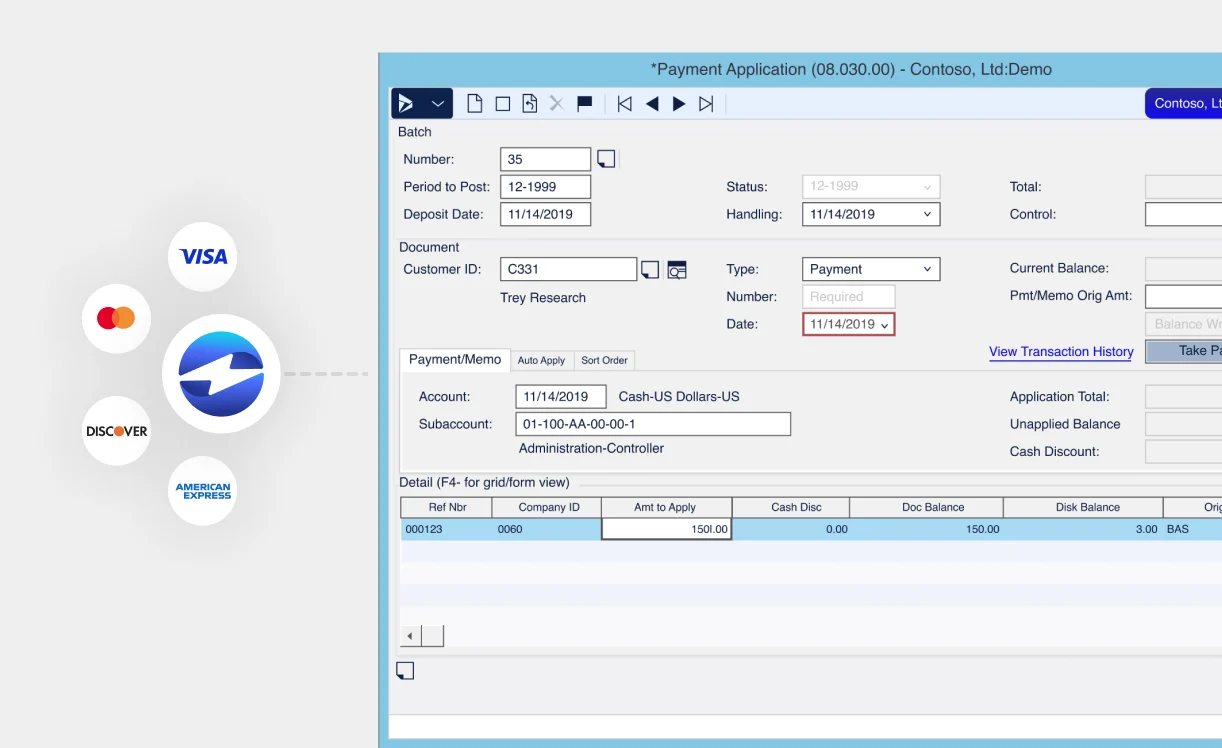
Accept and manage payments inside Microsoft Dynamics SL (Solomon). Run transactions, send secure invoices, and automate collections without leaving your ERP system.
6+ hours
saved each week on AR
40% decrease
in payment processing costs
3x reduction
is days sales outstanding

Feature Highlights
Run transactions natively inside Dynamics SL
Process credit card, debit, and ACH payments directly on invoices and sales orders. Authorize, capture, void, or refund without leaving Dynamics SL.
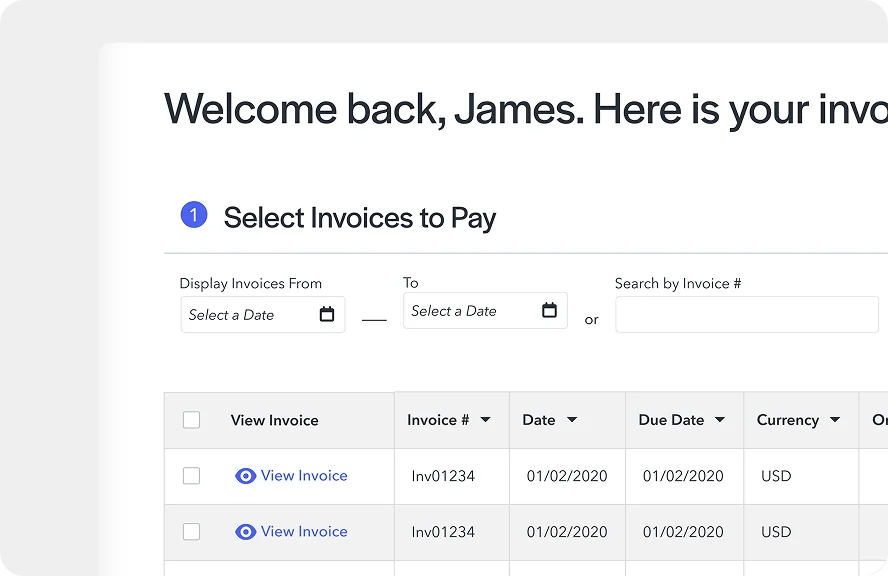
Get paid faster with email pay and a customer portal
Send secure payment request emails for invoices, and sync outstanding balances to a self-service payment portal where customers can pay on their own time.
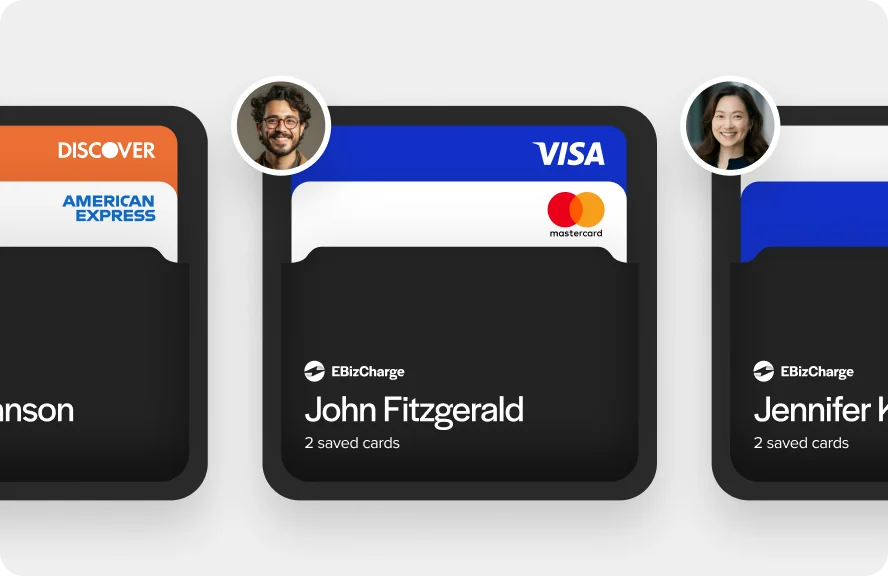
Keep payment methods current
Request payment methods from customers individually or in bulk, and get notified when a card is about to expire, before it disrupts collections.
How EBizCharge Works with Microsoft Dynamics SL
EBizCharge is a Microsoft Dynamics Certified Application built for Dynamics SL. It connects directly to SL so payments post to accounts receivable and the general ledger automatically, with no manual entry required.
Key features
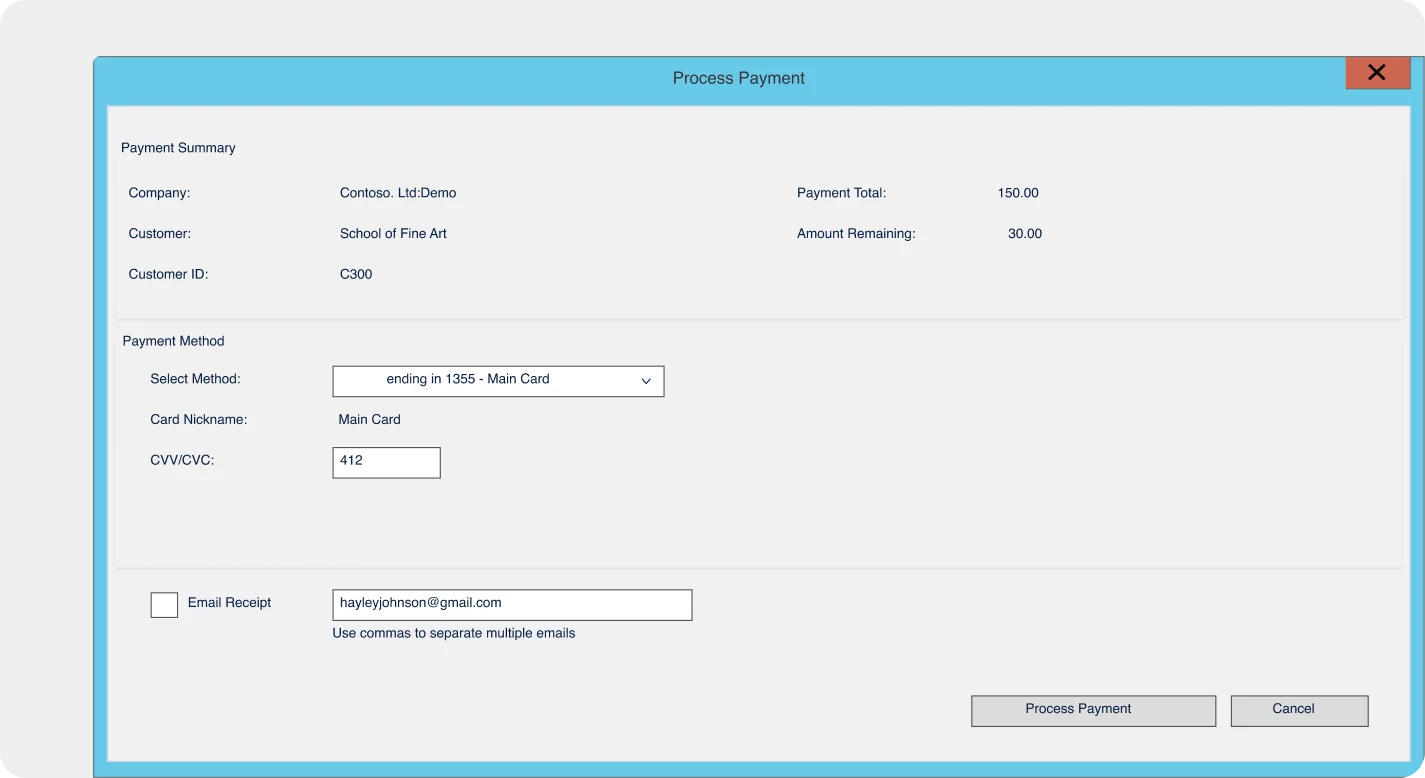
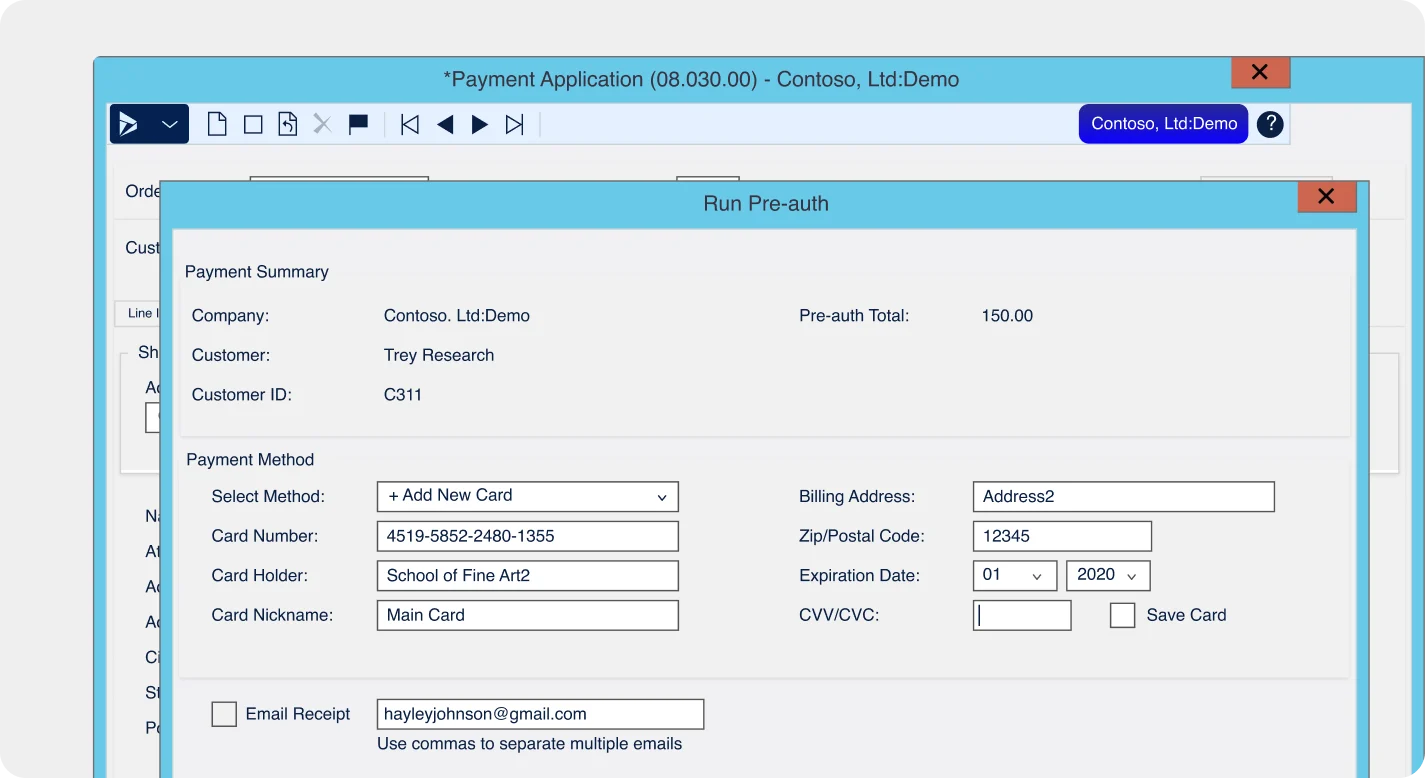
Accept payments inside Dynamics SL
- Process credit card and ACH payments directly on invoices and sales orders
- Accept customer deposits and run pre-authorizations
- Authorize, capture, void, or refund right from Dynamics SL
- Payments auto-post to open invoices and the general ledger instantly
Get paid without chasing customers
- Send secure payment request emails for invoices, individually or in bulk
- Sync invoices to a branded, self-service customer payment portal
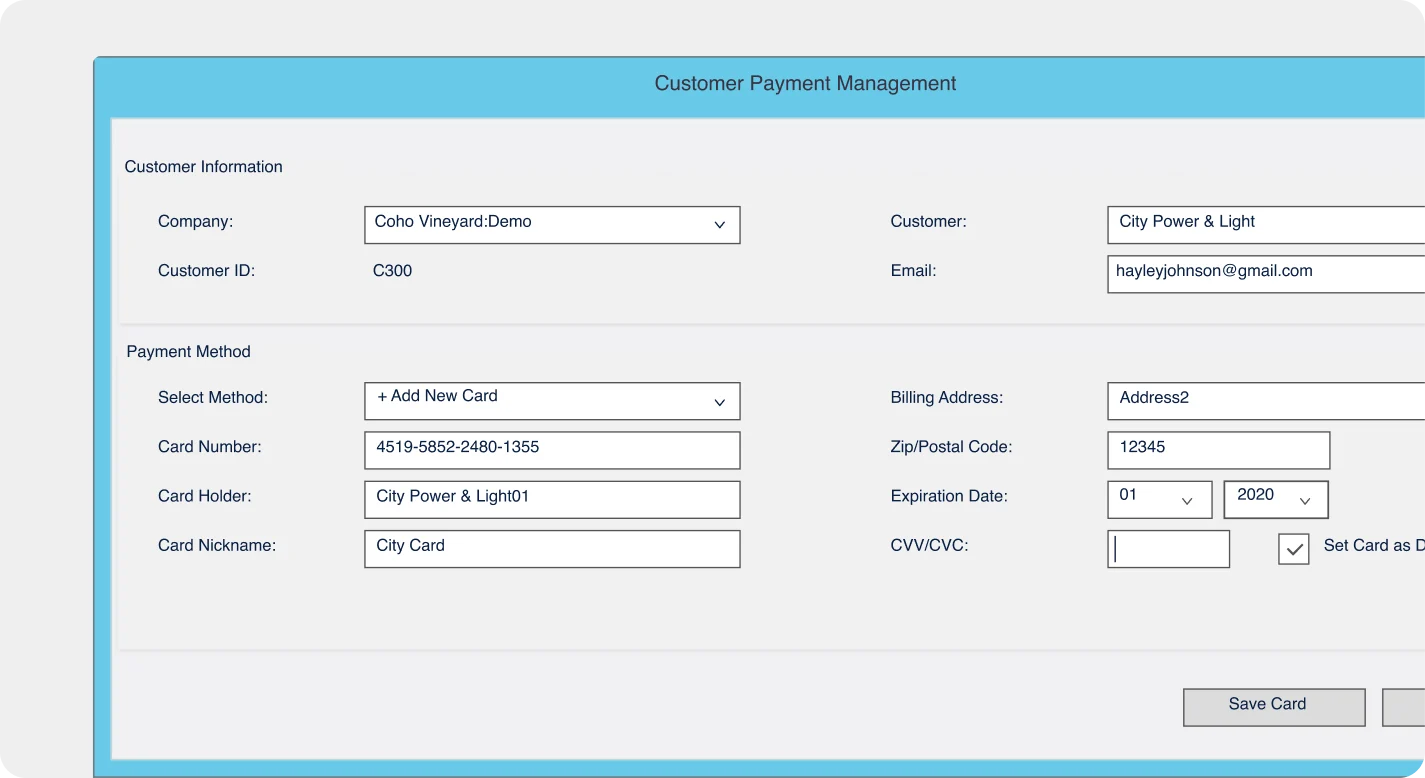
Keep payment methods current
- Request payment methods from customers individually or in bulk
- Securely save customer payment methods for future use
- Reduce liability by keeping sensitive payment data off local machines
Enterprise-grade security
- Tokenization and encryption on every transaction
- AVS mismatch alerts to flag potential issues
Reduce processing costs each month
- Level I and II data processing for lower interchange rates
- Multi-MID and multi-currency support included