

QuickBooks Online Connector
Connect your software to QuickBooks Online
Connect your software to QuickBooks Online
Use EBizCharge’s QBO Connector to connect any software with QuickBooks Online. In as little as 1 week, the connector can be live with transactions automatically syncing to QBO. Quick launch, low development life, and high value for your software and users.
 ~1 week connection build time
Eliminate manual data entry
Real-time sync to QBO

Trusted by companies large and small since 2004







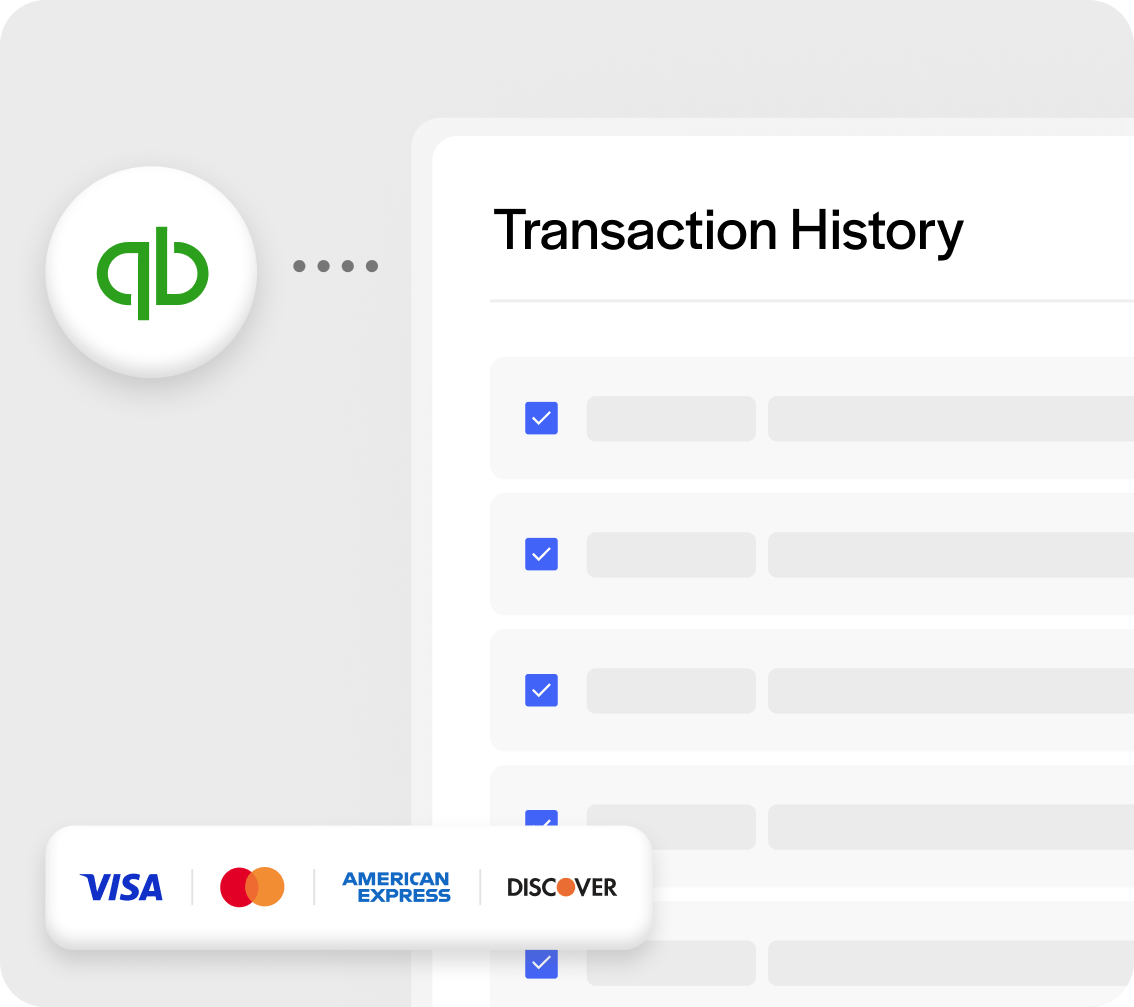
Simplify payment reconciliation
Sync transaction data to QBO
Sync transaction data to QBO
All transactions in your software are securely transmitted to clients’ QuickBooks Online account. Transmitted details include order, product, customer, payment method, product, Intuit QuickBooks Company required credentials, and Intuit token information. The auto-synced details create a QBO invoice that is automatically marked as paid.
Benefits of an integrations
Built with your users in mind
Built with your users in mind
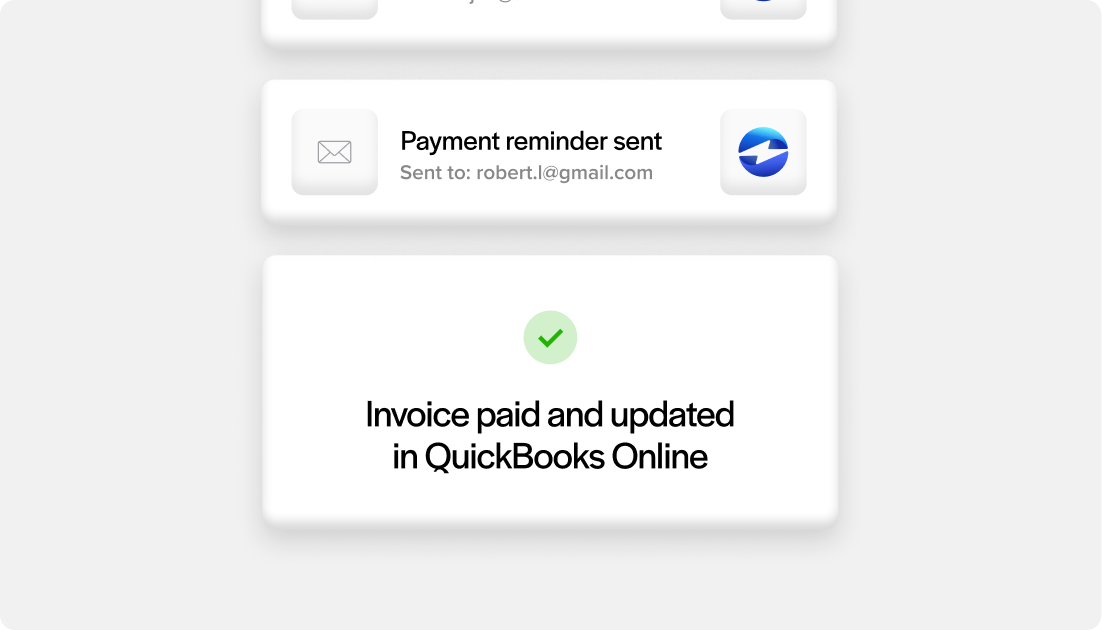
Accurate books, without the manual work
Transactions are automatically synced to QuickBooks Online the moment they’re processed in your software, keeping information up to date.
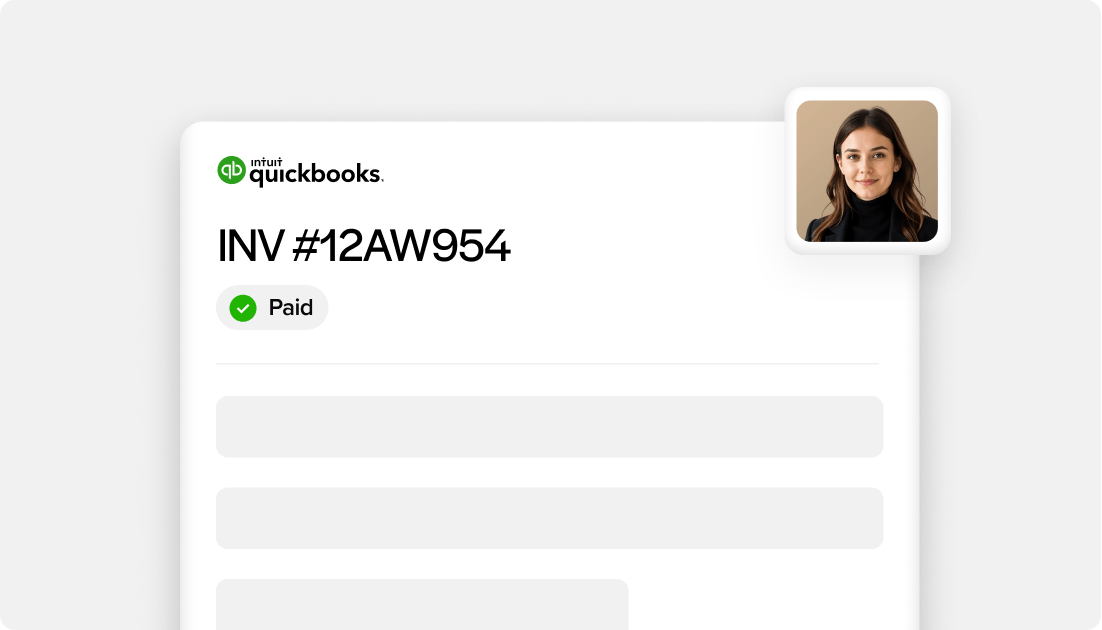
Automatic invoice and customer creation in QuickBooks
Invoices are automatically created for each transaction and marked as paid, reducing accounting work. New customers and products are automatically synced when needed.
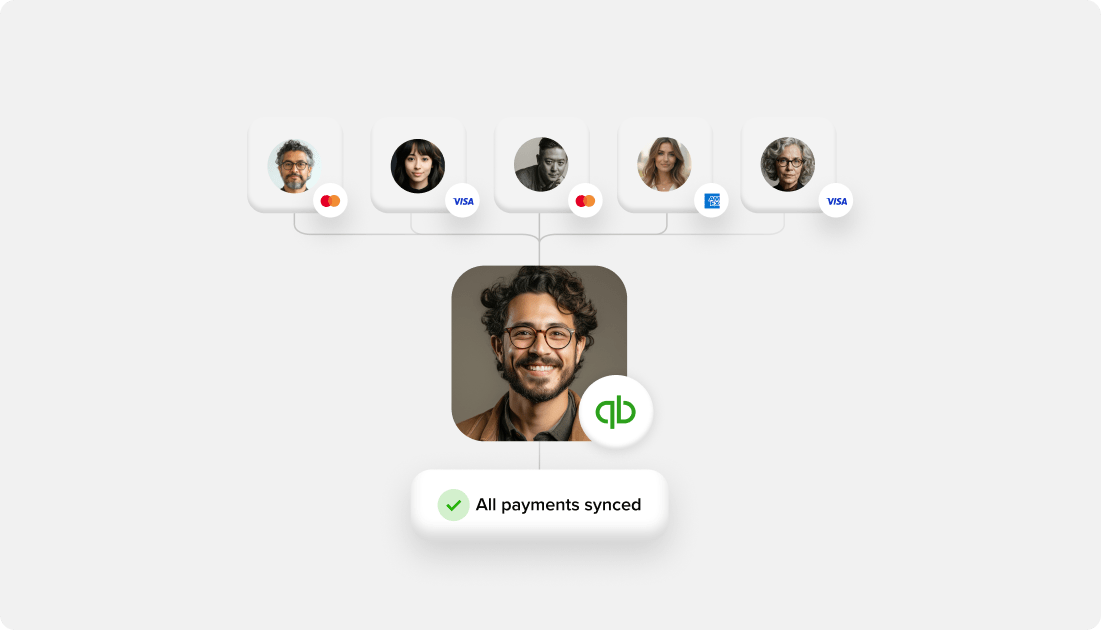
No manual exports or reconciliation
Users no longer need to manually enter transactions, match payments, or reconcile records across systems.
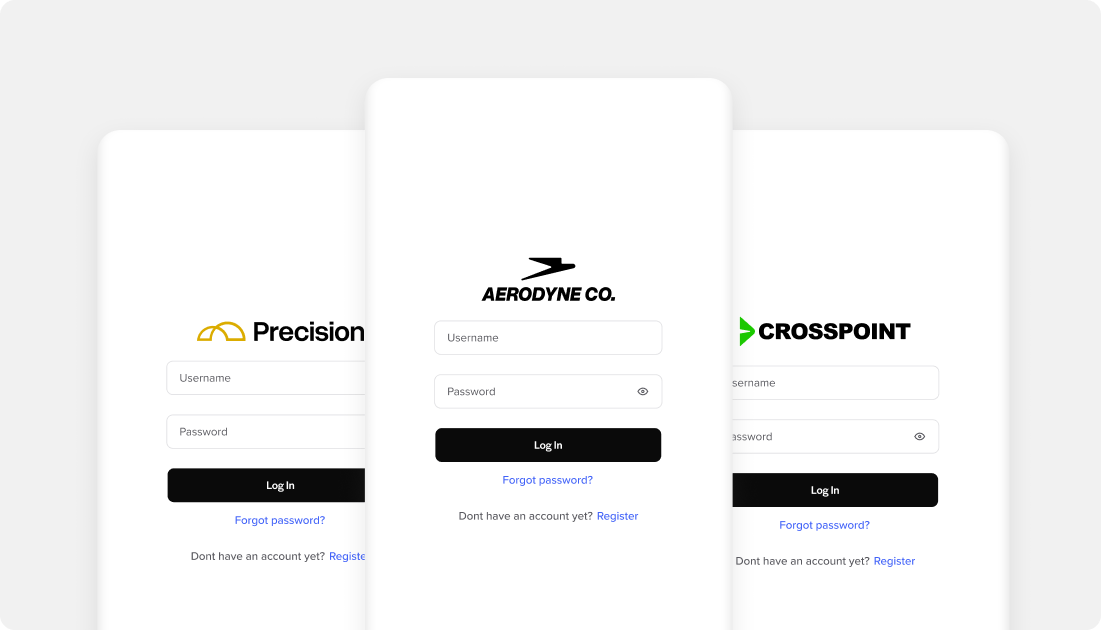
All invoices available in the customer portal
Invoices automatically sync to EBizCharge’s clean, custom-branded portal where end-customers can log in to view completed invoices and payment history.
step-by-step
How to connect to QBO
How to connect to QBO

EBizCharge provides API documentation

About 1 week of build time to your software

Integration reviewed and certified by EBizCharge

Connector goes live with transactions automatically syncing
