
Integrations/Sage 100
Accept and manage payments in Sage 100
Run transactions, automate AR, and reduce manual reconciliation with the Sage 100 payment processing integration by EBizCharge.
Feature Highlights
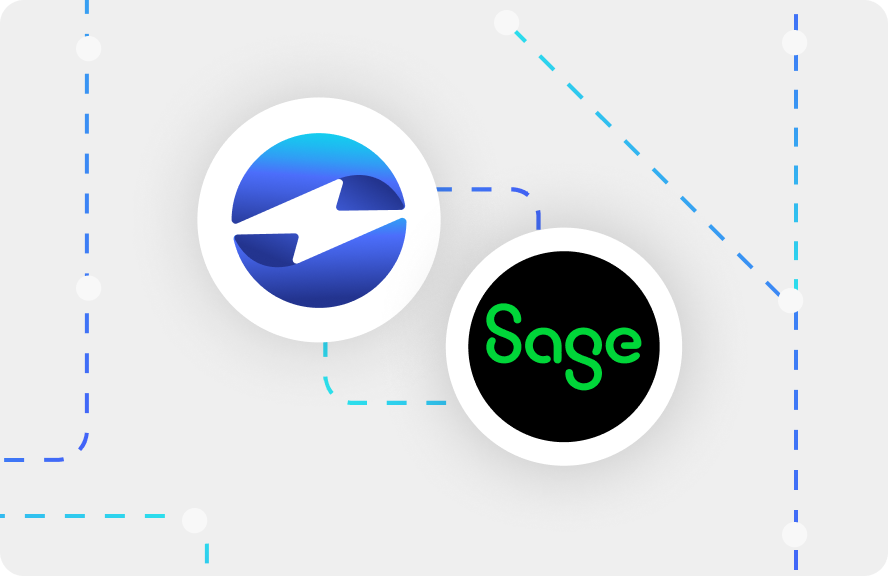
Run transactions natively inside Sage 100
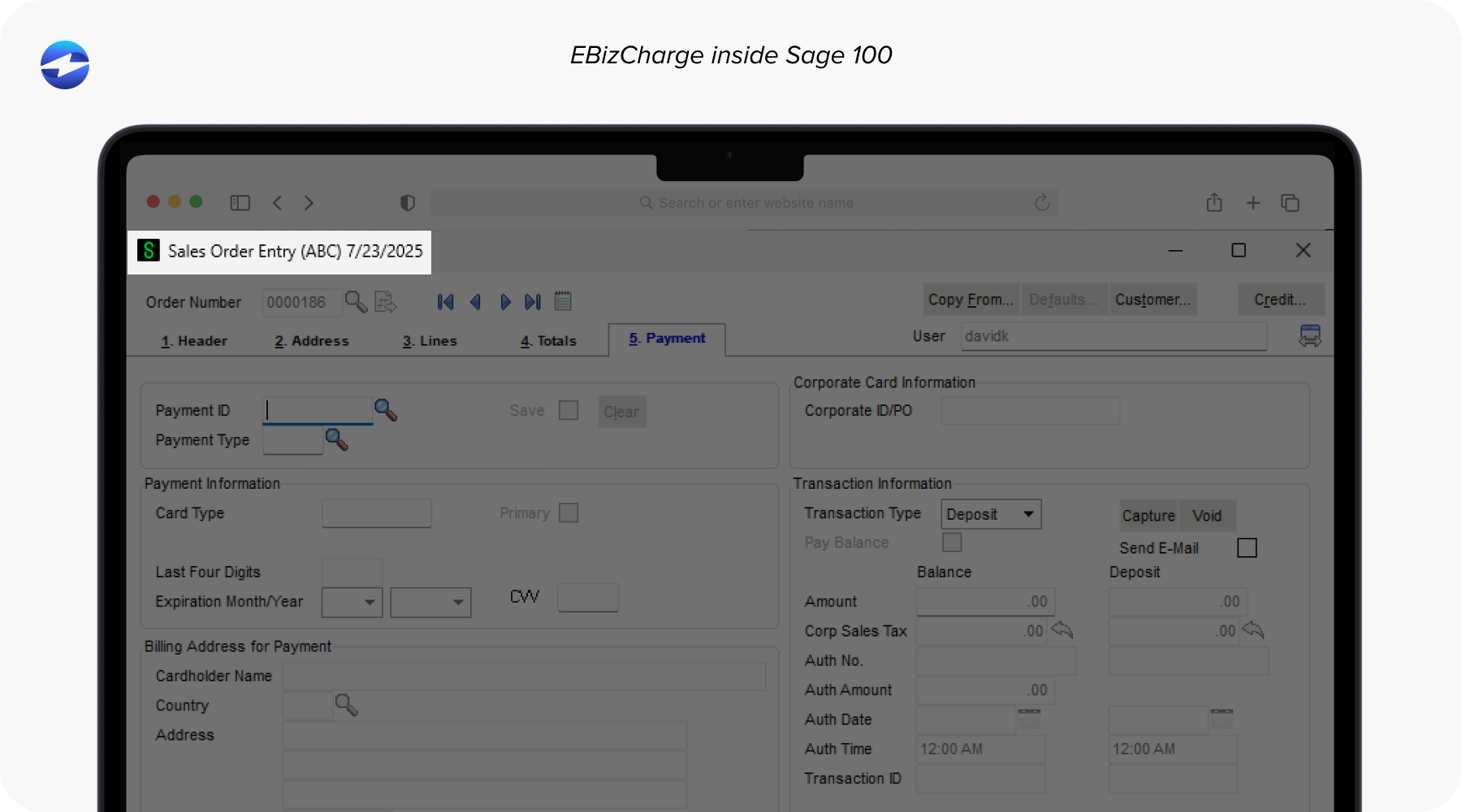
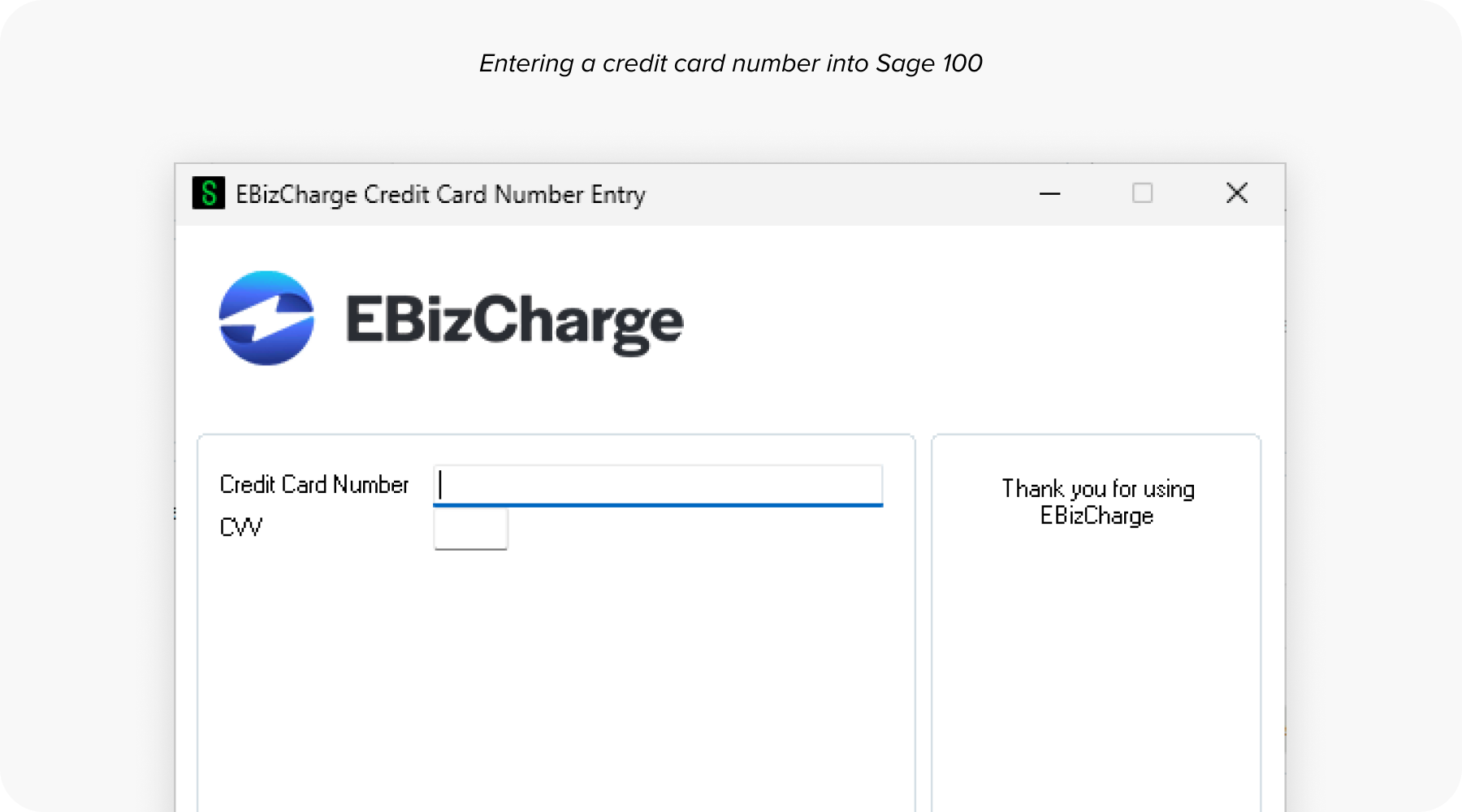
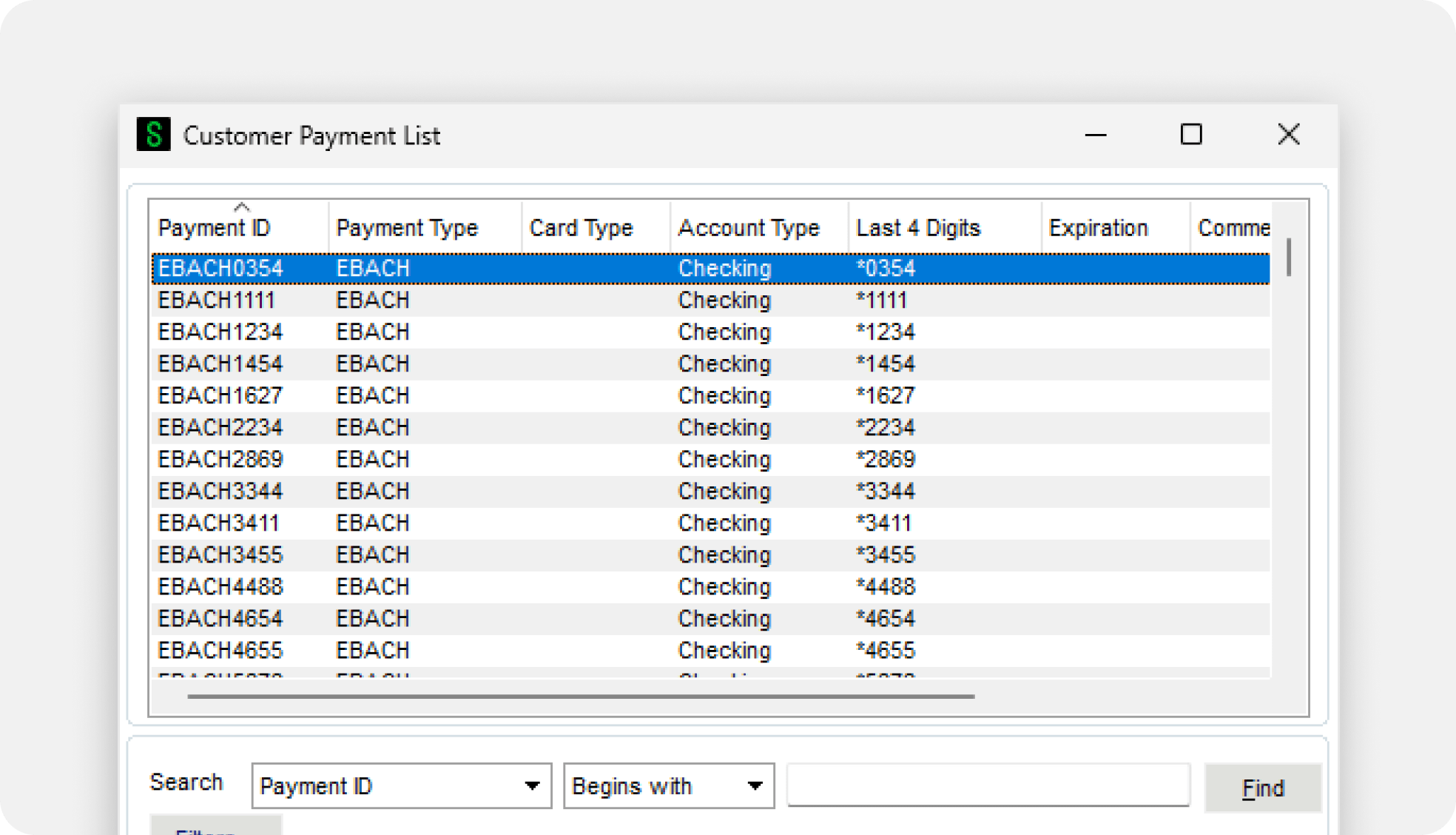
Process credit cards and ACH payments directly on Sage 100 invoices and sales orders. Authorize, capture, void, or refund without leaving Sage 100 — and see payments applied to your invoices and cash receipts.
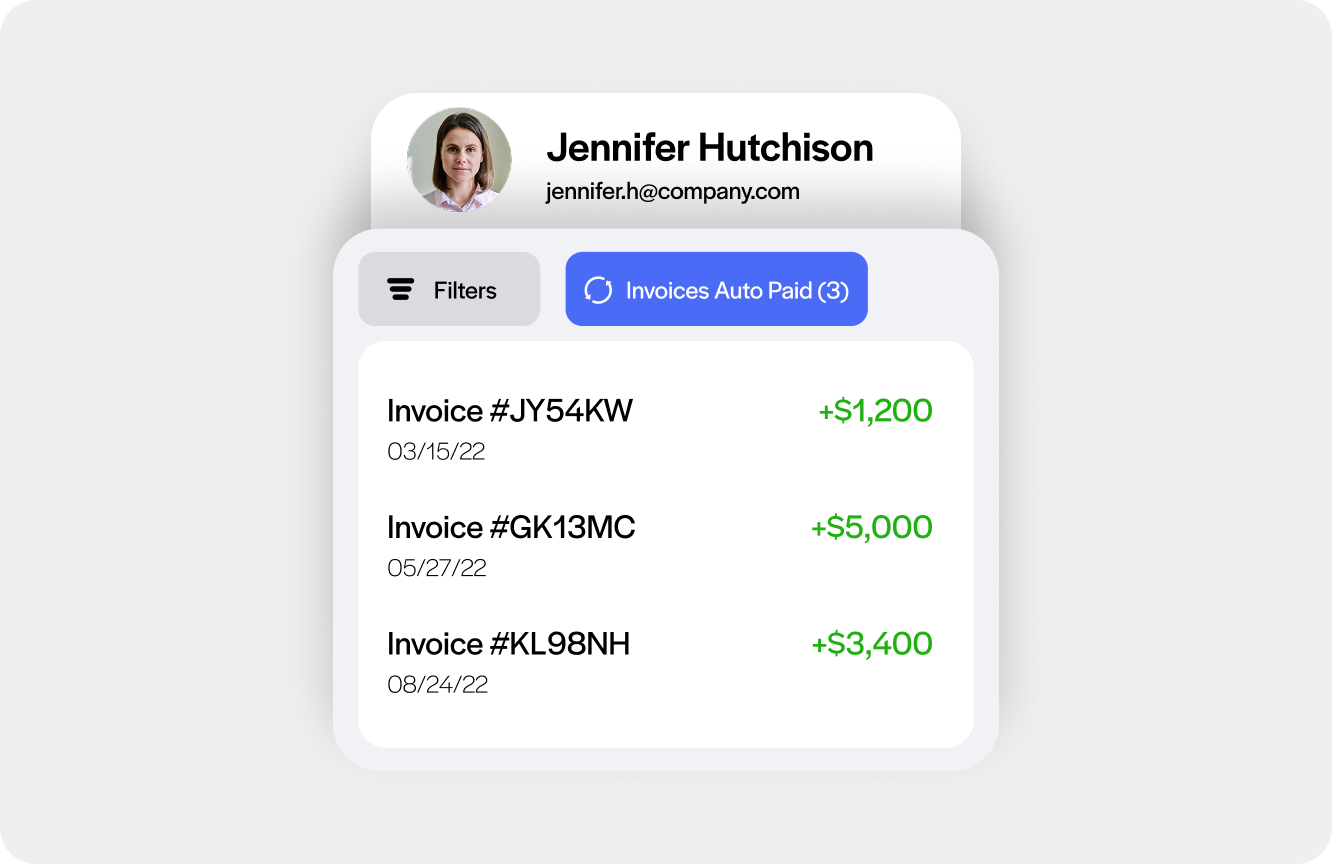
Get paid faster with payment links & a customer payment portal
Send secure payment request links directly from Sage 100 invoices. Sync outstanding balances to a self-service portal where customers can pay on their own time — no phone calls, no paper checks.
Certified Sage solution & preferred partner
EBizCharge is a Sage preferred partner and certified solution with an in-house team of Sage specialists who handle installation, training, and ongoing support at no additional cost.
How EBizCharge Works with Sage 100
BizCharge is a Sage 100 payment processing integration built for AR teams. Unlike bolt-on gateways, it works inside your Sage 100 screens, so payments are recorded against your invoices and cash receipts without re-keying. US-based support is included at no additional cost. One team owns your processing, gateway, and Sage 100 integration, so you’re never bounced between vendors.
Key features
Accept payments inside Sage 100
- Process credit card and ACH payments directly on Sage 100 invoices and sales orders
- Connect an EMV device for in-person payments synced to Sage 100
- Authorize, capture, void, or refund right from Sage 100 — no tab switching
- Payments are recorded against open invoices and cash receipts in Sage 100
- Accept deposits and pre-authorizations on sales orders, including multiple deposits on the same order using different cards
- Use one system for in-person (EMV), invoice, and online payment collection, rather than separate tools per channel
Get paid without chasing customers
- Send secure payment request links via email directly from Sage 100
- Sync invoices to a self-service customer payment portal
- Generate payment links for invoices and sales orders in Sage 100
- Automate payment reminders for outstanding balances
- Request full or partial amounts, deposits, or pre-auths by email
Automate AR tasks at scale in Sage 100
- Batch process payments for multiple customers in one action
- Send bulk payment requests in a single click
- Upload outstanding to the portal automatically
- Sync credit memos to the portal and apply them to open invoices
- Download portal and email payments back into Sage 100
- Schedule recurring payments or installment plans
- Auto-charge statement balances during a pay period
Enterprise grade security built for Sage 100
- Securely save customer payment methods for future use
- Request payment details via a secure link, so you never come in contact with payment data
- Tokenization and encryption help to lock down payment data
- AVS mismatch messaging to flag potential issues
- Fraud prevention tools to prevent fraudulent chargebacks
Accept payments from a mobile device
- Generate transactions on the go using the EBizCharge mobile app
- Use a card reader or scan card details with your device’s camera