
Blog > Automating Payment Workflows in SAP ECC: From Manual Processes to Embedded Payments
Automating Payment Workflows in SAP ECC: From Manual Processes to Embedded Payments

For many businesses still running on SAP ECC, payment workflows can feel like a constant balancing act. Manual entries, slow reconciliation, and compliance checks create more work than value. Finance teams know the frustration of late nights spent trying to align invoices with payments or resolve mismatches in reports. These inefficiencies don’t just affect your team—they ripple out into delayed cash flow, customer frustration, and uncertainty in financial forecasting.
This guide explores how automation can transform those processes. We’ll look at the realities of manual workflows, the benefits of automating, and how SAP ECC payment processing integration can help you move from patchwork solutions to truly embedded payments inside your ERP. If you’re looking for ways to simplify life for your finance team while making payments smoother for your customers, this is for you.
Manual Payment Workflows in SAP ECC
Manual payment handling in ECC often means keying data into the system one transaction at a time. Invoices are entered, payments are matched, and reconciliations are double-checked. These steps might work for small volumes, but quickly become overwhelming when your business grows. Errors creep in, and cleaning them up eats even more time.
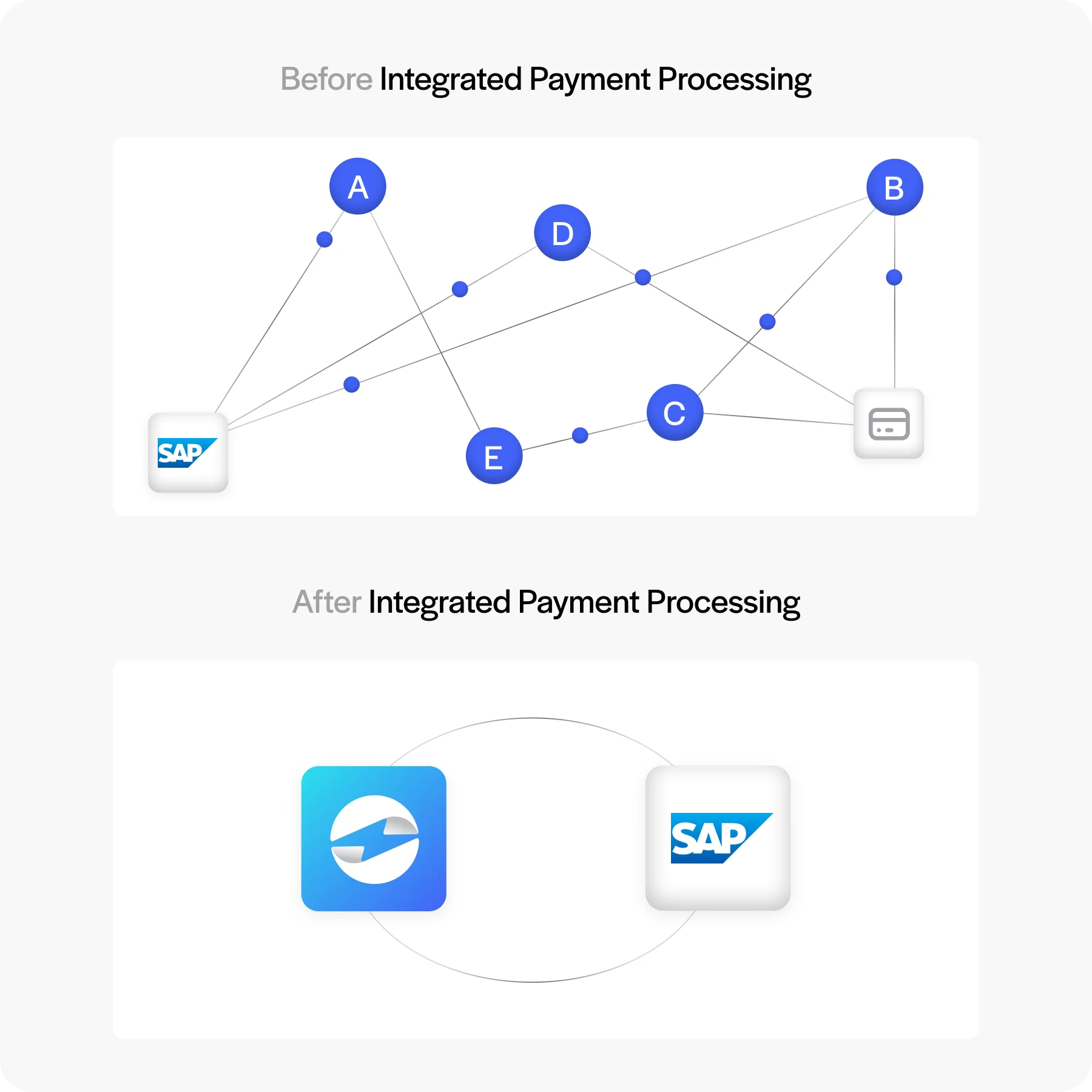
Finance teams also feel pressure when customers or vendors ask for status updates. Without automation, tracing a payment through the SAP system can take hours. Reports may not match reality until someone manually reconciles accounts, leaving the business flying half-blind. In a world where real-time data is the norm, these manual steps hold companies back.
Benefits of SAP ECC Payment Automation
Shifting from manual to automated payment workflows in SAP ECC changes more than just how fast transactions move. Here is what actually improves:
- Fewer manual errors: Automated payment posting removes the human entry step from accounts receivable. Payments are matched to invoices by the system rather than by someone manually reconciling line items at the end of the day.
- Faster posting to the general ledger: In a manual workflow, GL updates happen after someone processes the payment and enters it. With automation, the GL updates in real time as transactions clear, keeping financial reporting accurate without a lag.
- Automatic reconciliation: Instead of finance teams manually matching payments to open AR items in FI, automation handles the match and clears the invoice automatically. Mismatches get flagged for review rather than discovered days later.
- Built-in audit trails: Every automated transaction generates a system record in SAP ECC. That makes compliance reviews, audits, and dispute resolution faster and more reliable than tracing entries through manual logs.
- Shorter cash collection cycles: When customers can pay through a self-service portal and that payment posts automatically to AR, the time between invoice delivery and cash receipt shortens significantly. Less time chasing, less time waiting.
- Finance teams focused on strategy, not data entry: The most tangible benefit for most organizations is bandwidth. When payment posting, reconciliation, and follow-up are handled automatically, finance teams can shift from transaction processing to cash flow analysis and forecasting.
For finance professionals, the real benefit is time. With fewer manual processes, teams can shift from firefighting to strategy—whether that’s forecasting cash flow or exploring new business models.
How SAP ECC Payment Automation Works
SAP ECC has built-in tools for managing invoicing and accounts receivable, but it does not natively support credit card or ACH processing, customer-facing payment portals, or real-time automated posting from external payment transactions. Closing that gap requires connecting a payment processor directly to ECC.
The connection happens through an API or a pre-built direct connector between the payment processor and SAP ECC. When set up correctly, the two systems share data automatically. A payment initiated outside ECC, for example a customer paying an invoice through an online portal, flows back into the FI module and posts to the correct AR account without any manual intervention.
Tokenization replaces sensitive card data with a token before it enters your SAP environment, which can significantly reduce the scope of your own PCI compliance burden since your team is no longer storing or transmitting raw card data. Your business is still ultimately responsible for meeting PCI DSS requirements, but a payment processor that tokenizes data at the point of entry takes a substantial share of that exposure, and the associated IT overhead, off your plate.
SAP Payment Automation: What the Workflow Actually Looks Like
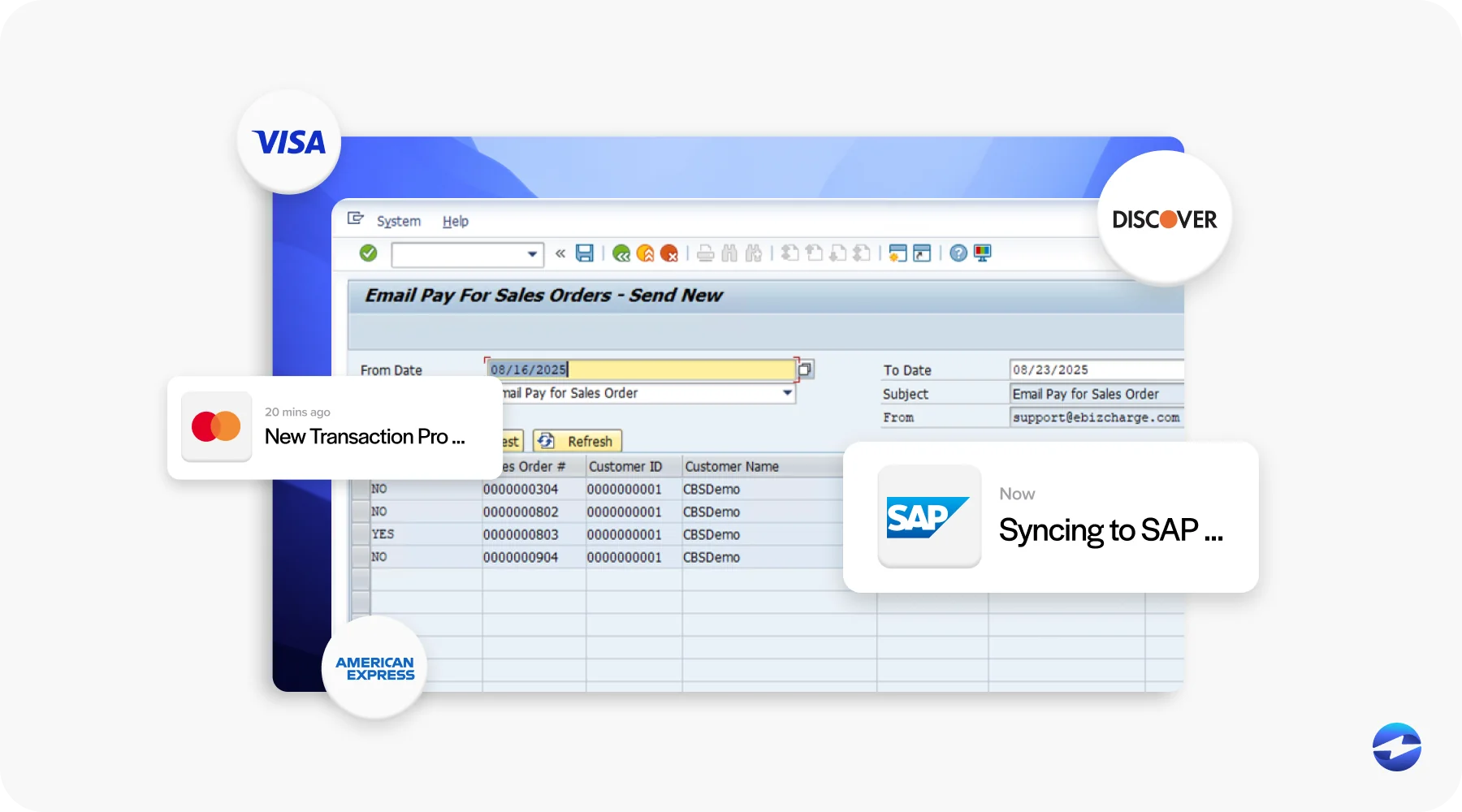
Most descriptions of payment automation stay at the concept level. Here is what the actual step-by-step workflow looks like when SAP ECC payment automation is running:
Step 1: Invoice is generated in SD
A sales order is completed and an invoice is generated in the SD module. The invoice posts to accounts receivable in FI and an open AR line item is created.
Step 2: Payment request is sent to the customer
The customer receives the invoice by email, or through a self-service payment portal where their outstanding invoices are visible. Both methods can be automated and triggered by invoice creation.
Step 3: Customer pays
The customer submits payment via credit card, ACH, or eCheck through the payment portal or directly with your team. The payment processor authorizes and captures the transaction.
Step 4: Payment posts automatically to FI
The payment processor sends the transaction data directly to SAP ECC. The payment posts to the correct AR account in FI, the open invoice is cleared, and the GL is updated. No manual entry required.
Step 5: Reconciliation runs automatically
The system matches the posted payment against the open AR item and closes the line. Any exceptions, partial payments, or mismatches are flagged for review rather than buried in a manual reconciliation queue.
Step 6: Reporting reflects the transaction in real time
Because the GL updates immediately, financial reporting in SAP ECC reflects the payment without waiting for an end-of-day batch process or manual posting run.
The difference from a manual workflow is that steps 3 through 6 happen automatically. In a manual process, each of those steps requires someone to take action, creating delays, error risk, and a bottleneck tied to staff availability.
Embedded Payments in SAP ECC
Embedded payments mean handling the entire payment process inside your SAP ERP environment. Instead of pushing transactions through separate platforms, payments are authorized, captured, and posted directly within ECC. For finance teams, this eliminates the back-and-forth of switching between systems.
Embedded payments also improve the customer experience. Self-service portals let customers pay invoices online at their convenience, and recurring billing options help reduce late payments. Because these payments post directly into ECC’s financial modules, the business benefits from faster reconciliation and more reliable data. In short, embedded payments make ECC smarter, faster, and easier to use.
Common Challenges in SAP ECC Payment Automation
Of course, automation doesn’t come without challenges. ECC’s complex architecture can make integration tricky, and not all payment methods are supported natively. Data quality issues—like duplicate records or outdated customer information—can also create hiccups when payments start flowing automatically.
Security is another concern. Handling payment data inside an older ERP system can feel risky if safeguards aren’t in place. That’s why choosing the right integration and payment processing solution matters. Without careful planning, businesses risk trading one set of problems for another.
Best Practices for SAP ECC Payment Automation
To make SAP ECC payment integration successful, preparation and planning go a long way. Here are a few best practices to keep in mind:
- Clean your financial data: Remove duplicates, update records, and make sure everything is consistent before turning on automation.
- Test end-to-end workflows: Run sample transactions to confirm payments post correctly into accounts receivable and the general ledger.
- Train your teams: Both finance and IT staff should understand not just how the system works, but why automation matters.
- Monitor and adjust: Use reporting tools to spot issues early and be ready to tweak processes as your business grows.
Taken together, these best practices create a smoother transition. They don’t just reduce risk —they give your team confidence that the system will keep pace with your needs.
Why Consider Third-Party Payment Processors like EBizCharge
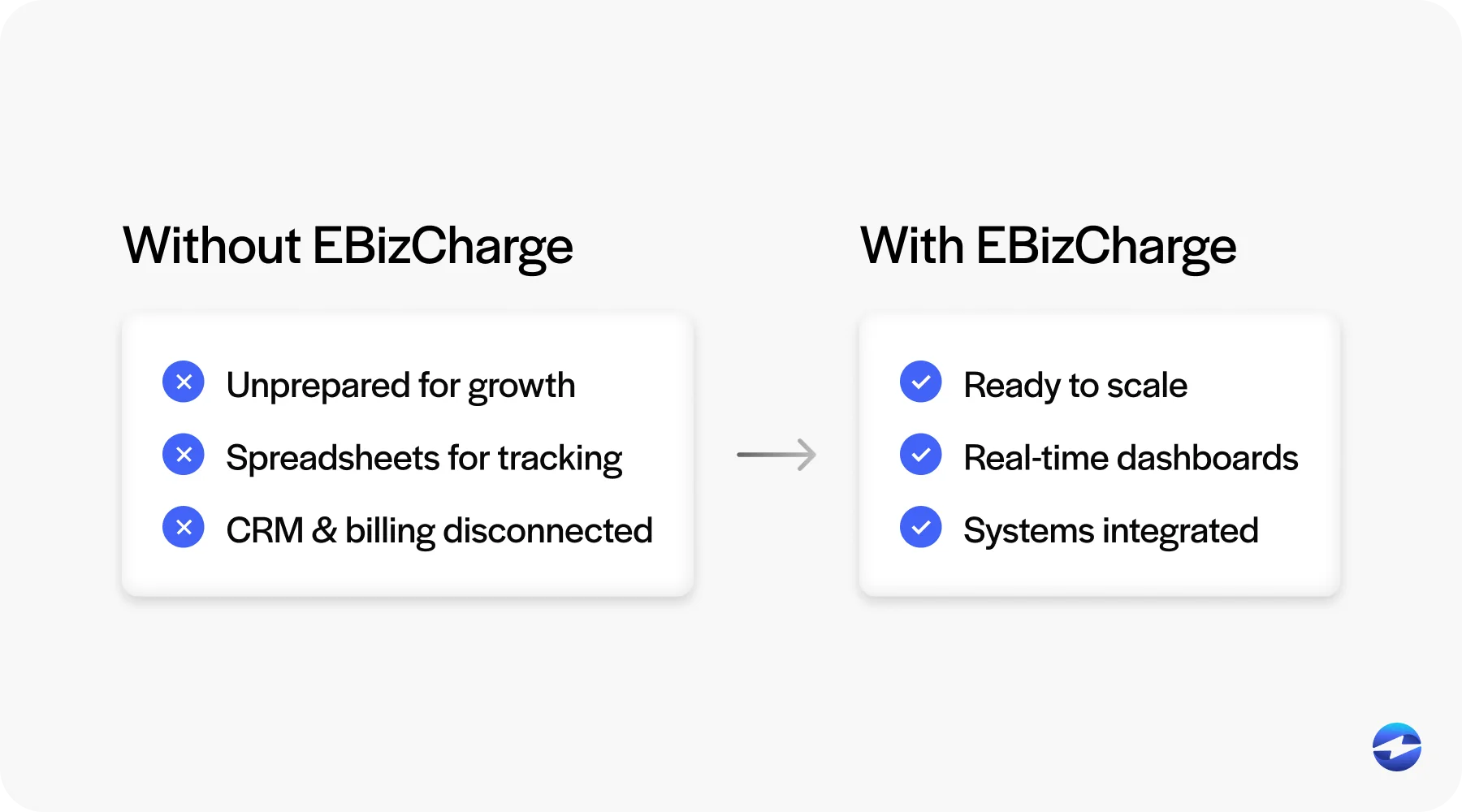
While ECC provides the foundation, most businesses find they need outside help to modernize payments. This is where a third-party payment processor like EBizCharge comes in. EBizCharge connects directly to SAP ECC financial modules, automating posting into accounts receivable and the general ledger. This removes manual entry and keeps your records accurate.
It also brings features ECC doesn’t have out of the box. Customer portals allow for online invoice payments, and advanced reporting tools give finance teams more visibility into trends. Because EBizCharge is a scalable payment solution, it can handle growing volumes without slowing down. For businesses still running on ECC, pairing it with a trusted third-party tool is often the most practical path forward.
From Manual Work to Automated Confidence
Moving from manual processes to automation is a big step, but it’s one worth taking. Automated workflows save time, reduce errors, and improve both compliance and customer satisfaction. Embedded payments take it further, making ECC a hub for accurate, real-time financial data.
The key is thoughtful SAP ECC integration. With the right preparation and the support of a strong payment processor, automation becomes less intimidating and more like an opportunity. Whether you’re just starting with SAP ECC automation or considering new integrations, now is the time to invest. Start small, plan carefully, and lean on proven tools like SAP billing software and trusted third-party payment processing providers to build a smoother, more reliable future for your business.
- Manual Payment Workflows in SAP ECC
- Benefits of SAP ECC Payment Automation
- How SAP ECC Payment Automation Works
- SAP Payment Automation: What the Workflow Actually Looks Like
- Embedded Payments in SAP ECC
- Common Challenges in SAP ECC Payment Automation
- Best Practices for SAP ECC Payment Automation
- Why Consider Third-Party Payment Processors like EBizCharge
- From Manual Work to Automated Confidence