

5 Best Payment Processing Solutions for Events & Event Businesses in 2026


Running an event comes with a lot of moving parts, and payments are no exception. Whether you’re organizing a music festival, managing a venue, or planning a conference, customers may pay in several different ways. Tickets might be purchased online in advance, at the gate on event day, or by phone for VIP packages. Memberships and season passes can add recurring payments to the mix, too.
When payments are coming in from different places all at once, there’s more room for things to go wrong. Fraud and chargebacks are part of the risk, but your team also has to keep transactions secure and ensure everything matches when it’s time to reconcile.
A standard consumer processor might work just fine for a coffee shop or traditional retailer. Event businesses have different demands, especially when a large share of their revenue can come in over just a few days.
In this guide, we’ll compare five of the best payment processing solutions for events, including EBizCharge, to help venues, festival organizers, conference organizers, and ticketing companies find the right solution for their payment needs.
What to Look for in a Payment Processor for Events
Event days are busy enough without payment problems. The right processor should keep things simple for your customers and make life easier for your team before, during, and after the event. So, what should you look for in a payment processor? Here are a few things to consider when finding the right fit:
- PCI compliance and advanced security: Look for tokenization, encryption, and built-in fraud-prevention tools to help secure sensitive payment information.
- Card-present and card-not-present payments: Customers should be able to pay however it makes sense for them, whether that’s in person, online, or over the phone, without your team managing separate payment systems.
- Accounting and ERP integrations: Once the event wraps up, your team still has financial records to manage. Direct integrations with systems such as QuickBooks or Sage can reduce manual data entry and make reconciliation much easier.
- Recurring billing and invoicing: If you offer memberships, season passes, sponsorships, or exhibitor packages, built-in recurring billing and invoicing can save your team from manually managing repeat payments.
- When it comes to mobile and contactless payments, the process of paying at the venue should be both quick and convenient. Offering mobile and contactless payment methods gives attendees a wider range of ways to pay and allows your staff more flexibility in the locations where they take payments.
- Chargeback and fraud protection: Look beyond basic payment acceptance. Fraud detection and chargeback management tools can help your team identify suspicious transactions and handle disputes when they happen.
- Fast funding: Consider how quickly each provider deposits funds into your account, especially if your business relies on event revenue to cover upcoming expenses.
Event Payment Processing solutions compared
| Feature |  |
 |
 |
 |
 |
|---|---|---|---|---|---|
| Security & compliance |
PCI-DSS compliant, tokenization & encryption | PCI-DSS compliant, tokenization & encryption | PCI-DSS compliant, tokenization & encryption | PCI-DSS compliant, tokenization & encryption | PCI-DSS compliant, tokenization & encryption |
| Accounting integration |
100+ native integrations, including QuickBooks, Sage, SAP, Acumatica, Dynamics | Via third-party add-ons | Via third-party add-ons | Via third-party add-ons | Via third-party add-ons |
| Recurring billing | Yes, built-in | Yes | Basic | Yes | Yes, for registrations |
| Best for | Venues, conferences, & festivals needing security + reconciliation | Online ticketing, custom checkout flows | Small or pop-up events, in-person sales | Cost-conscious mid-size event businesses | All-in-one event management and ticketing |
Scroll to compare 
The Best Payment Processing Solutions for Events
1. EBizCharge
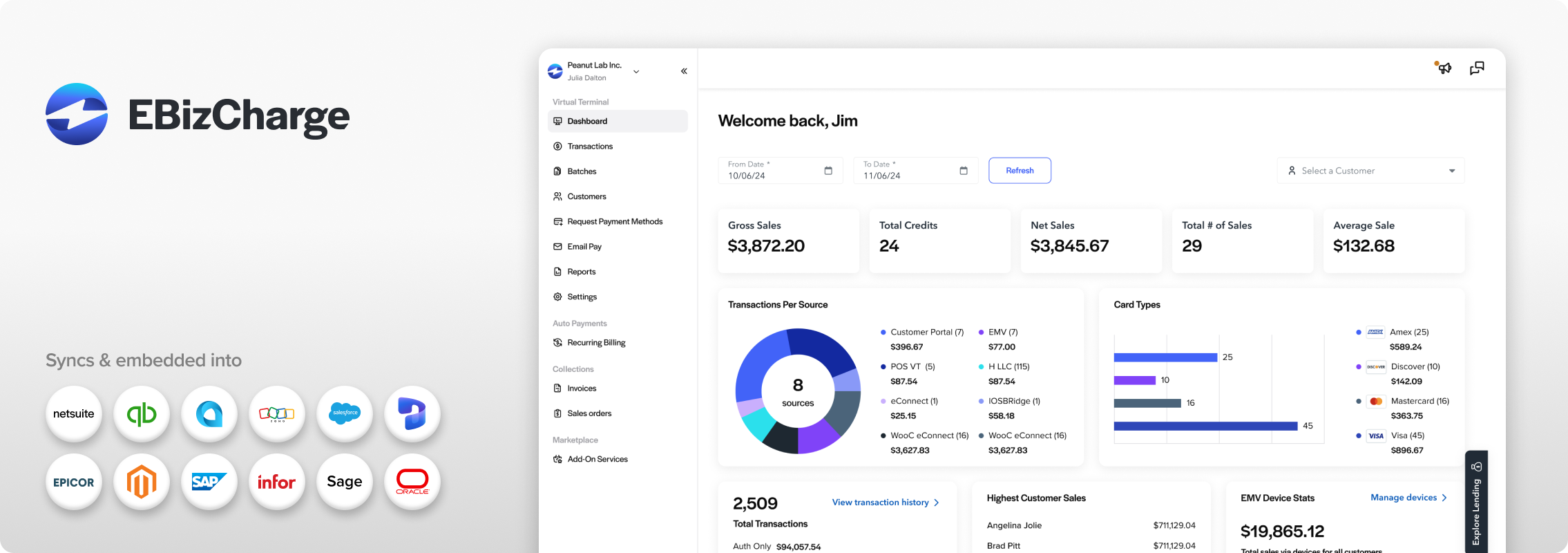
For an event business, accepting the payment is only part of the job. That transaction still needs to make its way into your financial records, whether it came from a ticket sale, exhibitor fee, or season pass. EBizCharge connects event payment processing directly to accounting and ERP systems, using PCI DSS compliance, tokenization, and encryption to help protect cardholder data.
EBizCharge integrates with systems like QuickBooks, Sage, SAP, Acumatica, and Microsoft Dynamics, helping payment data flow directly into financial records and reducing manual reconciliation after an event. It also supports recurring billing, mobile payments, and a virtual terminal for on-site or over-the-phone payments.
For venues, conference organizers, and festival organizers with more complex payment and accounting needs, EBizCharge brings these capabilities together into a single solution.
2. Stripe
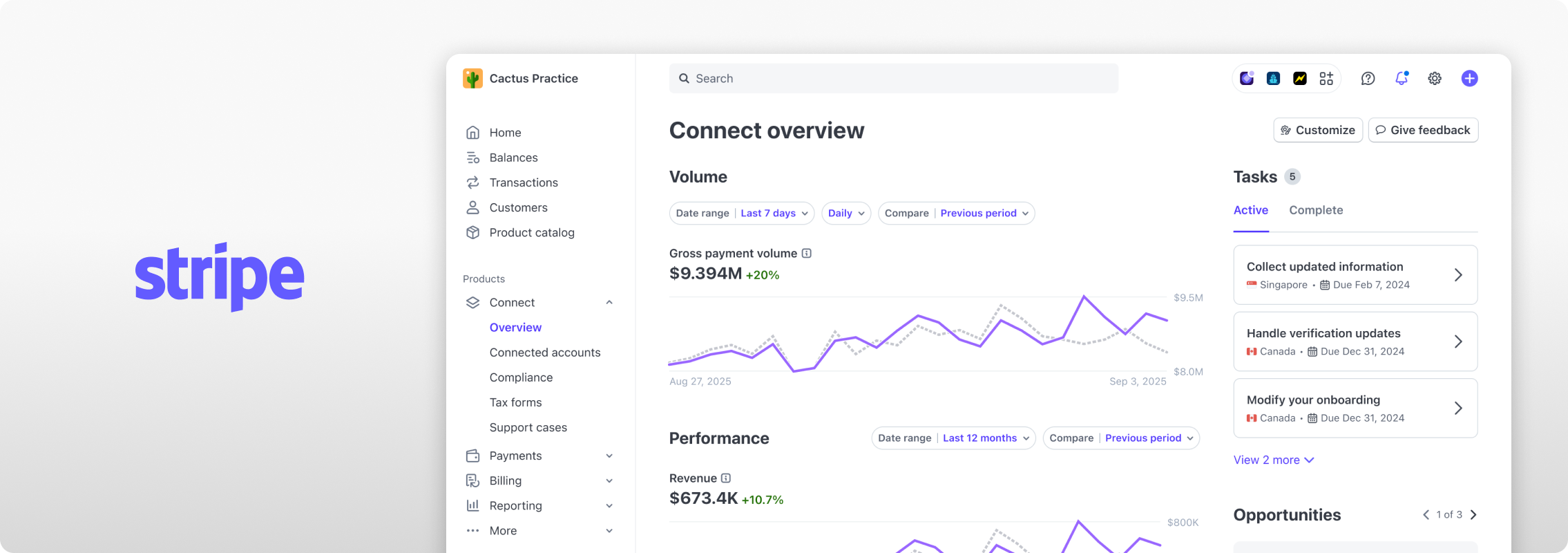
Stripe screen via stripe.com
Stripe is a natural option for event businesses that want a highly customizable online checkout experience, particularly for ticketing platforms built by in-house developers. Its API and documentation are well regarded, and it provides a broad range of payment methods and currencies.
Stripe’s core product is centered on payment processing and developer tools rather than built-in accounting reconciliation, so event businesses tracking sponsorships, vendor payments, and ticket revenue in QuickBooks or a similar system may want to pair it with a separate integration.
3. Square
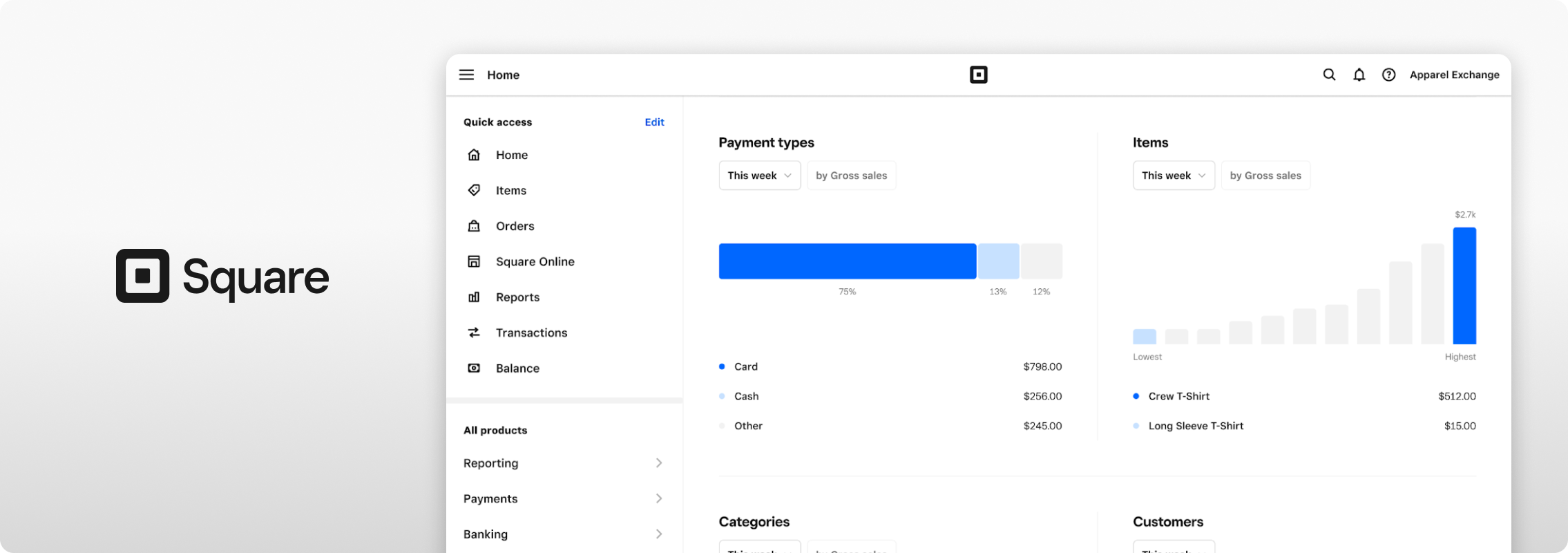
Square screen via squareup.com
If you’re running a smaller festival, market, or one-off event, you may not need a complicated payment setup. Square offers point-of-sale tools for on-site payments, making it a practical choice for events focused on in-person sales.
Square is generally positioned for smaller-scale, single-location use cases. Organizers running larger, multi-location events or ongoing membership programs may want to evaluate how well its recurring billing and B2B features fit their needs as they scale.
4. Helcim

Helcim product via helcim.com
Helcim can work for event businesses that collect payments both before and during an event. Organizers can take payments online or in person, while invoicing and recurring payment tools can help manage exhibitor fees, memberships, and other repeat payments.
Helcim is built around general payment processing rather than event-specific workflows such as ticketing or exhibitor management, so organizers may need additional tools to manage those aspects of their events.
5. Eventbrite
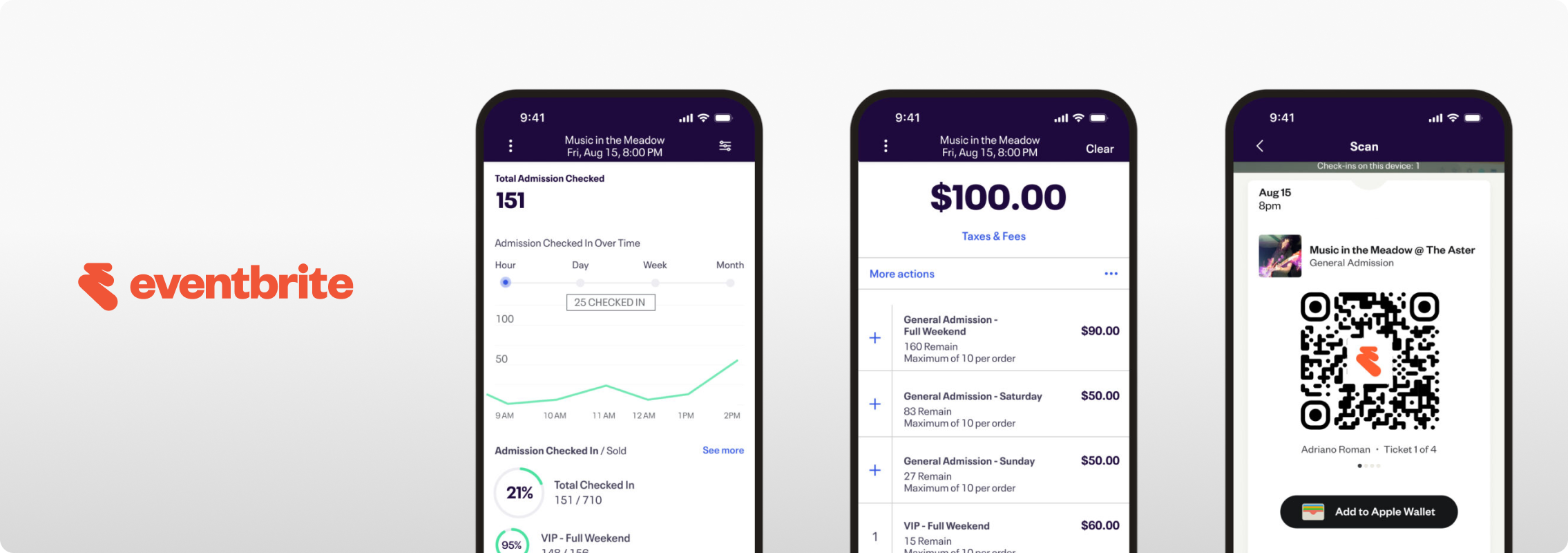
Eventbrite screens via eventbrite.com
Eventbrite is geared toward organizers who want to sell tickets and manage their event from the same place they collect payments. Rather than setting up a separate ticketing system and payment processor, organizers can handle registration, ticket sales, and payments within the Eventbrite platform.
Because payments are part of Eventbrite’s broader event management platform, businesses with more complex accounting, ERP integration, or payment processing needs may want to compare its capabilities with dedicated payment processors.
Why Security Matters Most for Event Payments
When ticket sales pick up or event day arrives, payment activity can jump quickly. You might have customers buying tickets online, while others pay at the gate or call in for a VIP package. With that much payment activity happening at once, there’s less room for security issues to go unnoticed.
That’s why event businesses need more than basic payment protection. Tokenization and encryption, like the technology EBizCharge uses, help protect sensitive cardholder data throughout the payment process. Fraud prevention and chargeback tools can provide an additional layer of protection as transaction volume increases.
For event businesses, payment security isn’t just a nice-to-have. It’s the foundation on which everything else depends.
How to start processing payments for your event business
Setting up your system to accept payments doesn’t have to be complicated; whether you’re getting ready for your first event or you want to improve your current payment setup, taking a few steps will help you get going.
1. Map out how you’ll get paid
Consider every way customers may pay, from online ticket sales and on-site purchases to VIP packages or recurring memberships. This will help narrow down which processor fits your needs.
2. Choose a processor that works for your event
Think about what happens when tickets go on sale and on event day. Can the same processor handle the ways your customers pay, connect with the software your team already uses, and give you the security features you need?
3. Connect your accounting or ERP system
Set up any available integrations before you start processing payments to keep your financial records organized from the beginning.
4. Test everything before you launch
Test transactions through the payment methods you plan to use so you can catch issues before customers do.
5. Train your team
Anyone who is dealing with payments knows how to carry out transactions, give out refunds, and how to obtain assistance if there is a problem.
6. Keep an eye on transactions
Monitor payments throughout the event so your team can catch processing issues or suspicious activity early.
How to Choose the Right Payment Processing Platform for Your Events
The best payment processor isn’t just the one that approves a transaction. It’s the one that fits how your event business operates, supports your team behind the scenes, and keeps up as your needs grow.
That’s where EBizCharge is worth a closer look. By integrating payment processing with security and accounting, EBizCharge gives event businesses a more connected way to manage payments without adding unnecessary work for their teams.
The payment system you use should assist you in organizing a better event, not add more responsibilities for you after the event has taken place.
FAQ
What security features should an event payment processor have?
Start with PCI DSS compliance and look for tokenization and encryption to protect card data. Fraud prevention tools are also important when ticket sales or event-day transactions pick up, since they can help flag suspicious activity as payments come in.
Do event businesses need PCI compliance?
Yes. Any business accepting card payments needs to meet PCI compliance standards, and event businesses in particular benefit from choosing a processor with strong, well-established compliance practices, given how much cardholder data they handle in short, high-volume windows.
Can payment processors integrate with event accounting software?
Yes. If you’re collecting ticket sales, sponsorship payments, or exhibitor fees, an accounting or ERP integration can save your team from manually moving payment data between systems. EBizCharge integrates with QuickBooks, Sage, SAP, Acumatica, Microsoft Dynamics, and other platforms.
What is the best way to collect money for an event?
The best approach depends on your event’s size and structure. Still, most organizers benefit from a processor that supports in-person, online, and phone transactions in a single system, along with recurring billing for memberships or passes and robust fraud protection.
How fast do event organizers get paid after a transaction?
This depends on the processor, but faster funding matters more for events than for typical retail businesses since organizers often need access to funds quickly to cover venue costs, vendor payments, and other expenses tied to a specific event date. Look for a processor with a track record of reliable, timely payouts rather than assuming all providers fund on the same schedule.
Get paid faster with less work.
Get paid faster with less work.
3-minute product overview
