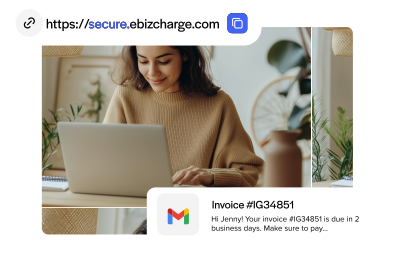

Blog > How to Accept Online Invoice Payments: What Businesses Need to Know
How to Accept Online Invoice Payments: What Businesses Need to Know

Paper invoices, mailed checks, and phone calls to read off a card number one digit at a time. It’s a system that’s been around forever, and honestly, it’s a little painful to think about how much time gets lost to it. Online invoice payments exist to fix exactly that problem, and businesses that make the switch tend to wonder why they waited so long.
This article walks through what online invoice payments actually are, who relies on them most, how the process works, what a business needs to accept invoice payments online, and how to get it running without a headache. Anyone handling billing, accounts receivable, or general operations for a small or mid-sized business will likely recognize a few familiar frustrations along the way, especially once the goal shifts from simply sending invoices to actually learning how to accept invoice payments online without adding more work to an already full plate.
What Are Online Invoice Payments?
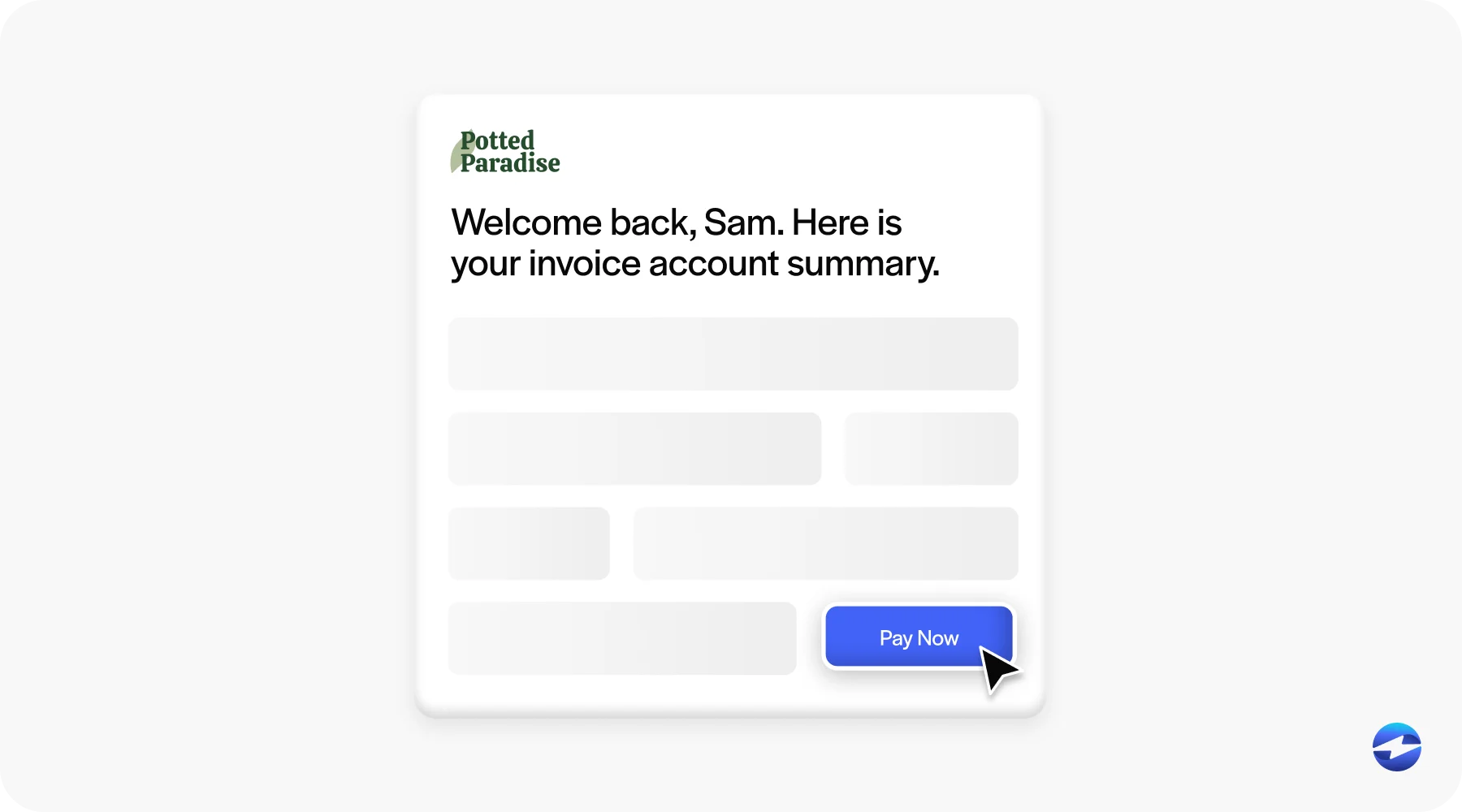
Online invoice payments are exactly what they sound like, though the mechanics behind them are worth spelling out. Instead of mailing a paper invoice and waiting for a check to show up two or three weeks later, a business sends an invoice electronically with a built-in way for the customer to pay it right then and there. That might look like a “Pay Now” button embedded in an email, a secure payment portal, or an automated recurring billing setup for subscription-style charges.
The core difference between this and traditional invoicing comes down to friction. Traditional invoicing involves mailing something, waiting, manually processing a check, and hoping nothing gets lost along the way. Online invoicing collapses all of that into a process that can happen in under a minute, assuming the customer actually opens the email, which is admittedly its own small battle.
What Are Online Invoice Payments Used For?
Online invoice payments show up across a wide range of industries, though a few types of businesses lean on them especially heavily.
Ecommerce retailers use them constantly, particularly for wholesale or B2B orders that don’t go through a typical checkout cart. SaaS companies rely on them for recurring subscription billing, since nobody wants to manually invoice the same customer every single month. Membership platforms use similar recurring setups to keep dues and access fees flowing without constant follow-up.
Freelancers and digital agencies depend heavily on invoice payments too, often because client work is billed per project or per milestone rather than on a fixed schedule. Digital subscription services and online courses or e-learning platforms both benefit from automated billing that doesn’t require a human to chase down payment every cycle. Even tech startups, especially ones selling software or services to other businesses, tend to build their entire billing process around some form of online invoicing from day one.
How Do Online Invoice Payments Work?
Setting up a system like this generally follows a fairly consistent sequence, even though the specific tools vary from business to business.
- Choose a payment platform. This is the foundation everything else builds on, so it’s worth taking time here rather than picking whatever comes up first in a search. Choosing the wrong payment processing software early on, one that doesn’t talk to existing accounting tools, tends to be the single biggest mistake businesses make when moving away from paper invoices.
- Customize the invoice template. A clean, branded invoice template that clearly lays out charges, due dates, and a visible payment link makes a noticeable difference in how quickly customers actually pay, and good invoicing software makes building that template far less painful than starting from a blank page.
- Integrate security measures. Encryption, tokenization, and secure data handling need to be baked in from the start rather than bolted on later.
- Offer multiple payment methods. Credit card, ACH, and digital wallets all appeal to different customers, and limiting options tends to slow down collections.
- Set up automated features. Recurring billing, automatic reminders, and scheduled invoices remove a lot of manual follow up work.
- Provide clear payment terms. Due dates, late fees, and accepted methods should be spelled out plainly, since ambiguity is where payment delays tend to start.
- Track invoices. Knowing what’s outstanding, what’s overdue, and what’s been paid in real time keeps cash flow predictable instead of mysterious.
- Regularly update the system. Invoicing software, security protocols, and payment method support all shift over time, and staying current matters more than it gets credit for.
- Educate clients. A quick note explaining the new payment option goes a long way toward getting customers to actually use it instead of defaulting to old habits.
What Businesses Need to Accept Online Invoice Payments
A handful of core pieces need to be in place before any of this works smoothly.
There needs to be a payment processor or payment gateway capable of handling invoice-based transactions, not just one-time retail checkouts. Choosing the right payment processor early on saves headaches later, since switching providers after everything else is built around one is never fun. Integration with existing accounting software or an ERP system matters quite a bit too, since manually re-entering data between two disconnected systems defeats a lot of the purpose. Support for multiple payment methods rounds out the customer-facing side of things.
On the security side, a secure, PCI compliant way to store and process payment data isn’t optional, it’s a baseline requirement. And automated reconciliation, meaning payments that match up correctly with the right invoices without manual cross-checking, saves an enormous amount of time as volume grows.
How to Start Accepting Online Invoice Payments
Getting started doesn’t have to be complicated, though it does help to follow a reasonable order of operations.
Start by choosing a payment processing solution that actually fits existing software and workflows rather than forcing a total overhaul. From there, connect or integrate it with whatever accounting or ERP system is already in use. Decide which payment methods to support, and consider whether offering surcharging or cash discounts makes sense for the business model. Set up invoice templates with embedded payment links or portal access built in from the start. Test the entire payment flow internally before rolling it out to actual customers, since catching an issue early beats catching it after a client can’t get their invoice to load. Finally, communicate the new payment option clearly, because the fastest system in the world doesn’t help much if customers don’t know it exists.
The Benefits of Using Online Invoice Payments
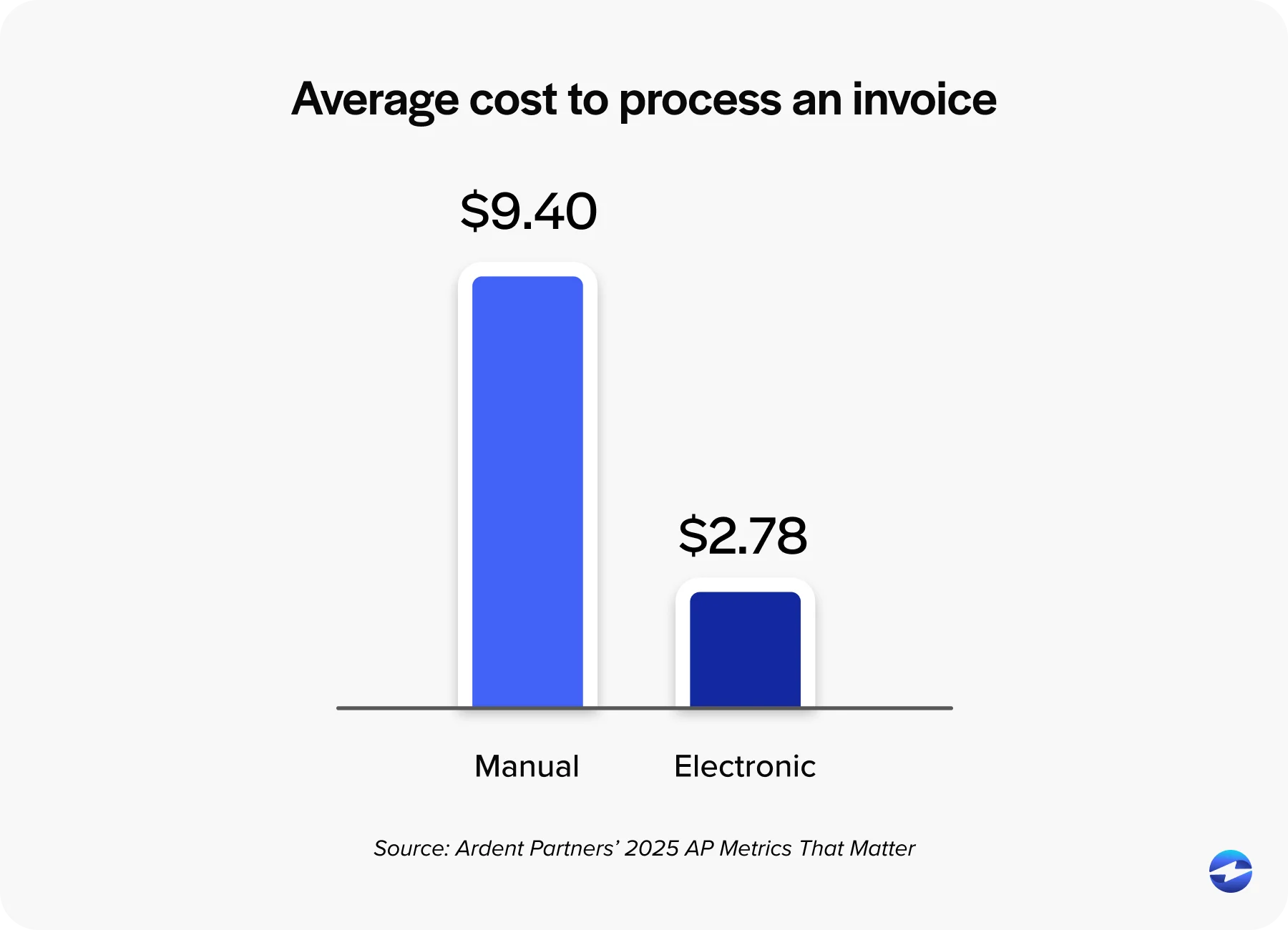
The advantages tend to stack up quickly once a system like this is in place. Cost efficiency comes from reduced paper, postage, and manual labor. Speed shows up in how quickly invoices get paid once a direct link is sitting right there instead of a stamp and envelope. Accessibility matters too, since customers can pay from a phone or laptop at any hour rather than waiting for business hours to mail something.
Automation capabilities cut down on repetitive manual work, while robust security protects both the business and its customers from the kind of data exposure that keeps IT teams up at night. Cash flow enhancement follows naturally once payments arrive faster and more predictably. Integrated transaction records mean less manual reconciliation and fewer discrepancies at month-end.
A customized appearance on invoices reinforces brand consistency, which sounds minor until a client mentions how professional everything looks. Accuracy and precision improve since automated systems reduce the rate of human errors. And broader market reach becomes possible too, since online invoicing supports customers regardless of location or time zone, something a mailed paper invoice was never going to manage.
Accepting Online Invoice Payments with EBizCharge
EBizCharge brings all of this together into one practical payment processing solution rather than a patchwork of separate tools. It integrates natively with popular accounting and ERP systems, which removes the manual data entry headache that trips up so many businesses trying to piece together their own payment processing software setup on the fly.
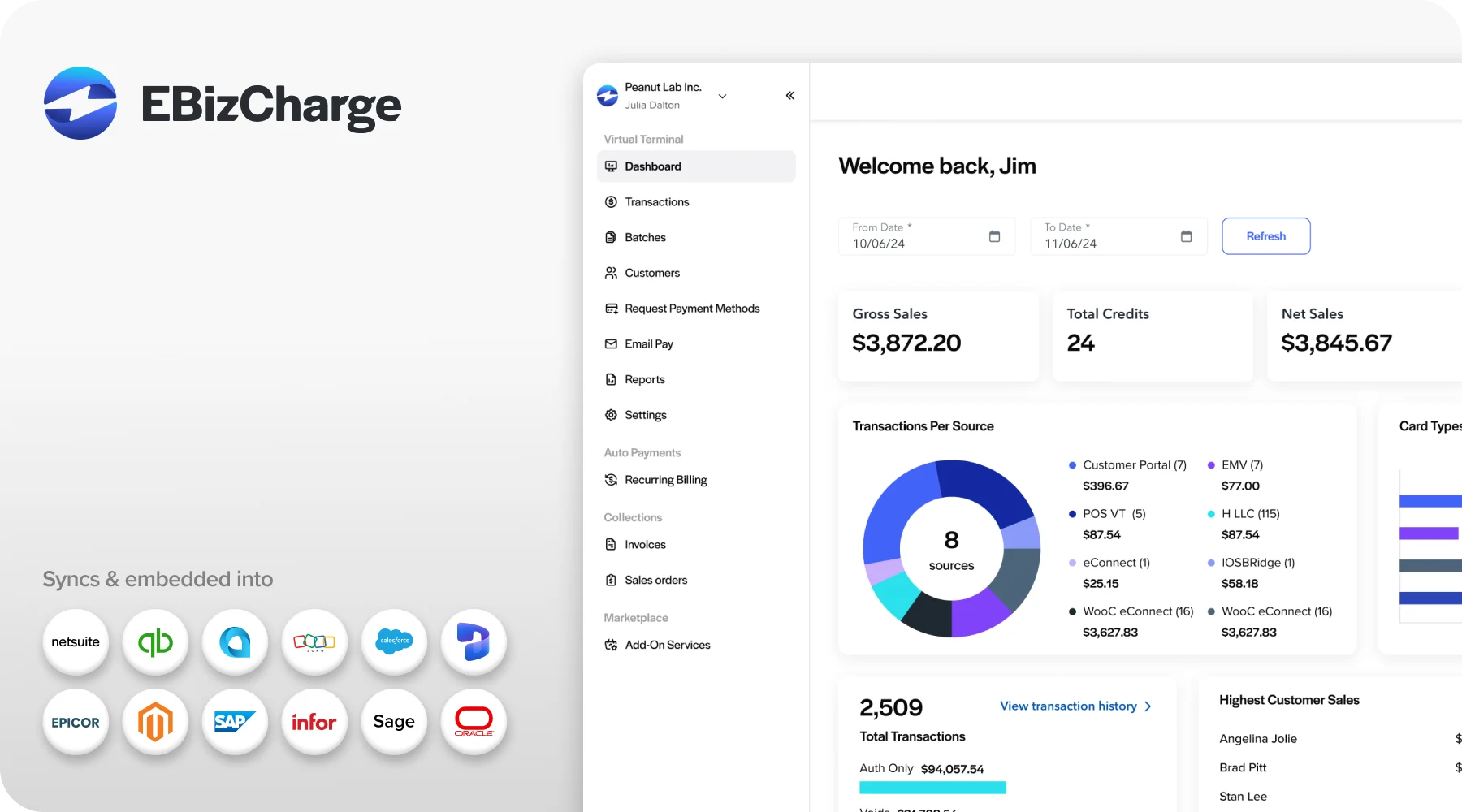
Customizable invoice templates, embedded payment links, and a secure customer payment portal come built in, along with support for multiple payment methods, so customers aren’t boxed into a single option. Payment data gets stored securely through tokenization, which keeps PCI compliance manageable instead of overwhelming. Automated reconciliation ties payments directly back to the correct invoices, cutting out the manual matching that eats up so much of an AR team’s week.
For any business looking to move away from mailed checks and manual follow-up, EBizCharge offers a payment solution built specifically around how invoicing actually works day to day, not just a generic tool with a payment button tacked onto the side. It’s the kind of payment solution that ends up quietly doing its job in the background, which is exactly what a good one should do.