

Integrations / Microsoft Dynamics 365 F&O
Microsoft Dynamics 365 F&O Payment Processing
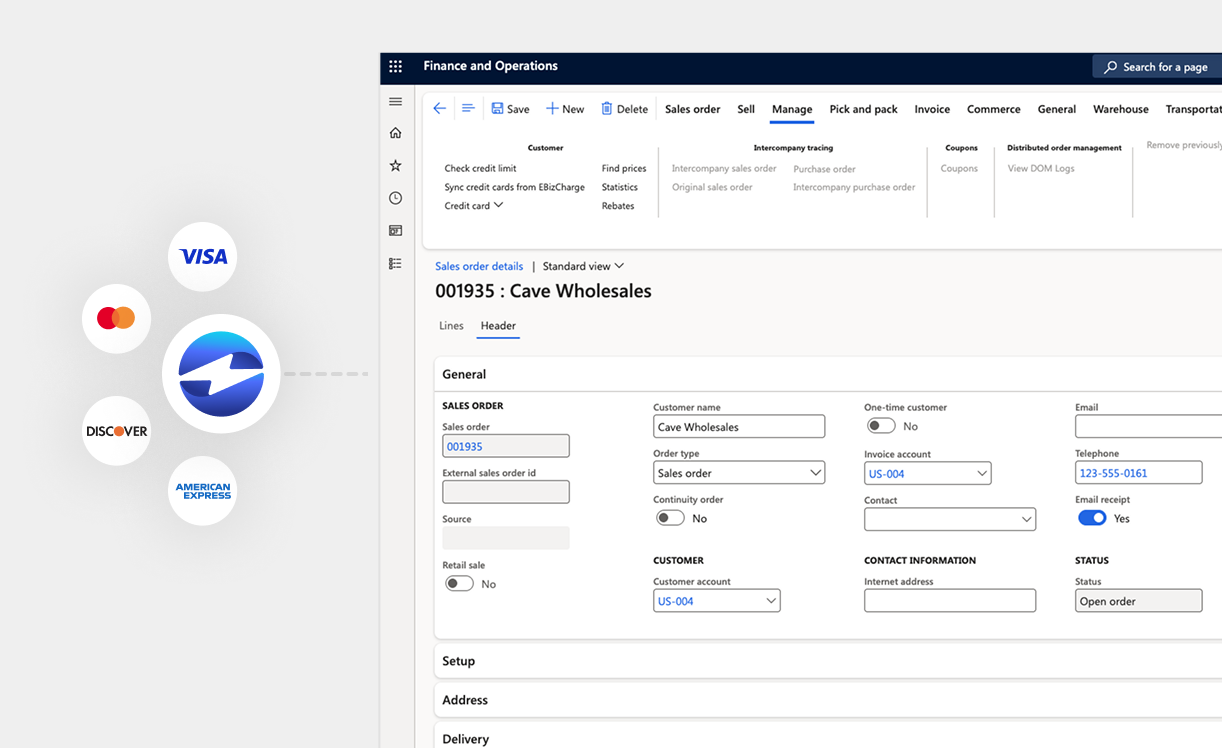
Accept card and ACH payments inside Dynamics 365 Finance and Operations. Process payments on invoices, and sales orders, then sync them back to F&O automatically.
Featured Highlights
Run transactions natively inside Microsoft Dynamics 365 F&O
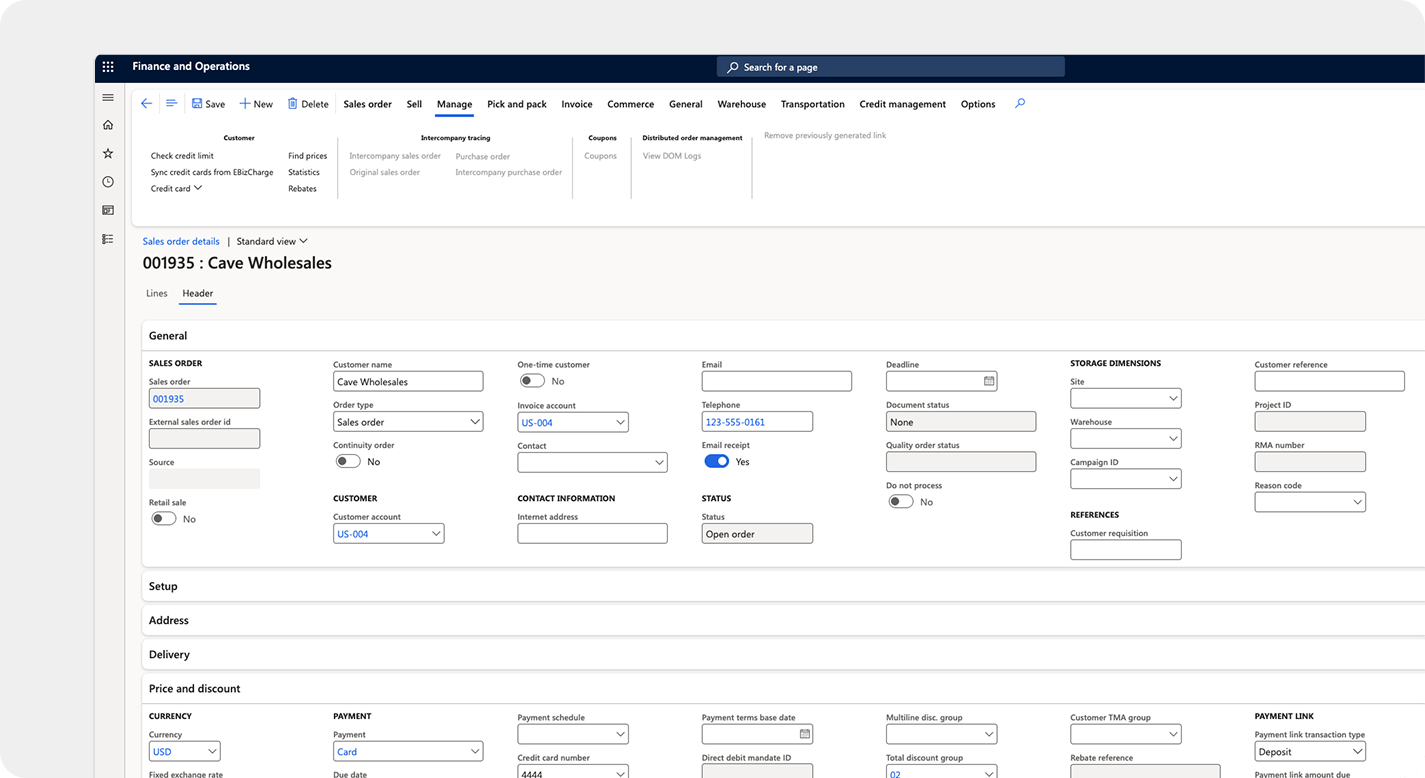
Accept payments on regular invoices, project invoices, and free text invoices, not just standard sales orders. Built for F&O’s more complex AR structure, without forcing your team into workarounds.
Embed payment links directly on invoices
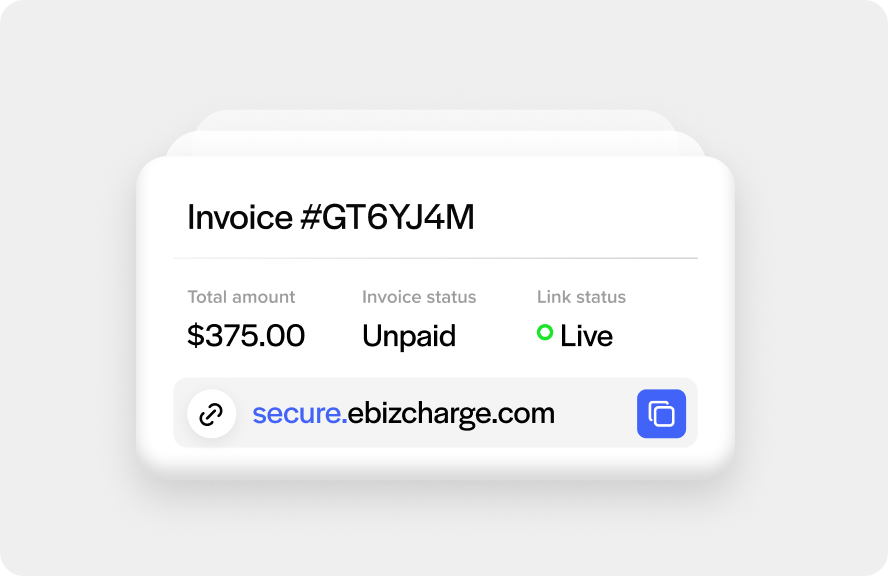
Payment links are embedded directly onto the invoice, so customers can pay right from the document they already received.
Official Microsoft partner and certified application
EBizCharge is a Microsoft Partner, and Certified Application listed on Microsoft AppSource. We also stay active in the Dynamics community through Dynamics Communities user groups and events like Directions North America and Community Summit NA.
How EBizCharge Works with Microsoft Dynamics F&O
EBizCharge is a Microsoft Dynamics Certified Application built for AR teams running Dynamics 365 F&O. It works natively inside F&O so your team won’t need to jump between multiple systems, and payments post to the general ledger automatically. Every account is backed by a dedicated EBizCharge Relationship Manager and an in-house support team.
Key features
Accept payments inside Dynamics 365 F&O
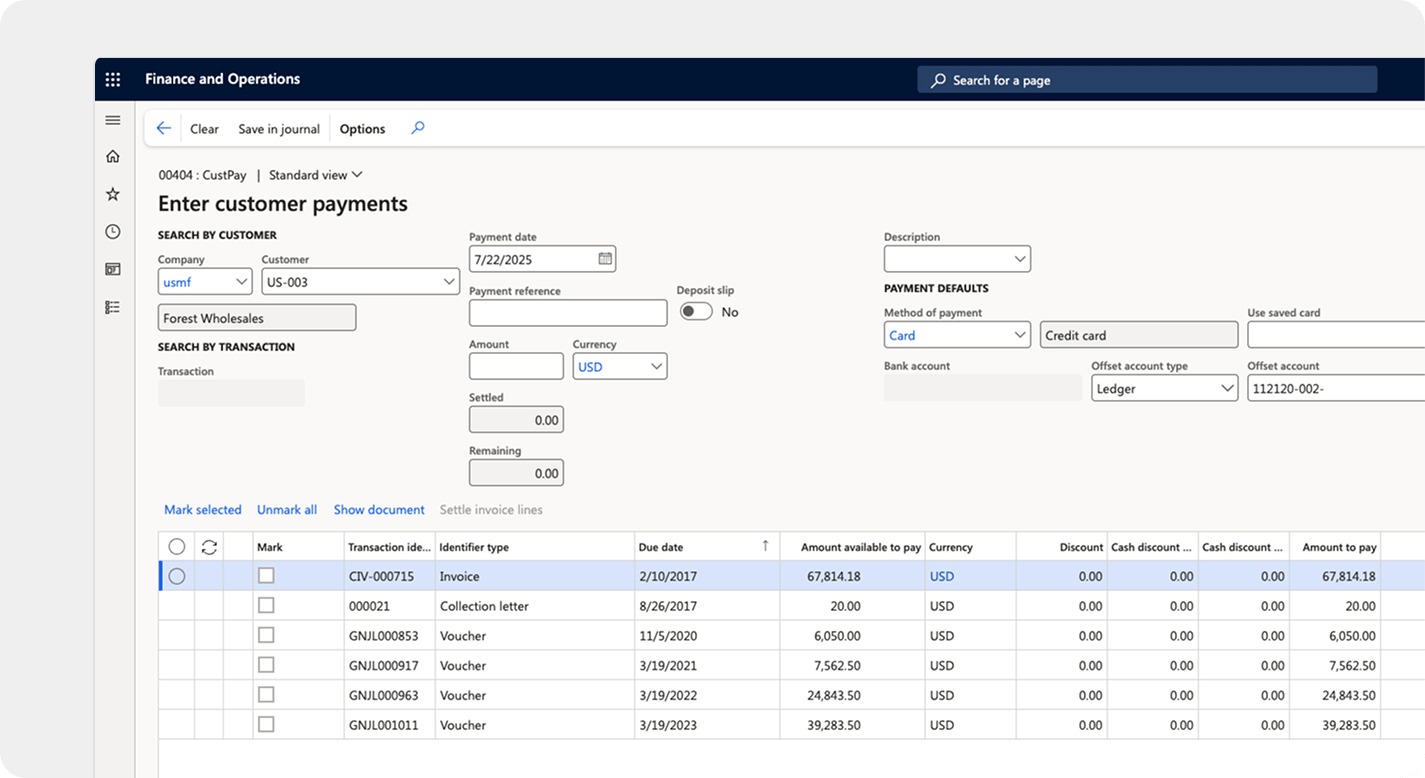
- Process card and ACH payments on invoices, project invoices, sales orders, and retail sales orders, or in the customer payment journal.
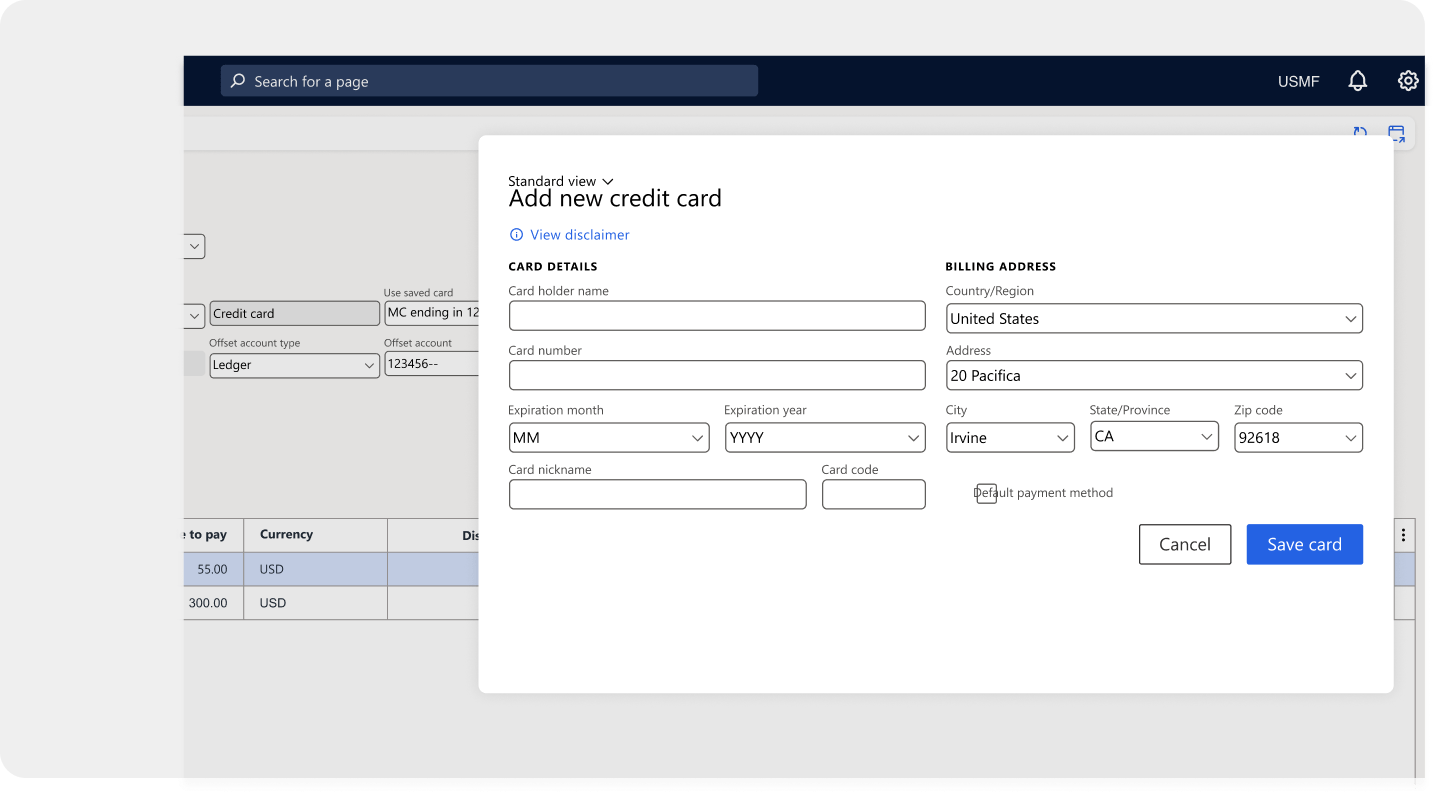
- Use new or saved cards and bank accounts, or an EMV device (Lane, MP200/L, VEGA 3000), including pre-auth on EMV.
- Pre-authorize sales orders and capture on invoice conversion. Require a pre-auth before an order can be invoiced if you want that control.
- Void or refund payments, singly or in bulk, and email or print receipts.
- Export transaction history as a CSV.
Get paid without chasing customers
- Send secure payment request emails for invoices and sales orders, individually or in bulk, with editable templates.
- Generate payment links to collect payments, deposits, or pre-auths on sales orders and invoices.
- Sync invoices to a branded, self-service customer payment portal
- Automate payment reminders for outstanding balances
Automate AR tasks at scale
- Batch process invoice payments, plus sales order pre-authorizations and deposits.
- Set up fixed or variable amount auto payments using a card or bank account.
- Automated general ledger posting without manual reconciliation.
Keep payment methods current
- Request payment methods from customers individually or in bulk
- Securely save customer payment methods for future orders
- Manage payment methods on customer profiles, and keep sensitive data off local machines.
Enterprise-grade security built for Dynamics F&O
- Tokenization and encryption on every transaction.
- Customizable fraud modules to adjust your gateway’s security settings.
- AVS mismatch alerts to flag potential issues.
- Fraud prevention capabilities to prevent fraudulent chargebacks
Accept payments from a mobile device
- Sync the EBizCharge mobile app with Dynamics F&O
- Search and pay customer invoices, or create invoices and collect payment on the spot by card, bank account, or EMV device.