Blog > Why Sage Intacct Users Switch Payment Processors (And Where They Go)
Why Sage Intacct Users Switch Payment Processors (And Where They Go)
If you’ve spent any time working inside Sage Intacct, you already know it’s a strong financial system—structured, reliable, and built for businesses that need more than basic bookkeeping. But even with a powerful ERP, payment processing can still be a pain point. That’s the part many teams don’t expect. They assume that once Sage Intacct is set up, the payment workflow will automatically be seamless.
In reality, the payment processor sitting behind Sage Intacct often determines how smooth (or frustrating) day-to-day financial operations actually feel. Slow reconciliation, high fees, broken syncs, and limited automation can make even the best ERP feel clunky. Over time, those frictions build up until teams start searching for a Sage Intacct alternative.
Most organizations aren’t trying to replace the ERP itself. They’re trying to replace the processor plugged into it. And that’s where the pattern becomes clear: Sage Intacct users switch payment processors for very specific reasons, and many of them end up moving to the same set of Sage Intacct alternatives for payment acceptance.
This guide breaks down why that happens, where they go, and what to look for if you’re considering a change yourself.
How Sage Intacct Handles Payment Processing Today
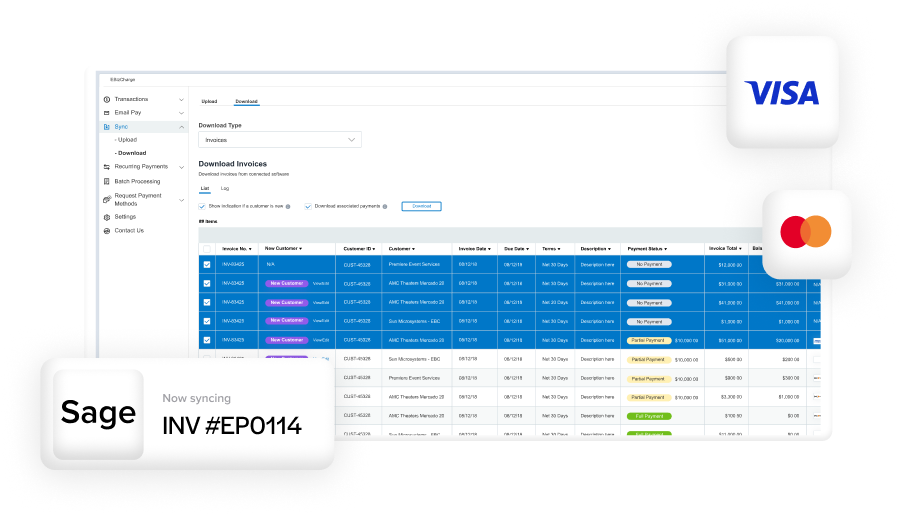
Sage Intacct ERP is built on a flexible, API-friendly architecture, which is a huge advantage because it allows organizations to choose their own payment processor instead of being locked into a single option. Unlike entry-level accounting systems, Intacct supports deep integrations, automated posting rules, and dimension-based accounting that can tie each payment back to projects, entities, or departments.
In short, Sage Intacct payment processing works best when the processor behind it is capable of keeping up with the ERP’s automation.
The challenge is that not all processors are built for that. Some integrate lightly. Some integrate slowly. Some only support part of the workflow, forcing teams to backfill data manually. This is often the moment when finance teams begin wondering whether there’s a Sage Intacct alternative for payments that will actually deliver the automation they expected from the start.
Why Sage Intacct Users Switch Payment Processors
The reasons for switching show up again and again. The specifics change by industry, but the core frustrations rarely do.
1. High or unpredictable processing costs
Payment fees can chew into margins—especially when volume grows. Many processors connected to Sage Intacct charge flat rates or non‑optimized pricing that doesn’t scale well. As teams begin reviewing statements more closely, they often find that fees accumulate faster than expected, especially during busy billing cycles. This is one of the first moments when organizations start questioning their current setup. They’re not trying to abandon Sage Intacct—they’re simply looking for a more cost‑effective payment partner that keeps pricing predictable and transparent.
2. Limited automation
One of the biggest reasons to use Sage Intacct in the first place is automation. Intacct automates approvals, consolidations, multi-entity structures, and complex reporting—but your payment processor needs to match that level of automation or the system falls short.
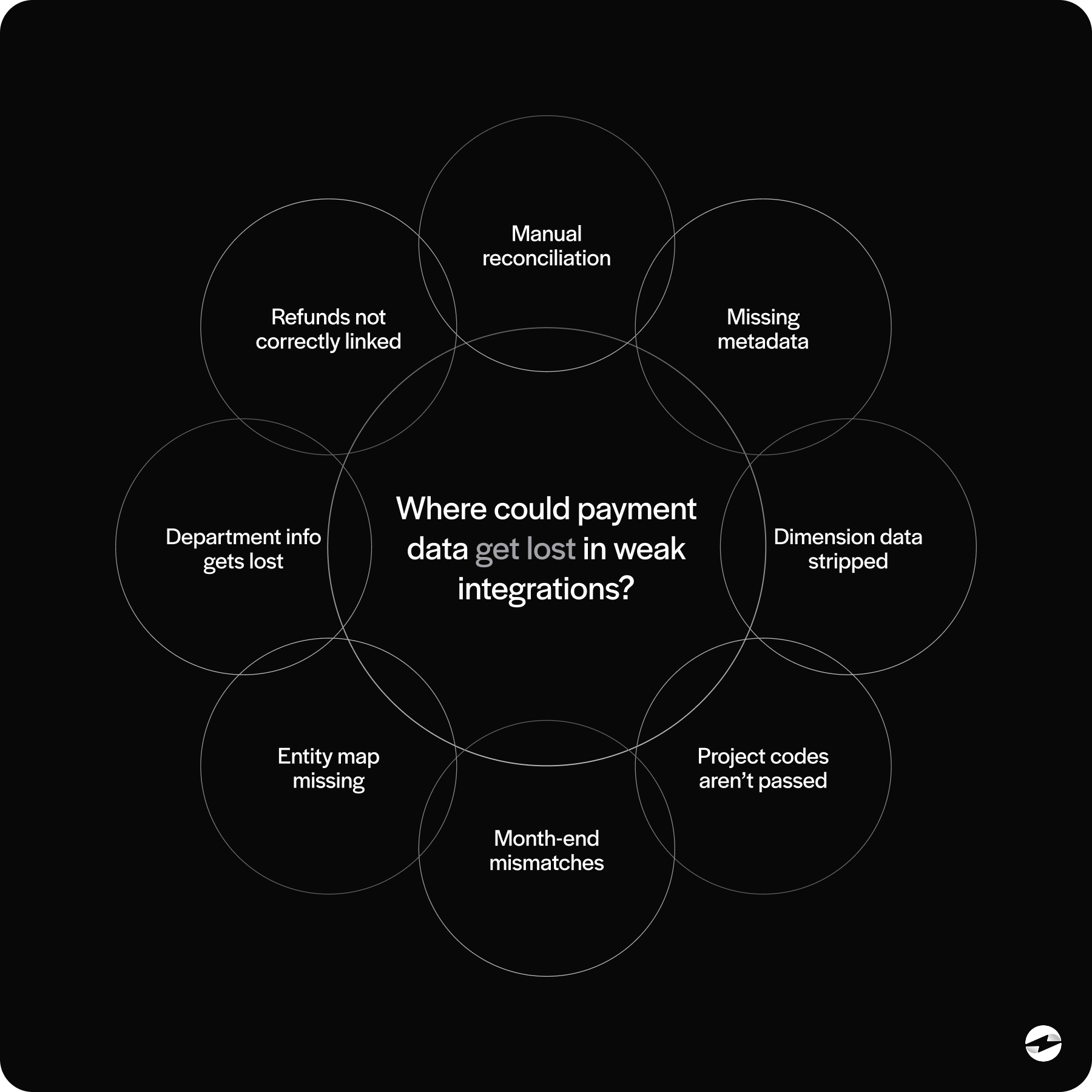
When automation falls short, it tends to show up in small but frustrating ways—payments posting without dimensions, refunds requiring extra steps to reconcile, or settlement data failing to flow cleanly into the ledger. Over time, these gaps feel bigger than they are because they interrupt what Sage Intacct is designed to do well. When these issues pile up, Sage Intacct starts to feel slower—not because of the ERP itself, but because the processor can’t keep up.
3. Poor integration quality
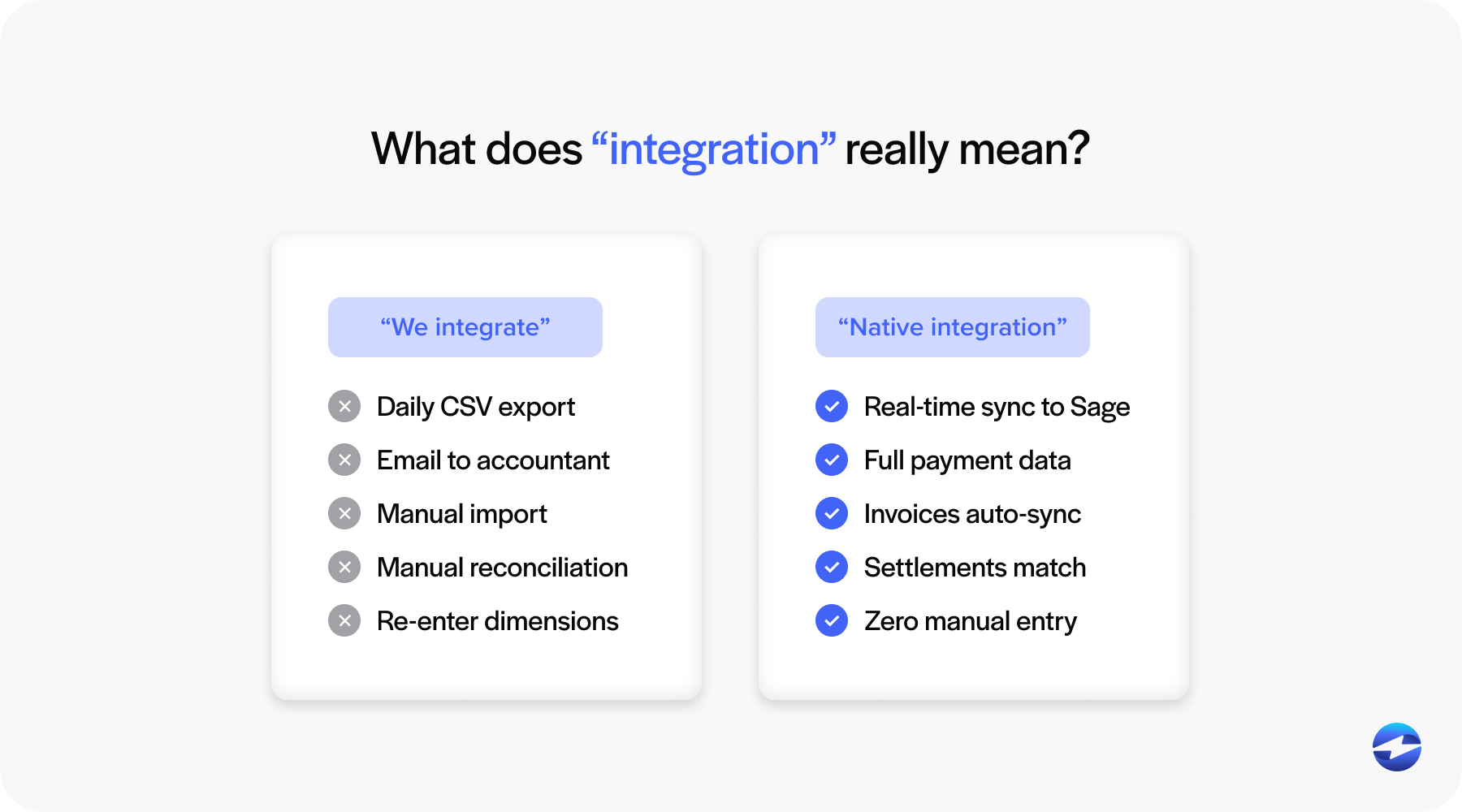
A processor might claim they “integrate with Sage,” but that can mean a wide range of things. Some rely on daily file uploads, others use limited one‑way syncs, and a few still depend on outdated custom scripts. Only a handful truly use the Sage Intacct API to create a real‑time, accurate connection. Most Sage Intacct users want the last option: a real-time integration that posts payments instantly and keeps the ledger clean.
When an integration isn’t reliable, teams often look for Sage Intacct alternatives for payment handling before they consider switching ERPs.
4. Customer support that can’t solve Sage-specific issues
Payment problems usually show up in the accounting workflow, not the payment gateway. That means you need a processor whose team understands Sage Intacct ERP—and how data needs to land in the system. When support teams don’t understand Intacct dimensions, entities, or posting rules, issues drag on longer than they should.
5. Security and PCI-DSS compliance gaps
Every payment processor needs to protect cardholder data, but not all do it equally well. Some lack modern tokenization, leaving more PCI exposure on the accounting team. Others require businesses to handle more data internally, which directly increases the compliance burden.
Sage Intacct payment processing becomes far more secure when paired with a processor that uses modern tokenization and encryption, keeps sensitive data out of the ERP, and maintains full PCI compliance. Strong security also reduces the burden on internal teams because the sensitive work is handled outside Intacct’s environment. When a processor can’t meet these standards, switching becomes non-negotiable.
What Sage Intacct Users Look for
Most teams aren’t looking for a new ERP. They’re looking for a payment solution that feels like it was built with Sage Intacct in mind. When shopping for alternatives, these criteria consistently rise to the top.
1. Transparent, predictable pricing
Hidden fees are a quick way to damage trust. Finance teams want pricing they can understand without decoding fee tables or digging through month‑end statements. Processors that offer predictable costs, optimized interchange routing, and clear reporting tend to win trust quickly. The perceived need for a Sage Intacct alternative often disappears once pricing issues are fixed.
2. Deep Sage Intacct integration
A good Sage integration isn’t just about connecting two systems—it’s about allowing Sage Intacct to do what it does best. The ideal processor supports real‑time posting, accurate use of dimensions, multi‑entity automation, and clean syncing of refunds and settlements. When these pieces work together, Sage Intacct ERP stays the source of truth without the finance team spending hours correcting or reconciling data.
3. Strong automation
Teams expect automated payments in Sage Intacct to eliminate manual entry—not introduce new steps. They want payments to be posted instantly, reconciliation to happen in the background, and Level 2/3 data to be captured automatically. When automation feels partial or inconsistent, finance teams notice quickly. Many Sage users switch processors specifically to unlock the automation they assumed Intacct already had.
4. True PCI-DSS compliance
Compliance isn’t optional. A trustworthy payment processor should minimize PCI exposure—not add to it. Strong encryption, secure transmission methods, and tokenized card storage reduce the workload on finance teams and lower overall organizational risk. Weak compliance is one of the biggest reasons users start searching for an alternative to Sage in the payment workflow context—even if they still want to keep the ERP.
Where Sage Intacct Users Actually Go When They Switch
When Sage Intacct users decide to move away from their current payment processor, most look for something that works more naturally with the ERP. The trend is clear: they gravitate towards processors with native Sage Intacct integrations, tools that feel like part of the system instead of something bolted onto it. A native connection removes friction – payments post instantly, dimensions stay intact, and reconciliation happens in the background instead of becoming another item on someone’s to-do list.
This is why EBizCharge frequently becomes the landing spot for those looking for a change. Its integration is built specifically for Sage Intacct ERP, not adapted from another platform. Payments sync in real time, refunds and settlements stay aligned, and card data never enters Intacct in raw form thanks to tokenization. Many teams describe the transition as a noticeable shift – suddenly, Sage Intacct payment processing behaves the way they always assumed it would.
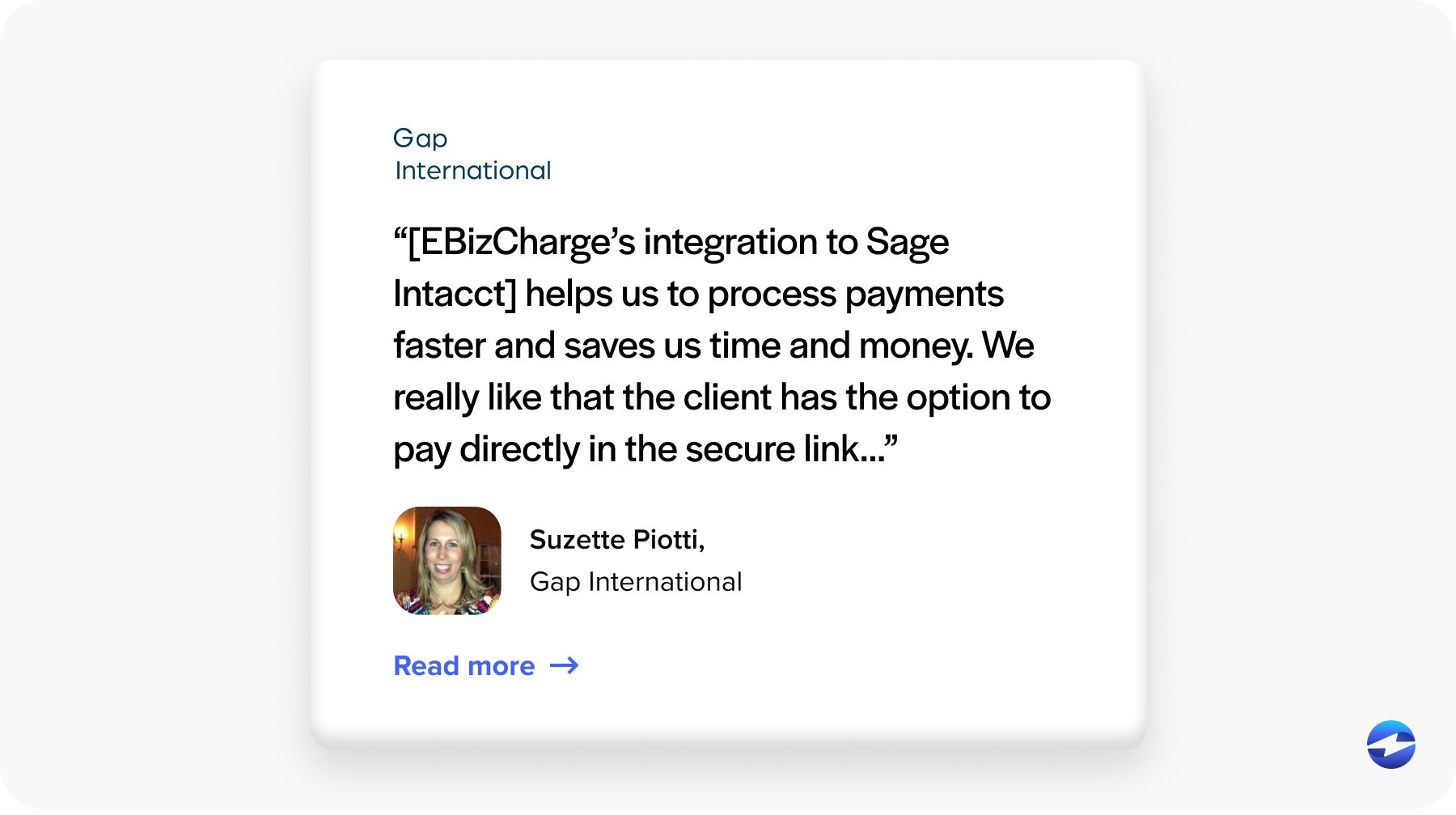
Cost is another factor. EBizCharge often offers more predictable fees and stronger automation, which helps resolve two of the most common frustrations that push teams to explore Sage Intacct alternatives for payment acceptance.
For organizations, switching processors isn’t about replacing Sage Intacct at all. It’s about choosing a payment partner that finally lets Sage Intacct run the way it was designed to run – clean, automated, and accurate.
How to Know When It’s Time to Switch
Most teams realize it’s time for a change when familiar problems keep resurfacing—fees climb higher than expected, reconciliation takes longer than it should, or sync issues start slowing down month‑end close. Refunds and settlements might not match neatly, or PCI requirements may shift more workload onto internal teams. When these patterns continue month after month, it becomes obvious that the ERP isn’t the issue—your payment processor is holding your team back. If the ERP is doing its job but the processor can’t keep up, the bottleneck becomes obvious quickly. Most organizations eventually realize that improving payment workflows doesn’t require replacing Sage Intacct—it requires replacing the tool connected to it.
How to Switch Payment Processors Inside Sage Intacct (Without Disruption)
Switching payment processors may sound daunting, but with a structured approach, it’s completely manageable and usually far less disruptive than people expect. Because Sage Intacct supports clean API-driven integrations, most of the heavy lifting happens behind the scenes.
A smooth transition typically involves securely migrating stored payment data, testing the integration in a Sage Intacct sandbox, and aligning posting rules with real‑world workflows. Once validated, rolling out the new processor is usually straightforward—and teams often see immediate improvements in speed, posting accuracy, and consistency.
Most Teams Don’t Need a New ERP—They Need a Better Processor
The more you listen to Sage Intacct users, the clearer the pattern becomes: Intacct isn’t the problem. Sage Intacct is fully capable of handling complex workflows, multi-entity structures, and automated financial operations. But the payment processor determines how seamless that experience really feels.
When fees are unpredictable, reconciliation is manual, or automation falls short, teams often start searching for a Sage Intacct alternative or looking for an alternative to Sage. What they usually discover is that the ERP doesn’t need to be replaced—only the processor does.
Choosing the right payment processing solution—one designed for deep Sage Intacct integration, strong automation, PCI-DSS compliance, and lower fees—transforms the ERP into the system it was meant to be. This is why so many organizations switch processors and why solutions purpose-built for Intacct continue to gain traction.
In the end, improving payment workflows isn’t about leaving Sage Intacct. It’s about choosing a payment partner that actually unlocks its full potential.
- How Sage Intacct Handles Payment Processing Today
- Why Sage Intacct Users Switch Payment Processors
- What Sage Intacct Users Look for
- Where Sage Intacct Users Actually Go When They Switch
- How to Know When It’s Time to Switch
- How to Switch Payment Processors Inside Sage Intacct (Without Disruption)
- Most Teams Don’t Need a New ERP—They Need a Better Processor