
Blog > AP and AR Automation: Automating Both Sides of the Ledger
AP and AR Automation: Automating Both Sides of the Ledger

Most finance teams automate in pieces. An approval workflow gets added to the AP process. A payment portal gets bolted onto AR. Invoices start going out automatically. Collections reminders run on a schedule. Each improvement helps, but the underlying problem persists: AP and AR are still operating as separate processes, often in separate tools, feeding data into the ERP on different timelines and at different levels of completeness.
The result is a finance team that manages cash flow from a fragmented picture. AP obligations live in one place; AR collections live in another. Getting a clear view of actual cash position requires pulling from both and reconciling the difference manually. For CFOs, finance directors, and controllers responsible for both sides of the ledger, that fragmentation is a daily friction point and a real obstacle to confident financial decision-making.
This article explains how AP and AR automation each work, where they connect, and why the ERP is the right place to run both.
Two Sides of the Same Problem
Accounts payable is money your business owes. Invoices come in from vendors and suppliers. They get approved and paid. In a manual environment, that process involves routing invoices by email, chasing approvals, scheduling manually, and reconciling the ledger after the fact. The breakdown points are predictable: duplicate payments, missed early payment discounts, approval bottlenecks, and a finance team that can’t see real-time cash obligations without running a report first.
Accounts receivable is money owed to your business. Invoices go out, customers pay. But someone has to match those payments to the right open balances, post them to the ledger, and follow up on anything that hasn’t come in yet. In a manual environment, that means manual cash application, collections tracked in spreadsheets, and AR aging reports that reflect where things stood when the export ran rather than where they stand right now.
Both processes share the same core failure mode: disconnected from the ERP, running slightly behind, and requiring manual effort to keep the books accurate. That’s the problem that AP and AR automation are designed to solve, and it’s most effectively solved when both sides are addressed together.
How Automating Accounts Payable Works
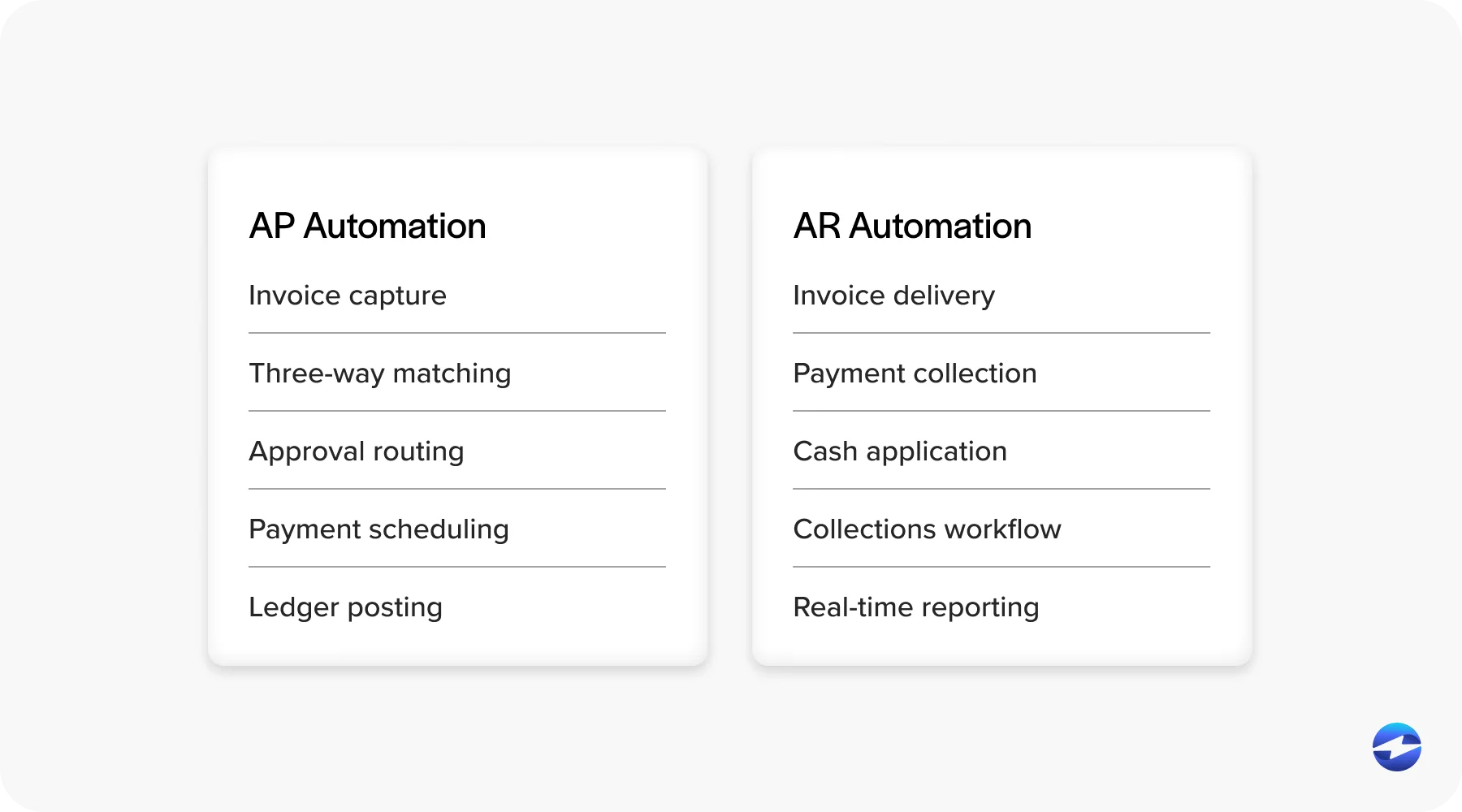
Accounts payable automation starts with invoice capture. Instead of someone manually entering vendor invoice data, the system automatically ingests invoices from email, EDI, PDF, or portal submissions. Three-way matching compares the vendor invoice against the purchase order and receiving documentation before the invoice ever reaches an approver, catching discrepancies without human review on every line.
Approval routing follows rules rather than memory. Invoices move to the right person based on amount, department, vendor, or GL code. No forwarded emails, no chasing down signatures. Payment scheduling ties to due dates, early payment discount windows, and cash flow priorities rather than a manual payment run. And when payments go out, they post to the AP ledger in real time.
The ERP dependency here is significant. Automating accounts payable only delivers its full value when the tool is tightly connected to the ERP. Loose connections create the same reconciliation problem that manual processes do, just with more automation sitting in front of it. The ledger needs to reflect what happened when it happened, not in the next sync window.
How Automating Accounts Receivable Works
AR automation covers more ground than most people initially expect. It starts at invoice delivery, where automated generation tied to ERP data means invoices go out when a sale is completed or an order is fulfilled, without a manual step in between.
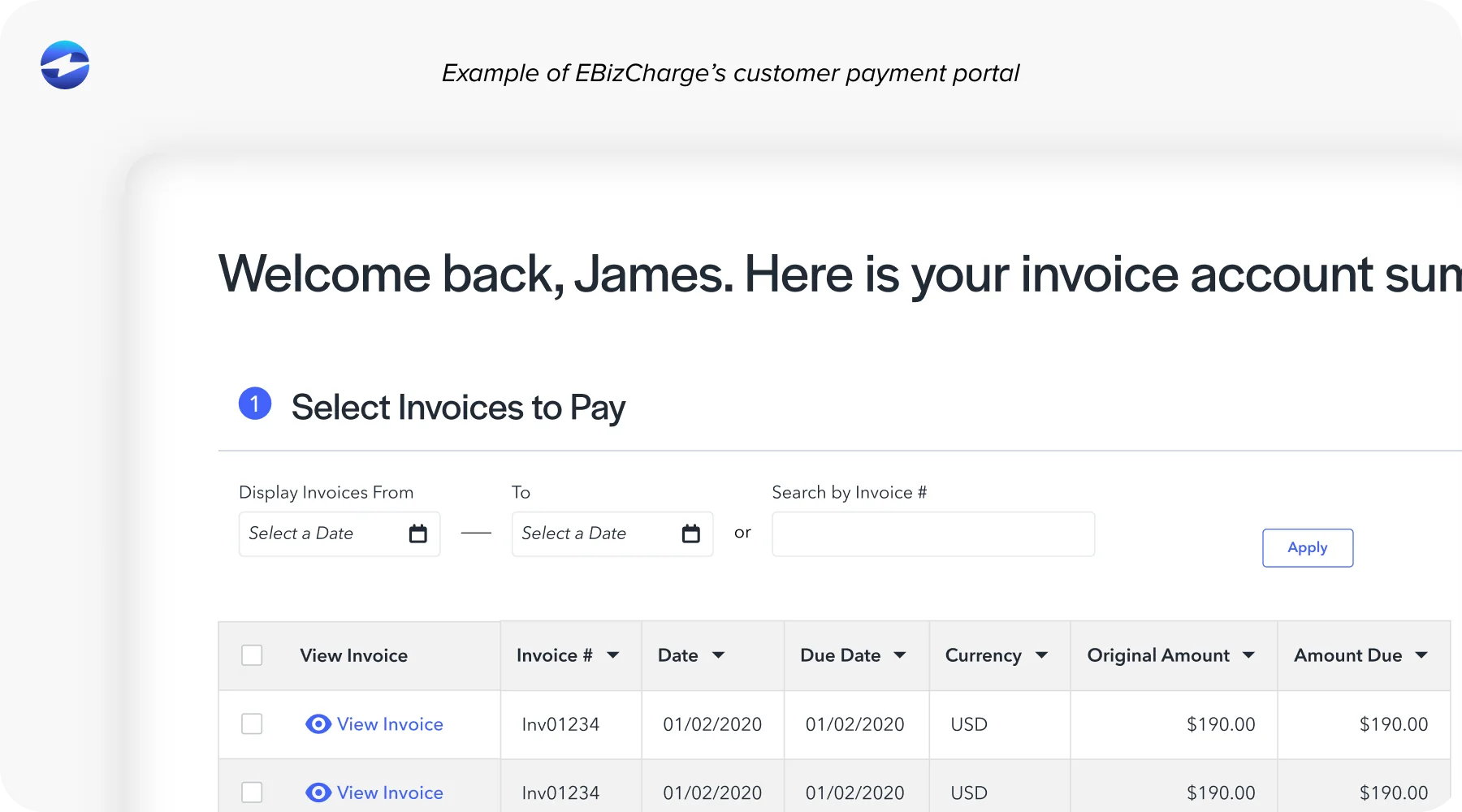
Payment collection comes next. A customer self-service portal lets customers view their invoices, select what they’re paying, and submit payment by card, ACH, or eCheck. Email pay links and payment buttons handle customers who prefer to pay outside a portal. Autopay enrollment removes manual payment initiation entirely for recurring accounts.
Cash application is where the benefits of accounts receivable automation are most evident in day-to-day operations. Automated cash application software reads remittance data from multiple input formats, matches payments to open invoices using rules and confidence scoring, and posts clean matches to the ledger without requiring someone to touch each transaction. Exceptions get routed to a structured review workflow rather than accumulating in a suspense account. The result is faster posting, more accurate aging, and materially lower unapplied cash balances.
Collections workflows trigger based on actual posted AR data rather than a manual review cycle. Reminders go out on schedule. Escalations happen automatically when they should. Your team steps in for accounts that genuinely need personal attention rather than spending their time on routine follow-up that a well-configured system can handle.
Reporting ties everything together. When AR automation is connected to the ERP in real time, aging reports, DSO tracking, and collections metrics reflect live data rather than the last export.
Where AP and AR Automation Meet
For CFOs and finance directors reading this, the most compelling argument for running AP and AR automation solutions inside the same ERP isn’t efficiency in either process individually. It’s the unified cash flow picture that becomes possible when both sides post to the same ledger in real time.
When AP obligations and AR collections both live in the ERP, cash forecasting stops being a manual consolidation exercise. You don’t have to pull a report from the AP tool and a separate report from the AR tool and build a spreadsheet to understand where cash actually stands. The ERP shows you. The CFO can see money coming in and money going out from the same place, with confidence in both numbers because neither is waiting for a sync.
Month-end close also gets faster. When both AP and AR post in real time to the same ledger, reconciliation isn’t a catch-up exercise at the end of the month. The books are already up to date because every transaction updates them when it happens.
The ERP Is the Center of Gravity
Both AP and AR automation depend on the ERP as the system of record. This is the most important architectural point in evaluating any AP and AR automation software, and it’s the one that gets glossed over most often in vendor demos.
There are two integration models worth understanding clearly. The first is a standalone tool that connects to the ERP via middleware or API sync. The tool processes transactions in its own environment and pushes data to the ERP on a schedule or trigger. The second is a native integration, where the automation lives inside the ERP itself, using the ERP’s own data structures, with transactions posting to the ledger at the moment they occur.
The practical difference is significant. Standalone AP and AR automation solutions each create a reconciliation gap between the tool and the ERP. When you have a standalone AP tool and a standalone AR tool, you have two reconciliation gaps running simultaneously. The finance team ends up managing those gaps as a second job, which partially offsets the value of the automation.
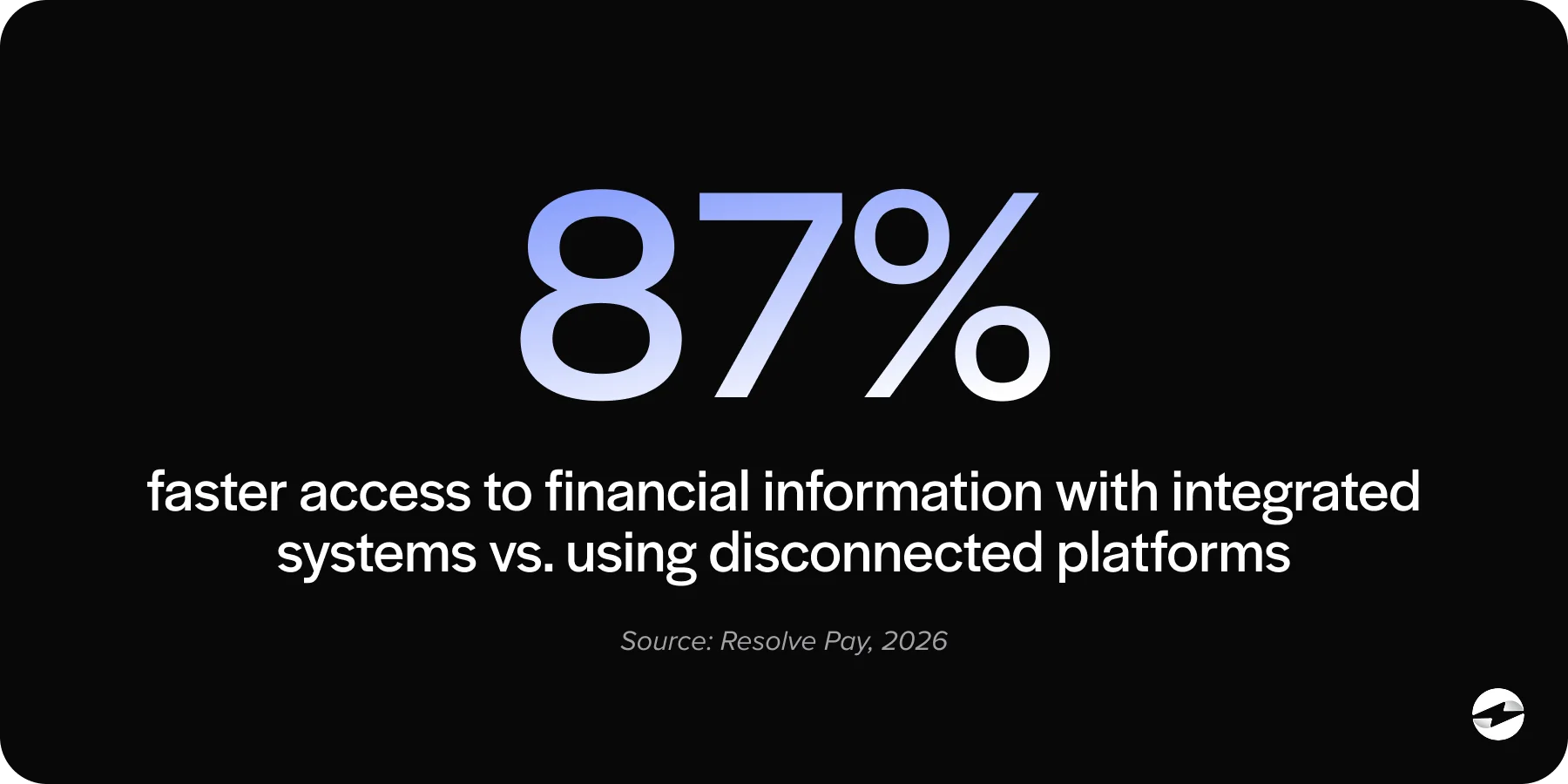
Native integration on both sides eliminates those gaps. One system. One ledger. One real-time view of cash. That’s the right target when evaluating AP and AR automation software for a mid-market B2B finance team.
Where EBizCharge Fits
EBizCharge is built as a native integration inside the ERP, designed to serve as the AR layer that operates inside the same system handling accounts payable. It embeds directly inside 100+ ERP, accounting, eCommerce, and CRM platforms, including NetSuite, Sage, Microsoft Dynamics, Epicor, Acumatica, SAP, Infor, QuickBooks, and Oracle. Payments post to the ERP ledger in real time. Cash application is complete at the moment of the transaction. AR aging is always current because the payment and the ledger record are part of the same event.
As a payment processing solution, EBizCharge covers the full payment method mix: credit and debit cards, ACH, eCheck, virtual card, Level 2 and Level 3 B2B processing, and surcharging to offset or eliminate processing costs. The customer portal lets customers select their invoices at the point of payment, which structures remittance at the source and reduces matching exceptions before they reach your team. Autopay enrollment, email pay, and payment links cover the full range of how B2B customers actually pay.
When your AP tool and EBizCharge both post to the same ERP ledger in real time, the result is exactly what a CFO needs: a complete, accurate view of cash position without pulling data from two systems and reconciling the difference by hand. That’s what good AP and AR automation looks like in practice, and that’s the architecture EBizCharge is built around.
As a payment processor, EBizCharge also brings 20-plus years of embedded payments experience, publisher-certified integrations across the major ERP platforms, US-based support, and implementation that takes days rather than months.
The Practical Upshot
AP and AR automation are most valuable when they operate inside the same system, not because integration is technically elegant, but because unified ledger data produces better decisions. The goal isn’t to automate each process in isolation. It’s to give the finance team a complete, real-time view of cash coming in and cash going out, from a single source.
EBizCharge handles the AR side of that natively, inside the ERP, where the AP side already lives. See how it works inside your specific ERP at EBizCharge’s integration pages for NetSuite, Sage, Microsoft Dynamics, Epicor, Acumatica, and the rest of the platforms it supports.