Blog > Accounts Receivable Automation: The Complete Guide for B2B Businesses
Accounts Receivable Automation: The Complete Guide for B2B Businesses

There’s a version of AR management that most B2B finance teams know well. It looks like this: someone on the team spends a large portion of their day manually matching payments to invoices, chasing down remittance details from customers who paid the wrong amount, sending follow-up emails to accounts that are 30 days past due, and keying payment data into the ERP by hand. Every day, at scale.
This isn’t a staffing problem. It’s not a process problem either. It’s a technology gap, and it’s one that accounts receivable automation is specifically designed to close.
This guide covers the full picture: what AR is, where manual processes break down, what automation actually does, and how to evaluate your options as a B2B business.
What Is Accounts Receivable?
For anyone new to the finance side of operations, a quick definition is worth establishing. What is accounts receivable? It’s the money a business is owed for goods or services it has already delivered but hasn’t yet been paid for. Every time you send an invoice and wait for payment, that balance sits in AR until it’s collected and posted.
The AR cycle covers invoice generation, delivery, payment collection, cash application, and reconciliation. In B2B specifically, that cycle is more complicated than it sounds. Payment terms are longer. Transaction values are higher. Customers pay by check, ACH, credit card, and wire transfer, sometimes for multiple invoices at once, sometimes for partial amounts. Purchase order matching adds another layer. Small inefficiencies in any part of that cycle compound quickly at volume.
The Problem with Manual AR
For CFOs, controllers, and AR managers reading this, most of the following will be familiar territory.
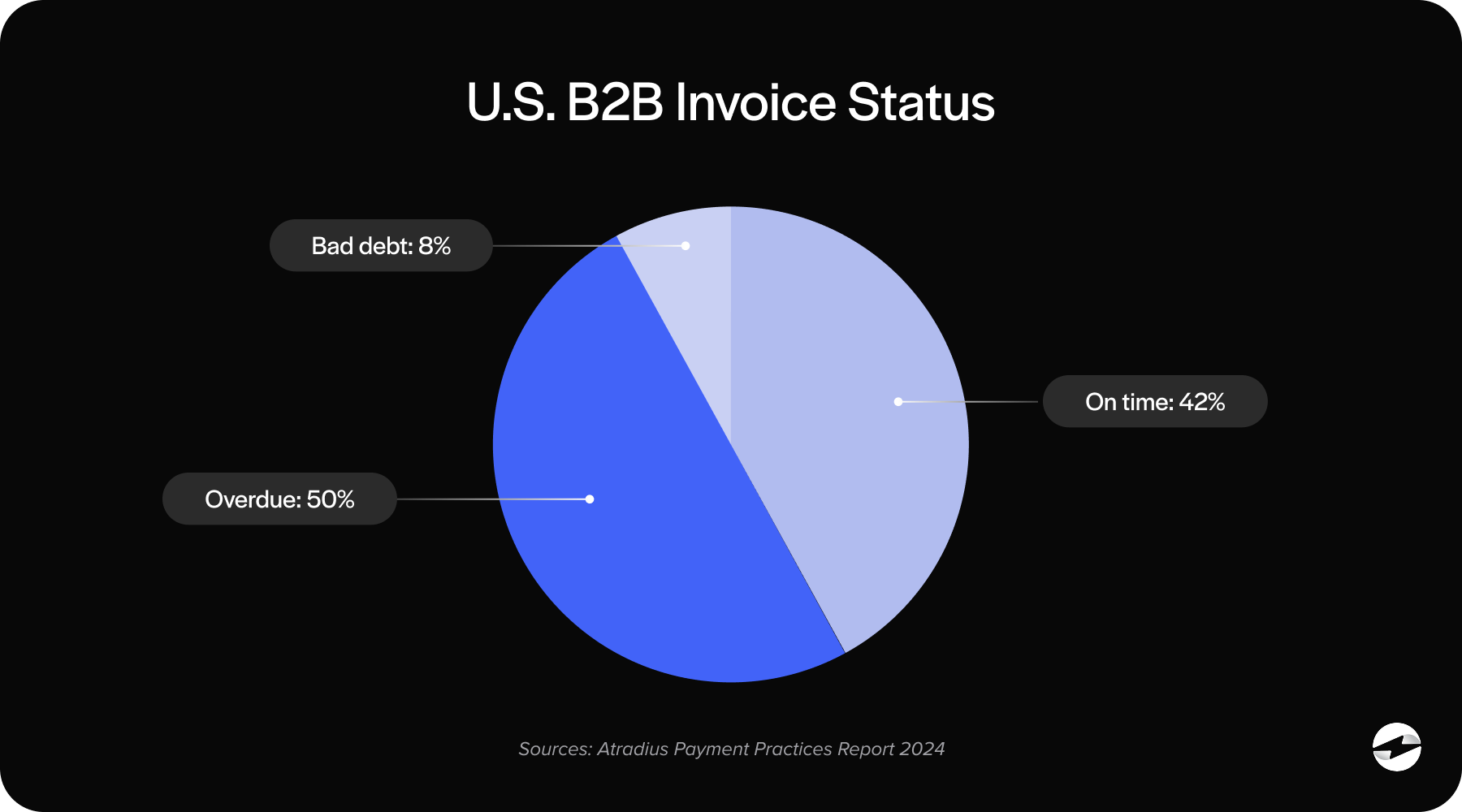
Manual cash application is one of the biggest time sinks in AR. Someone has to match each incoming payment to the correct invoice or invoices, often with incomplete or inconsistent remittance information from the customer. When a payment arrives for a round number that doesn’t exactly match any open invoice, that becomes an investigation.
Beyond cash application, manual AR creates slower days sales outstanding (DSO). When payments sit unposted because someone hasn’t gotten to them yet, your aging report doesn’t accurately reflect the current state. Follow-up on past-due accounts gets delayed. Disputes take longer to resolve. All of that pushes out the average time between an invoice and cash collection.
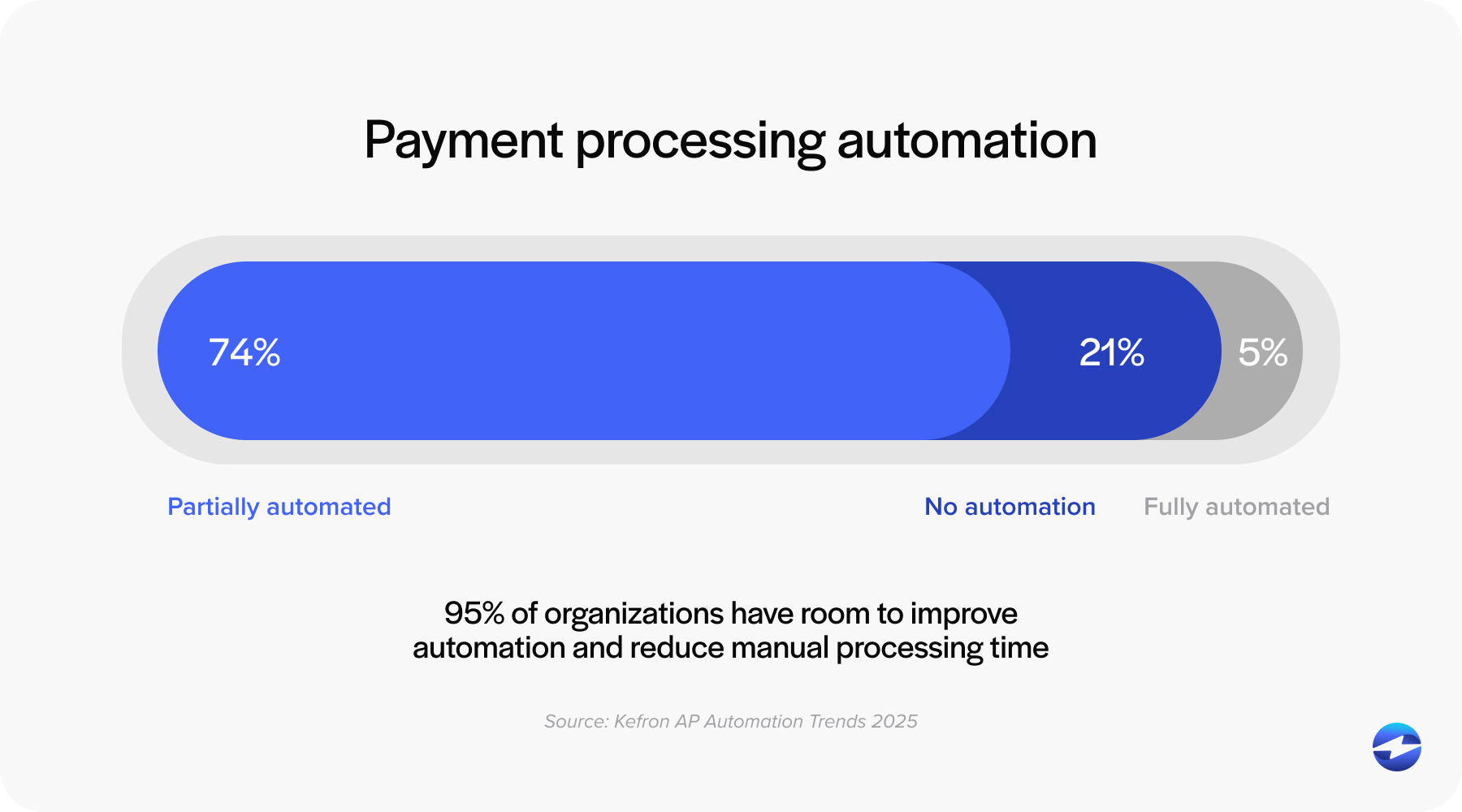
There’s also a scalability ceiling that hits at some point. Manual accounts receivable processes don’t scale with transaction volume. They scale with headcount. And relying on headcount to absorb growth is expensive, unsustainable, and hard on the people doing the work.
What AR Automation Actually Does
The automation of accounts receivable encompasses a set of specific, high-volume tasks that are well-suited to being handled by software rather than people.
Cash application automation is usually the highest-impact place to start. Instead of manually matching payments to invoices, the system uses remittance data, payment references, and bank feed information to apply payments automatically. Partial payments, multi-invoice payments, and overpayments are handled by defined rules rather than manual judgment on every transaction.
Remittance processing is closely related and often underestimated. In B2B, customers frequently send remittance advice separately from the payment itself, via email, PDF, or EDI, in whatever format their own system generates. Automating the interpretation and application of that remittance data eliminates one of the most time-consuming manual tasks in high-volume AR departments.
Payment matching and reconciliation ensure that what was received aligns with what was invoiced, flagging discrepancies for review rather than requiring someone to hunt for them. This keeps month-end close cleaner and reduces errors that create downstream problems in the general ledger.
Customer payment portals give customers a self-service way to view invoices and pay online. This reduces inbound payment calls, gives customers a convenient option, and when the portal is properly integrated with the ERP, payments post automatically without any manual step.
Automated reminders and collections workflows send rule-based follow-up communications to customers with outstanding invoices at defined intervals. Consistent outreach is one of the most effective tools for reducing DSO, and it almost never happens consistently when done manually.
Recurring billing automates invoice generation for contract customers or standing orders, eliminating the manual creation of predictable invoices on a fixed schedule.
Native ERP Integration vs. Standalone AR Software
This distinction matters more than most evaluations give it credit for.
Standalone AR automation software operates as a separate system. It connects to your ERP through an integration or data sync, which introduces reconciliation risk, requires data to live in two places, and adds a system for your team to manage. When a payment is received, there’s a process to get it from the AR tool back into the ledger. That process is a potential failure point.
Native ERP integrations work differently. When your accounts receivable automation solution is built directly inside your ERP, payments post to the correct ledger accounts automatically. Customer records, invoice data, and payment history all live in one place. There’s no sync to run, no middleware to maintain, and no gap between what the AR tool sees and what the ERP reflects.
For B2B businesses that run operations through an ERP, native integration eliminates an entire category of manual reconciliation work that standalone tools simply shift around rather than remove.
EBizCharge AR Automation Overview
EBizCharge is a B2B payment processing solution built natively inside the ERP, not connected to it from the outside. The full AR automation stack, including cash application, payment portal, automated reminders, recurring billing, and remittance processing, operates within the existing ERP environment across 100+ platforms.
Because EBizCharge is native, there’s no separate system for AR staff to log into. Payments initiated through the customer portal post directly to the ERP ledger. Cash application happens automatically against open invoices. The AR team works in one place.
AR Automation by ERP Platform
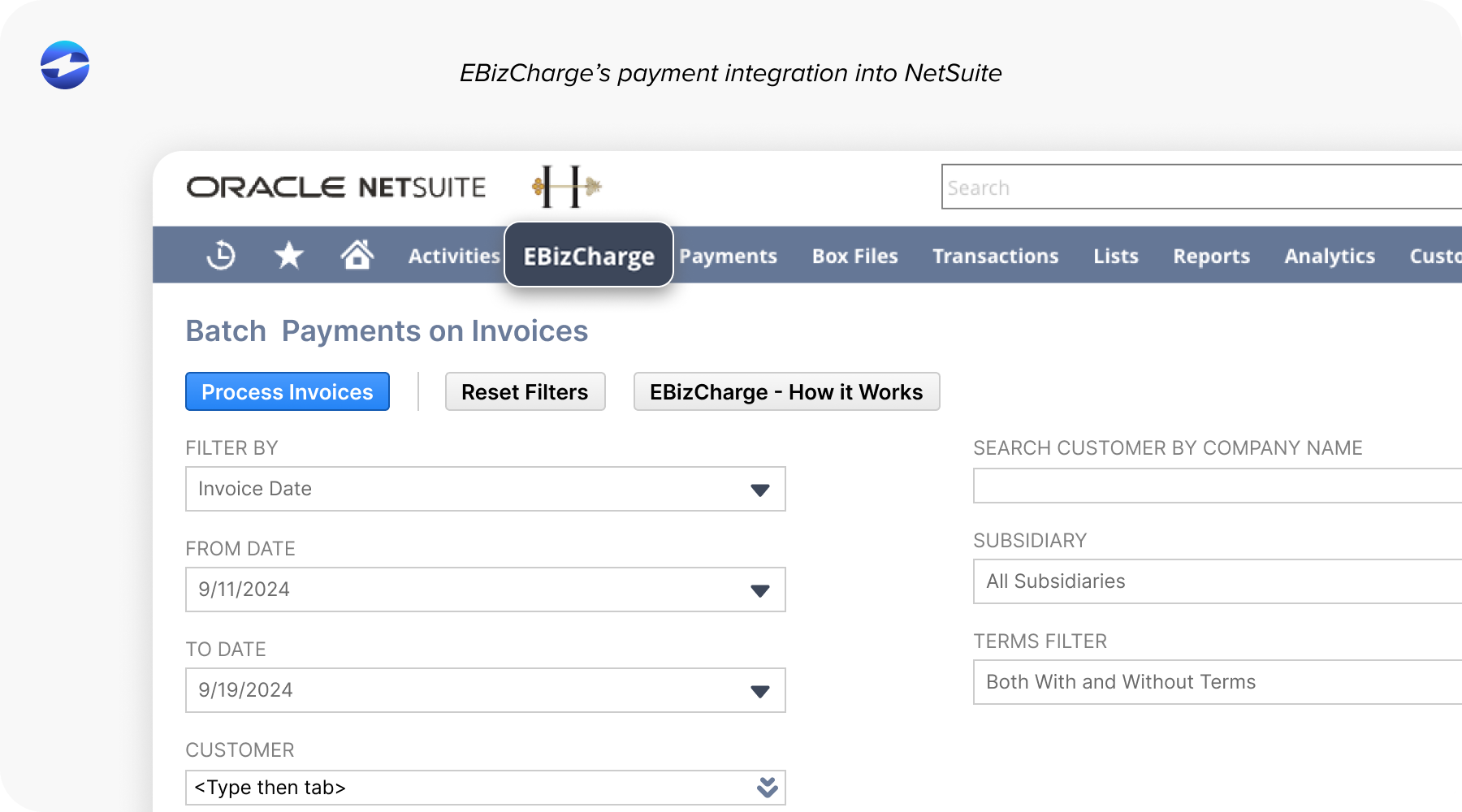
NetSuite users are well-positioned for AR automation. NetSuite’s native data structure already captures the invoice fields, customer records, and transaction details that AR automation relies on. EBizCharge’s native NetSuite integration initiates payments directly from NetSuite records and posts cash application back to the ledger without custom scripting.
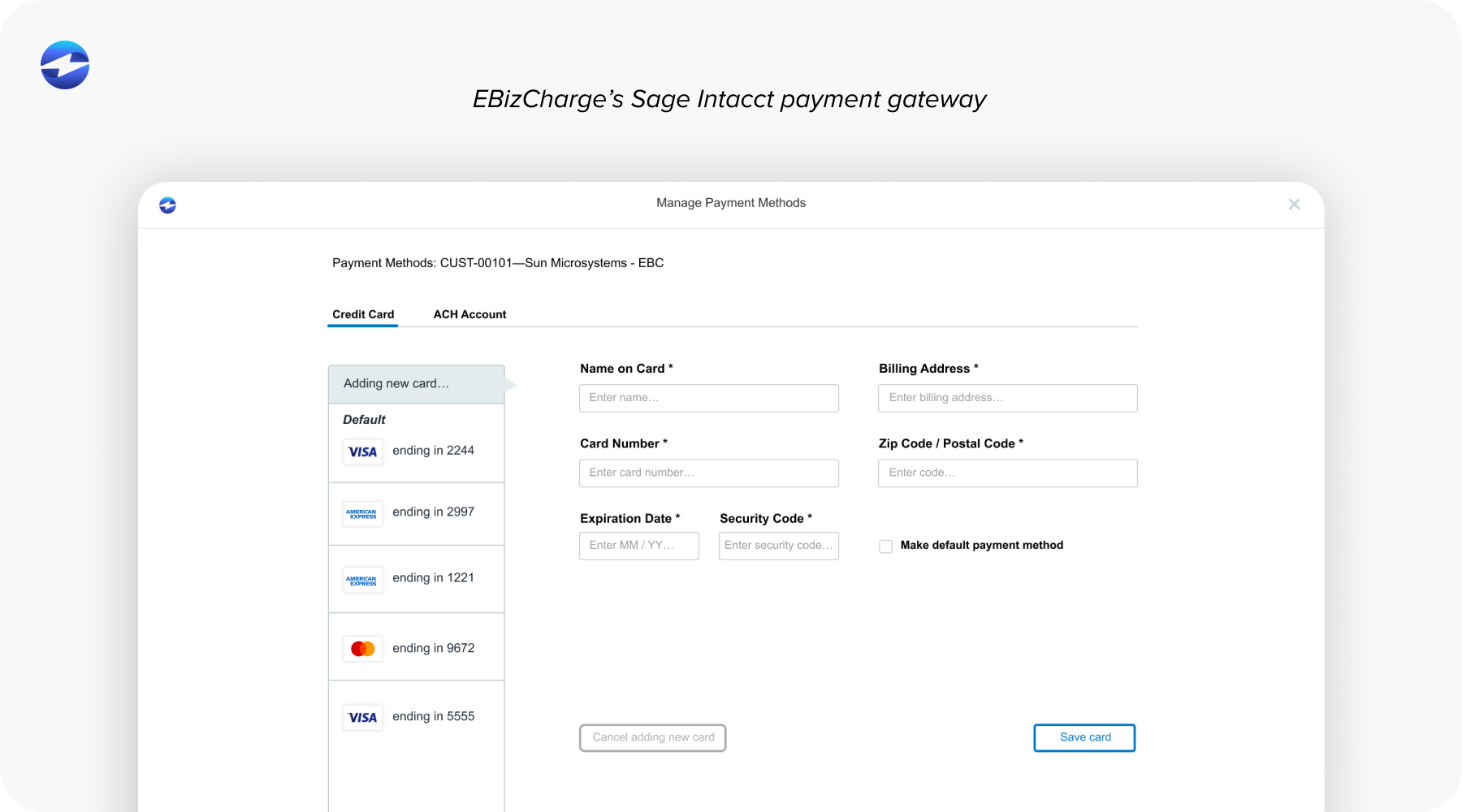
Sage users, whether on Sage Intacct, Sage 100, or Sage 300, face AR challenges that grow with transaction volume. Sage Intacct’s multi-entity structure adds complexity that a well-integrated AR automation software handles cleanly. EBizCharge supports Sage workflows natively across versions.
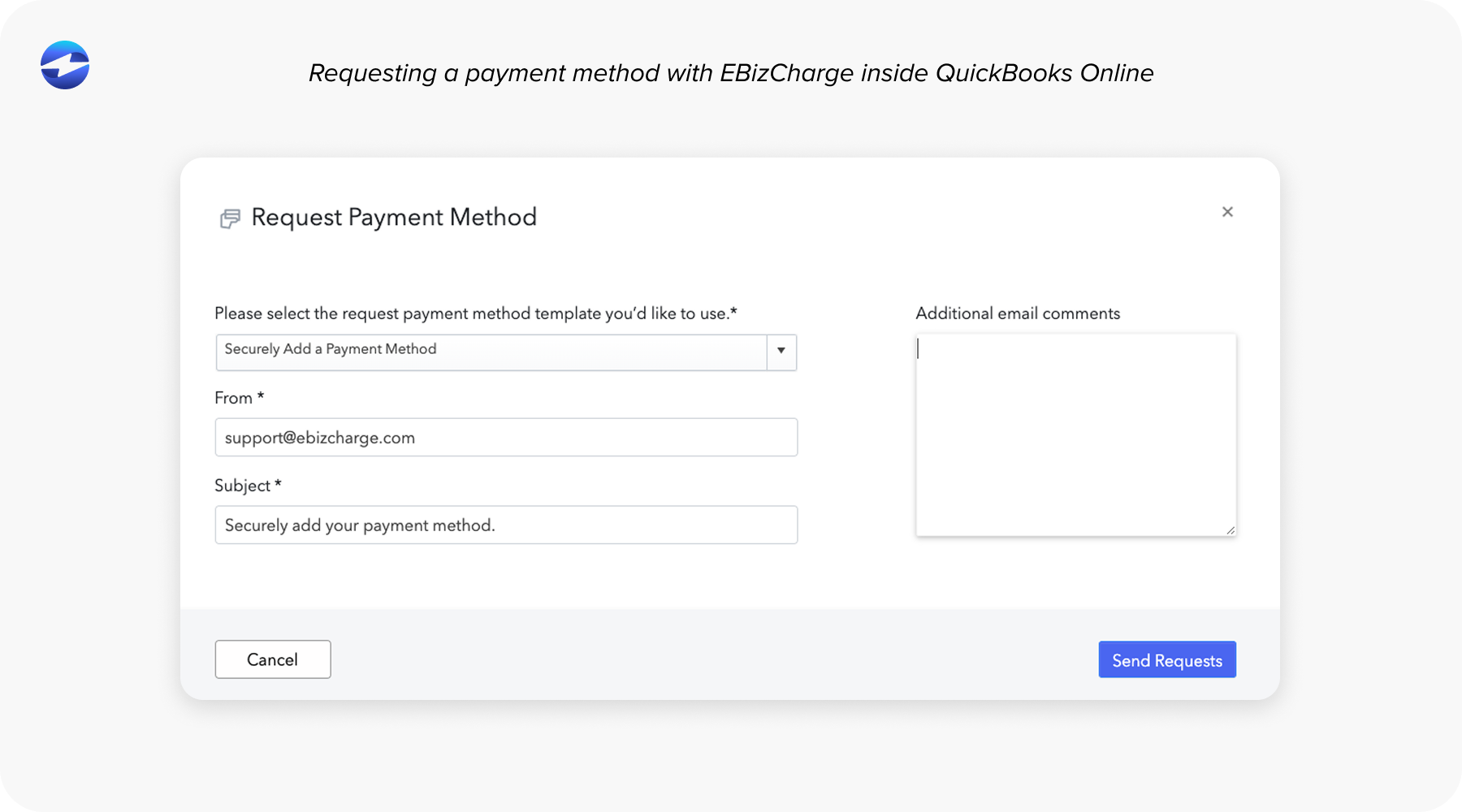
QuickBooks is widely used by growing businesses whose AR needs have outpaced the platform’s built-in tools. Manual follow-up and cash application quickly become bottlenecks. EBizCharge adds a full payment portal, automated reminders, and cash application inside QuickBooks without requiring a platform migration.
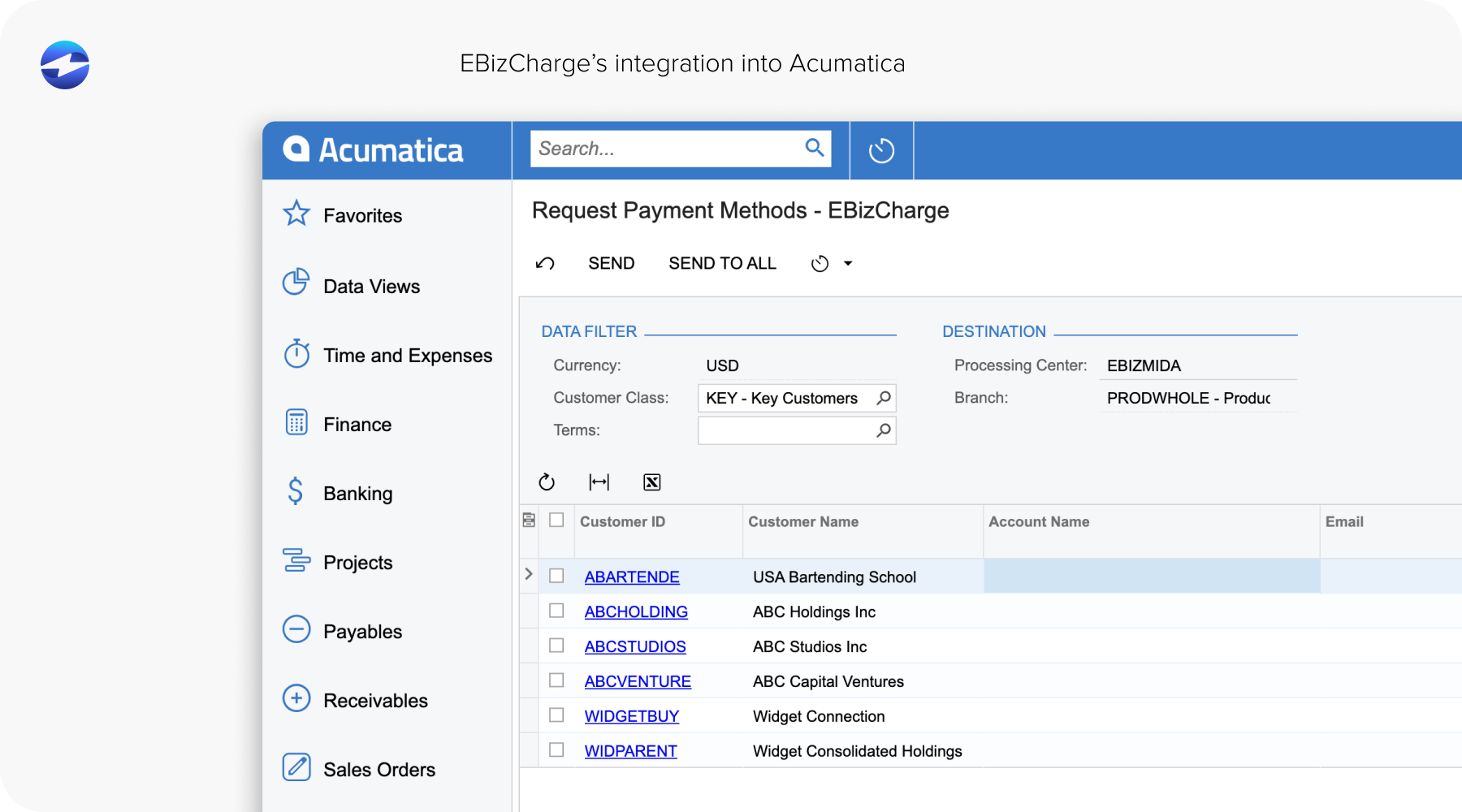
Acumatica users benefit from the platform’s cloud-native architecture, but AR automation often requires add-ons that don’t fully integrate with existing workflows. EBizCharge’s native Acumatica integration automates accounts receivable inside the ERP, handling cash application, payment portals, and reminders without pulling AR staff into a separate system.
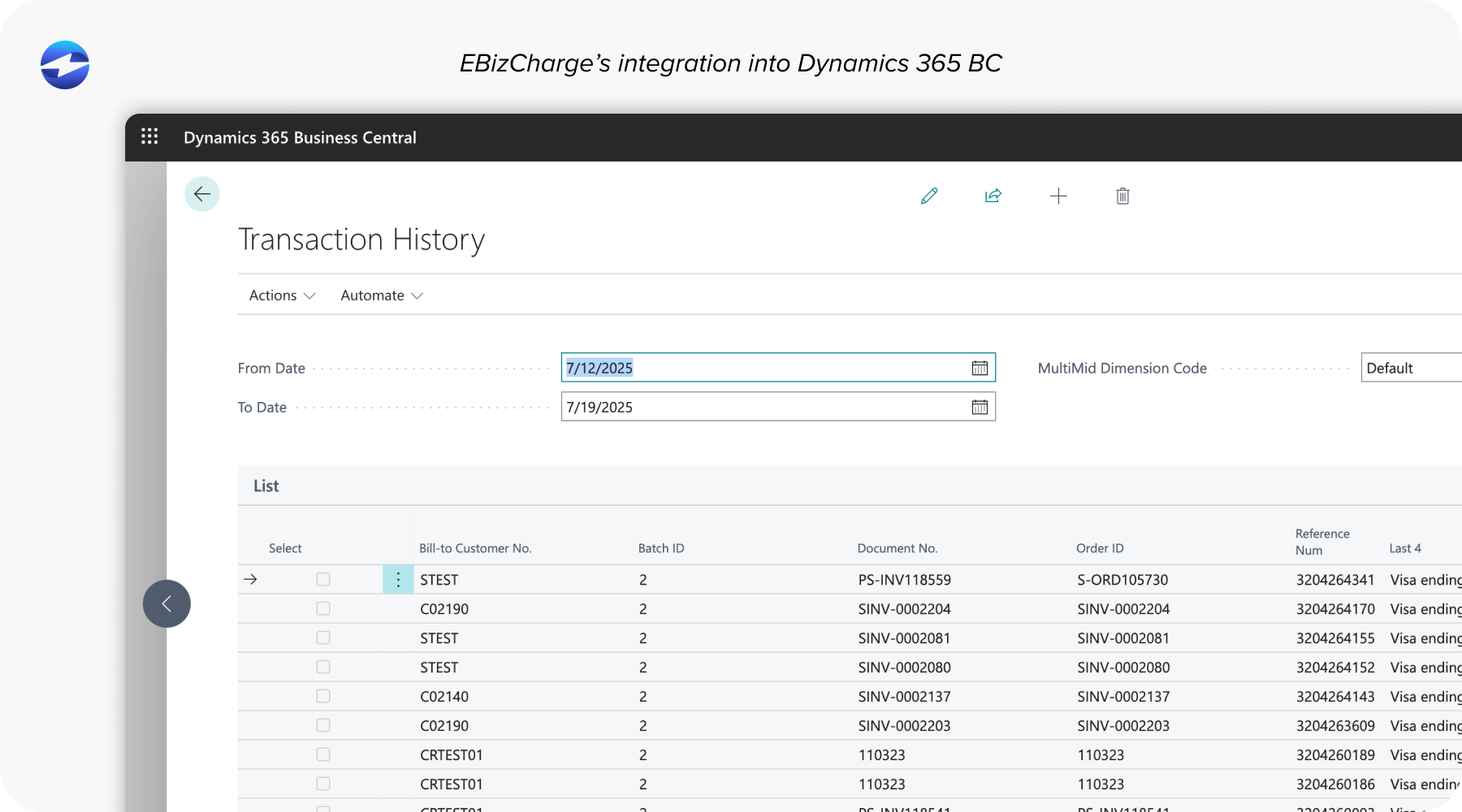
Microsoft Dynamics users, on Business Central or Dynamics GP, often have multi-currency, multi-entity, or complex approval workflows. EBizCharge’s Dynamics integration handles AR automation within those workflows, posting payments directly to Dynamics ledger accounts.
What AR Automation Actually Delivers
The benefits of accounts receivable automation come down to a few areas that finance teams care about most.
DSO goes down because payments are followed up on consistently and posted faster. Cash application time drops significantly when the process is automated rather than manual. Month-end close becomes cleaner because reconciliation gaps are smaller. AR staff can handle higher transaction volume without adding headcount, which matters as a business grows.
The more important shift is qualitative. When AR automation software handles repetitive matching and posting tasks, the AR team’s time moves toward exceptions, disputes, and customer relationships. That’s a fundamentally different and more valuable use of their day.
How to Evaluate AR Automation Software
A few criteria separate well-built AR automation solutions from ones that sound good in a demo.
Start with ERP compatibility. Native integration wins over third-party connectors in almost every practical scenario. Then look at cash application accuracy — ask specifically how the system handles partial payments, short pays, and multi-invoice remittances. Remittance processing is worth probing as well; find out what formats the system accepts and whether it requires manual intervention for non-standard inputs.
Payment portal capability matters: which payment methods are supported, can customers enroll in auto-pay, and does payment post automatically to the ledger? Collections workflow customization tells you whether the system can segment reminders by customer type or aging bucket, or just sends generic notices on a fixed schedule.
The pricing model is worth a close look. A payment processor running on interchange-plus pricing passes rate savings back to the business. Flat-rate pricing absorbs those savings. The difference adds up over a year of transaction volume.
Finally, ask for reference customers in your industry and on your ERP platform. AR automation is handled differently in distribution than in professional services, and a vendor with relevant experience shows it in implementation quality.
Simplifying Accounts Receivable with Automation
The automation of accounts receivable isn’t a luxury reserved for large enterprise companies with dedicated IT teams. It’s a practical necessity for any B2B business processing meaningful invoice and payment volume where manual processes are consuming staff time that could be better spent elsewhere.
The goal isn’t to replace your AR team. It’s to stop asking them to do work that software handles more accurately, more consistently, and at a higher volume than any person reasonably can.
EBizCharge brings together the full AR automation stack inside the ERP your business already runs on. If your team is still spending significant hours on manual posting, remittance matching, and follow-up, the gap between where you are and where you could be is smaller than it probably feels.