Blog > How to Reduce DSO in Epicor: Payment Automation Strategies
How to Reduce DSO in Epicor: Payment Automation Strategies

Days sales outstanding is one of those metrics that everyone watches, but few people enjoy dealing with. When it creeps up, cash flow tightens, forecasting becomes harder, and small operational issues suddenly feel much bigger. For teams running on Epicor ERP, DSO is not just a finance number. It reflects how well invoicing, payments, and follow-up actually work together.
If you manage accounting, finance, or operations in Epicor, you have likely felt this firsthand. Invoices go out on time, but payments lag. Customers intend to pay, but friction slows them down. Meanwhile, your team spends hours tracking down information that should already be in the system.
This article focuses on practical ways to reduce DSO Epicor users experience by improving how payments are handled. The goal is not theory. It is real, achievable payment automation strategies that work inside Epicor.
Understanding DSO Within Epicor ERP
At a basic level, days sales outstanding (DSO) measures how long it takes to collect payment after an invoice is issued. In Epicor, this data lives within Epicor accounts receivable reporting and aging views. The numbers are there, but the reasons behind them are not always obvious.
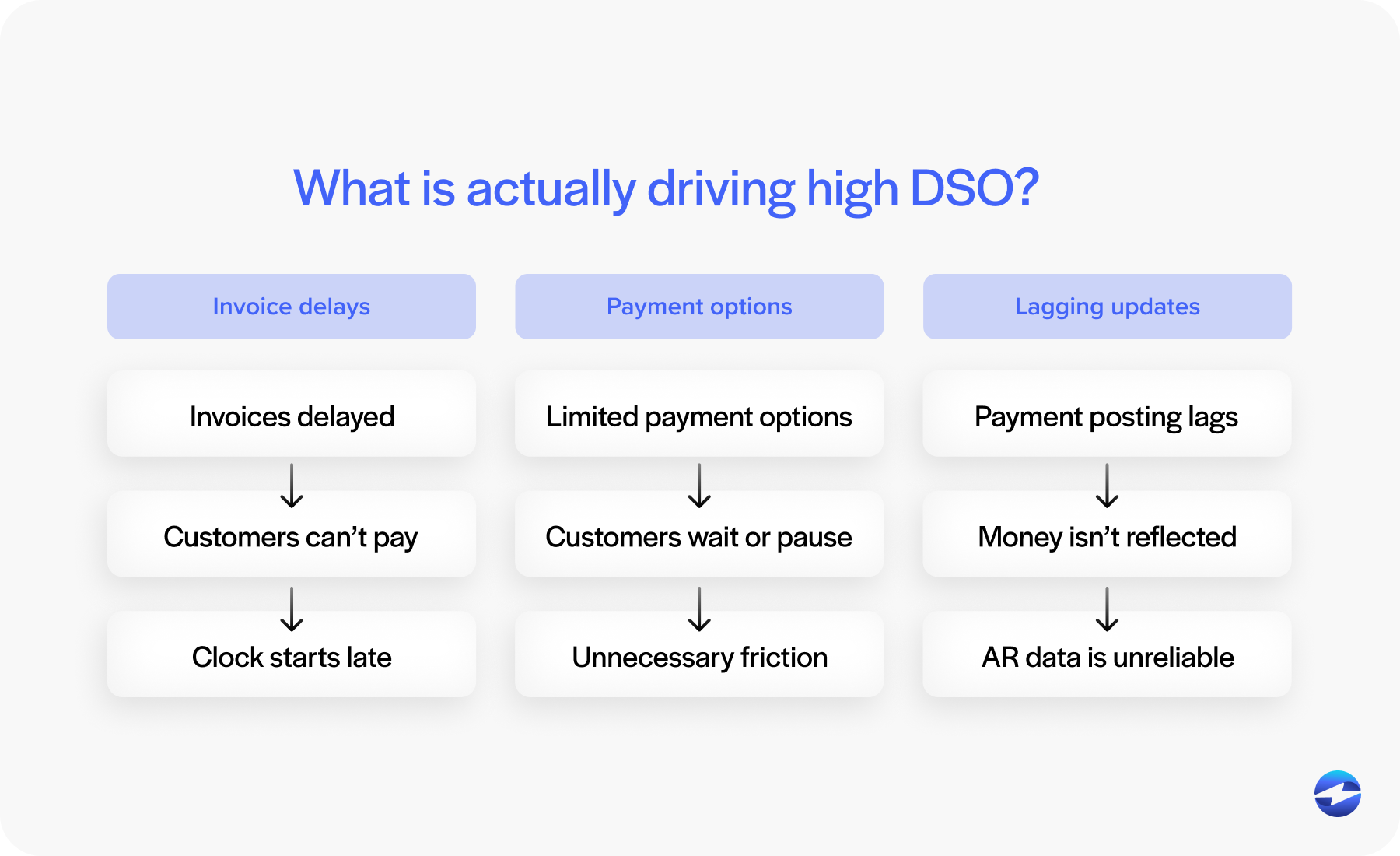
High DSO is usually due to a few common causes. Invoices are delayed. Payment options are limited. Payment posting happens days after money is actually received. Each of these issues stretches the invoice-to-cash cycle.
What matters most is the connection between payment workflows and AR performance. When payments are disconnected from Epicor, Epicor AR automation never fully takes hold. The system shows what should be happening, not what is actually happening.
Where Manual Processes Slow Down Payments
Manual payment entry is one of the biggest contributors to high DSO in Epicor environments.
When teams accept payments outside the system and then rekey them into Epicor, delays are unavoidable. Even small backlogs create confusion: Invoices appear unpaid, follow-ups go out unnecessarily, and customers get frustrated.
There is also risk. Manual entry increases the chance of posting errors, misapplied payments, and reconciliation issues. These problems don’t just affect accounting accuracy. They slow collections and inflate days sales outstanding over time.
Eliminating manual payment entry inside Epicor ERP is often the first meaningful step toward lower DSO. When payments are posted automatically and accurately, everything downstream moves faster.
Payment Automation Strategies That Reduce DSO
Payment automation isn’t about adding complexity. It’s about removing friction.
When payments are automated, invoices are marked as paid as soon as payment is received. AR teams don’t have to wait for batch posting or manual reconciliation. This immediacy shortens the invoice-to-cash cycle in very real ways.
A strong Epicor integration ensures payment data flows directly into Epicor without extra steps. That includes posting payments, updating invoice status, and maintaining accurate customer balances.
Over time, consistent automation makes collections more predictable. Teams spend less time reacting and more time managing exceptions.
Payment Processing Options for Epicor ERP Users
Epicor users generally have several payment processing paths available.
Some rely on standalone tools that operate outside Epicor. These can work, but they require manual coordination. Others choose semi-integrated tools that pass data back after the fact.
The most effective approach is a fully integrated payment processing solution built to work directly within Epicor. In this setup, payments are initiated, processed, and posted without leaving the system.
Choosing the right payment processor matters here. Epicor-specific experience reduces integration issues and ensures payment workflows align with AR processes instead of working against them.
Using Customer Payment Portals to Speed Up Collections
Customer payment portals are one of the simplest ways to reduce DSO.
When customers can view invoices and pay online, delays drop significantly. There is no need to request copies of invoices or ask how to submit payment. Everything is available in one place.
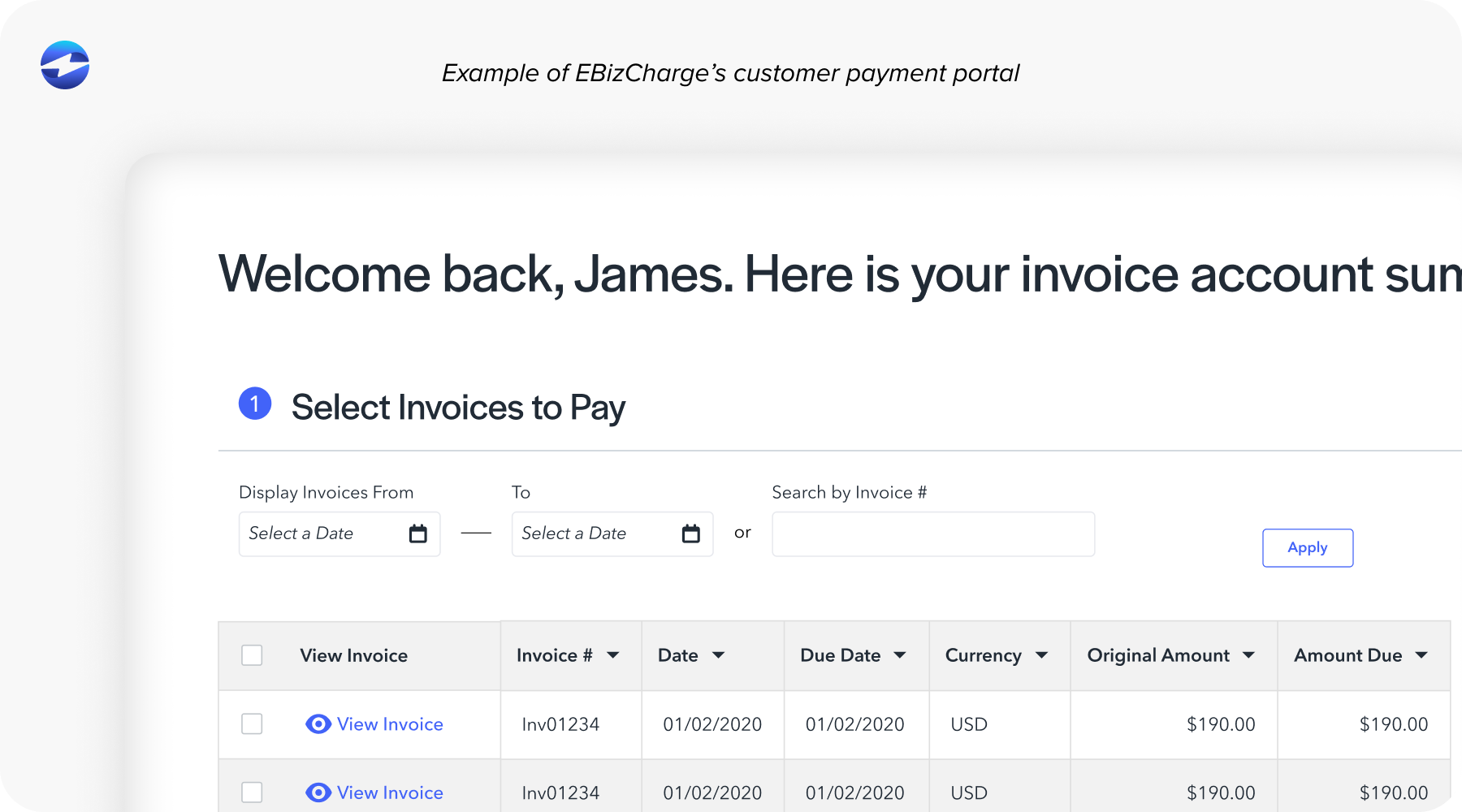
Portals connected directly to Epicor ensure payments are posted automatically. This supports Epicor AR automation by keeping invoice status current and accurate.
For AR teams, this means fewer reminder emails and fewer phone calls. For customers, it means fewer obstacles.
Automating Recurring and Scheduled Payments in Epicor
Recurring payments are not right for every business, but when they fit, they make a measurable difference.
For repeat customers, service contracts, or scheduled billing, automating payments reduces missed due dates. Customers do not need to remember to pay. Payments happen as agreed.
When recurring payments are tied directly into Epicor, posting happens automatically. This reduces both administrative effort and days sales outstanding.
Automation also creates consistency. Cash flow becomes easier to forecast, and AR teams can focus on exceptions instead of routine transactions.
Improving Visibility and Follow-Up in Epicor AR
Visibility is a hidden driver of lower DSO.
When payments are posted in real time, Epicor accounts receivable data becomes more reliable. Teams know exactly which invoices need attention and which don’t.
This allows follow-up efforts to become more targeted. Instead of broad reminders, teams can focus on truly overdue balances. Over time, this shift from reactive to proactive collections helps reduce DSO Epicor users struggle with.
Building a Scalable Payment Automation Strategy in Epicor
Payment automation should grow with your business.
Short-term fixes often introduce long-term problems. A scalable approach ensures payment workflows remain consistent as transaction volume increases or Epicor environments evolve.
A strong Epicor integration supports future upgrades and minimizes disruption. This is especially important for organizations planning long-term use of Epicor software.
Consistency, reliability, and flexibility are what keep automation working over time.
Why EBizCharge Is a Great Fit for Reducing DSO in Epicor
EBizCharge is built to support Epicor users who want faster collections without added complexity.
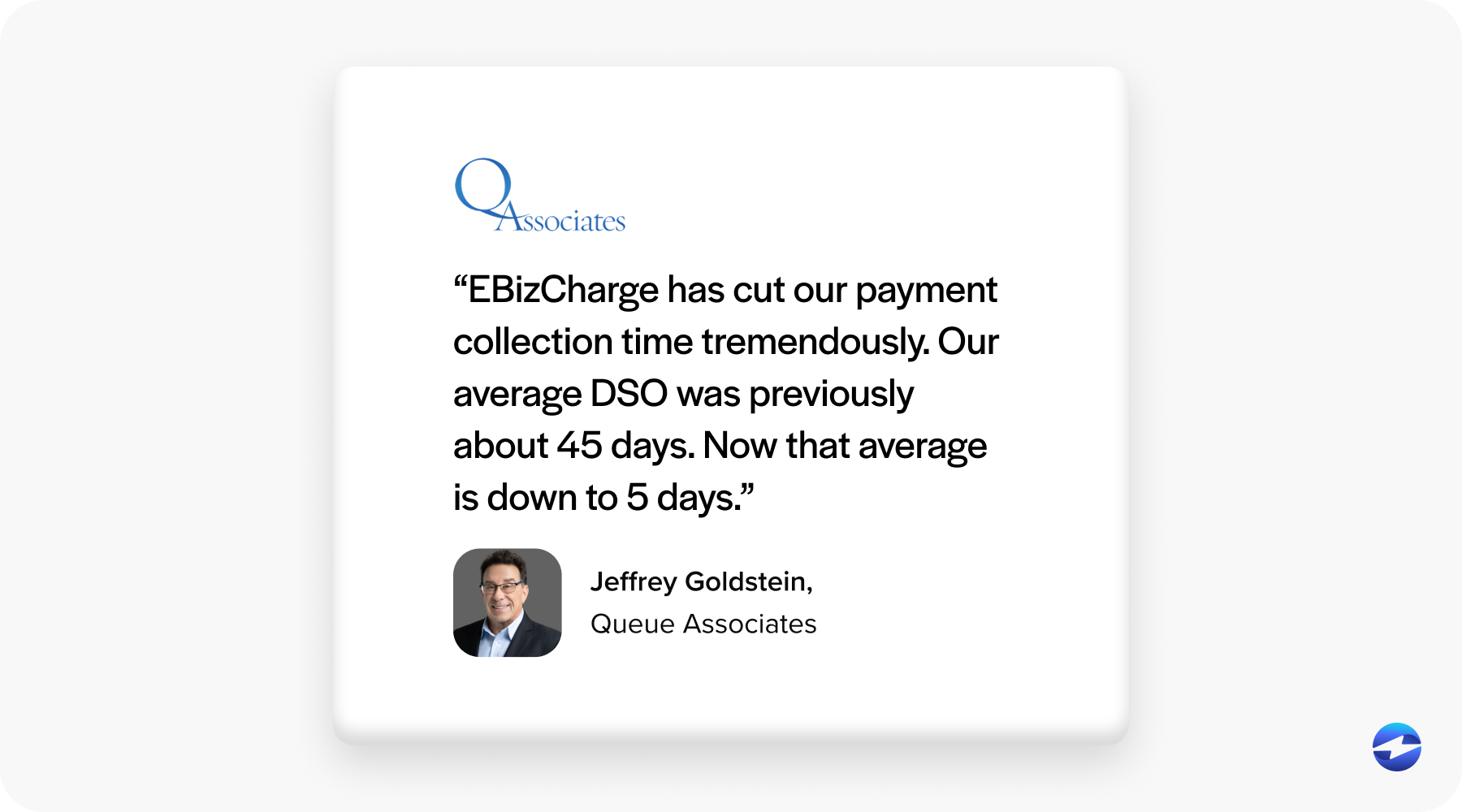
It works directly inside Epicor ERP, eliminating manual payment entry and supporting true Epicor AR automation. Payments are accepted, processed, and posted automatically, keeping invoices up to date.
Tools like customer payment portals and recurring billing make it easier for customers to pay on time. Integrated Epicor credit card processing removes friction while keeping payment data connected to AR.
By combining automation with deep Epicor integration, EBizCharge helps teams consistently reduce DSO while strengthening cash flow and reducing daily workload.