Blog > Payment Processing Options for Epicor ERP Users: 2026 Guide
Payment Processing Options for Epicor ERP Users: 2026 Guide

Payment processing rarely gets much attention until something goes wrong: a payment doesn’t post correctly, a customer insists they already paid, or reports don’t match the bank. Suddenly, what once felt like a background system becomes a daily frustration.
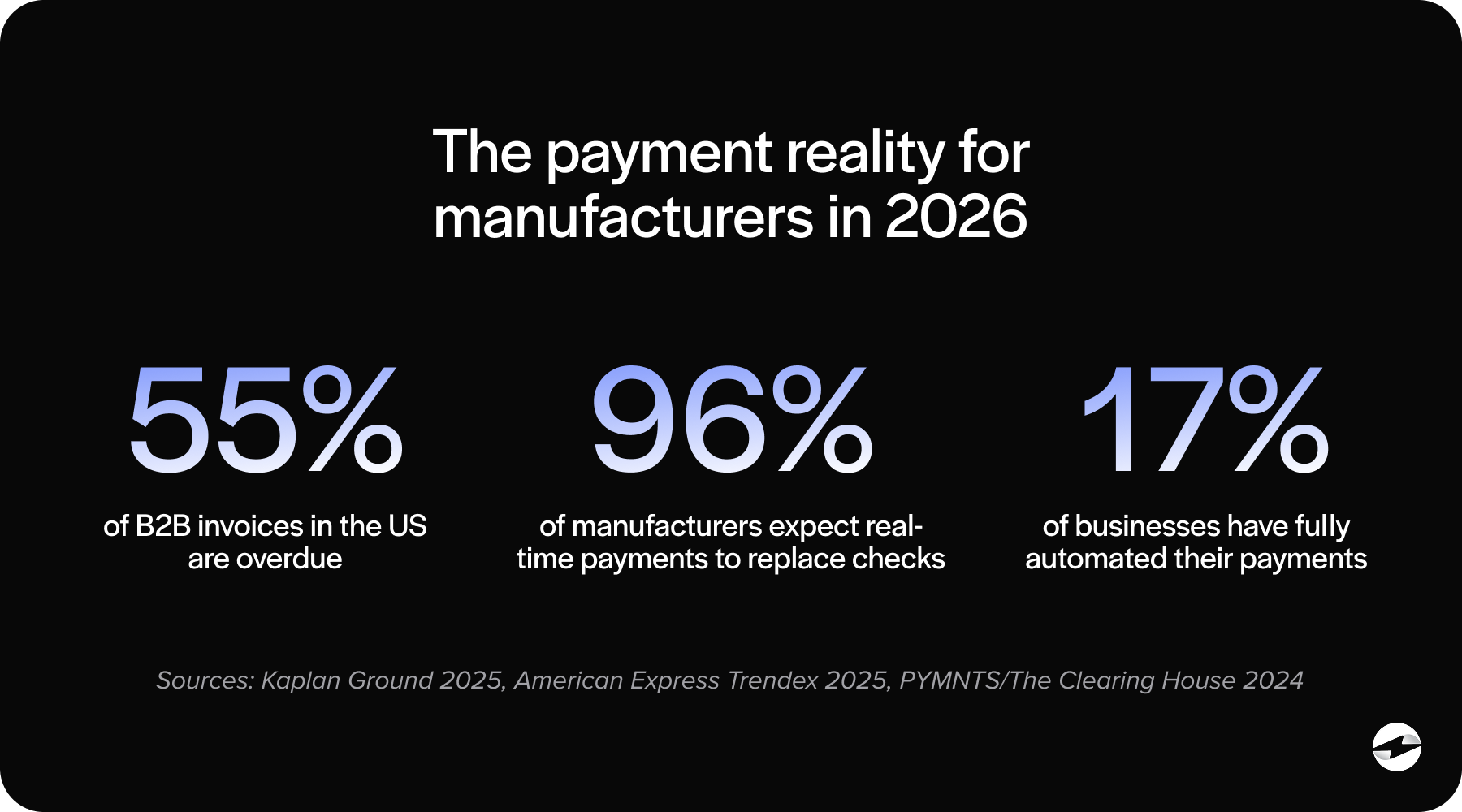
If you’re using Epicor ERP, chances are you’ve felt this pressure increase over the last few years. Customers expect easier ways to pay. Finance teams want faster cash application. Operations want fewer manual steps. And in 2026, those expectations are becoming the standard.
This guide is written for the people who live in Epicor every day—finance leaders, AR teams, operations managers, and IT partners supporting Epicor software across manufacturing environments. As Epicor software continues to evolve, payment workflows need to evolve with it. The goal isn’t to sell you on a specific tool, but to walk through the real-world payment processing options Epicor users face and explain what actually works, what doesn’t, and why.
How Payment Processing Works in Epicor ERP
At a basic level, Epicor ERP payments start with an invoice and end with cash in the bank. A lot can happen in between.
A customer submits a payment by credit card, ACH, or check. That payment is captured through a payment gateway, authorized by a payment processor, and then needs to land back in Epicor so invoices close and balances update. When everything lines up, the process feels invisible.
Problems usually appear during payment entry and cash application. Manual steps slow things down – payments arrive without invoice references, and teams spend time correcting records instead of focusing on higher-value work.
This is where automation becomes critical. Strong Epicor payment processing setups reduce manual data entry, apply payments automatically, and keep reporting accurate without constant intervention.
Epicor Payment Exchange (EPX) and Native Epicor Payment Capabilities
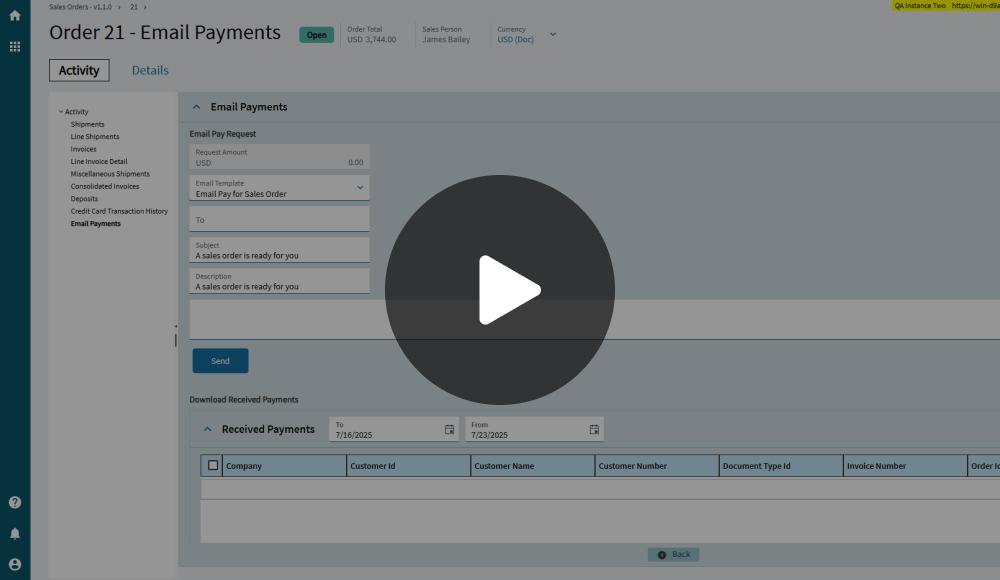
Epicor Payment Exchange, often referred to as EPX, is Epicor’s native payment offering. It’s designed to work directly inside Epicor and provides basic tools for accepting credit cards and processing customer payments.
For many users, EPX is where Epicor credit card processing begins. For teams migrating from older setups, Epicor credit card processing is often the first area where limitations around automation and reporting become visible. Payments are tied closely to Epicor workflows, and setup is relatively straightforward. For simple use cases, this tight alignment can be appealing.
EPX works best when payment needs are limited and transaction volume is manageable. It handles standard payments and keeps data centralized within Epicor ERP.
Users often start asking questions about flexibility and cost. Epicor payment processing fees, reporting limitations, and reduced control over the customer payment experience are common discussion points.
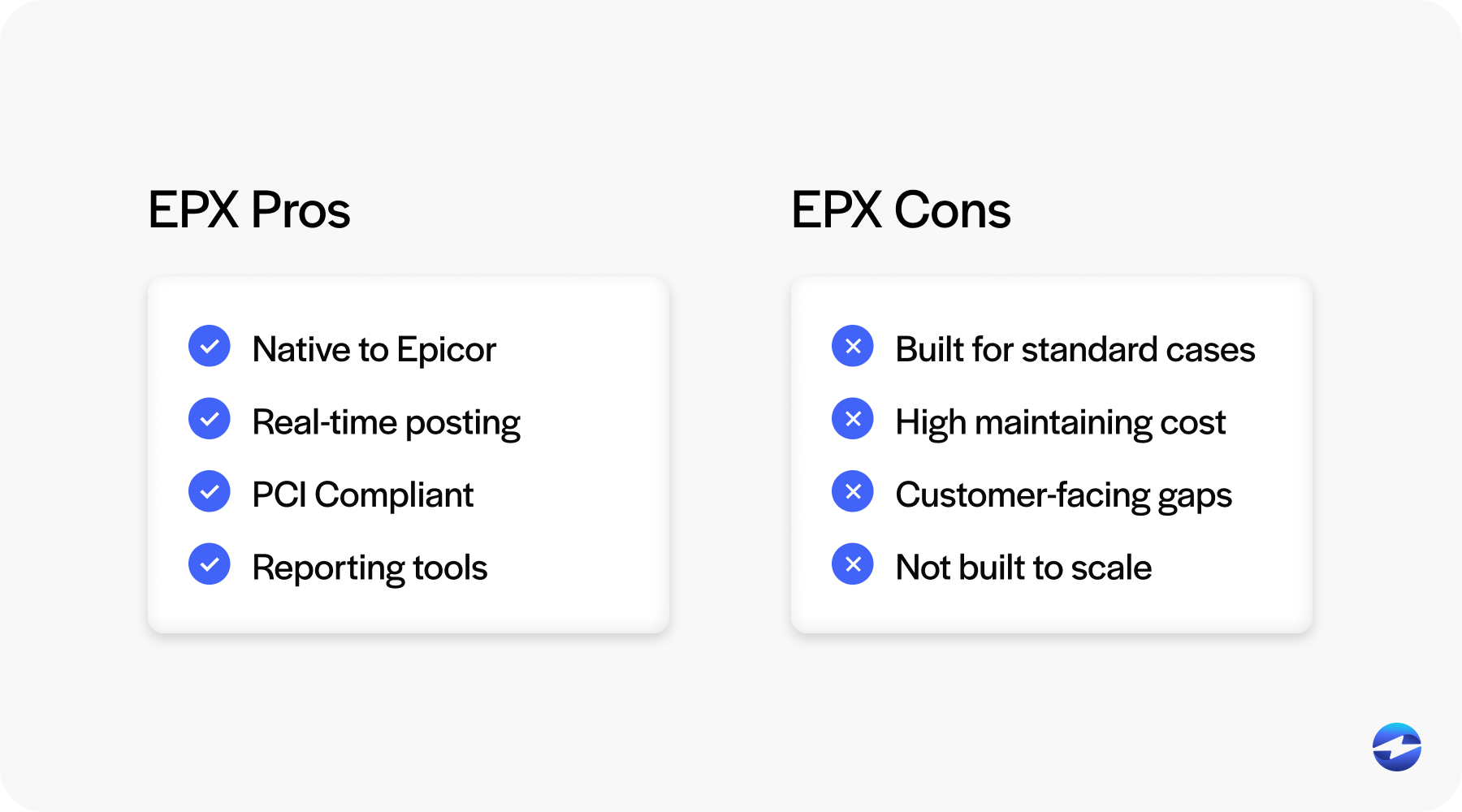
Over time, many manufacturers discover that while EPX works, it doesn’t always scale with their business or support more automated workflows.
Third-Party and Integrated Payment Solutions for Epicor
Third-party payment solutions take a different approach. Instead of relying only on Epicor’s native tools, these platforms extend Epicor through deeper integrations.
A strong Epicor payment integration allows payments to be processed and applied directly inside Epicor while expanding functionality beyond what EPX typically offers. Over time, a reliable Epicor payment integration becomes critical for maintaining clean data and reducing manual work. The best solutions embed payment capabilities into Epicor screens, reducing the need to jump between systems.
Some integrations rely heavily on external platforms and APIs, while others are purpose-built for Epicor. This distinction matters. Heavy API-based approaches can offer flexibility but often require more IT ownership and ongoing maintenance.
Well-designed Epicor integration options support credit cards, ACH, and customer payment portals while maintaining clean synchronization with Epicor ERP. A scalable Epicor integration also reduces long-term maintenance and support risk.
Automation, Portals, and Compliance Considerations
Automation is one of the biggest reasons Epicor users look beyond native tools.
Automated payment entry reduces manual posting, and automated cash application ensures payments close invoices accurately. Over time, these improvements save hours each week and reduce errors that quietly affect reporting.
Customer payment portals also play an increasingly important role. Customers expect to pay invoices online, on their own schedule, without calling or emailing the AR team. When portals connect directly to Epicor, payments post faster and with fewer issues.
Additionally, security and compliance can’t be overlooked. PCI compliance is non-negotiable, especially for manufacturers handling large transaction volumes. A reliable payment processing solution should minimize your PCI scope while maintaining audit-friendly controls.
Payment Processing by Manufacturer Type
Not all Epicor users operate the same way, and payment needs vary widely by manufacturer type.
Discrete manufacturers often deal with high-dollar invoices and fewer transactions. Accuracy, Level 3 credit card data, and clean reconciliation matter more than speed alone.
Job shops using Epicor Kinetic face different challenges. Progress billing, deposits, and partial payments require flexible workflows that handle complexity without manual workarounds.
Industrial equipment manufacturers typically manage long sales cycles, milestone payments, and service invoices. Payment processing must support these variations without breaking reporting or customer relationships.
In each case, the right payment solution supports the business model rather than forcing teams to work around system limitations. Choosing a flexible payment solution becomes especially important as manufacturers grow.
Comparing Epicor Payment Processing Options
When comparing options, most Epicor users are weighing Epicor Payment Exchange against third-party solutions.
EPX offers simplicity and native alignment, but third-party platforms tend to offer stronger automation, better customer payment tools, and more control over how payments are handled.
The difference becomes clearer as volume grows – manual steps multiply, reporting delays increase, and what once felt “good enough” starts to slow the business down.
A scalable Epicor payment processing setup should reduce effort as volume increases, not add to it.
Key Factors Epicor Users Should Evaluate in 2026
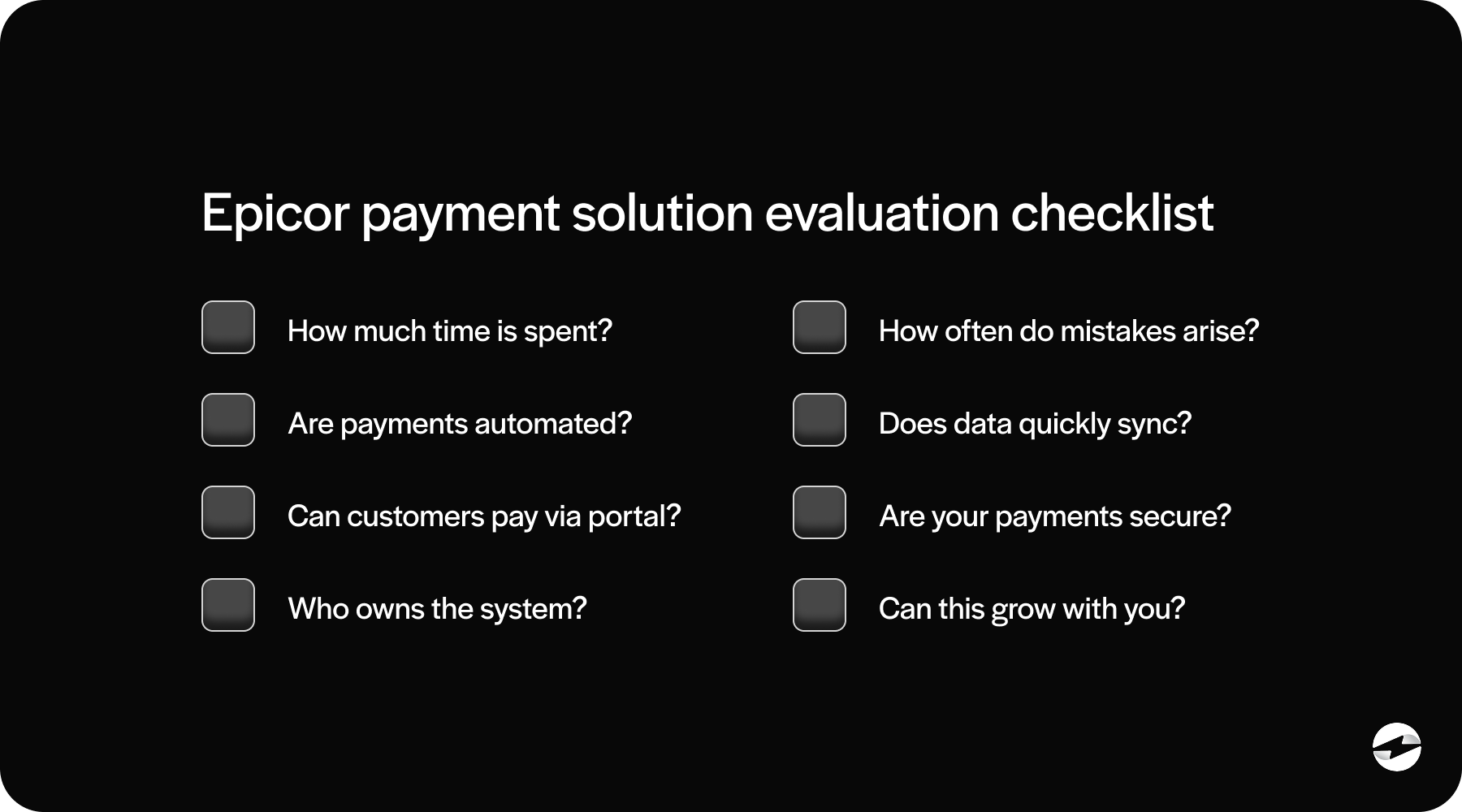
As you evaluate options, a few questions consistently matter more than feature lists.
How much manual work does your team perform today?
How often do payments require cleanup?
Who owns the system when something goes wrong—finance, IT, or both?
Automation, reliability, and long-term maintainability should weigh heavily in your decision. The cheapest option upfront often becomes the most expensive over time.
Security, compliance, and reporting accuracy aren’t optional. They’re foundational to trust in your financial data.
Why Many Manufacturers Choose EBizCharge for Epicor
For many Epicor users, the real challenge isn’t choosing between native tools or third-party platforms – it’s finding a setup that delivers automation without adding complexity. That’s where EBizCharge shines.
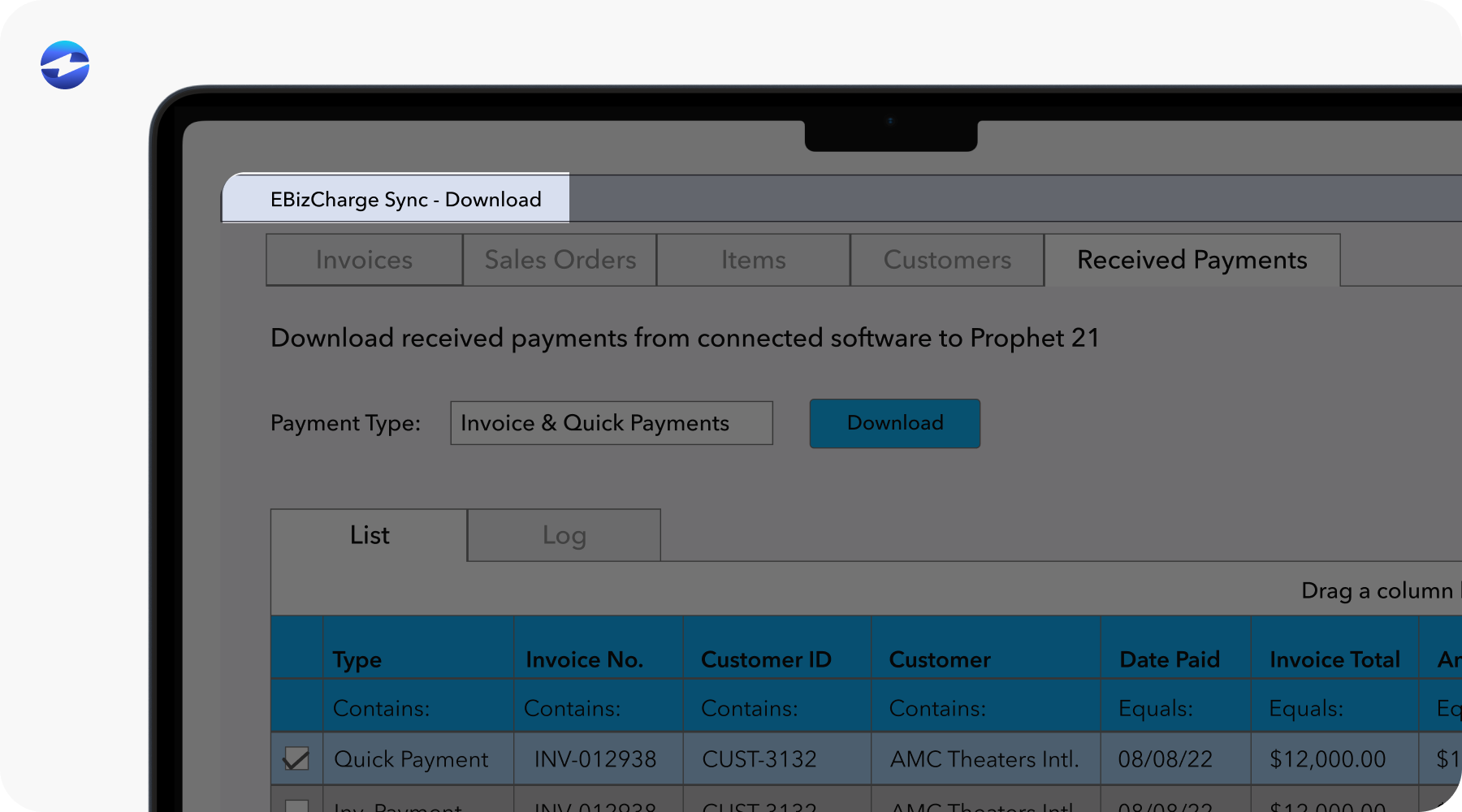
EBizCharge is built to work directly inside Epicor ERP, so payments feel like a natural extension of existing workflows rather than a bolt-on system. Transactions move through a secure payment gateway, are handled by a trusted payment processor, and are automatically applied to Epicor invoices without extra steps or manual cleanup.
This design helps teams reduce day-to-day effort while keeping processes easy to manage. Credit card and ACH payments post cleanly, customer payment portals simplify how customers pay, and Level 3 processing supports the detailed data requirements common in B2B transactions.
When manufacturers compare EBizCharge with Epicor Payment Exchange, the conversation often comes back to the same themes: smoother automation, greater flexibility as volume grows, and reporting that stays accurate without constant oversight.
Choosing a Payment Setup That Works for You
Payment processing is no longer just a back-office function. For Epicor users in 2026, it’s a critical part of cash flow, customer experience, and operational efficiency.
Whether you rely on Epicor Payment Exchange or explore third-party options, the right payment processing solution should support how your business actually runs—not force workarounds.
Taking the time to evaluate your Epicor ERP payments strategy now can save years of frustration later. The best solutions fade into the background, letting your team focus on what really matters: running the business.
- How Payment Processing Works in Epicor ERP
- Epicor Payment Exchange (EPX) and Native Epicor Payment Capabilities
- Third-Party and Integrated Payment Solutions for Epicor
- Automation, Portals, and Compliance Considerations
- Payment Processing by Manufacturer Type
- Comparing Epicor Payment Processing Options
- Key Factors Epicor Users Should Evaluate in 2026
- Why Many Manufacturers Choose EBizCharge for Epicor
- Choosing a Payment Setup That Works for You