Blog > Common Sage Intacct Payment Integration Mistakes to Avoid
Common Sage Intacct Payment Integration Mistakes to Avoid

Integrating payments into Sage Intacct should make life easier. In a perfect world, every transaction would post automatically, every reconciliation would run cleanly, and your team would finally escape the cycle of manual data entry. But anyone who has been through a payment integration knows it doesn’t always go that smoothly. Small decisions made early in the process can cause big headaches later – misapplied payments, duplicate transactions, broken syncs, and reporting gaps that take hours to untangle.
If you work in finance or operations, you’ve likely seen at least one integration go sideways. The good news is that most issues are avoidable. With the right preparation and the right Sage Intacct integration partner, connecting a payment processor to Sage Intacct ERP can be a huge win, delivering automation, accuracy, and time savings.
Below, we’ll walk through the most common mistakes organizations make when implementing Sage Intacct payment processing – and how to avoid them.
Mistake #1: Not Fully Mapping Your Financial Workflows
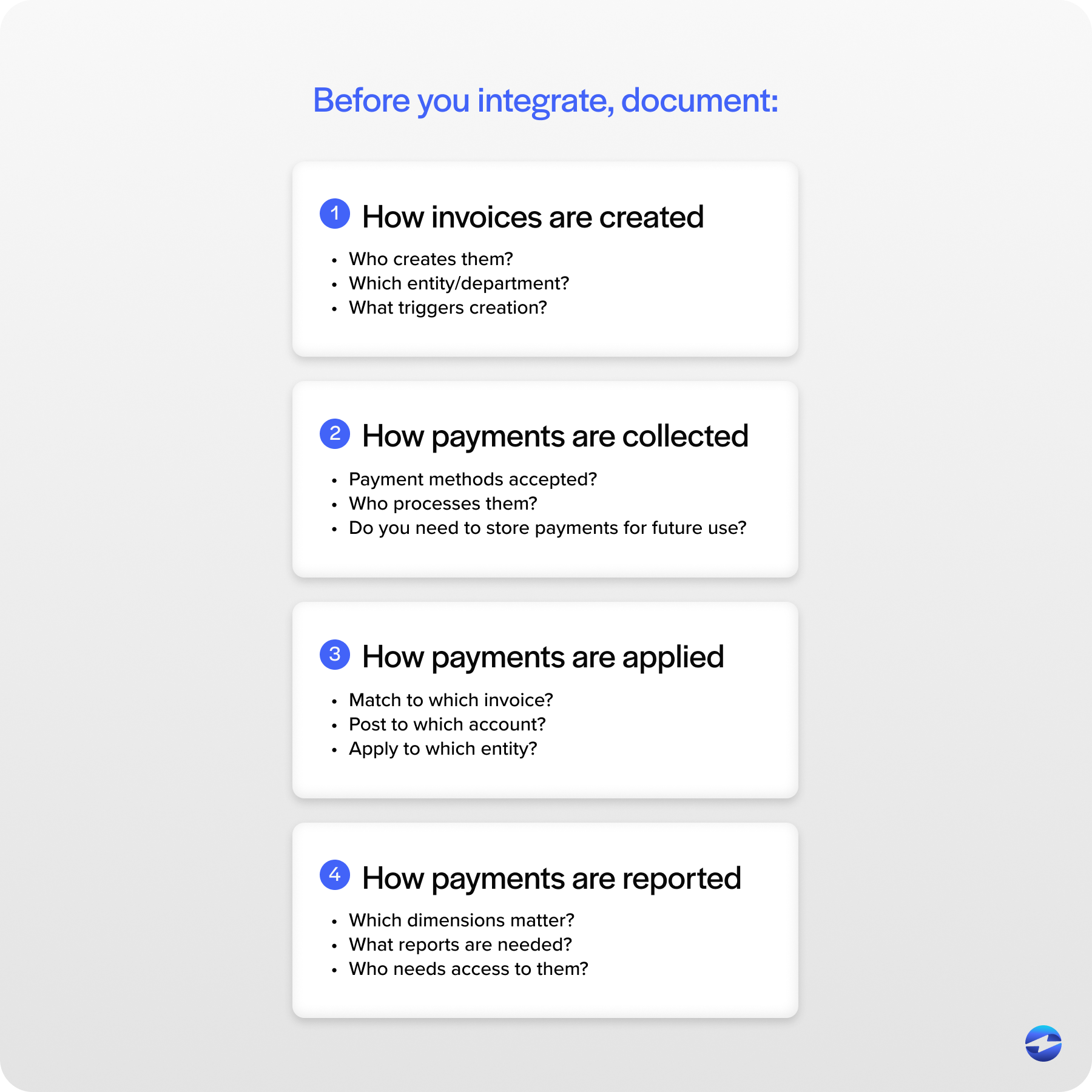
Before anything connects through the Sage Intacct API, you need a crystal-clear picture of how money moves through your organization. This means mapping the entire workflow – from how invoices are created to how payments are collected, applied, and reported.
Many organizations skip this step. They connect a payment processing solution and expect Sage Intacct to “figure it out.” But Sage can only automate the logic you build. Without proper mapping, you may see payments posting to the wrong customer records, revenue flowing into incorrect general ledger accounts, donation or customer data failing to sync, or funds allocated inconsistently across entities.
This isn’t a software issue – it’s a planning issue. Spend the time upfront documenting your payment workflows and posting rules. It’s not glamorous, but it’s the foundation for a successful Sage API integration.
Mistake #2: Choosing Tools That Don’t Actually Integrate Well
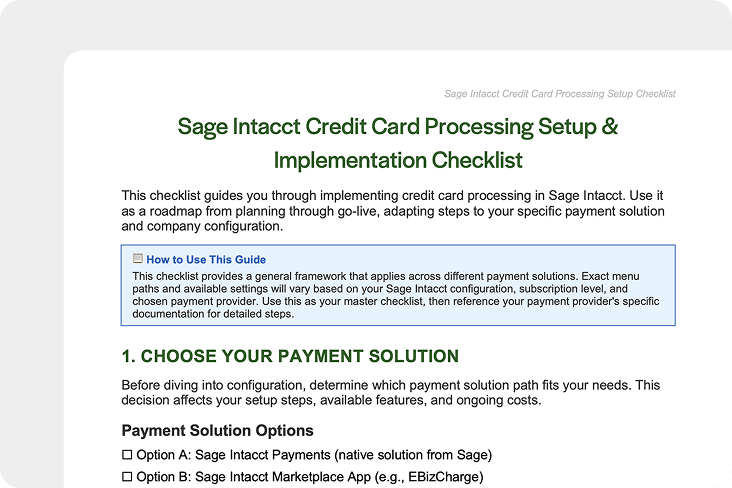
Not every payment tool plays nicely with Sage Intacct ERP. Some require flat-file uploads. Others only sync once per day. And a few offer integrations that work in theory – but not with your specific modules or industry needs.
This becomes especially important when handling Sage Intacct credit card processing. If the integration can’t support tokenization, refunds, level 2 and 3 data, or PCI-compliant flows, you’ll end up with security risks and incomplete transaction data.
Before committing to any payment processor, verify the following:
- Do they offer a native Sage Intacct integration?
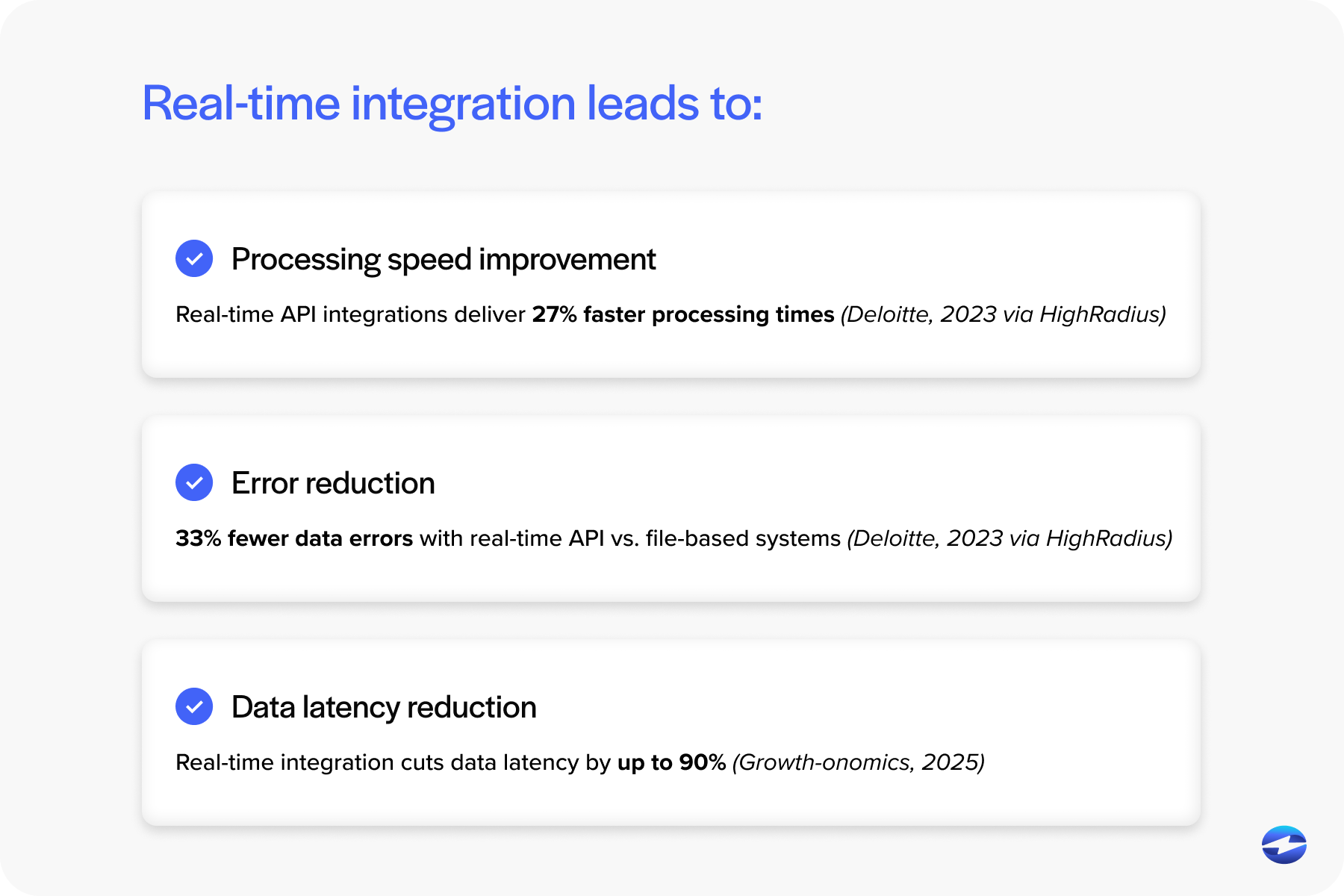
- Do they support real-time or two-way sync?
- Can they map to your entities, funds, locations, or dimensions?
- Do they post transactions automatically, including fees and refunds?
Compatibility isn’t optional – it’s the difference between seamless automation and manual cleanup work.
Mistake #3: Integrating Before Cleaning Your Data
No integration can magically fix bad data. If your donor list, customer records, or vendor database contains duplicates, inconsistencies, or outdated information, the integration will sync those issues straight into Sage Intacct. This often results in duplicate customer records, sync failures, mismatched invoices and payments, and incorrect balances that require manual repair.
Clean your data before you sync. It’s much easier to address issues in a spreadsheet than in a live ERP environment. A solid Sage Intacct integration partner will advise you on this and help you build validation steps.
Mistake #4: Not Vetting Your Sage Intacct Integration Partner
Choosing a Sage Intacct integration partner is one of the most important decisions in the entire process. Organizations often pick the first vendor on the list or the cheapest option, only to learn later that the partner has limited experience with the Sage Intacct API.
Before moving forward, ask:
- How many Sage Intacct integrations have you completed?
- Do you have experience with my industry’s workflows?
- Will the integration support my multi-entity structure?
- How do you manage security and PCI compliance?
- What happens if something breaks after we go live?
A great integration partner doesn’t just connect software – they guide your entire strategy.
Mistake #5: Overlooking Security and Compliance Requirements
Security is often treated as an afterthought during payment integration, especially when organizations assume all vendors meet the same standards. But Sage Intacct credit card processing requires strict adherence to Payment Card Industry Data Security Standards (PCI-DSS), tokenization, encryption, audit trails, and secure data flow. These aren’t just technical checkboxes – they’re safeguards that protect your customers, donors, and your organization from real financial and reputational damage.
If your payment processing solution doesn’t meet these standards, you introduce unnecessary risk. A single weak link can open the door to data exposure, fraudulent transactions, or compliance violations. Always verify compliance before integrating, especially if sensitive payment data will move between systems. Taking time to evaluate security upfront prevents stressful – and expensive – problems later.
Mistake #6: Underestimating Multi-Entity Setup
Sage Intacct is a powerful tool because of its ability to handle complex multi-entity structures, but that power comes with responsibility. If entities, locations, or departments aren’t structured properly before integrating payments, even a small oversight can create ripple effects throughout your system. Payments may apply to the wrong entity, invoices can end up in the wrong books, and financial reports may start showing numbers that don’t add up.
This issue becomes even more noticeable in organizations that operate across multiple locations, departments, or business units. Each group may have different approval paths, bank accounts, or revenue streams, and Sage Intacct needs a clear roadmap of those relationships before automated posting begins. Taking the time to confirm that your entity and dimension setup reflects how your organization actually operates prevents major reconciliation challenges down the line.
Mistake #7: Expecting Every Integration to Handle Reconciliation Automatically
Many teams assume that connecting a payment processor will instantly automate reconciliation, but this is a common misunderstanding. On the surface, it seems logical – if payments are flowing through an integrated system, everything should match up. But in reality, not all integrations go deep enough to support true end-to-end reconciliation.
Some integrations post the basic payment data but ignore processing fees entirely, which means finance teams still have to manually adjust fees at month’s end. Others can handle charges but struggle with refunds or voids, creating mismatched records that require manual correction. And in some cases, the integration only syncs partial data, leaving pieces of the transaction lifecycle – like settlement details or chargebacks – out of the system entirely. When this happens, staff end up spending hours filling in gaps the system couldn’t handle.
True Sage Intacct payment processing should capture the full picture: payments, fees, refunds, adjustments, and timing differences. Everything should post automatically and consistently, without your team having to clean up spreadsheets or track down missing entries. If your integration can’t support this level of detail, your staff will be stuck troubleshooting reconciliation issues behind the scenes, defeating the purpose of automation.
Mistake #8: Skipping Testing and Sandbox Validation
Skipping testing is one of the fastest ways to create long-term issues. Even a well-built integration needs time to prove that it works with your specific setup, not just in a demo environment. Every organization has unique posting rules, approval paths, entity structures, and data habits – so what works smoothly for one team might break for another.
This is why a proper testing phase isn’t just a checkbox. It’s your chance to stress-test the integration under real-world conditions. Successful payments, failed transactions, refunds, partial payments, and multi-entity scenarios should all be tested to see how the system behaves when things don’t go perfectly. This also helps you understand where error messages appear, how they’re resolved, and whether your posting rules need adjustment.
Running these tests in a sandbox environment allows you to identify issues early – before real transactions and real customers are involved. It’s a low-pressure space to fix mapping problems, adjust workflows, and confirm that automation is doing what you expect. The more thorough the testing, the smoother the final product will be.
Mistake #9: Forgetting About User Training and Change Management
The best integration in the world won’t succeed if your team doesn’t know how to use it. Training is often rushed or ignored, leaving employees confused about new processes or unsure who owns which part of the workflow.
Be sure to cover updated approval workflows, how to troubleshoot sync errors, new posting rules, and permissions for your finance and operations teams.
Good change management ensures your integration actually delivers the benefits it promises.
Building a Strong, Error-Free Sage Intacct Payment Integration
Most integration problems aren’t caused by Sage Intacct at all – they stem from rushed planning, poor communication, weak data, or the wrong tools. By taking the time to prepare your workflows, choose a knowledgeable Sage Intacct integration partner, and validate each step, you set your organization up for clean data, reliable automation, and accurate reporting.
A well-execute integration should feel almost invisible. Payments post cleanly, reconciliations happen naturally, and your team can focus on decision-making rather than fixing errors. With the right approach and the right payment processor, Sage Intacct payment processing becomes one of the most valuable automations in your financial ecosystem.
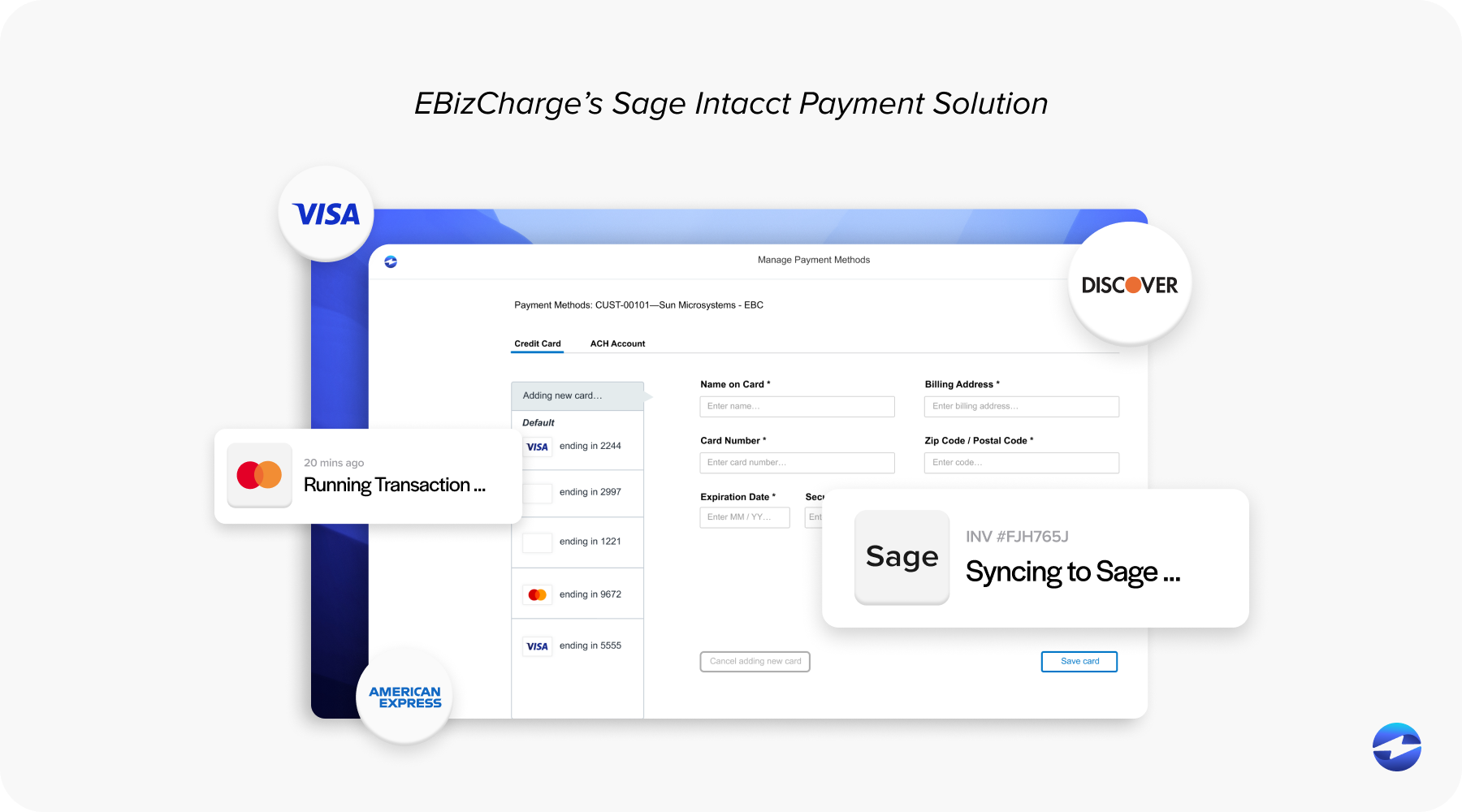
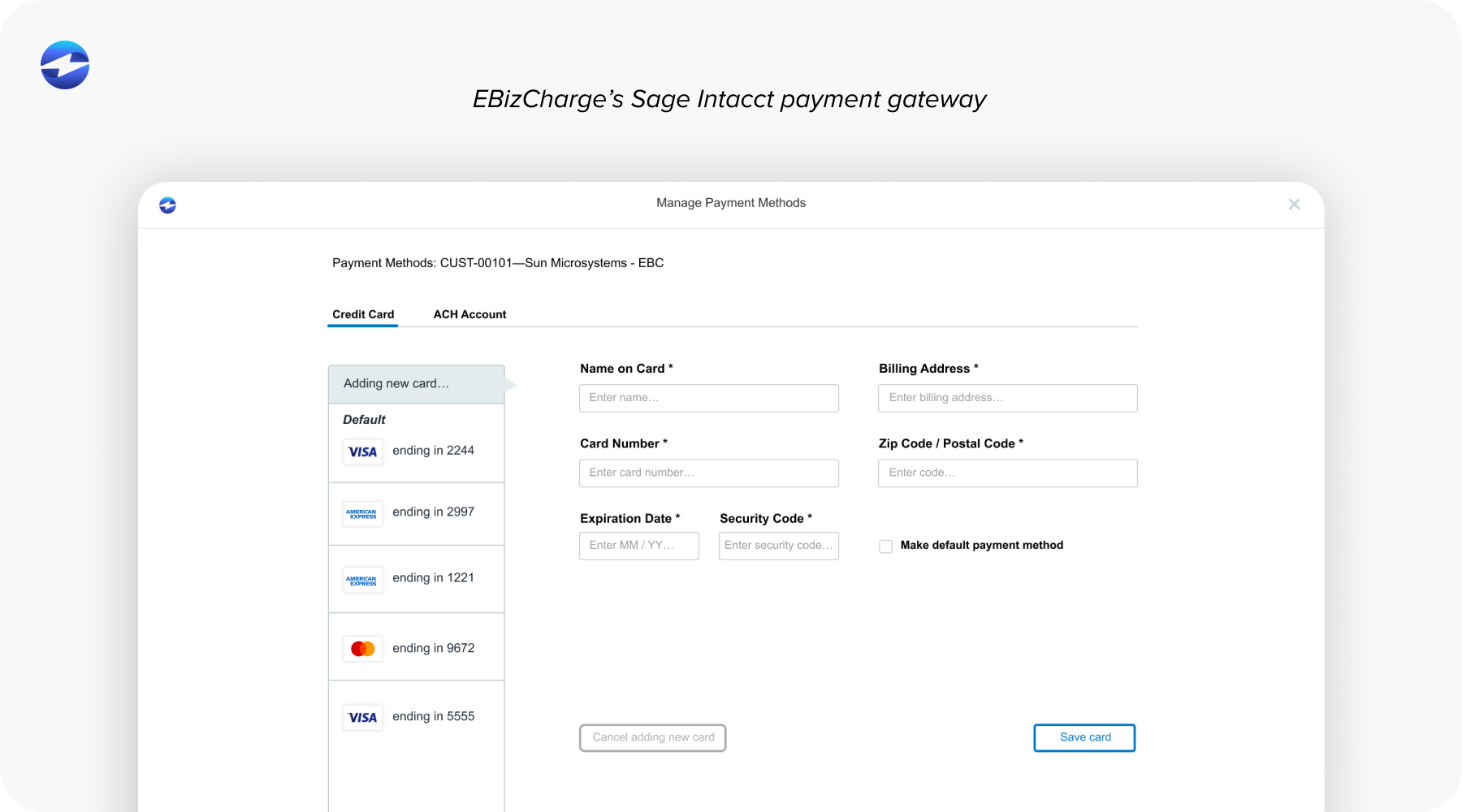
This is also where EBizCharge shines. Its integration is built specifically to fit Sage Intacct’s structure rather than forcing users into workarounds or manual steps. Because it posts payments, fees, refunds, and adjustments instantly, it removes much of the friction that teams normally deal with during reconciliation. For organizations that want a system they can trust day-to-day without babysitting it, EBizCharge often ends up being one of the most reliable and straightforward options to pair with Sage Intacct.