Blog > Sage Intacct vs QuickBooks: Payment Processing Comparison 2026
Sage Intacct vs QuickBooks: Payment Processing Comparison 2026

Choosing accounting software is already a big decision, but choosing the right platform for payment processing adds another layer of complexity. Many finance teams today are reevaluating their systems not just because reporting or reconciliations are slow, but because their current tools can’t keep up with the speed, security, and automation required for modern payments. If you’ve ever felt like you’ve outgrown your software—or you’re wondering whether to stay with QuickBooks or make the jump to Sage Intacct ERP—this guide is for you.
This article takes a practical look at Sage Intacct vs QuickBooks, focusing specifically on payment processing in 2026. It’ll explore how each system handles payments, how integrations work, where they fall short, and what makes one platform better suited for certain types of businesses. It’ll also briefly touch on how Intacct compares to other Sage products—Sage vs QuickBooks Online, Sage 50 vs QuickBooks, and even Sage Intacct vs NetSuite—so you can see the broader picture.
Sage Intacct and QuickBooks
Before diving into workflows and automation, it helps to understand the design philosophy behind these platforms.
Sage Intacct
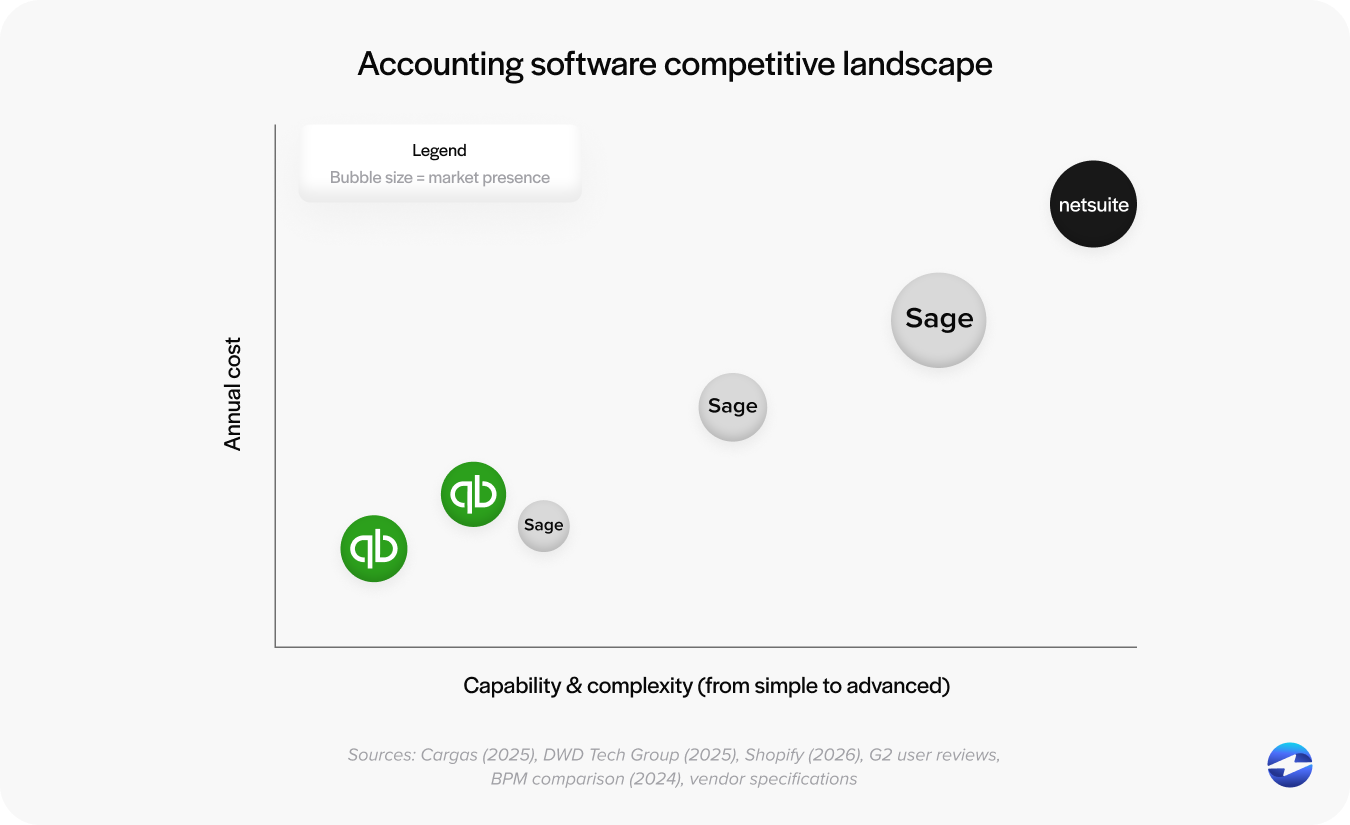
Sage Intacct is built for organizations that are scaling. It’s cloud‑native, API‑first, and designed with automation at its core. The platform handles multi‑entity accounting, advanced reporting, and deep integrations with third‑party tools. When it comes to Sage Intacct payment processing, you get flexibility: multiple processors, tokenization, automated reconciliation, and real‑time posting.
For companies that want to reduce manual work and strengthen financial controls, Sage Intacct tends to feel like a breath of fresh air.
QuickBooks
QuickBooks holds a huge place in the small‑business market—and for good reason. It’s simple, easy to learn, and fits the needs of early‑stage companies well. QuickBooks handles basic invoicing, payments, and reconciliation, but its automation is designed for smaller workflows, not multi‑entity systems.
Once your transactions, departments, or integrations grow, QuickBooks often starts to show its limitations. That’s usually when teams begin comparing Sage Intacct vs QuickBooks more seriously.
Payment Processing Capabilities Compared
Payment processing is one of the areas where these two systems differ most noticeably.
QuickBooks Payments keeps things simple: send an invoice, get paid, and post the transaction. For small businesses, this works. But larger organizations often need more—automated cash application, advanced reporting, consolidated visibility across entities, and flexible processor options.
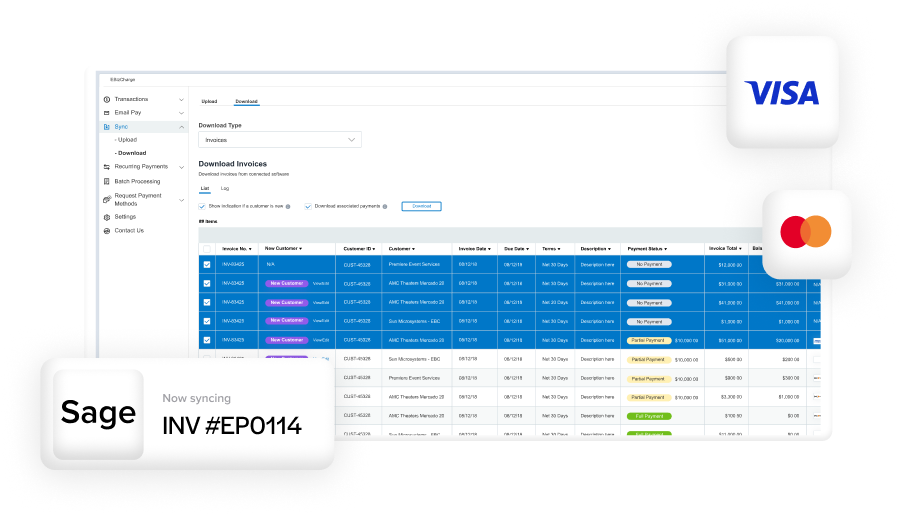
Sage Intacct offers all of that and more. With API‑driven workflows, invoices, payments, and reconciliations sync automatically. The system posts transactions in real time and supports more complex use cases, like routing payments by entity or tracking them across departments.
In terms of automation, QuickBooks automates the basics. But Sage Intacct automates the entire financial lifecycle.
Integration Strength and Scalability
As businesses grow, one of the first stress points they notice isn’t just reporting or transactions – it’s how well their software connects to everything else they rely on. Payment tools, CRMs, billing platforms, donor systems, and operational software all need to share constant manual fixes. It’s usually a sign the system has reached its limit. That’s why integration strength is such a critical factor when comparing Sage vs QuickBooks, especially for companies expecting steady growth.
Sage Intacct Integration Advantage
One of the clearest differences in Sage vs QuickBooks is the integration ecosystem. Sage Intacct was built for connectivity. Its open API allows deep, secure integrations with CRMs, billing platforms, donor systems, and virtually any modern financial tool.
QuickBooks has integrations too, but most are app‑connector level—not deep, real‑time API integrations.
This is also where comparisons like Sage Intacct vs NetSuite come into play. Both Intacct and NetSuite are known for strong integration support, but Intacct generally offers cleaner, more flexible API access.
Where QuickBooks Struggles
QuickBooks integrations often struggle when:
- Transaction volume grows
- Multi‑entity routing is required
- Two‑way sync is needed
- Complex approval workflows are introduced
For small teams, this isn’t a deal‑breaker. But for scaling businesses, these limits often trigger a move to Intacct.
Multi‑Entity, Multi‑Currency & Complex Needs
This is where the gap widens a bit more noticeably.
QuickBooks is a single-company system. You can create additional files, but consolidations, inter-company transactions, and shared charts of accounts require manual work.
Sage Intacct was designed for multi-entity companies from the ground up. Automated eliminations, shared vendors, centralized AP/AR, and consolidated reporting are all native features.
When comparing Sage Intacct vs Sage 100 vs Sage 50, Intacct sits at the top of the scalability ladder.
Security & Compliance: PCI‑DSS, Tokenization & Audit Trails
For many companies, security is often a deciding factor.
QuickBooks meets basic compliance requirements, but it doesn’t offer the same depth of audit controls or integration‑level security.
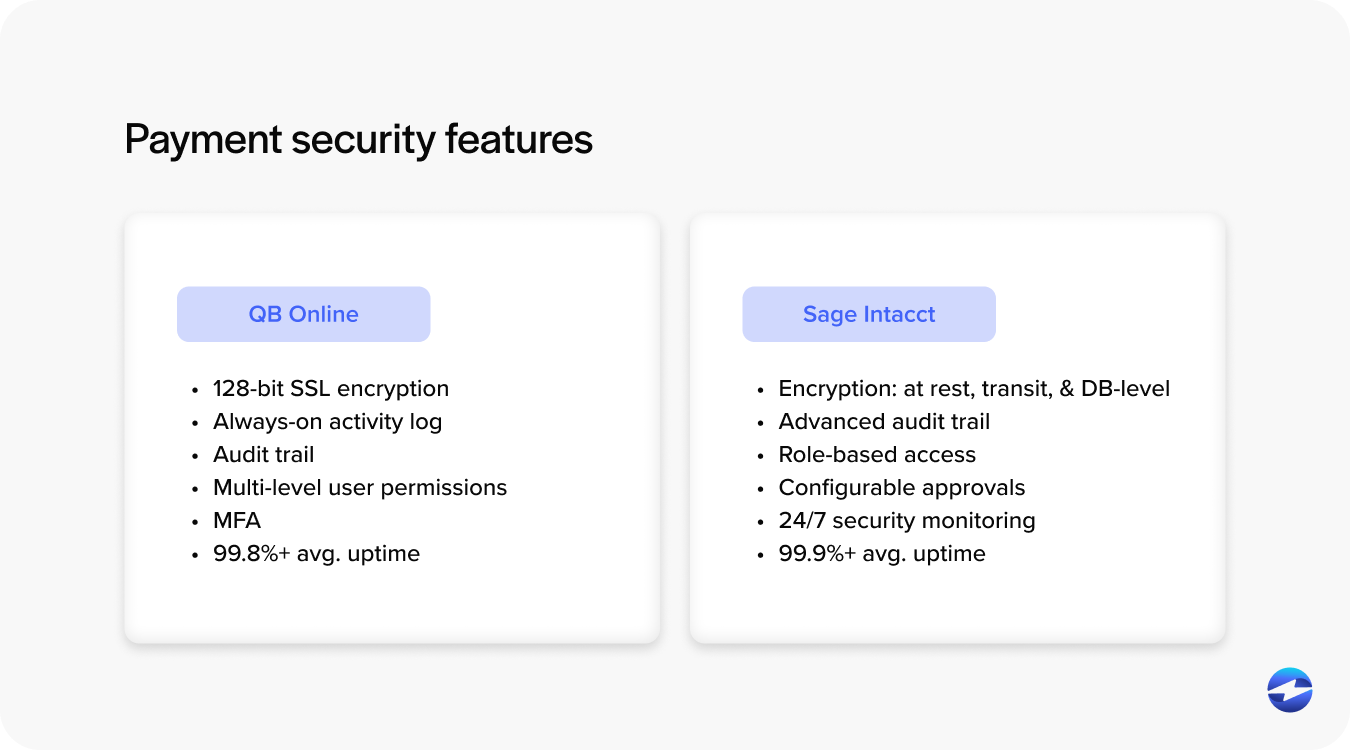
Sage Intacct provides:
- Encrypted payment data exchange
- Tokenization through supported processors
- Detailed audit logs
- Strong user‑permission controls
- Secure Sage Intacct integration pathways
If you’re processing higher payment volume—or you need a system capable of passing audits with confidence—Intacct’s security structure is a major advantage.
The right payment processor strengthens this even further. When paired with a PCI-compliant processor like EBizCharge, both systems gain additional layers of encryption, secure tokenization, and safer data handling. This ensures businesses maintain PCI compliance more easily and reduces the internal workload required to keep payment data protected.
Cost Comparison: Fees & Long‑Term ROI
QuickBooks Payments is convenient, but fees are fixed and often higher than what integrated processors offer.
Sage Intacct lets businesses choose their own payment processor, which allows:
- Lower negotiated rates
- Optimized interchange categories
- Automated posting and reconciliation
While Intacct’s subscription cost is higher, most teams recoup the difference through reduced manual work, stronger automation, and clearer visibility.
When either platform is paired with a third-party processor like EBizCharge, the cost picture changes significantly. QuickBooks users can bypass QuickBooks Payments entirely, gaining access to lower interchange-optimized rates and automated posting through EBizCharge’s integration. Sage Intacct users benefit in a similar way – EBizCharge reduces fees, automates reconciliation, and processes payments securely without forcing teams into a single pricing model. For many businesses, switching processors lowers total fees enough to materially improve long-term ROI, regardless of which accounting system they choose.
Which Platform Fits Which Type of Business?
When businesses compare Sage Intacct and QuickBooks, it’s rarely just about features – it’s about finding a system that can keep up with the pace of financial operations. Some organizations need a platform built for growth, while others need something lightweight and easy to manage.
Here’s a quick breakdown:
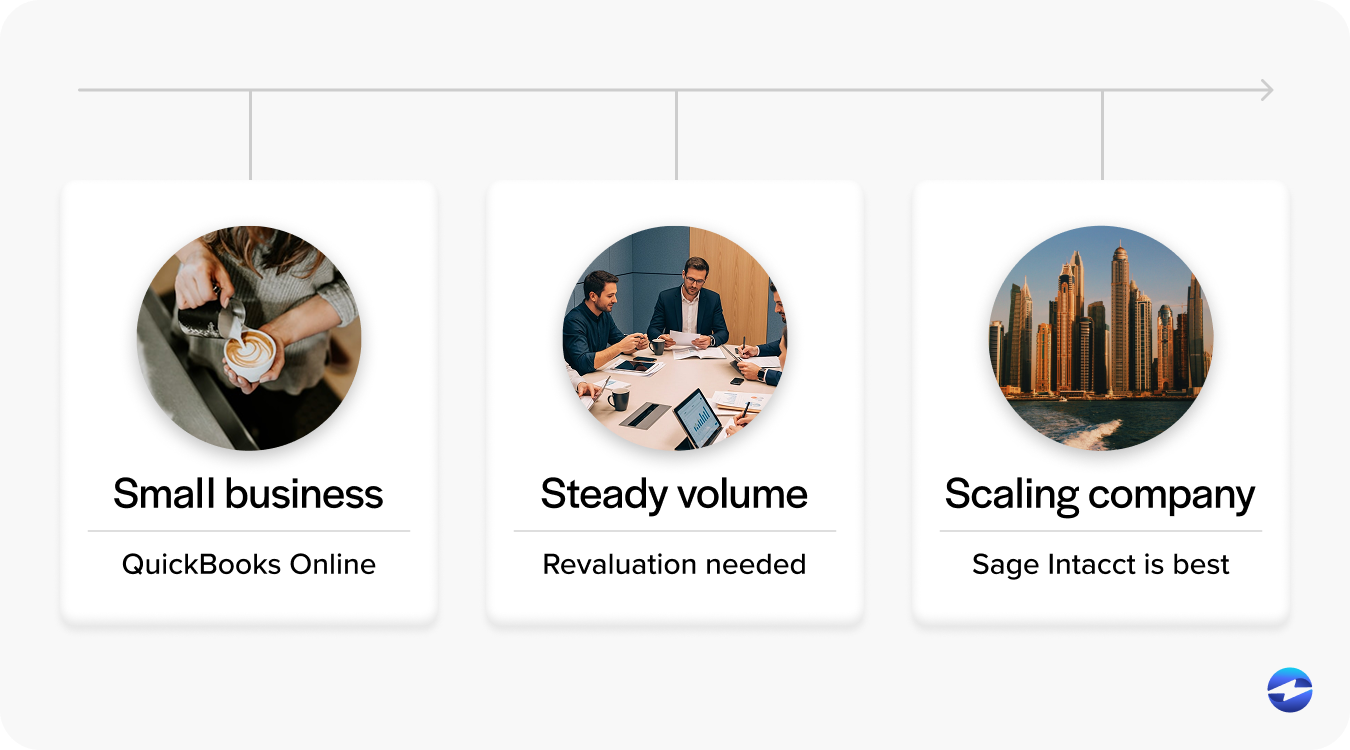
Sage Intacct Is Best For:
- Multi‑entity companies
- Mid‑market to large organizations
- Teams that rely heavily on automation, integrations, and detailed controls
QuickBooks Is Best For:
- Small businesses
- Basic invoicing + payment workflows
- Early‑stage companies without complex accounting needs
If you’re somewhere in the middle, the decision usually comes down to growth expectations. Staying small? QuickBooks works. Planning to scale? Intacct tends to be the smarter long‑term option.
Choosing the Best Payment System for 2026
In the debate of Sage vs QuickBooks, the right choice comes down to complexity, scale, and how much automation your team needs. QuickBooks works beautifully for small teams, but Sage Intacct ERP offers the structure, automation, and flexibility needed for larger organizations.
And because tools like EBizCharge integrate with both systems, businesses can streamline payments, reduce fees, and upgrade systems without disrupting their workflows. EBizCharge supports a smoother transition for companies that start with QuickBooks and eventually move to Intacct—keeping your payment processing solution consistent from day one.
In the end, choosing between Sage Intacct vs QuickBooks is really about choosing the system that supports your growth—not just your current workload.
- Sage Intacct and QuickBooks
- Payment Processing Capabilities Compared
- Integration Strength and Scalability
- Multi‑Entity, Multi‑Currency & Complex Needs
- Security & Compliance: PCI‑DSS, Tokenization & Audit Trails
- Cost Comparison: Fees & Long‑Term ROI
- Which Platform Fits Which Type of Business?
- Choosing the Best Payment System for 2026