Blog > QuickBooks Payments Fees vs. Lower-Cost Alternatives: 2026 Guide
QuickBooks Payments Fees vs. Lower-Cost Alternatives: 2026 Guide
Choosing the right payment setup inside QuickBooks can feel simple at first. Most businesses start with QuickBooks Payments because it’s already built into the system, easy to activate, and convenient for day-to-day use. You send an invoice, the customer pays through a QuickBooks payment link, and the system handles the basics. But as your company grows, this once-simple setup starts to feel less efficient—and more expensive.
Over time, businesses begin paying closer attention to the real costs behind QuickBooks Online Payments, the time spent on reconciliation, and the limitations that appear when they try to scale. Many eventually start looking for lower-cost tools that work seamlessly with QuickBooks Online, especially as payment volume increases. This guide breaks down how those costs work, why they rise so quickly, and what stronger payment processing options look like going into 2026.
Understanding QuickBooks Payments Fees
To understand why businesses explore alternatives, it helps to take a clear look at how QuickBooks payments are priced. QuickBooks uses a flat-rate pricing structure—simple on the surface, but often costly for businesses processing large invoices or many monthly transactions.
Percentage fees apply to every credit card transaction, and certain card types carry higher rates. Keyed-in payments come with a premium, which affects businesses that accept payments over the phone or use recurring billing. Even QuickBooks Online ACH payments, which should theoretically be the most affordable payment method, include additional charges that cut into cost savings. Chargeback fees are also higher than what many dedicated processors charge.
The combined effect becomes expense creep: as your revenue grows, your payment processing costs grow even faster.
The Real Cost: Hidden Fees and Operational Burdens
While the posted fees are straightforward, businesses often don’t realize how many additional costs appear after months of actual use. Some users find themselves upgrading to more expensive QuickBooks tiers just to access features required for payment workflows. Others discover unexpected charges tied to card type, invoice volume, or processing method.
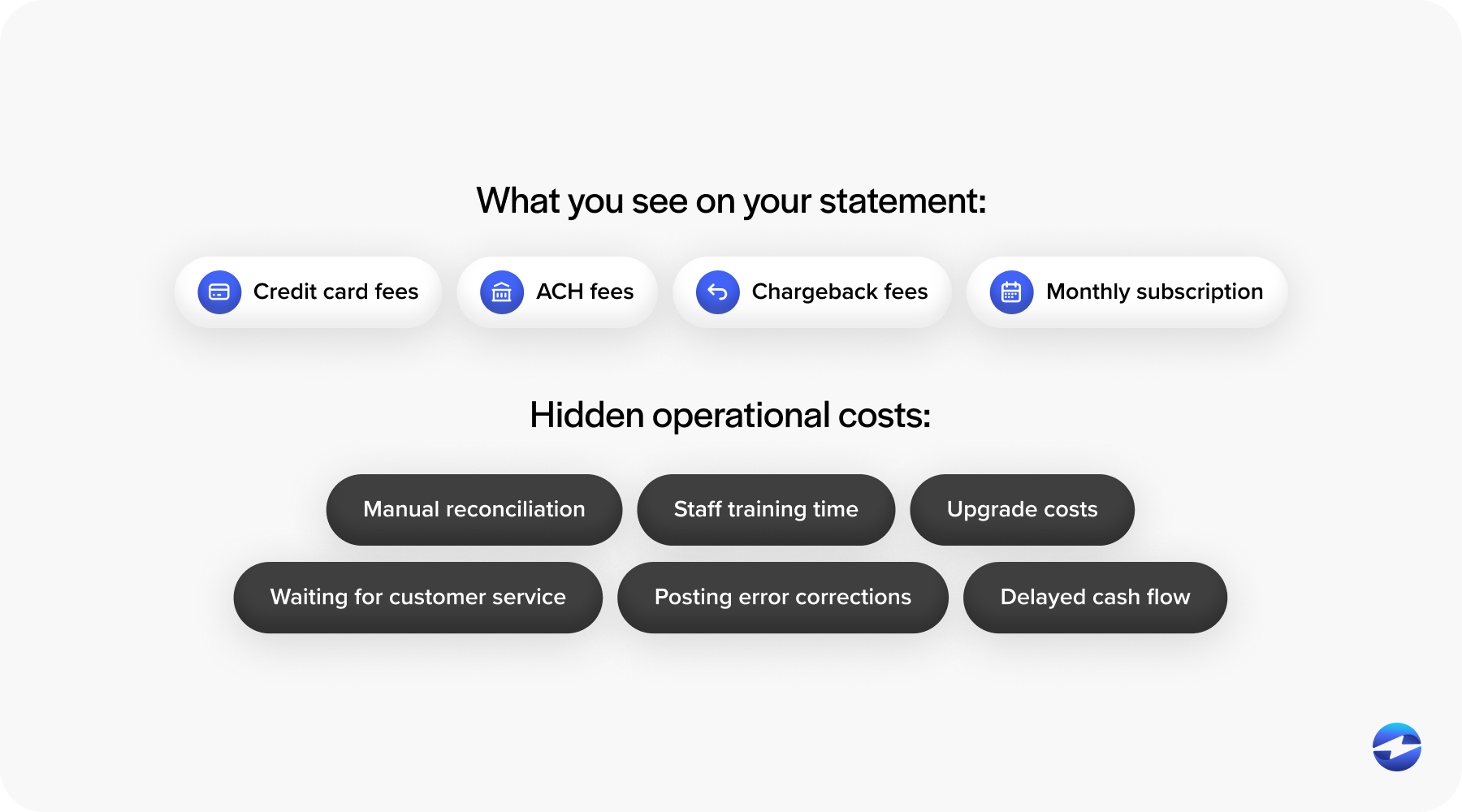
Then there are the indirect costs. Limited automation means staff spend more time manually reconciling payments. Refunds don’t always sync correctly. Multi-entity businesses often need to adjust entries by hand. And because the built-in processor isn’t designed as a full-scale payment processing solution, teams absorb the difference in labor.
These operational burdens become part of the “true cost” of using QuickBooks Payments, even if they don’t show up as line items on your statement.
Why Businesses Switch From QuickBooks Payments
As businesses mature, their payment workflows inevitably become more complex. What once felt smooth begins to require workarounds—extra steps, manual clean-up, or constant adjustments. Eventually, organizations discover that the issue isn’t with QuickBooks accounting software, but with the processor sitting behind it.
Many begin searching for an alternative to QuickBooks for one or more of these reasons:
High or unpredictable costs. Flat-rate pricing is convenient but expensive for large or card-not-present transactions. Monthly statements become unpredictable, especially if ACH fees, chargeback costs, and invoice surcharges fluctuate.
Insufficient automation. Businesses with recurring billing, saved payment profiles, or multi-department operations find that QuickBooks Payments doesn’t automate posting rules or reconciliation deeply enough. As volume increases, manual work does too.
Scaling limitations. Multi-entity companies, franchise groups, and distributed teams quickly run into limits. Payment data doesn’t travel cleanly across entities, and accounting teams spend too much time fixing inconsistencies.
By this stage, most businesses want something more powerful, not a new accounting platform. They just want a better payment processor integrated into QuickBooks.
QuickBooks Payments vs. Lower-Cost Alternatives
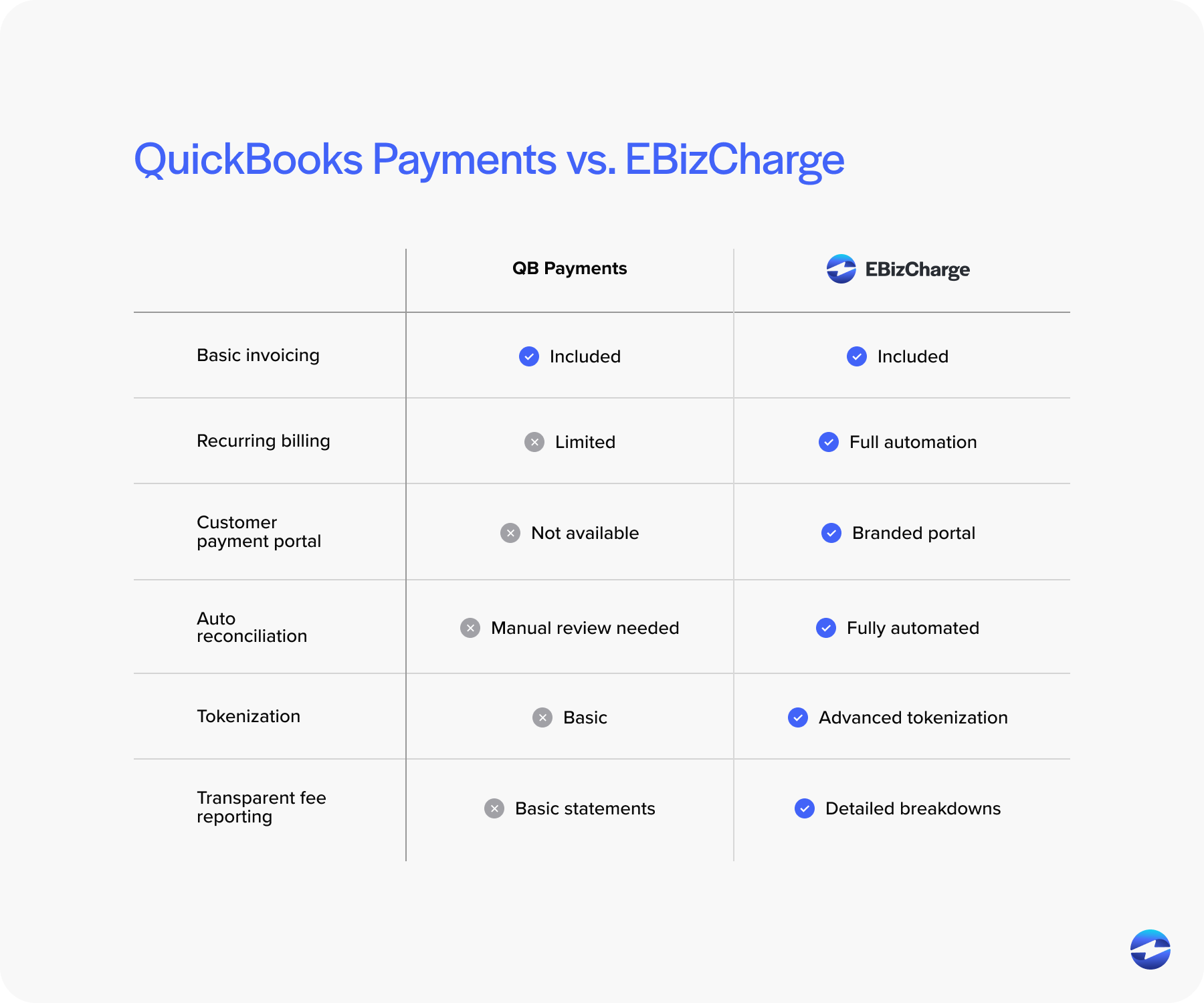
Lower-cost alternatives typically provide three major advantages over QuickBooks Payments: better pricing, deeper automation, and more flexible posting controls.
Instead of flat fees, many processors use interchange-optimized pricing. This model routes each transaction through the lowest possible cost category, delivering immediate savings for most businesses—especially B2B companies processing higher-ticket invoices.
Alternatives also offer more robust ACH tools, faster settlement speeds, and advanced features like stored payment methods, branded portals, payment links, and recurring billing. All of this lands cleanly inside QuickBooks when paired with a strong QuickBooks integration.
The result is less manual work, more predictable statements, and noticeably lower costs.
Payment Processing Options for QuickBooks Users
QuickBooks users exploring new payment solutions typically evaluate three categories: full-service merchant accounts, gateway-plus-merchant setups, and fully integrated third-party processors.
Merchant accounts can provide great rates; gateways offer customization; and integrated processors provide a balance of automation, security, and cost control—all while working directly inside QuickBooks ERP environments.
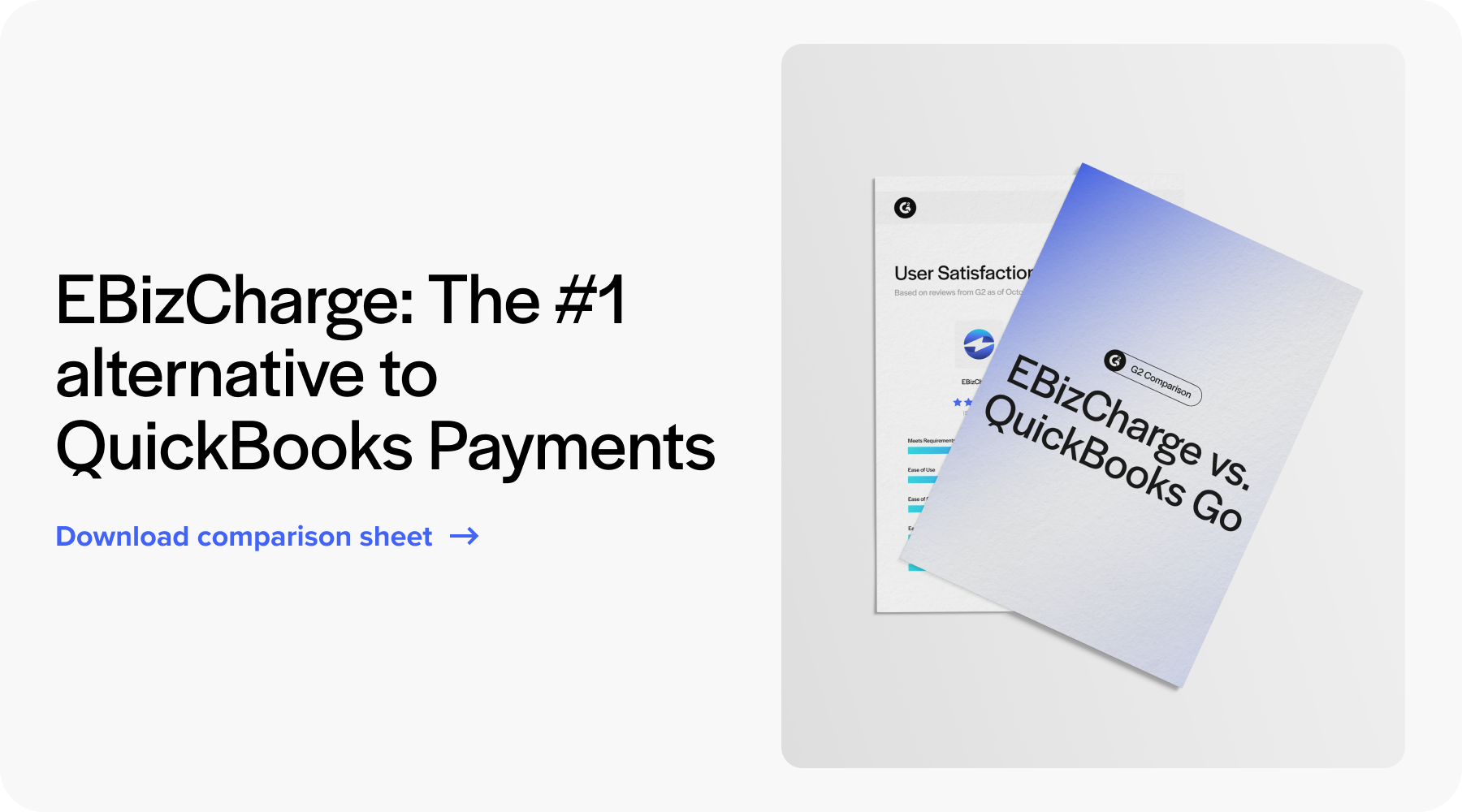
The right fit depends on the business. Smaller companies may stick with QuickBooks Payments for simplicity. But once automation, savings, and reconciliation become priorities, integrated alternatives become much harder to ignore.
What to Look for in a Low-Cost Alternative
Choosing the right processor isn’t only about cost—it’s about picking a payment tool that strengthens QuickBooks rather than forcing you to adapt to its limitations. Strong alternatives consistently include:
- Transparent, easy-to-read pricing
- Native QuickBooks integration
- Automatic posting and reconciliation
- Tokenization, encryption, and strong PCI compliance
- Support for ACH, recurring payments, and customer portals
These features reduce labor hours, improve payment accuracy, and keep teams confident that nothing is falling through the cracks.
Why EBizCharge Is a Strong Fit for QuickBooks Users
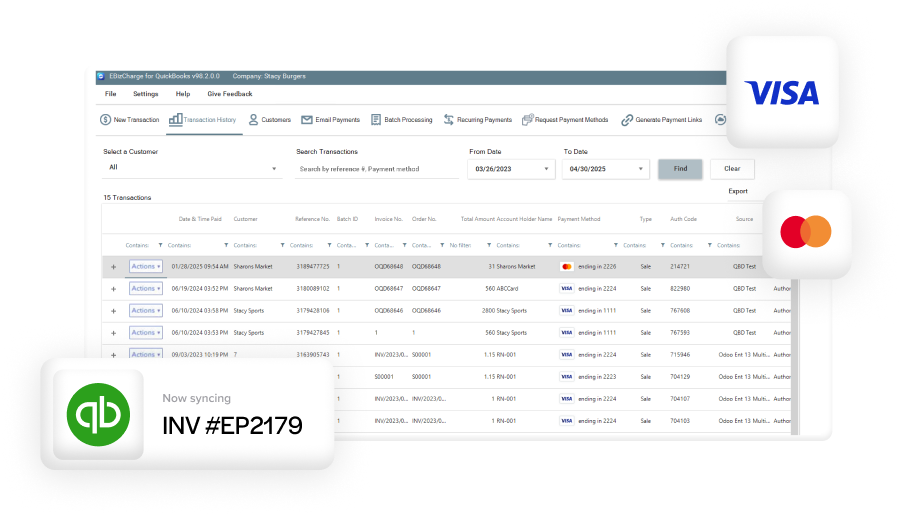
For businesses trying to lower processing costs without changing their accounting environment, EBizCharge has become a leading alternative. Its native integration posts payments automatically, stores cards securely, and supports both credit cards and QuickBooks Online ACH payments with lower rates than QuickBooks Payments.
Because EBizCharge is built as a full-scale payment processing solution, it handles details that QuickBooks Payments doesn’t—like detailed Level 2/3 data, branded QuickBooks payment portal experiences, and stronger automation for recurring billing and customer payments.
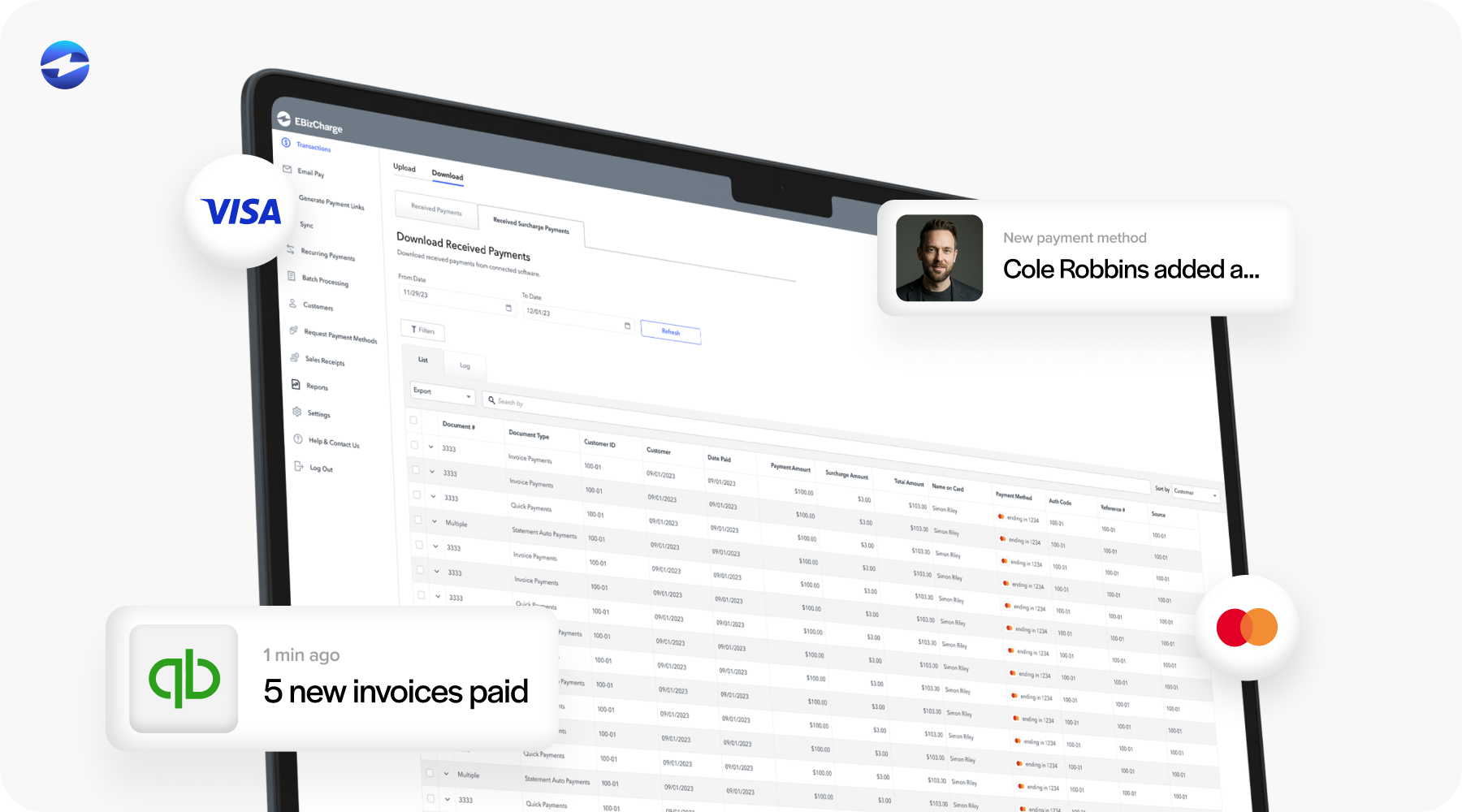
Its modern security framework reduces PCI scope, protects cardholder data, and keeps financial teams confident during audits. And since it works entirely inside QuickBooks, the switch feels less like adopting a new system and more like upgrading the one you already know.
For many companies, EBizCharge becomes the turning point—the moment when QuickBooks goes from “good enough for now” to “supporting the way we actually operate.”
Final Thoughts
QuickBooks is one of the most widely used accounting systems in the world, but its built-in payment tools aren’t always the most cost-effective or scalable option. As businesses grow, they need deeper automation, predictable costs, flexible ACH tools, and reliable posting workflows—needs that often push them toward lower-cost alternatives.
With the right payment processor in place, QuickBooks becomes far more powerful. Costs drop, reconciliation speeds up, PCI compliance becomes easier, and finance teams regain hours each month. Whether you’re processing a handful of invoices or thousands, upgrading your payment workflow can be one of the simplest ways to strengthen your financial operations in 2026.
- Understanding QuickBooks Payments Fees
- The Real Cost: Hidden Fees and Operational Burdens
- Why Businesses Switch From QuickBooks Payments
- QuickBooks Payments vs. Lower-Cost Alternatives
- Payment Processing Options for QuickBooks Users
- What to Look for in a Low-Cost Alternative
- Why EBizCharge Is a Strong Fit for QuickBooks Users
- Final Thoughts