Blog > Payment Security & PCI Compliance: QuickBooks vs. Alternatives
Payment Security & PCI Compliance: QuickBooks vs. Alternatives
Payment security has become one of those areas that businesses can’t afford to push to the bottom of the priority list anymore. Fraud attempts are rising, compliance rules get stricter every year, and customers expect real protection—not just convenience—when they pay online. For organizations relying on QuickBooks ERP as their financial backbone, that makes it essential to understand how well their current setup protects card data, where QuickBooks payment security may fall short, and when to consider outside tools that strengthen compliance.
If you’re a finance manager, operations lead, or someone who deals with payments day in and day out, you’ve probably already felt the pressure. You want a payment workflow that fits neatly into QuickBooks—but you also want to sleep at night knowing your PCI requirements are under control. This article breaks down what QuickBooks PCI compliance really looks like and how it compares to newer alternatives.
How QuickBooks Handles Payment Security Today
The security foundation in QuickBooks Payments is built around simplicity. Intuit uses hosted payment pages, encrypted card entry, and a PCI-aligned framework designed for small and mid-sized businesses that don’t have highly complex payment environments. When customers enter card details through a QuickBooks payment link, the sensitive data is hosted on Intuit’s servers, not yours—an important step toward reducing risk.
For low-volume merchants or teams who just need a clean, predictable process, this is often enough. The system handles invoicing, basic card acceptance, and syncing into QuickBooks with minimal manual oversight.
But the further businesses stretch the tool, the more noticeable the edges become. High transaction volumes, multi-entity environments, recurring billing, and B2B card acceptance expose limitations in how QuickBooks credit card processing handles tokenization, data flow, and fraud controls. These gaps don’t show up on day one—they become visible as your workflows get more complex.
What PCI Compliance Really Requires
There’s a common misconception that using QuickBooks merchant services automatically makes a business fully PCI compliant. Tools like QuickBooks Payments certainly help, but PCI compliance is still a shared responsibility. Even if you never touch raw card data, PCI standards still apply to how you handle payment workflows, store customer information, assign user permissions, and secure your systems.
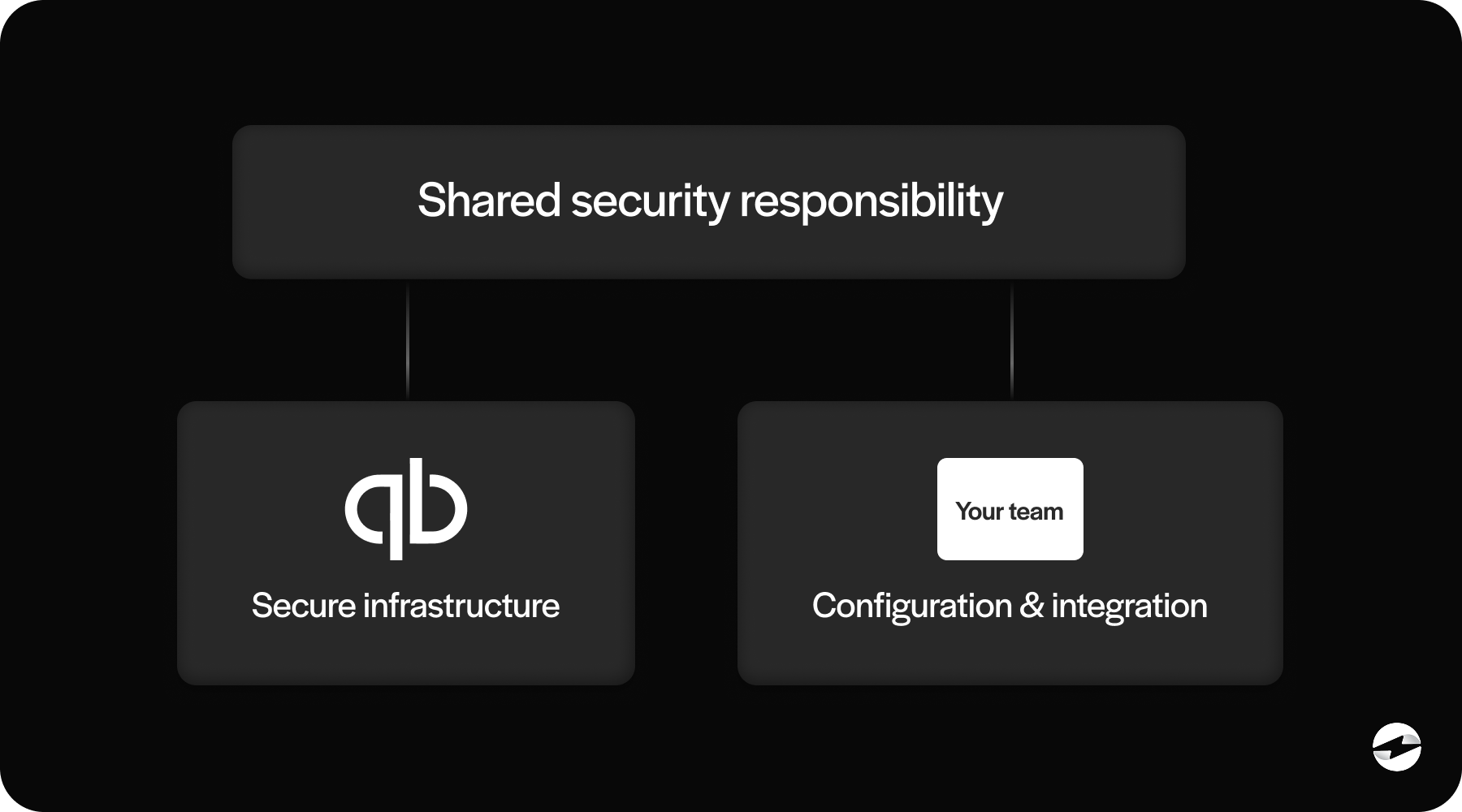
At its core, QuickBooks PCI compliance still requires businesses to:
- Maintain secure internal controls
- Limit user access to payment data
- Ensure integrations route data safely
- Prevent card information from entering systems not designed to store it
- Maintain logs and documentation for audits
QuickBooks helps reduce part of your PCI scope, but it doesn’t eliminate it. And as soon as you introduce additional payment tools, ecommerce platforms, or manual adjustments, your exposure can widen quickly.
Where Security Gaps Can Emerge in QuickBooks Workflows
Most of the security challenges related to QuickBooks payment processing don’t come from Intuit’s core technology—they come from how businesses use it. Gaps often emerge in the handoff points: syncing, reconciliation, adjustments, or integrations with external tools.
One common example is delayed syncing. When payments don’t post instantly, teams often take temporary steps to reconcile or adjust entries, creating opportunities for errors or inconsistent records. It’s not a dramatic failure, but these micro-gaps can add up and cause trouble during audits.
Another area where risk grows is multi-entity or multi-location operations. QuickBooks wasn’t originally designed for deep entity structures, so businesses often rely on workarounds or manual mapping when recording payments. The more manual the workflow, the higher the PCI exposure.
Fraud prevention is another area where QuickBooks Payments offers only basic tools. For businesses with heavier card-not-present transactions or B2B invoices that require more sophisticated controls, the built-in system may not offer enough protection.
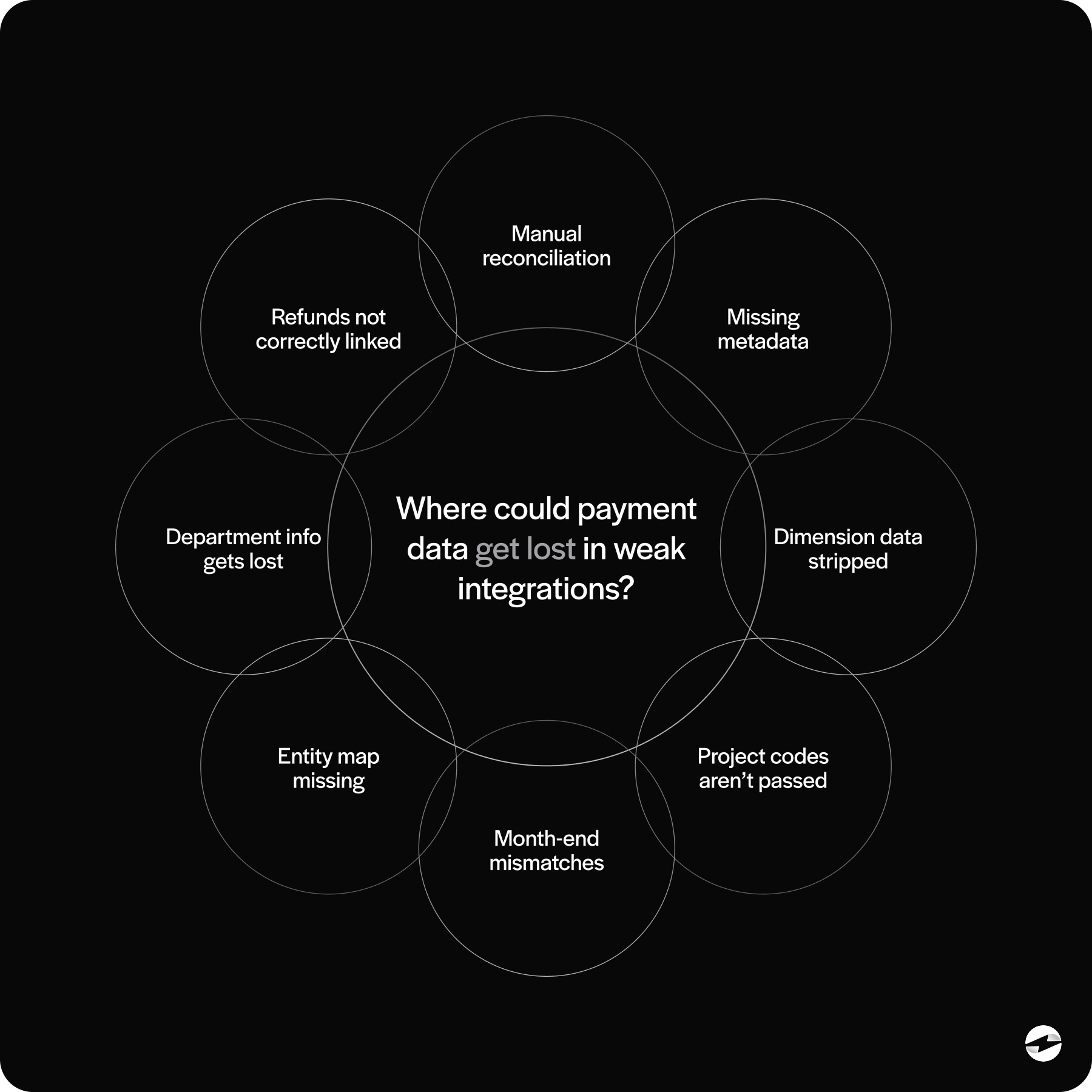
When these patterns repeat month after month, it becomes clear that the issue isn’t QuickBooks ERP—it’s the payment layer sitting on top of it.
How Third-Party Alternatives Strengthen Security
This is where QuickBooks alternatives—specifically third-party payment processors—start to provide meaningful value. Modern processors often build their platform around deeper tokenization, more advanced fraud detection, and better control of how card data moves between systems.
For example, many alternatives route card data through secure vaults that tokenize numbers before anything touches QuickBooks. That means that even if your system were compromised, the stored data is useless to attackers.
Alternatives also offer features like:
- Machine-learning fraud analysis
- IP filtering and velocity checks
- Secure customer portals
- Encrypted communication layers
- Granular permission controls
- Stronger recurring billing management
The combined effect is a major reduction in PCI scope. The cleaner the integration, the fewer systems card data touches, and the less risk your organization carries. For companies worried about compliance drift—something that happens quietly over time—these advantages can be significant.
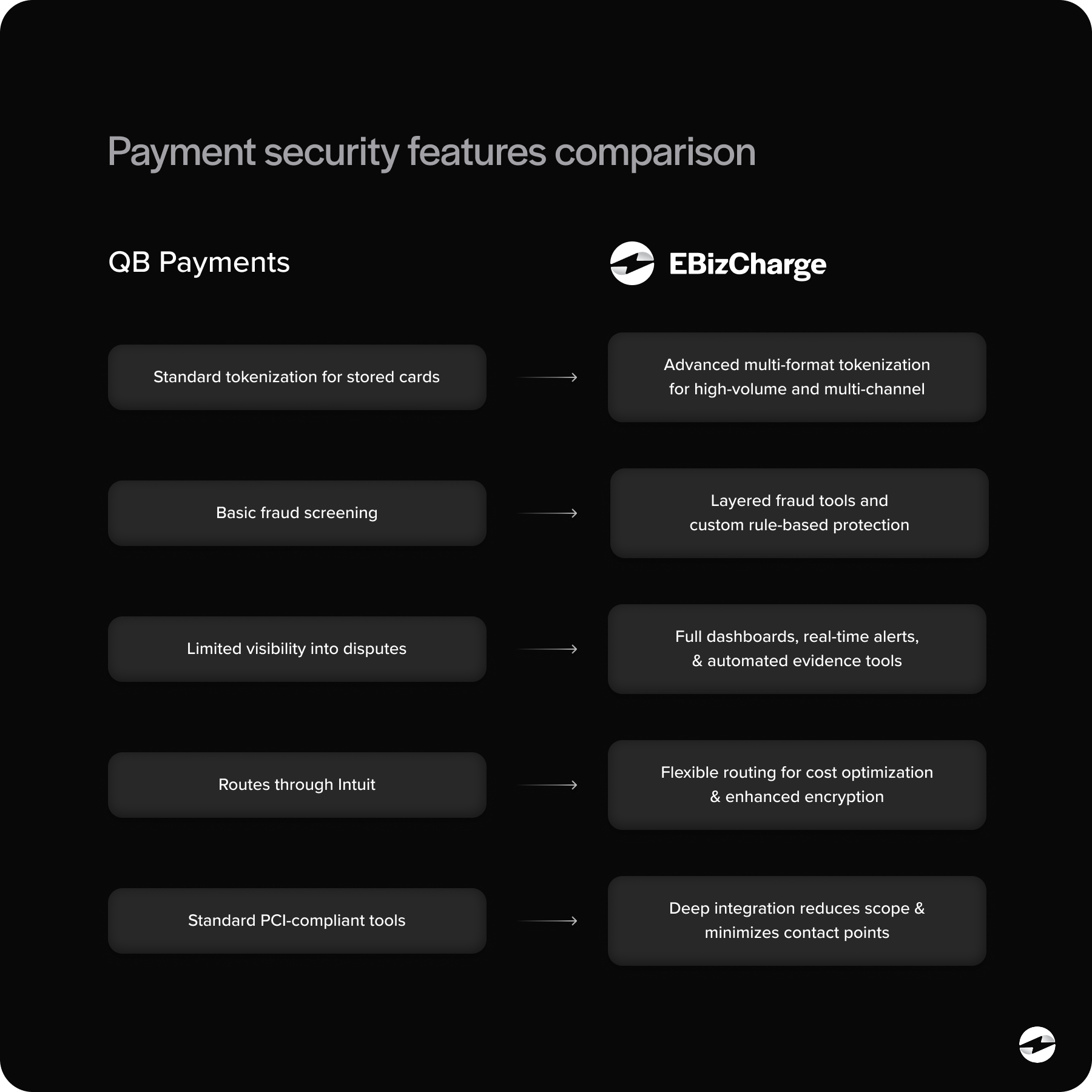
QuickBooks vs Alternatives: Security Feature Comparison
A good way to frame the differences is to look at how each solution handles the key areas of payment security:
Tokenization: QuickBooks uses tokenization, but many alternatives offer more advanced formats designed for high-volume or multi-channel businesses.
Fraud Prevention: The built-in system offers basic fraud screening. Alternatives may include layered fraud tools, risk scoring, and custom rule-based protection.
Chargeback Handling: QuickBooks offers limited visibility into dispute workflows. Alternatives often include dashboards, alerts, and automated evidence tools.
Data Routing: QuickBooks routes payments through Intuit. Alternatives can provide more flexible routing for cost optimization and enhanced encryption.
PCI Scope Reduction: The more automated the data handling, the lower your PCI scope becomes. Alternatives with deeper QuickBooks integration often minimize manual contact points—and therefore risk.
This difference matters most for companies processing larger invoice amounts or managing higher fraud exposure.
Choosing a Secure Payment Setup That Fits Your Workflow
Every business wants security, but not every business has the same workflow, risk level, or internal processes. If you’re evaluating the next step for your QuickBooks payment processing, start by assessing how your current system fits your operational reality.
Ask yourself:
- Is reconciliation creating more manual work than it should?
- Are payments syncing cleanly across entities and locations?
- Do we need stronger fraud controls or more secure customer payment options?
- Are QuickBooks payment processing fees predictable—or getting harder to justify?
- Is our PCI exposure shrinking—or quietly expanding?
When these challenges begin interfering with clean reporting or reliable reconciliation, the need for stronger safeguards becomes hard to ignore. That’s typically the point when organizations start exploring a more security-focused payment processing solution that can reduce risk without disrupting established workflows.
Why EBizCharge Is a Strong PCI-Focused Fit for QuickBooks
One of the clearest examples of a security-enhanced alternative is EBizCharge. Unlike standalone gateways or loosely connected processors, EBizCharge offers a native QuickBooks integration that reduces PCI exposure while strengthening the entire payment environment.
EBizCharge routes all card data through its secure vault—meaning sensitive payment information never enters QuickBooks directly. This is exactly the kind of architecture that improves QuickBooks payment security without disrupting day-to-day workflows.
Its features also align with the needs of growing businesses:
- Real-time syncing for cleaner reconciliation
- Encrypted and tokenized card storage
- Customer-friendly payment portals
- Level 2/3 data support for lower B2B interchange
- Automated recurring billing tools
- Enhanced fraud and security controls
Because EBizCharge behaves like a natural extension of QuickBooks ERP, teams spend less time correcting data and more time focusing on financial visibility. This top-rated system simplifies compliance, reduces manual workload, and provides the type of protection growing businesses often assume they already have—but don’t.
For companies seeking a payment processor that fits their QuickBooks workflow and strengthens PCI posture, EBizCharge is one of the most practical and security-centered QuickBooks alternatives available today.
A More Secure Path Forward
QuickBooks remains one of the most trusted accounting systems in the world. But the payment tools you pair with it determine how secure your environment really is. As your business grows, leaning solely on QuickBooks Payments may not be enough to protect you from rising fraud threats, audit pressures, and evolving PCI requirements.
Fortunately, enhancing your payment security doesn’t require replacing QuickBooks—it just requires choosing the right partner. Whether you’re rethinking your payment setup from a security perspective or simply need a more scalable workflow, the solution often lies in evaluating alternatives that strengthen tokenization, automate compliance, and reduce exposure at every step.
When the right payment processing solution is in place, QuickBooks becomes stronger, safer, and more dependable—not just for your team, but for every customer who trusts you with their card information.
- How QuickBooks Handles Payment Security Today
- What PCI Compliance Really Requires
- Where Security Gaps Can Emerge in QuickBooks Workflows
- How Third-Party Alternatives Strengthen Security
- QuickBooks vs Alternatives: Security Feature Comparison
- Choosing a Secure Payment Setup That Fits Your Workflow
- Why EBizCharge Is a Strong PCI-Focused Fit for QuickBooks
- A More Secure Path Forward