Blog > Alternatives to Sage Payment Solutions: Better Options for 2026
Alternatives to Sage Payment Solutions: Better Options for 2026
If your business runs on Sage software and you’ve been using Sage Payment Solutions for credit card processing, you’ve probably noticed some changes over the past few years. The product has undergone multiple rebrands and ownership transitions, first becoming Paya in 2018, and later being acquired by Nuvei. For businesses that have relied on the Sage ecosystem for years, that kind of instability raises fair questions about where things are headed and whether it’s time to look at other options.
This article is written for finance teams, accountants, and IT managers who use Sage every day and want a payment processing solution that actually works inside their system without creating extra steps. It’ll cover why so many businesses are reevaluating their Sage payment processing setup, what to look for in a replacement, and why natively integrated options deserve serious consideration.
Why Businesses Are Moving On
Sage Payment Solutions served its purpose for a long time. But the product today is fundamentally different from what many Sage users originally signed up for. The ownership changes alone are enough to make teams pause, but the practical concerns go deeper than branding.
Common friction points that show up in reviews include early termination fees, auto-renewing contracts, Payment Card Industry (PCI) non-compliance charges, and limited pricing transparency. Support quality has been a recurring theme as well, with many users noting that getting timely help can be difficult, especially during high-volume periods like month-end close.
On top of that, Sage itself has shifted its payment strategy. Rather than maintaining a proprietary payment processor, Sage now routes users toward third-party providers like Stripe and PayPal through basic connectors. These integrations work fine for simple invoicing and online payments. But if your business runs complex AR workflows with net terms, partial payments, and high invoice volumes, a basic connector tends to create more manual reconciliation work than it solves. You end up exporting data, manually matching payments, and toggling between your Sage system and a separate payment platform. That’s exactly the kind of inefficiency a good Sage integration should eliminate.
What to Look for in a Replacement
Before jumping to a specific payment processor, it helps to know what actually matters when you’re evaluating alternatives for a Sage environment.
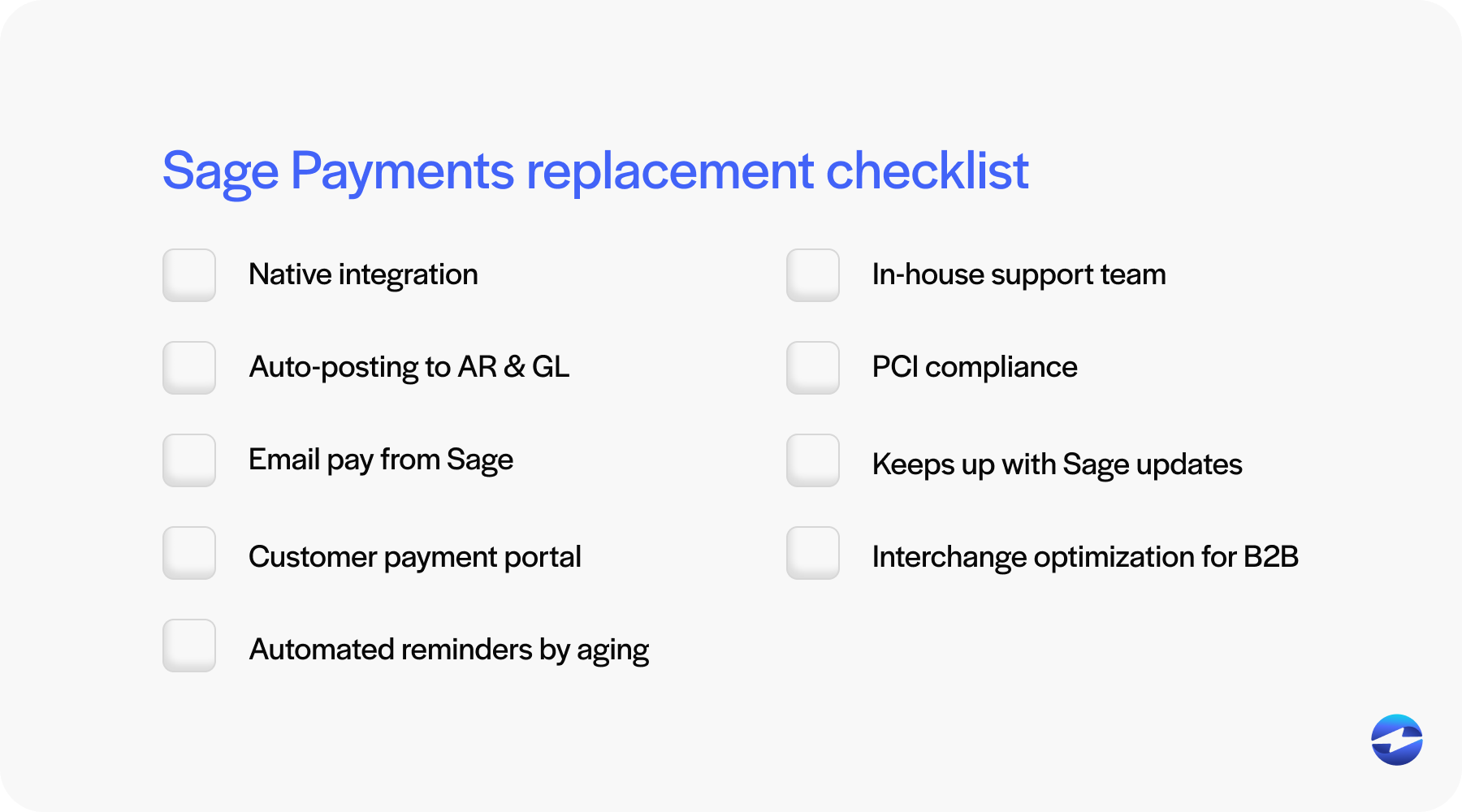
Integration depth is the big one. There’s a meaningful difference between a payment processor that connects to Sage through a third-party middleware layer and one that lives natively inside the software. Native integrations process and post transactions directly to your AR records and general ledger without requiring any manual steps in between. That distinction affects reconciliation accuracy, staff workload, and how much trust you can put in your financial data at any given moment.
Beyond integration, look for real AR automation capabilities. Email pay links, a customer payment portal, automated reminders tied to invoice aging, recurring billing, and auto-posting are the features that separate a basic payment processor from a tool that actually improves how your AR team operates day to day.
Support matters more than most people realize until something breaks. Find out whether the provider offers in-house support or outsources to a third-party call center. When a payment fails during a batch run, or something doesn’t post correctly before a close deadline, the difference between reaching the people who built the software versus a general support agent is huge.
Security should be table stakes, not an upsell. PCI compliance, tokenization, and encryption should come standard. It’s also important to watch for hidden fees like annual PCI non-compliance charges that some providers quietly add to your statement.
Finally, think about long-term compatibility. Sage releases regular updates to Sage 50, Sage 100, and Sage Intacct. If your payment provider doesn’t have a track record of maintaining their integration through those updates, you risk being stuck with a broken connection after every upgrade cycle.
Why EBizCharge Stands Out for Sage Users
There are several alternatives on the market, but for businesses running Sage that need more than basic payment acceptance, the EBizCharge payment solution consistently comes up as one of the strongest options. The reason comes down to how deeply it integrates and how much manual work it removes from the process.
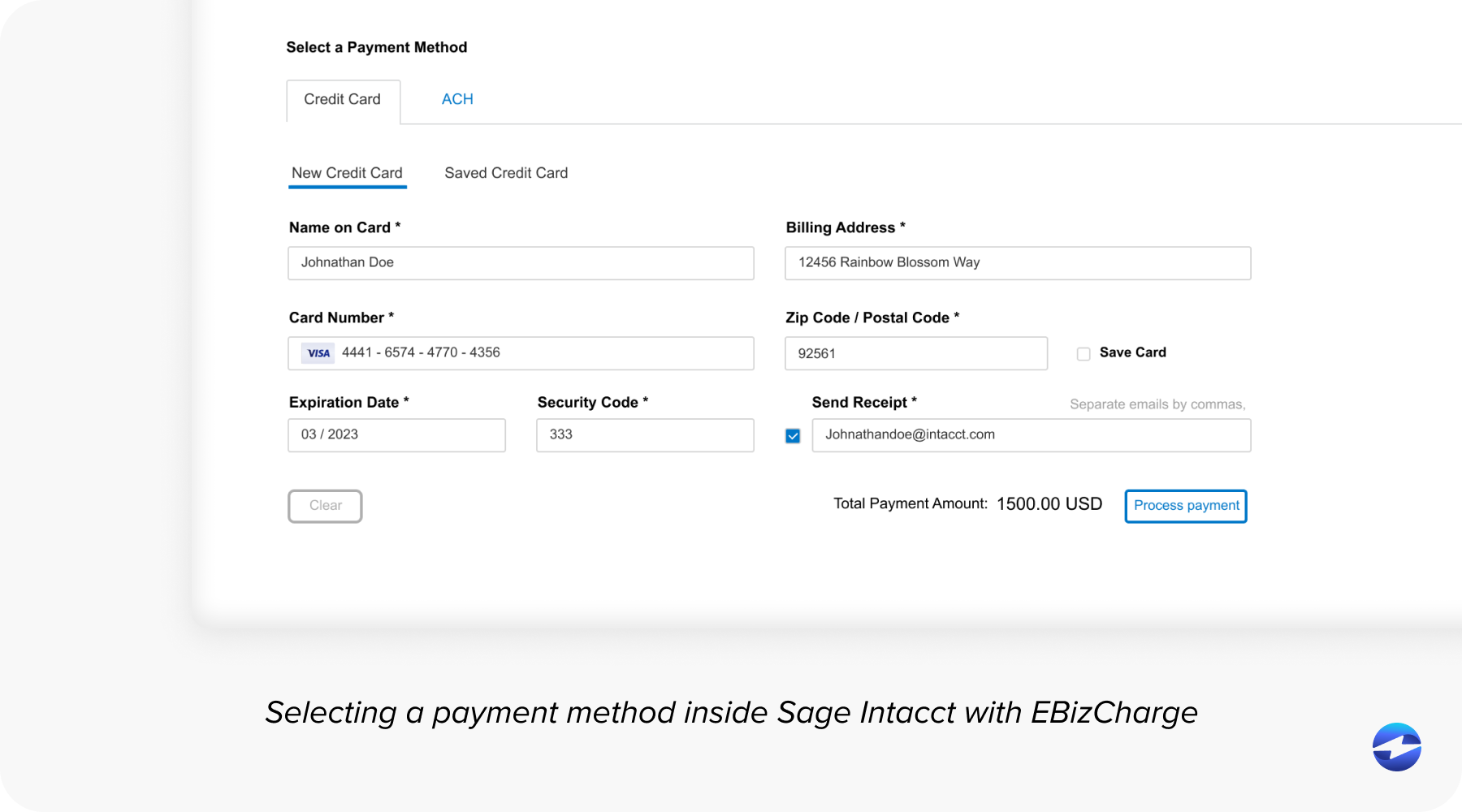
EBizCharge isn’t a third-party connector that syncs data between your Sage system and an external platform. It’s natively built inside Sage 100, Sage Intacct, Sage 50, and over 100 other ERP, accounting, and CRM systems. That means your AR team processes payments, sends invoices, and manages collections without ever leaving Sage. Transactions post to the correct customer record, invoice, and general ledger account automatically and in real time.
The feature set is built specifically around the kinds of problems B2B finance teams deal with. Email Pay lets your team send payment links tied to specific invoices directly from within Sage. Customers click, pay, and the transaction auto-posts. There’s a self-service customer payment portal where buyers can log in, view all their open invoices, and pay on their own schedule. Automated reminders go out based on invoice aging, so your system handles follow-ups instead of your staff. And for customers on regular terms, recurring billing processes payments automatically on the agreed date.
All of that activity flows back into Sage without any manual intervention. Payments match to open invoices and post to the right accounts. No end-of-day batch reconciliation. No double entry. No spreadsheets bridging two systems together.
On the security side, EBizCharge holds a PCI Security Council certification, not just compliance but actual certification. All payment data is protected through encryption and tokenization. Card numbers never touch your servers.
One thing that gives finance teams and IT managers confidence is EBizCharge’s track record with Sage specifically. The company has maintained its Sage integration across years of version updates without disruption. Their entire support and development operation is in-house, which means when you call for help, you’re reaching the people who actually built the Sage integration. Support is free and available around the clock.
EBizCharge also offers interchange optimization, which automatically routes transactions into the lowest cost rate category. For B2B companies processing a high volume of corporate and purchasing cards, this can meaningfully reduce Sage payment processing costs without requiring any manual intervention from your team.
How Other Options Compare
Stripe and PayPal both integrate with Sage software through third-party connectors, and they work well for straightforward online payments and B2C transactions. But neither offers ERP-level reconciliation, auto-posting, or the AR automation tools that B2B businesses typically need. If your payment workflows are simple, they can get the job done. If you’re managing net terms, partial payments, and high invoice volumes inside Sage, you’ll likely end up doing a lot of manual work to bridge the gap.
REPAY offers Sage 100 payment processing with click-to-pay functionality and both AP and AR capabilities. It’s a reasonable option, though the product has gone through its own series of acquisitions in recent years, which is worth considering when evaluating long-term stability.
FortisPay has built a solid reputation in B2B and healthcare with recurring billing and fraud monitoring features. It integrates with Sage through marketplace connectors, but the setup and configuration process tends to take longer than natively embedded alternatives. For businesses in specific verticals like healthcare, it can be a good fit.
The Bottom Line
Sage Payment Solutions had its run, but the product has changed significantly through multiple ownership transitions, and Sage’s own direction has moved toward lightweight third-party connectors rather than deep payment integration.
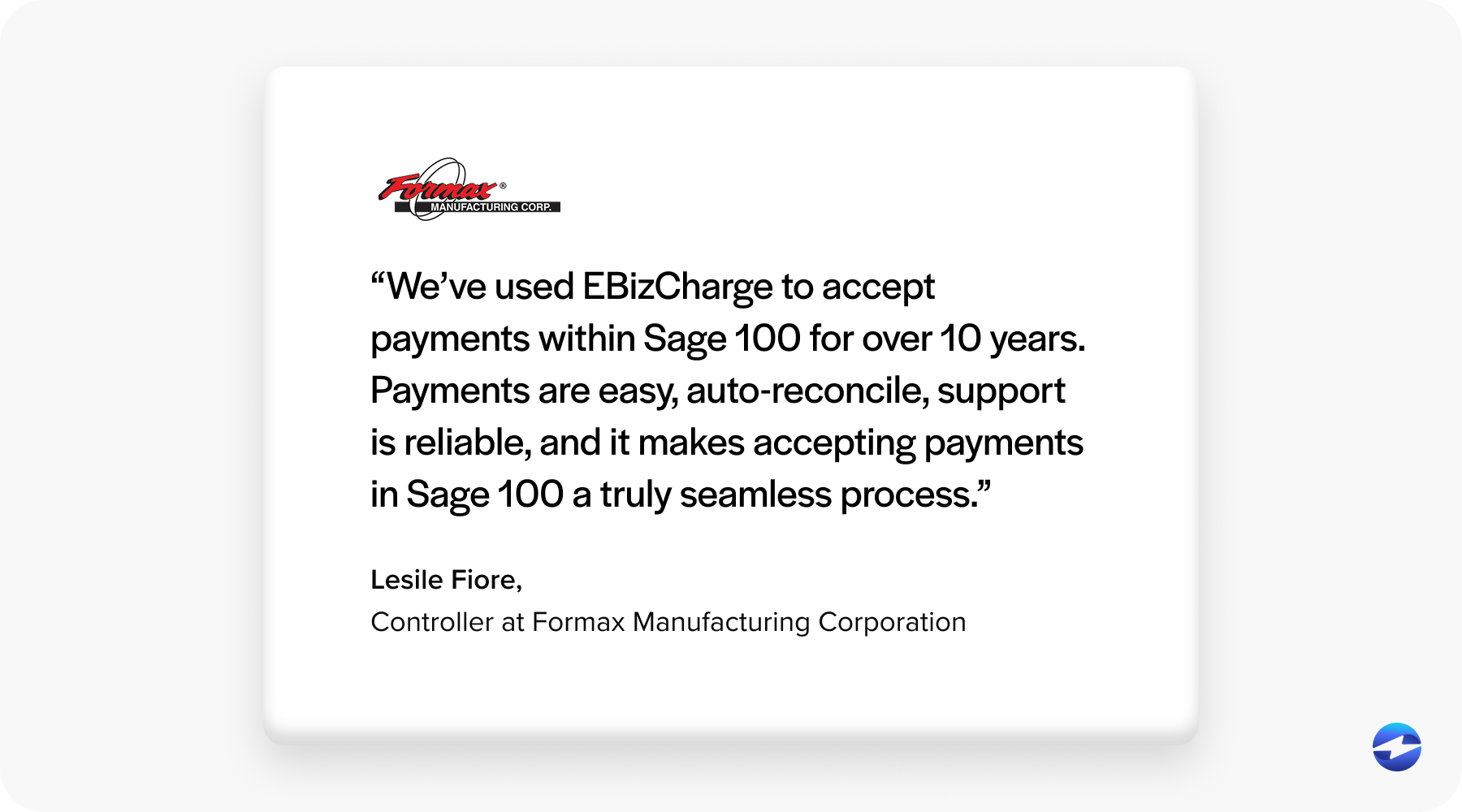
The right replacement depends on how complex your AR workflows are. For simple payment acceptance, Stripe or PayPal will get it done. But if your team manages B2B receivables in Sage 50, Sage 100, or Sage Intacct and needs payments to actually live inside the ERP with full automation, a natively integrated payment processing solution like EBizCharge will deliver more value than a standalone payment processor ever could.
The best next step is to evaluate based on your actual workflow, not just a rate sheet. Request demos and ask specifically how each solution handles posting, reconciliation, and version compatibility inside your Sage system.