Blog > Automated Cash Application Software: How It Works and What to Look For
Automated Cash Application Software: How It Works and What to Look For

There’s a specific kind of frustration that AR managers know well. A payment comes in for $47,000. No remittance. No invoice numbers. Just a lump sum wire transfer from a customer who owes money across nine separate invoices, some of which have partial balances, one of which is disputed. Someone on the team has to track down the remittance details, figure out how the customer intended the payment to be applied, and manually match each dollar to the right open balance in the ERP. Then they do it again for the next payment. And the next one after that.
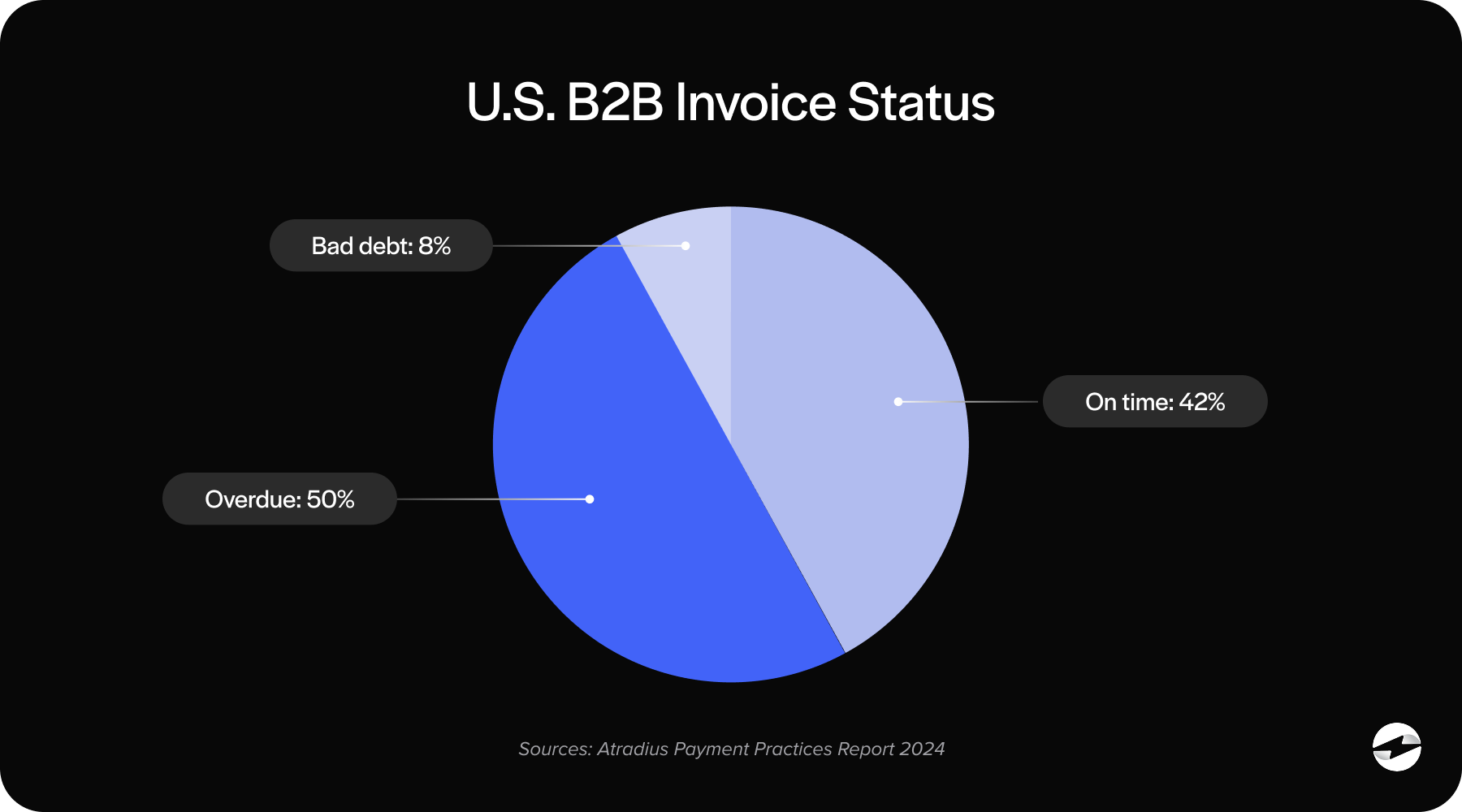
This is the cash application problem. For controllers, AR managers, and CFOs running mid-market B2B operations, the cash application process is one of the highest-friction, highest-error-risk workflows in the entire finance department. And it’s what automated cash application software is designed to solve.
This article explains how the process works, where it breaks down, and what to look for when evaluating cash application automation software for your team.
What Cash Application Actually Is
At its core, cash application is the process of matching incoming payments to the correct open invoices in your accounts receivable ledger. A customer pays you. That payment has to be recorded against the right invoice or invoices so the balance clears, the aging report is accurate, and your collections team isn’t chasing money that has already arrived.
In theory, it sounds straightforward. In practice, B2B payments are messy. Customers pay partial amounts. They bundle multiple invoices into a single payment. They take deductions for returns or disputes. They send remittances via emailed PDF, EDI file, check stub, or not at all. Every payment is potentially a small puzzle, and when you’re processing hundreds of them a month, the volume alone creates risk even before you factor in the inconsistency.
Manual cash application at any meaningful scale is slow, error-prone, and expensive in labor hours. That is the honest business case for cash application automation.
The Three Problems Automation Has to Solve
Remittance matching is where the cash application process most commonly breaks down. Remittance data tells you how a customer intended their payment to be applied. The problem is that remittance arrives in every format imaginable. Email PDFs, EDI 820 files, web portal attachments, handwritten check stubs, etc. Some customers provide clean, structured remittance. Others send a spreadsheet that requires interpretation. Some send nothing.
Good auto cash application software reads remittance from multiple input formats, cross-references the data against your open accounts receivable, and proposes matches without requiring a human to decode each one manually. The best systems handle the clean cases automatically and surface the ambiguous ones for fast human review rather than letting them sit.
Payment reconciliation is the second layer. Matching a payment to an invoice is one step. Confirming that the payment posts correctly to the ERP ledger is another. This is where standalone cash application tools create a problem that often gets underestimated during evaluation.
When a payment processor or AR automation tool lives outside the ERP, there’s always a gap between the moment the payment is recorded in the AR tool and the moment it appears in the ERP ledger. That gap might be minutes, potentially hours. It might require a manual posting step or a sync job that occasionally fails. In any of those cases, your ERP is showing stale AR data. A false open balance triggers a collection call. An invoice that’s already paid shows as overdue. These aren’t edge cases. They’re predictable consequences of disconnected systems.
Unapplied cash is the downstream result of both problems above. When payments arrive without remittance, when matching logic can’t find a clean fit, or when reconciliation falls behind, money ends up sitting in a suspense account with no invoice attached. This is unapplied cash, and most AR departments have more of it than they realize.
The business cost is real. Unapplied cash distorts your aging reports, inflates your days sales outstanding, creates revenue recognition problems, and causes collection activity on invoices that may already be paid. The longer it sits, the harder it is to resolve. Automated cash application software reduces unapplied cash by handling clean matches automatically and routing exceptions to a structured workflow rather than a pile.
What to Look For When Evaluating Cash Application Software
The most important question to ask about any cash application software is whether it lives inside your ERP or alongside it. This isn’t a minor technical detail. It determines whether the automation is complete or whether it stops at the ERP boundary and leaves a gap for your team to manage.
Native ERP integration means payments post directly to the ledger in real time using the ERP’s own data structures. No sync job. No middleware layer. No reconciliation step between the cash application tool and the system of record. When the integration is native, cash application automation is complete. When it’s not, you’re automating part of the process and managing the rest.
Beyond integration architecture, look for matching logic that handles the real complexity of B2B payments: partial payments, deductions, multi-invoice remittances, overpayments, and the occasional payment that arrives with no reference at all. The system should be able to handle the clean cases automatically, assign confidence scores to borderline matches, and escalate true exceptions without forcing a bad match or leaving things unresolved.
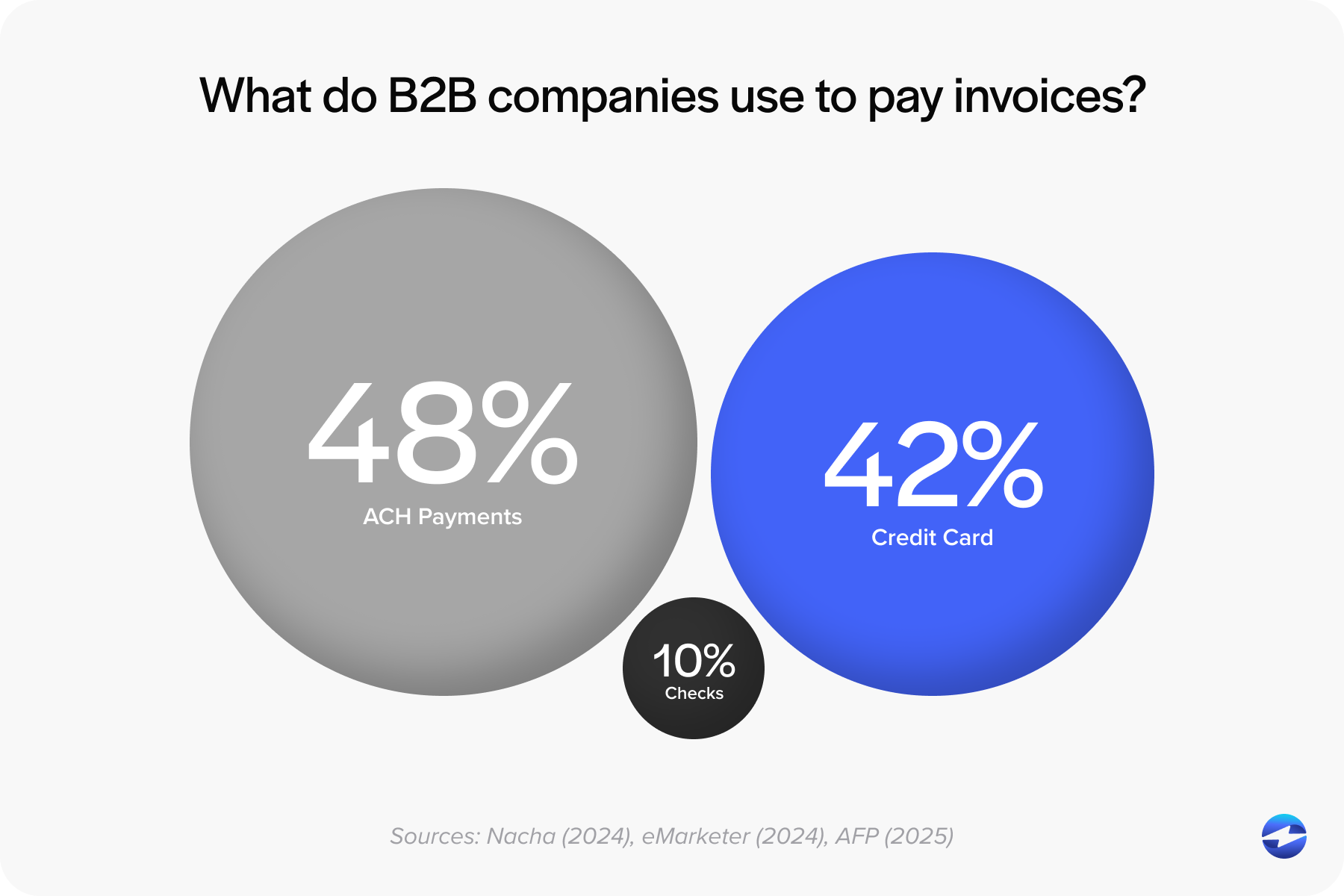
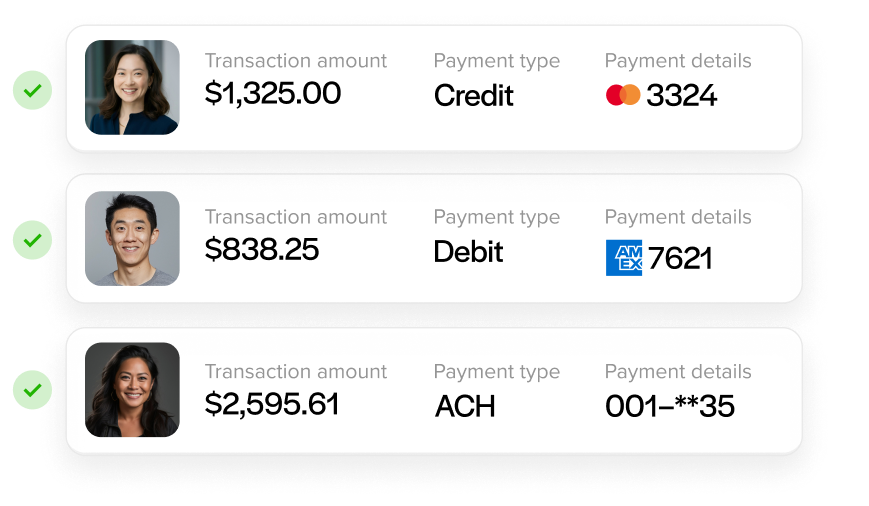
Payment method coverage also matters more than it might seem initially. Your customers pay by credit card, ACH, eCheck, virtual card, and check. Each method generates different remittance data in different formats. A payment processing solution that only handles one or two of these methods cleanly creates its own category of exceptions. The best cash application automation software covers the full range of payment types your customers actually use.
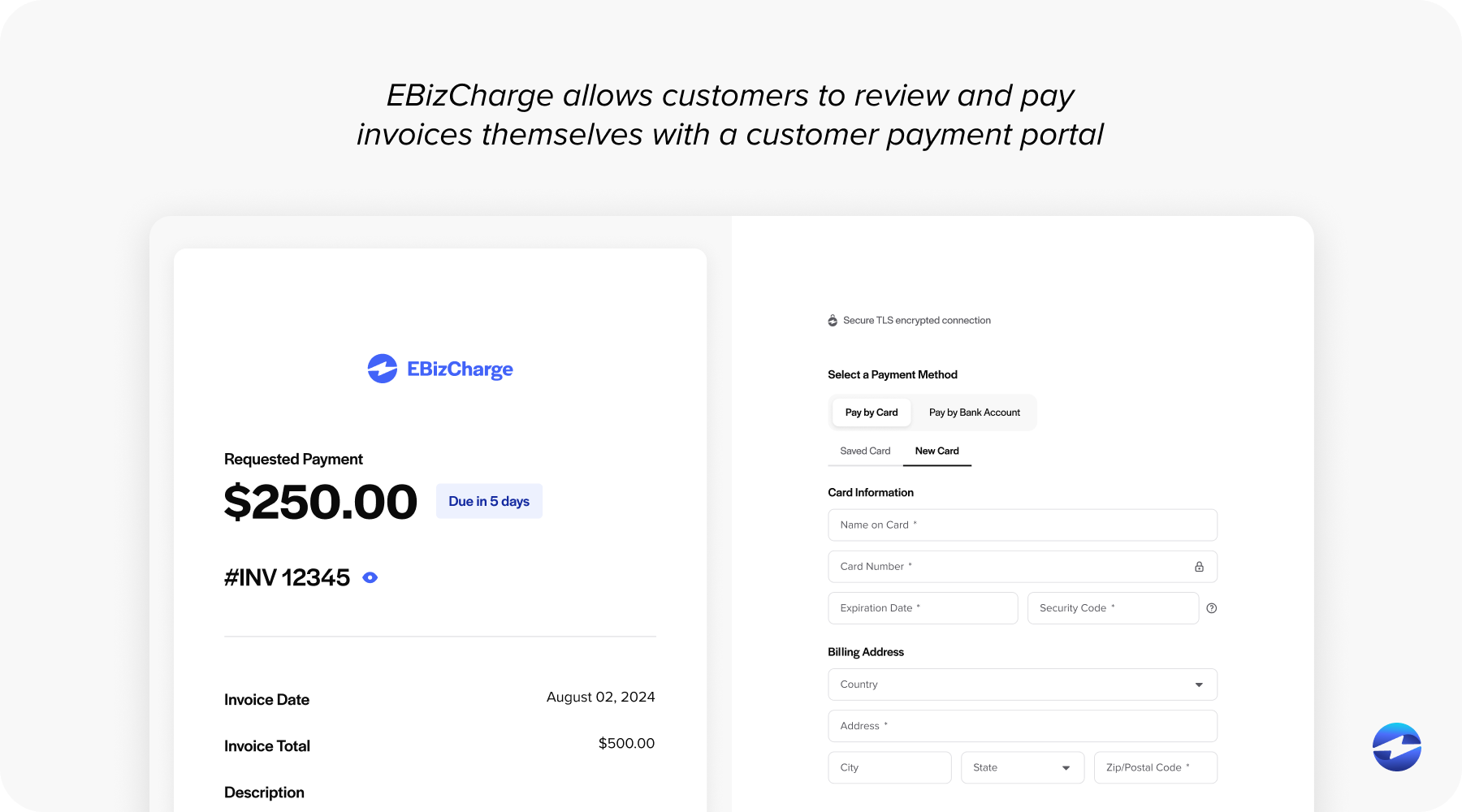
Customer self-service is underrated as a lever for reducing cash application errors. When customers pay through a portal that allows them to select which invoices they’re paying, the remittance arrives pre-structured and the matching problem is largely solved at the source. Autopay enrollment goes further by removing the manual payment initiation step entirely. Email pay and payment links cover customers who prefer to pay on their own schedule but still deliver structured remittance data when they do.
Finally, look at reporting. Real-time AR aging that is tied to posted payments rather than received payments. Unapplied cash dashboards that surface unmatched items and track resolution. DSO monitoring and cash flow visibility. These are the tools your team needs to manage AR proactively instead of reactively.
How EBizCharge Handles Cash Application Inside the ERP
EBizCharge’s payment processing solution is built as a native integration, not a standalone AR layer. It sits inside the ERP itself, using the ERP’s own data structures, so payments post directly to open invoices in the ledger in real time. There’s no separate cash application tool to log into, no sync job to monitor, and no reconciliation step between the payment platform and the ERP.
For AR managers evaluating the best AR automation software options for mid-market B2B operations, that architecture is the practical difference. When a customer pays through the EBizCharge portal, selects their invoices, and submits payment, the matching is complete at the moment of payment. The ERP aging report updates immediately. Collections activity reflects current balances. Nobody has to touch it.
For teams still handling mixed remittance inputs, the exception workflow surfaces unmatched payments cleanly for fast resolution rather than letting them accumulate as unapplied cash.
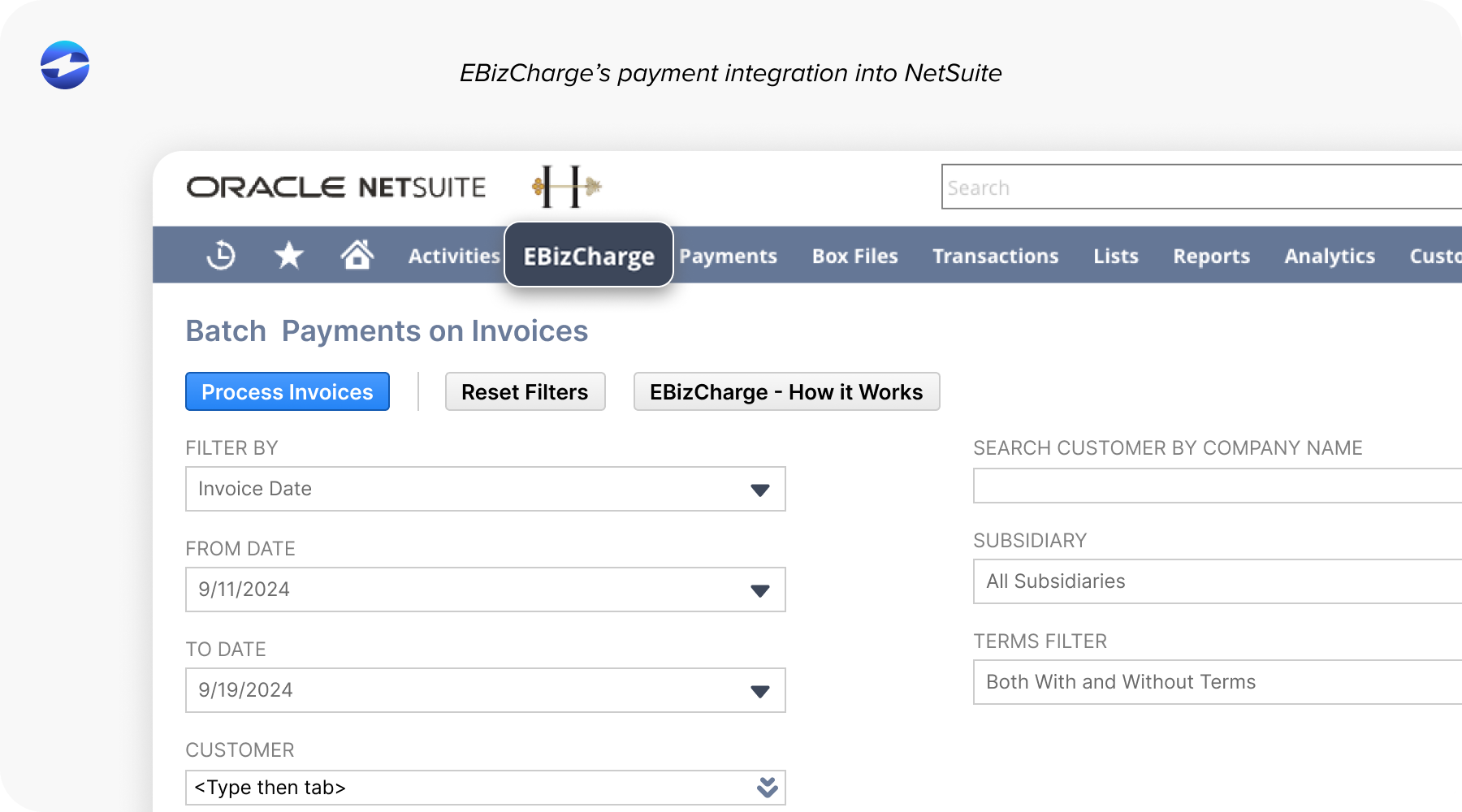
AR automation for NetSuite runs through EBizCharge’s Oracle-certified integration, built on over 15 years of partnership with Oracle’s NetSuite team. Payments post natively inside NetSuite’s AR module. No SuiteApp middleware, no connector layer, just a direct integration that treats EBizCharge as part of the NetSuite environment.
AR automation for Sage covers the full Sage product line: Sage 50, Sage 100, Sage 300, Sage 500, and Sage Intacct. The integration has been in place for over 15 years and is among the longest-tenured third-party payment integrations in the Sage ecosystem. Cash application happens inside the same Sage environment your team already works in every day.
The same native integration model extends across Microsoft Dynamics, Epicor, Acumatica, SAP, Infor, QuickBooks, Oracle, and over 100 other ERP and accounting platforms. One payment processor, one support relationship, consistent cash application behavior regardless of which system the customer runs.
EBizCharge also handles the full payment method mix: credit and debit cards, ACH and eCheck, and surcharging to offset or eliminate processing costs. It’s a complete payment processing solution, not just a cash application layer.
The Questions Worth Asking Before You Commit
When evaluating any cash application automation software, a few direct questions reveal more than any demo.
- Does this post directly to my ERP ledger, or does it sync after the fact?
- How does the system handle partial payments and deductions?
- What happens to unapplied cash when matching logic cannot find a clean fit?
- Who do I call when a payment does not reconcile?
- What does all-in pricing look like across platform fees, processing rates, and implementation?
The answers separate tools that automate the full process from tools that automate most of it and leave the rest to your team.
Closing Thoughts
The cash application process is hard, not because AR teams are inefficient. It’s hard because the underlying data is inconsistent, and most tooling is disconnected from the system of record. Automation solves the consistency and volume problem, but only when the payment and the ERP record are part of the same environment.
EBizCharge is one of the strongest contenders in the best AR automation software category precisely because of where the automation happens: inside the ERP, at the moment of payment, with no gap in between.