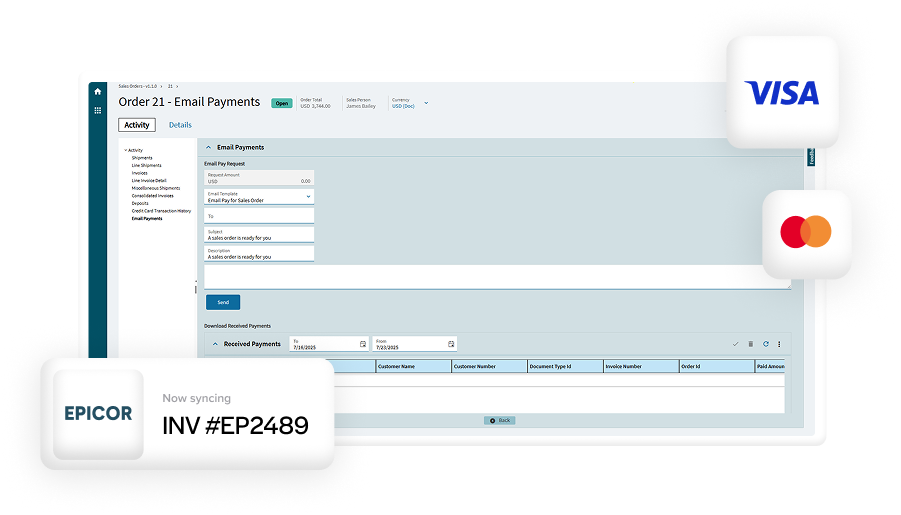
Recurring payments tend to start small. A maintenance agreement here. A monthly service fee there. At first, handling those payments manually feels manageable, even straightforward.
Over time, though, the cracks begin to show. Invoices go out late, payments arrive inconsistently, and follow-ups pile up. What should be predictable revenue starts to feel surprisingly fragile, especially as customer counts grow and billing schedules overlap.
If you’re part of a finance, AR, or operations team working inside Epicor ERP, this probably sounds familiar. Many Epicor users reach a point where manual recurring billing simply doesn’t scale without adding stress, risk, and unnecessary work.
This article is for Epicor users seeking practical guidance on Epicor recurring billing and automation. The focus is on how recurring payments actually work in Epicor environments, where teams run into trouble, and how automation can improve cash flow, reduce days sales outstanding (DSO), and make day-to-day work more predictable without disrupting existing workflows.
What Recurring Payments Look Like in Epicor Environments
Recurring payments in Epicor come in many forms, often more varied than teams initially expect. Some businesses bill monthly for maintenance or service contracts. Others collect installment payments tied to larger projects or equipment sales. Some rely on retainer-style billing or subscription-like arrangements, even if they do not label them that way internally. 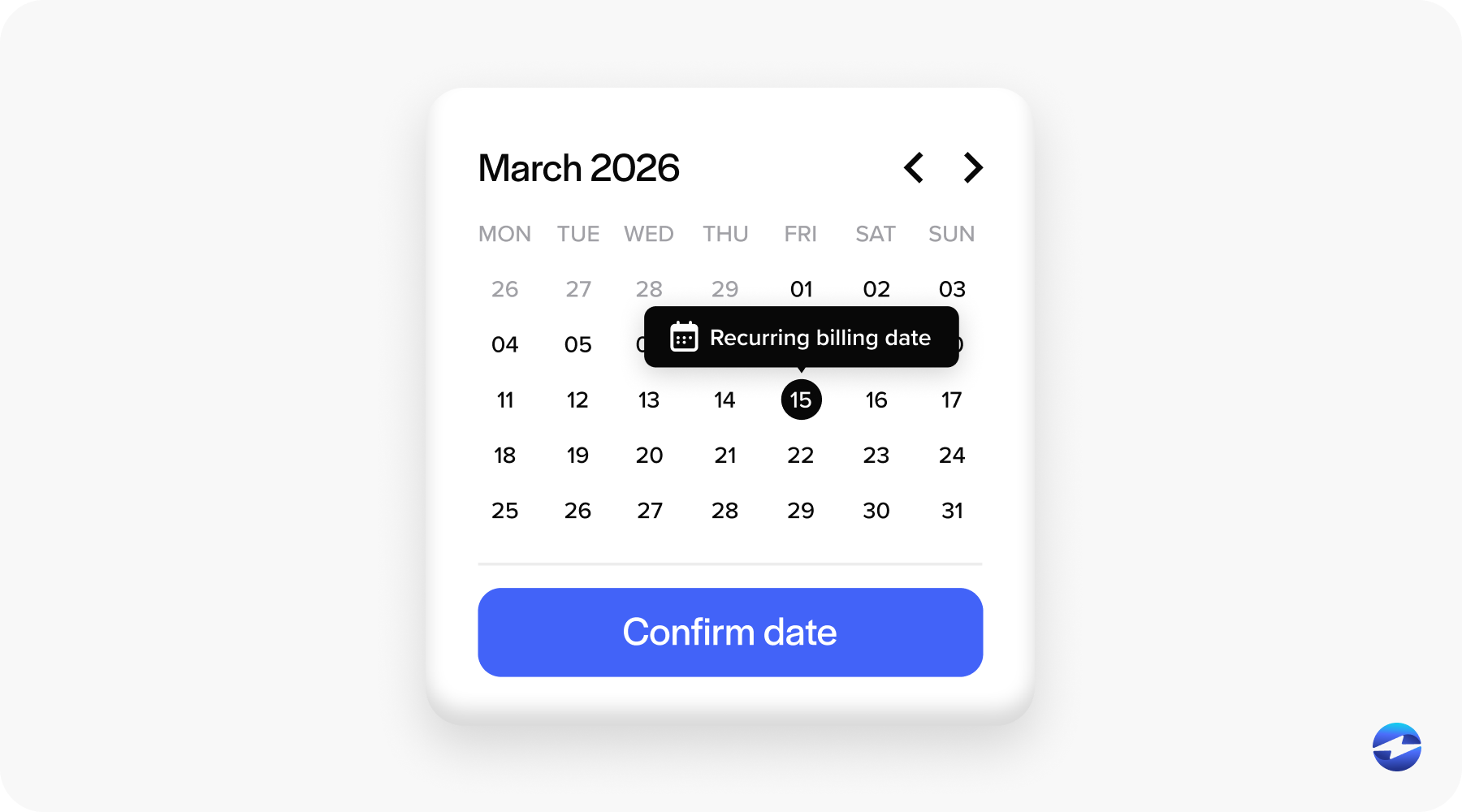
In all of these cases, Epicor recurring payments are tied to repeat customer relationships. The amount may be fixed or variable. The schedule might be monthly, quarterly, annually, or driven by contract milestones.
What these scenarios share is the need for consistency. Customers expect charges to happen on time and exactly as agreed. Finance teams need confidence that payments will post correctly and predictably, without constant manual oversight.
How Epicor ERP Handles Billing and Payments Today
Epicor is a great tool for managing invoices, customers, and accounts receivable.
The Epicor ERP system handles billing logic, posting, and reporting well. Where teams often struggle is connecting those tools to repeat payment collection in a way that feels automated rather than reactive.
Without automation, recurring payments are often managed through reminders, spreadsheets, shared calendars, or individual team knowledge. Invoices are generated manually, emails are sent, and payments are chased.
This approach works until volume increases. Then it becomes a source of errors, delays, and missed revenue, especially when staff changes or customers scale.
Payment Processing Options for Epicor ERP Users
Epicor users typically have several payment processing paths available, each with trade-offs.
Some rely on standalone tools outside Epicor. These tools can process payments reliably, but posting and reconciliation usually require manual work that increases effort and risk.
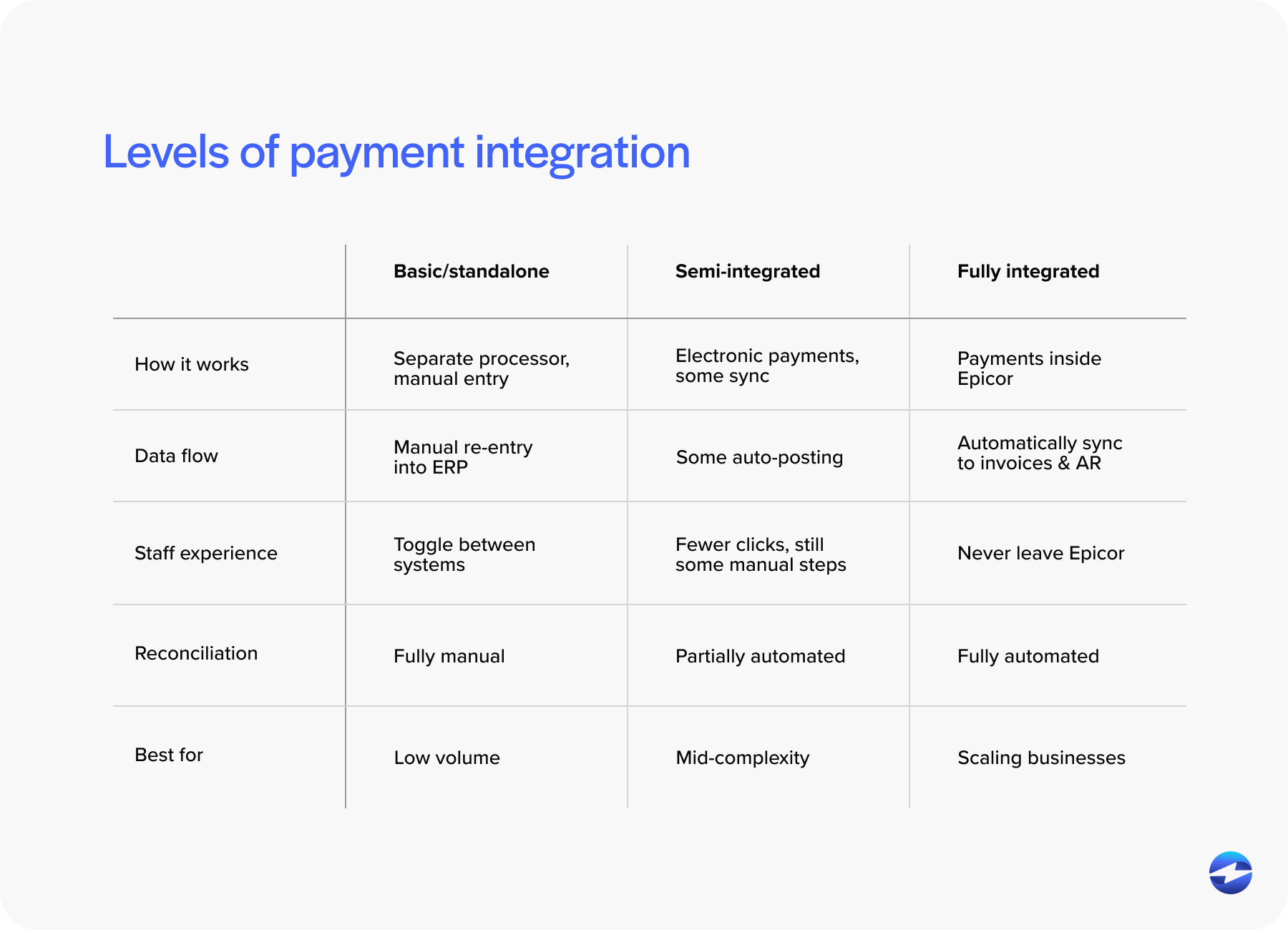
Others use semi-integrated solutions that pass payment data back into Epicor after processing. This helps reduce some duplication, but delays, exceptions, and manual checks are still common.
The most effective approach to recurring billing is a fully integrated payment processing solution that works directly inside Epicor ERP. Payments are scheduled, processed, and posted as part of the same workflow used for invoices and AR.
Choosing the right payment processor matters just as much as choosing the right integration approach, especially when recurring volume grows.
Automating Recurring Payments Inside Epicor ERP
True automation means recurring payments run quietly in the background, without someone needing to remember to trigger them or follow up each month.
Payment schedules are set in advance in accordance with contract terms. Payment methods are stored securely, and changes are processed automatically according to the agreed timing, whether that’s monthly, quarterly, or on another defined cadence.
With proper Epicor integration, those payments are posted directly to the correct customer and invoice records as soon as they’re processed. Accounts receivable stays accurate and up to date without extra steps or cleanup work.
This is where Epicor autopay really shows its value. Instead of spending time chasing payments, teams can focus on handling the occasional exception while the rest of recurring billing runs as expected.
Reducing DSO with Automated Recurring Payments
Recurring payment automation has a direct and measurable impact on cash flow. When payments run on a schedule, delays disappear. Invoices are settled faster. Days sales outstanding (DSO) improves naturally without aggressive follow-up.
This is especially true for service contracts and maintenance billing, where customers expect regular charges. Automating Epicor recurring billing removes the friction that causes late or forgotten payments.
Over time, automation creates predictability. Finance teams can forecast more confidently, plan resources more accurately, and spend less time on collection work.
Using Customer Payment Portals for Recurring Payments
Customer payment portals play an important role in recurring billing automation.
Portals allow customers to securely store payment methods, authorize recurring charges, and update information without involving internal teams. This shifts control to the customer while keeping systems synchronized.
When portals connect directly to Epicor ERP, payment activity stays aligned with customer records and invoices. There is no need for manual updates or duplicate data entry.
For customers, this improves transparency and trust. For teams, it reduces handling and supports consistent Epicor recurring payments.
ACH and Credit Card Considerations for Recurring Payments
Payment method choice matters for recurring billing, especially as volume grows. ACH payments often make sense for long-term, predictable charges because they carry lower processing fees. Credit cards offer convenience and flexibility that many customers prefer.
The best recurring setups support both methods. Automated billing can route payments based on customer preference while keeping posting accurate and reporting clean.
A flexible payment processing solution allows Epicor users to balance cost control with customer experience.
Key Features to Look for in a Recurring Payment Solution for Epicor
Not all recurring payment tools are built for ERP environments.
Look for solutions that feel native to Epicor and reduce the need for workarounds. Support for automated schedules, retries, and notifications is essential.
Security matters as well. Tokenization, encryption, and audit trails protect sensitive data and simplify compliance.
Strong Epicor integration ensures recurring payments stay aligned with AR, reporting, and customer records over time.
Common Pitfalls to Avoid When Automating Recurring Payments
Automation only works when implemented thoughtfully. Relying on manual workarounds undermines the benefits. Poor communication with customers can create confusion around recurring charges and authorization.
Incomplete integration between payment systems and Epicor software leads to reconciliation headaches that defeat the purpose of automation.
Avoiding these pitfalls helps recurring payments deliver consistent, reliable results.
Why EBizCharge Is a Great Fit for Automating Recurring Payments in Epicor ERP
EBizCharge is built for Epicor users who want recurring payments to run smoothly without adding complexity.
It integrates directly with Epicor ERP, embedding recurring payment scheduling into AR, invoice, and customer workflows instead of layering on separate tools.
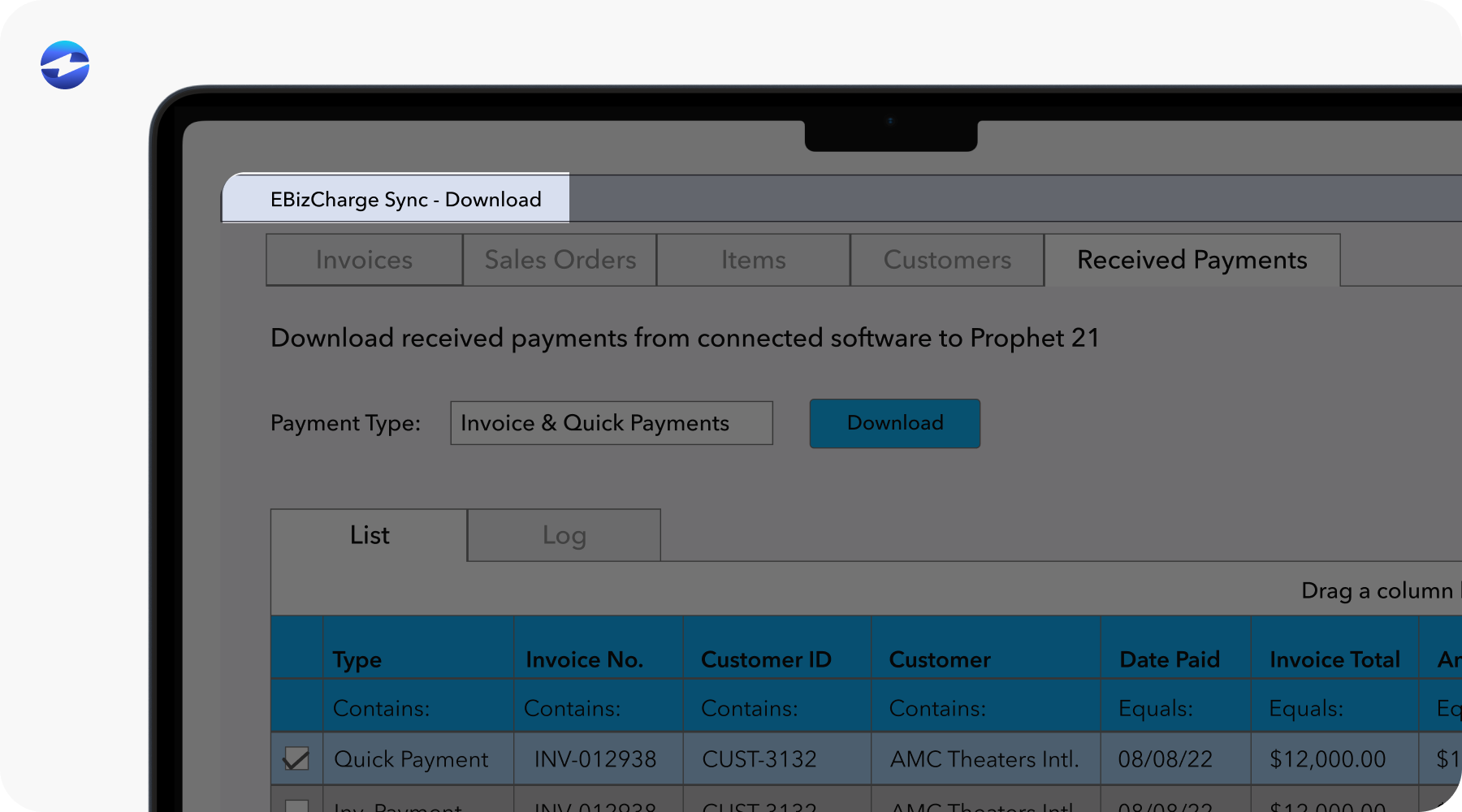
EBizCharge supports automated card and ACH payments, helping teams improve consistency, reduce DSO, and give customers flexible payment options. Secure customer payment portals allow customers to manage payment methods without exposing sensitive data.
With deep Epicor integration, support from an experienced payment processor, and a flexible payment processing solution, EBizCharge helps Epicor users turn recurring billing into a predictable, low-effort part of daily operations that scales as the business grows.