Blog > NetSuite Recurring Billing Module: Setup and Optimization
NetSuite Recurring Billing Module: Setup and Optimization

Recurring billing is the backbone of revenue for many subscription-based and service-driven businesses. Whether you’re invoicing monthly for SaaS, quarterly for managed services, or on a custom schedule for retainers, managing it all manually just doesn’t cut it. That’s where Oracle NetSuite comes in.
The NetSuite recurring billing module offers a structured and flexible way to automate this process. It integrates with other parts of the ERP, like revenue management and NetSuite payment processing, to streamline billing and cash flow. For finance, IT, and operations teams, it’s a powerful tool to reduce errors, free up time, and keep revenue predictable.
This guide is for anyone using or evaluating NetSuite recurring billing capabilities. We’ll walk through setup, automation, common challenges, and how to optimize the module for long-term success.
What is the NetSuite billing module?
The NetSuite billing module is the part of Oracle NetSuite’s ERP that handles invoice generation, billing schedules, and payment collection. It’s built to support everything from one-time invoices to complex recurring billing cycles, and it ties directly into NetSuite’s general ledger, revenue recognition, and accounts receivable functions.
For businesses on Oracle NetSuite, the billing module is where most of the day-to-day invoicing work happens. You set your rules, define your schedules, and the system takes over the repetitive parts. It sits alongside other NetSuite financial modules like Advanced Revenue Management and SuiteBilling, which handle the more complex subscription and multi-element billing scenarios.
The billing module itself covers standard billing needs out of the box. When you hear people refer to the “NetSuite recurring billing module,” they’re typically talking about the combination of native billing features, billing schedules, and SuiteBilling working together to automate recurring invoice cycles.
Understanding NetSuite Recurring Billing
The recurring billing module in NetSuite allows businesses to create consistent, rule-based billing cycles tied to customer contracts or subscriptions. Instead of creating each invoice manually, the system can generate them automatically based on defined schedules and terms.
It works in tandem with SuiteBilling and Advanced Revenue Management (ARM), offering support for subscription terms, renewal logic, proration, and multi-element arrangements. You can set up recurring templates, attach them to customer records, and apply your NetSuite billing logic consistently across accounts.
The beauty of this NetSuite integration is that once it’s set up properly, it handles the repetitive work in the background, keeping your finance team focused on more strategic priorities.
SuiteBilling and advanced billing in NetSuite
If the standard billing module is the foundation, SuiteBilling is where things get more sophisticated. SuiteBilling is NetSuite’s native subscription management and billing solution. It handles subscription lifecycles, including activations, renewals, suspensions, and cancellations, all within the ERP.
SuiteBilling also supports rated billing, where charges are calculated based on usage or consumption rather than a flat rate. This matters for businesses that bill by the hour, by the unit, or based on metered usage of a service. It’s especially common in telecom, IT services, and SaaS companies that offer tiered or usage-based pricing.
The NetSuite advanced billing module extends things further by supporting complex billing arrangements. Think multi-element contracts where you’re bundling products, services, and support into a single deal but need to bill each piece on a different schedule. It also handles proration when customers upgrade or downgrade mid-cycle, and it ties into Advanced Revenue Management so that billing and revenue recognition stay in sync.
For businesses evaluating Oracle NetSuite’s recurring billing capabilities, the combination of SuiteBilling and the advanced billing module is what separates NetSuite from simpler invoicing tools. It’s designed for businesses that have outgrown basic billing and need something that can handle the complexity of real-world subscription and contract-based revenue.
Setting Up Recurring Billing in NetSuite
Getting started with the NetSuite recurring billing module starts with enabling the feature and assigning the right user permissions. From there, the real work is in designing your billing schedules and logic.

You can:
- Define billing frequency (e.g., monthly, quarterly, annually)
- Set contract start/end dates
- Create recurring templates tied to specific products or services
- Connect templates to customer records
Once configured, the system will automatically generate invoices based on your input. These invoices can then be routed through your NetSuite payment processor or payment solution for faster collection.
This part of the process also supports layered logic—allowing you to handle trial periods, introductory pricing, mid-term upgrades, or contract renewals without manual overrides.
NetSuite billing schedules: how they work
A billing schedule defines when and how often a customer gets invoiced, and it can be attached to individual items, sales orders, or customer records. NetSuite supports a few types. Fixed billing schedules generate invoices at set intervals, like monthly or every 90 days. Milestone billing schedules trigger invoices when certain deliverables are completed. And progress billing schedules invoice based on the percentage of work completed, which is common in construction and consulting.
When you create a billing schedule, you’re defining the recurrence pattern, start date, number of occurrences, and how each invoice should be calculated. NetSuite queues up invoice records automatically from there. This is also where proration logic lives. If a customer signs up mid-cycle or changes their plan, the billing schedule determines how the partial-period charge is calculated. Getting this right during setup saves a lot of manual adjustment later.
Automating Workflows and Notifications
Once billing schedules are running smoothly, it’s time to add automation. SuiteFlow lets you set up workflows that trigger billing events, invoice generation, or email notifications based on predefined rules.
For example, when a subscription hits its renewal date, NetSuite can automatically:
- Generate an invoice
- Notify the customer via email
- Trigger a workflow to your payment processor to request payment
Once you’ve configured your automated billing workflows, you can also configure internal alerts for contract expirations, missed payments, or changes in billing terms. These automated checks help catch issues early and minimize customer disruption.
It’s all about getting ahead of problems and making the recurring billing NetSuite setup work for you, not the other way around.
Optimization Tips and Best Practices
Optimization isn’t just about making small tweaks; it’s about identifying where you can reduce manual effort, accelerate cash flow, and create a smoother experience for both your team and your customers.
Here are a few best practices:
- Align billing frequency with customer needs: Monthly might be standard, but some clients prefer quarterly or annual billing.
- Build flexibility into your templates: Anticipate common adjustments like mid-cycle upgrades or cancellations.
- Automate exception handling: Use scripts and workflows to resolve failed payments or mismatched invoice applications.
- Use dashboards to monitor performance: Keep an eye on KPIs like failed transactions, open invoices, and subscription renewal rates.
When paired with strong NetSuite credit card processing or ACH capabilities, this level of automation can significantly reduce days sales outstanding (DSO) and billing errors. Tracking DSO (days sales outstanding) as a core billing KPI helps you measure whether your automation is actually accelerating cash flow.
How does NetSuite compare for recurring billing?
NetSuite sits in a different category than standalone billing platforms like Zuora, Chargebee, or Recurly. Those tools are purpose-built for subscription billing and often offer deeper features for dunning management, trial logic, and self-service plan changes. The trade-off is that they’re separate systems. You still need to sync data back to your ERP for accounting, revenue recognition, and reporting.
NetSuite’s advantage is that billing lives inside the ERP. No sync layer, no reconciliation between systems, and no risk of data falling out of alignment. For businesses already running their financials on Oracle NetSuite, that simplifies the tech stack considerably.
The flip side is that standalone platforms tend to iterate faster on billing-specific features. SuiteBilling has closed a lot of that gap in recent years, but NetSuite can still lag behind in areas like self-service portals or usage-based rating engines. For mid-market and enterprise businesses running Oracle NetSuite as their core ERP, the recurring billing module paired with SuiteBilling and a strong payment integration usually delivers the best balance of automation, control, and accounting accuracy. Businesses with very complex subscription models or high-volume B2C billing may still benefit from layering a dedicated platform on top.
Common Pitfalls to Avoid
Recurring billing systems can quickly tangle themselves into knots if the implementation isn’t customized or serviced regularly. Although NetSuite recurring billing provides a good foundation for automating invoice cycles and managing customer subscriptions, it’s still vulnerable to collapse if teams aren’t aligned or if the workflows become too complex. No matter your size, having the ability to identify potential trouble spots early in the process can save you time and frustration down the line.

Even with the best hardware, problems can still arise. Here are a few common mistakes:
- Inaccurate contract information leading to invoice errors
- Over-engineered and hard-to-maintain billing logic
- Misalignment of sales, billing, and accounting processes
The NetSuite recurring billing module is a powerful tool, but only when it’s straightforward, standardized, and heavily documented.
NetSuite recurring vendor bills and memorized transactions
Recurring billing isn’t just about what you charge your customers. If your business has recurring expenses like rent, software subscriptions, or contractor retainers, you can automate those on the vendor side too.
NetSuite’s recurring vendor bills feature lets you set up templates for bills that repeat on a set schedule. Define the vendor, amount, GL coding, and frequency, and the system creates the bills automatically. Memorized transactions work similarly but cover a broader range of transaction types. You can memorize journal entries, vendor bills, sales orders, and more, then set them to recur on a schedule or use them on demand.
The difference is scope. Recurring vendor bills are specific to AP. Memorized transactions apply to almost any transaction type in the system. For most businesses, recurring vendor bills handle the bulk of AP automation, while memorized transactions fill in the gaps.
One thing to watch with both: have someone review auto-generated transactions periodically. Amounts change, vendors update pricing, and contracts expire. Automation saves time, but it doesn’t replace the need to verify that what’s being generated still reflects reality.
EBizCharge Integration Benefits
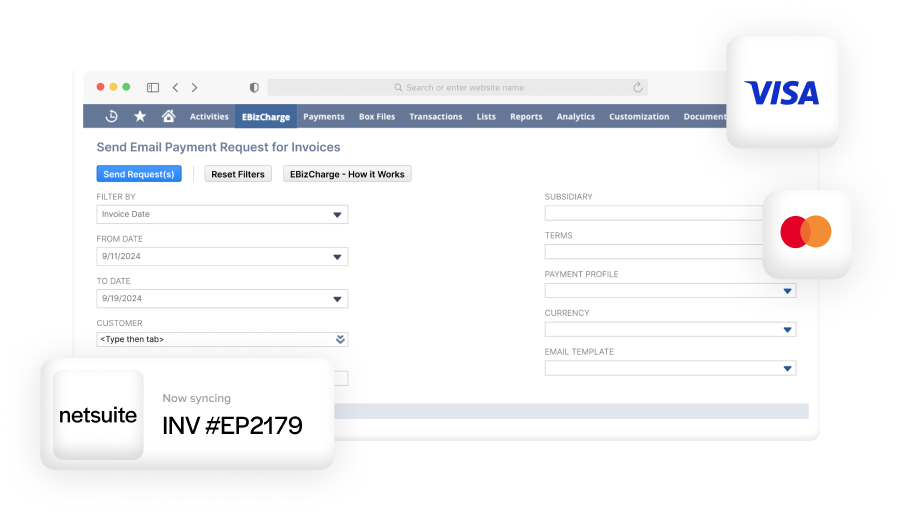
If you want to simplify NetSuite payment processing, EBizCharge’s payment integration has one of the best integrations out there. It embeds right into NetSuite so you can accept credit cards, ACH, and eChecks directly from customer invoices.
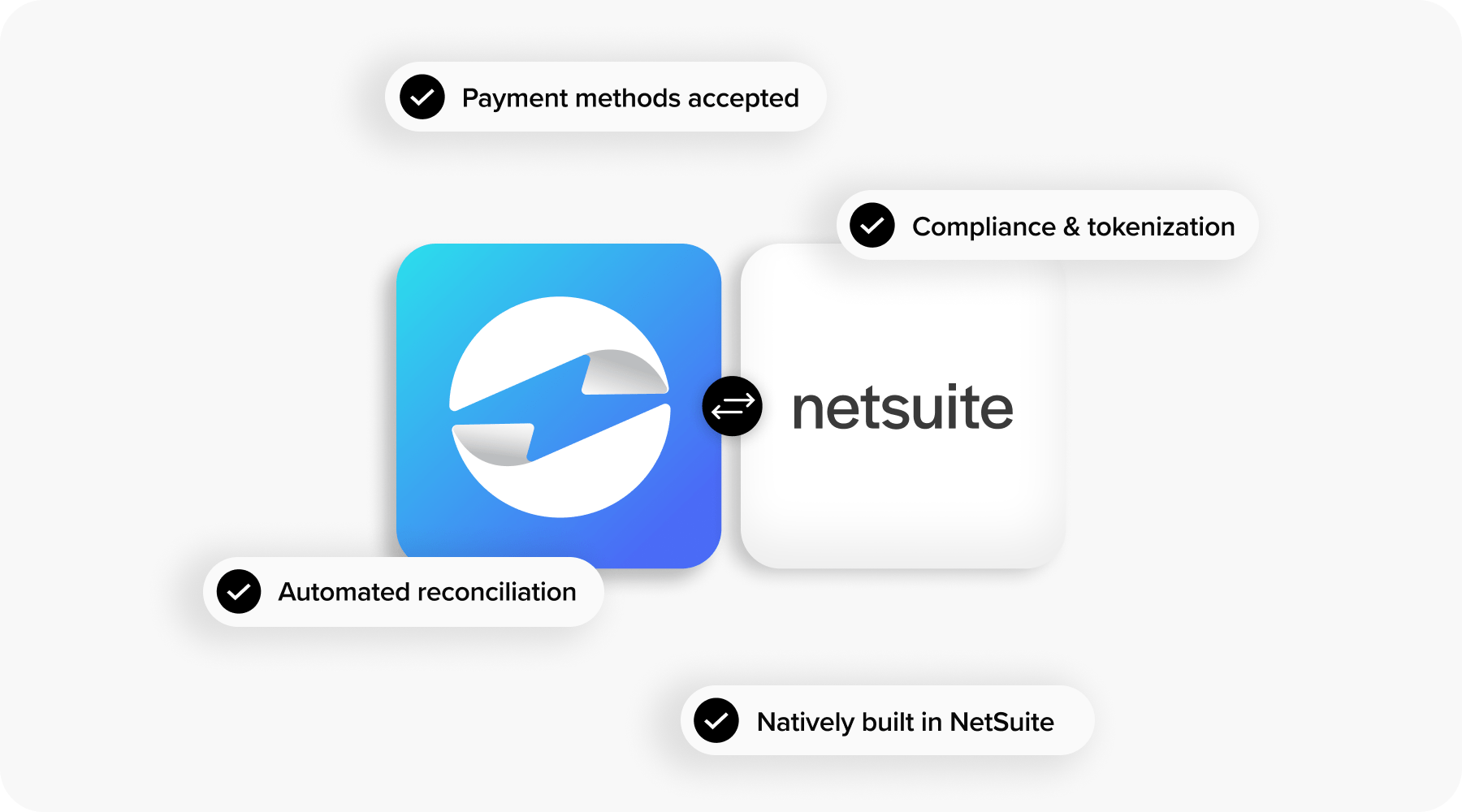
This NetSuite integration does real-time reconciliation and automatically applies payments, so your finance team spends less time matching transactions and more time closing books. You can also enable features like click-to-pay links, batch invoicing, and customer payment portal access, all of which make collections easier.
For businesses managing subscriptions or recurring charges, this kind of embedded payment processing solution turns NetSuite into a one-stop shop for invoicing and payments.
Turning Recurring Billing into a Scalable Growth Engine with NetSuite
The NetSuite recurring billing module is a critical asset for businesses looking to scale recurring revenue without scaling manual effort. From initial setup to full automation, the module offers tools that make invoicing, tracking, and collecting payments more efficient and accurate.
By combining a strong NetSuite integration with a capable payment processor like EBizCharge, you can build a billing operation that’s not only scalable, but customer-friendly. Whether it’s monthly software fees, annual service retainers, or subscription boxes, your recurring billing NetSuite strategy can be a competitive advantage.
In the end, the right mix of tools and practices can turn billing from a bottleneck into a streamlined, automated growth engine—powered by NetSuite billing, smart workflows, and a secure payment processing solution.
Frequently Asked Questions
How do I set up recurring billing in NetSuite?
Enable the recurring billing feature in your NetSuite account, configure user permissions, create billing schedules tied to your products or services, and attach those schedules to customer records or sales orders. SuiteBilling provides additional subscription management tools if you need them.
What is SuiteBilling in NetSuite?
SuiteBilling is NetSuite’s native subscription management and billing solution. It handles subscription lifecycles, usage-based billing, proration, and renewal logic within the ERP.
Can NetSuite handle usage-based billing?
Yes. SuiteBilling supports rated billing where charges are calculated based on consumption or usage metrics rather than flat subscription fees.
What are NetSuite billing schedules?
Billing schedules define when and how often a customer is invoiced. NetSuite supports fixed, milestone, and progress billing schedules depending on your billing model.
What is the difference between NetSuite recurring vendor bills and memorized transactions?
Recurring vendor bills automate the creation of AP bills on a set schedule. Memorized transactions cover a broader range of transaction types, including journal entries and sales orders, and can be set to recur or used on demand.
How does NetSuite recurring billing compare to Zuora or Chargebee?
NetSuite keeps billing inside the ERP, eliminating sync and reconciliation between separate systems. Zuora and Chargebee offer deeper subscription-specific features but require integration back to your accounting system. The right choice depends on your billing complexity and whether you already run NetSuite as your core ERP.
What is NetSuite progress billing?
Progress billing invoices customers based on the percentage of work completed. It’s common in construction, consulting, and project-based industries where billing is tied to deliverables rather than a fixed schedule.
Can I automate billing in NetSuite?
Yes. Between billing schedules, SuiteFlow workflows, and SuiteScript customizations, you can automate invoice generation, payment requests, email notifications, and exception handling.
- What is the NetSuite billing module?
- Understanding NetSuite Recurring Billing
- SuiteBilling and advanced billing in NetSuite
- Setting Up Recurring Billing in NetSuite
- Automating Workflows and Notifications
- Optimization Tips and Best Practices
- How does NetSuite compare for recurring billing?
- Common Pitfalls to Avoid
- NetSuite recurring vendor bills and memorized transactions
- EBizCharge Integration Benefits
- Turning Recurring Billing into a Scalable Growth Engine with NetSuite
- Frequently Asked Questions