
Guides | Acumatica Report Designer
Where and how to download the Acumatica Report Designer
Where and how to download the Acumatica Report Designer
Custom reports are one of the most powerful parts of Acumatica, but finding and setting up the Report Designer is often harder than it should be.
This page explains what the Acumatica Report Designer is, who it’s for, and what you need to know before downloading it. If you’re looking for clear, version-specific instructions without digging through forums or outdated posts, the full step-by-step guide is available below.

Looking to Download Acumatica Report Designer?
Learn
- Where Acumatica actually hosts the Report Designer and why it is not a standalone download
- How to choose the correct Report Designer version based on your Acumatica build
- What to install and what to skip when running the Acumatica installer
- How to connect Report Designer to your Acumatica site, including multi-company login setup
- Common mistakes that cause version mismatches, login errors, or missing report fields
- What first-time users should know before editing or publishing reports
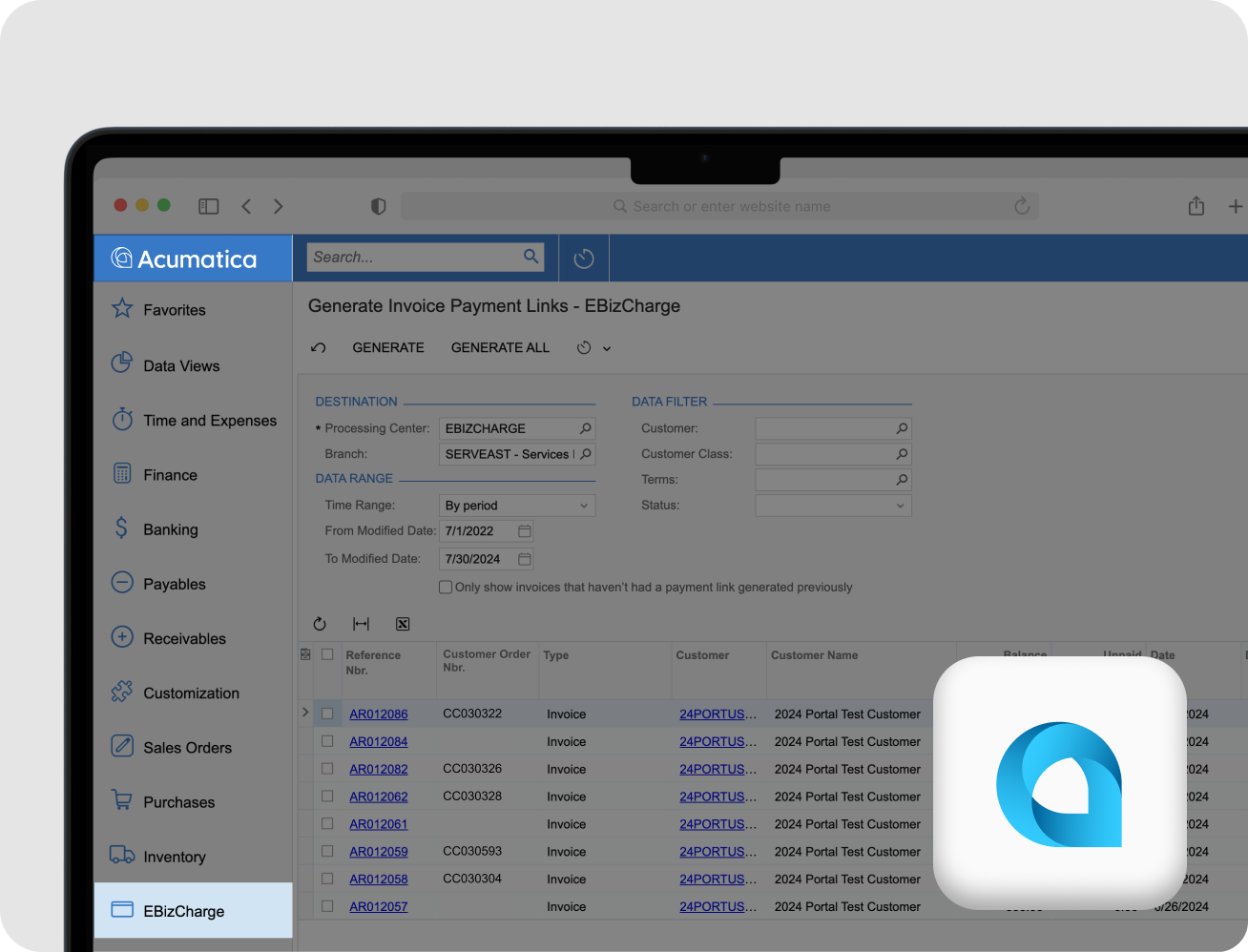
What Is Acumatica Report Designer
The Acumatica Report Designer is a Windows-based tool used to create, modify, and maintain reports in Acumatica. It gives you control over layouts, data fields, grouping, formulas, and formatting that go beyond what’s possible directly in the web interface.
It’s commonly used by system administrators, consultants, finance teams, and power users who need reporting flexibility without building custom screens or integrations.
Why Downloading Acumatica Report Designer Can Be Confusing
Acumatica does not offer the Report Designer as a standalone public download. Instead, it is bundled with each Acumatica build and must match your exact version.
This leads many users to:
- Download the wrong installer
- Install a mismatched version
- Miss the Report Designer option entirely
- Run into login or company selection issues when opening reports
The right setup starts with knowing where to look and what to download for your environment.
What the Full Guide Covers
The complete guide walks through the exact process most Acumatica users struggle with, including:
- Where Acumatica actually hosts the Report Designer
- How to choose the correct version and build
- What to install and what to skip
- How to connect the Report Designer to your Acumatica site
- Common mistakes that cause errors or missing data
- Practical tips for first-time users
This is written for real Acumatica users, not developers reading product documentation.
Who This Guide Is For
This guide is especially useful if you:
- Are new to Acumatica Report Designer
- Need to download it for the first time
- Support multiple Acumatica environments
- Want accurate reporting without heavy customization
- Have struggled with version mismatches or login errors
You do not need to be a developer to use this tool effectively.
FAQ’s
FAQ’s
What is Acumatica Report Designer used for?
It is used to create and customize Acumatica reports, including layout changes, grouping, formulas, and additional data fields.
Can I download Acumatica Report Designer directly?
Not as a standalone tool. It is bundled with Acumatica build installers, which is why many users have trouble finding it.
Does Acumatica Report Designer work on Mac?
No. The Report Designer is a Windows application. Mac users must use a Windows environment or virtual machine.
Do I need developer access to use Report Designer?
No, but your Acumatica user must have Report Designer permissions or administrator access.
Why does my Report Designer version matter?
The Report Designer must match your Acumatica version and build. Using the wrong version can cause errors or missing fields.
Does this guide include setup help?
Yes. The full guide covers downloading, installing, connecting to your site, and common setup issues.
Is this guide specific to one Acumatica version?
The guide explains how to find the correct version for your environment, regardless of release.

“[EBizCharge has] an outstanding reputation among our community members, and we appreciate their support and dedication to our [Acuamtica] community…”
Darcy Boerio, Board Member
AcuConnect

