Blog > How to Apply Unapplied Payments in NetSuite: Manual Process vs. Automation
How to Apply Unapplied Payments in NetSuite: Manual Process vs. Automation
If you work in accounts receivable inside NetSuite ERP, you’ve almost certainly run into unapplied payments. Money comes in, but it doesn’t land neatly on an invoice. Instead, it sits there as unapplied cash, quietly throwing off reports and creating extra cleanup work for your team.
This happens more often than people like to admit. Customers pay early. They forget to include an invoice number. Someone on your side selects the wrong customer record. Or payments flow in through a payment gateway before the invoice is even created in NetSuite software.
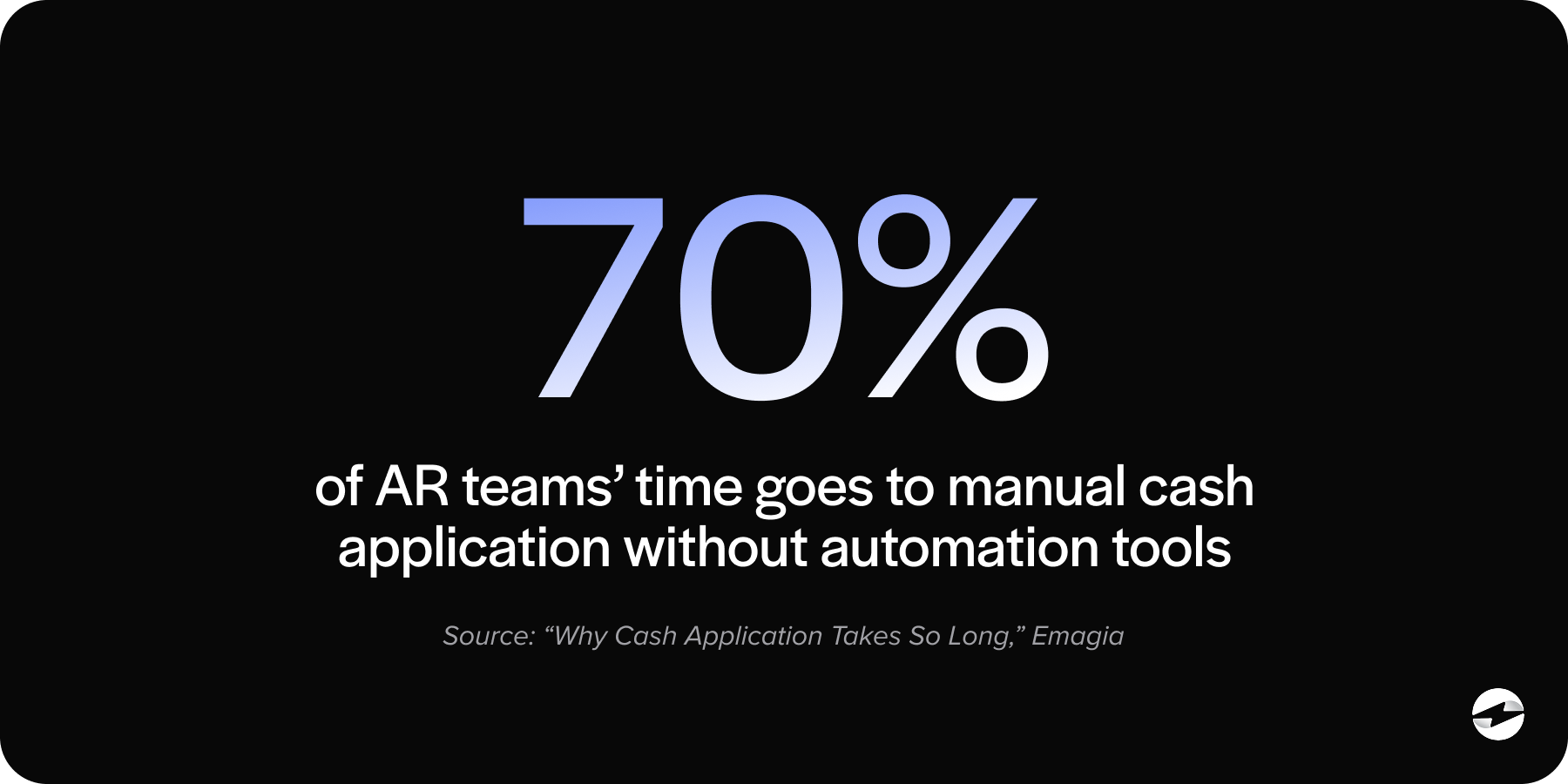
At first, unapplied payments might seem like a small annoyance. But over time, they add up. They distort AR aging, make cash flow harder to forecast, and force your team to spend hours tracking down what should have been simple matches. For teams handling volume, this can quickly become a bottleneck.
This article walks through how to apply unapplied payments in NetSuite manually, what that process really looks like day to day, and when automation becomes the more practical option. If you’re responsible for keeping AR clean and accurate, this is written with you in mind.
What Are Unapplied Payments in NetSuite?
In NetSuite, unapplied payments are customer payments that have been received but not applied to any open invoice. The money exists in the system, but it hasn’t been tied to a specific receivable.
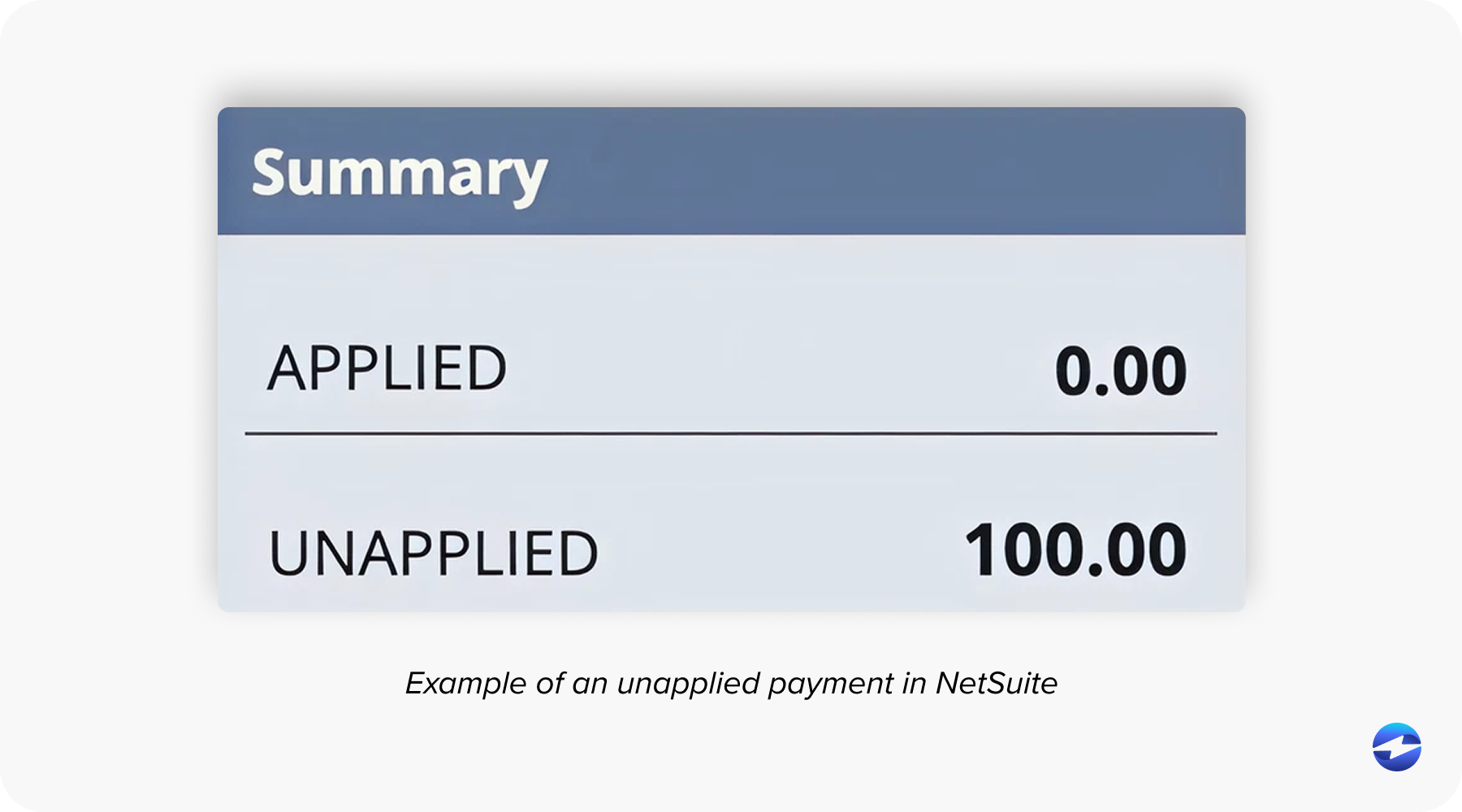
These payments usually originate from customer payment records, deposits, or credits. Until they’re applied, they remain visible as unapplied cash on the customer record and in AR reports. That’s why your aging may show invoices as overdue even though the customer technically already paid.
Inside NetSuite ERP, unapplied payments typically appear on customer records, unapplied cash reports, and AR aging summaries. If they aren’t handled promptly, they can ripple into reconciliation issues and inaccurate financial reporting.
Common Scenarios That Create Unapplied Payments
Unapplied payments rarely come from one single mistake. They’re usually the result of normal business activity combined with imperfect information.
One of the most common scenarios is when a customer submits a payment without referencing an invoice. This is especially common with ACH or credit card payments processed through a payment processor or payment gateway.
Overpayments and duplicate payments also play a role. A customer may accidentally pay twice, or round up a payment, leaving a balance that doesn’t automatically apply.
Timing issues are another frequent cause. Payments may arrive before invoices are finalized in NetSuite software, leaving no open transaction to match against.
There are also internal issues. Selecting the wrong customer record, importing payments from another system, or syncing data from an external payment solution can all result in unapplied payments sitting unresolved.
Manual Process: Applying Unapplied Payments in NetSuite
For many teams, the manual approach is where everything starts. NetSuite includes built-in functionality for applying payments, and for organizations with lower volume or simpler billing, this process can work well. That said, it relies heavily on consistency, attention to detail, and available staff time – factors that become more strained as transaction volume grows.
Step-by-Step Manual Application
When handling unapplied payments manually, NetSuite provides the tools—but it still requires time and attention.
The process typically starts by navigating to the customer record within NetSuite ERP. From there, you locate the unapplied payment on the customer’s transaction history.
Once you open the customer payment record, you’ll see a list of open invoices associated with that customer. This is where the real work happens. You manually apply the payment amount to the correct invoice or invoices, adjusting amounts as needed for a partial payment.
After reviewing everything for accuracy, you save the transaction. At that point, the payment is officially applied, and your AR reports update accordingly.
This process sounds straightforward, and for one or two payments, it usually is. The challenge comes when you’re doing this dozens—or hundreds—of times a week.
Limitations of the Manual Process
As payment volume increases, the process becomes time-consuming. Every payment requires review, clicks, and validation. Human error becomes more likely, especially when invoice amounts are similar or customer names overlap.
Delays in cash application can also impact reporting. While payments remain unapplied, AR aging doesn’t reflect reality, and leadership may think collections are behind when they’re not.
Most importantly, manual processes don’t scale well. As your business grows, manually applying unapplied payments can quietly consume hours that could be better spent elsewhere.
Automation: Applying Unapplied Payments in NetSuite
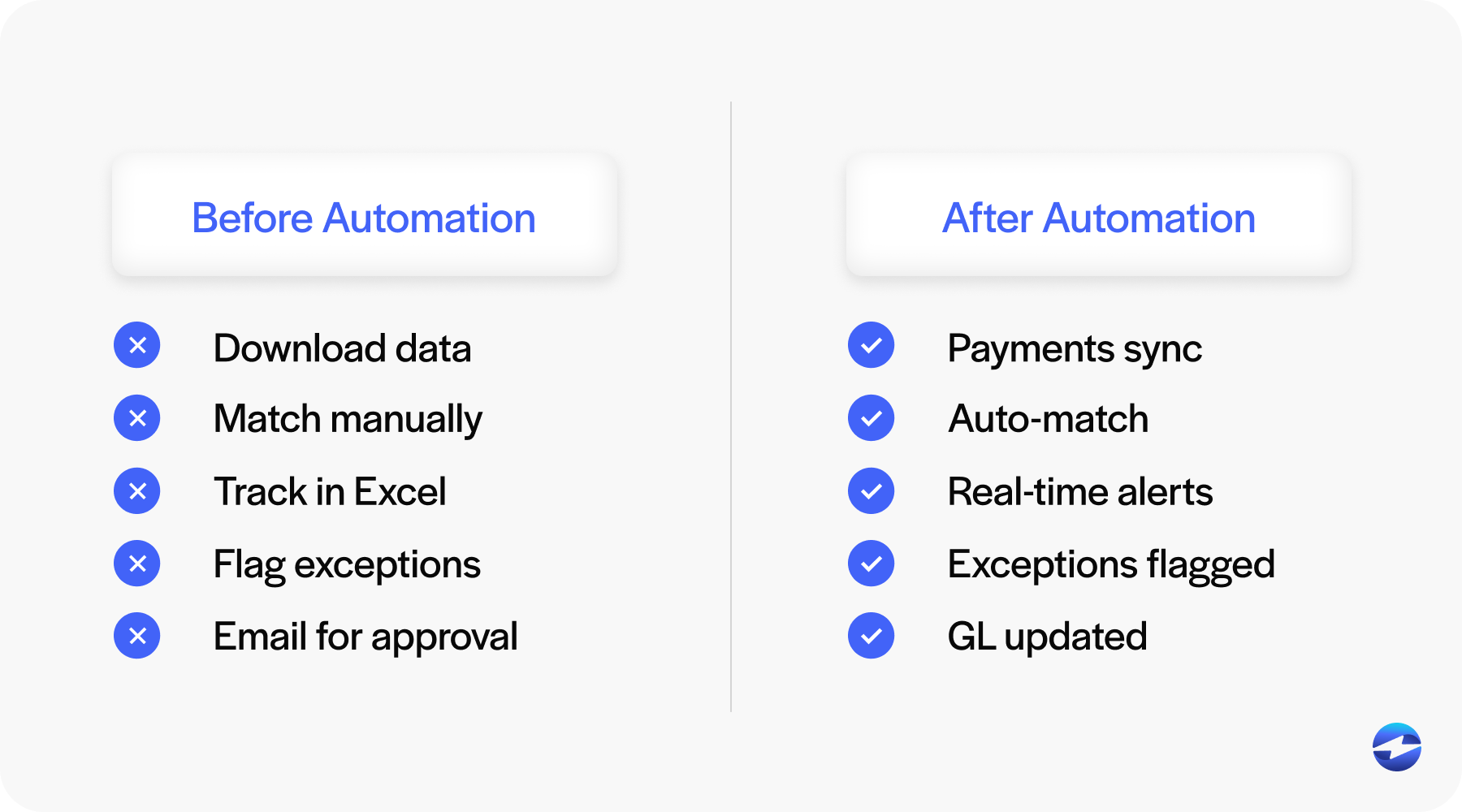
As transaction volume grows, many teams reach a point where manually managing unapplied payments no longer makes sense. Automation shifts the focus from cleanup to prevention by applying payments accurately as they come in. Instead of reacting to unapplied cash after the fact, teams can rely on systems designed to handle matching at scale and keep AR moving without constant intervention.
What Automation Means in the NetSuite Context
Instead of relying on someone to manually match payments, an automated payment processing solution uses logic to apply payments as they’re received. This typically involves invoice numbers, customer IDs, payment amounts, and other reference data.
Automation is often powered by a tightly integrated payment solution that works directly within NetSuite software, rather than bolted on after the fact.
How Automated Application Works
With automation in place, payments captured through a payment gateway or payment processor flow directly into NetSuite ERP.
The system automatically attempts to match each payment to an open invoice. Exact matches apply immediately. Partial payments and overpayments are handled according to predefined rules.
When a payment can’t be matched confidently, it’s flagged as an exception instead of silently becoming unapplied cash. This allows your team to focus only on the payments that truly need attention.
Over time, automated payment collection significantly reduces the number of unapplied payments that ever reach your AR queue.
Benefits of Automation
The most obvious benefit is speed. Payments are applied faster, often in real time.
Accuracy improves as well. Automated matching eliminates many of the small errors that creep into manual processes.
Your AR team spends less time on repetitive work and more time resolving real issues. Reporting becomes more reliable because unapplied payments are no longer distorting aging and cash flow data.
From the customer’s perspective, automation leads to clearer statements and fewer follow-up questions about balances they already paid.
Potential Challenges and Considerations
Automation isn’t magic, and it does require planning.
Initial setup takes time. Matching rules need to reflect how your customers actually pay.
Exception handling is another important factor to consider. No system can auto-apply 100% of payments, so teams still need a process for edge cases.
Data quality also matters. Clean customer records and consistent invoicing make automation far more effective.
Manual vs. Automated Application: A Practical Comparison
Manually applying unapplied payments offers control, but at the cost of time and scalability.
Automation delivers speed and consistency, especially for teams processing high volumes of transactions through a payment gateway or payment processor.
For growing businesses, the difference often comes down to whether AR is spending time maintaining the system—or whether the system is supporting the team.
When Manual Application Makes Sense
Manual application can be perfectly reasonable for businesses with low transaction volume, simple billing structures, or minimal integrations.
It can also serve as a temporary solution during transitions or system changes.
The key is recognizing when manual effort starts to outweigh its benefits.
When Automation Is the Better Choice
Automation becomes the better option when payment volume increases, payment methods diversify, or real-time financial visibility becomes critical.
If unapplied payments are a recurring problem, automated payment collection usually pays for itself in time saved and errors avoided.
Best Practices for Reducing Unapplied Payments
Reducing unapplied payments isn’t about fixing mistakes after they happen – it’s about putting simple, repeatable practices in place that prevent issues before they start. When expectations are clear for both customers and internal teams, payments are far more likely to apply cleanly the first time.
Key practices that make a measurable difference include:
- Clear invoice references so customers know exactly what they’re paying and how to reference it when submitting payment.
- Standardized payment methods that reduce variability and confusion, especially when payments come through a payment gateway or multiple channels.
- Regular AR reviews to catch small issues early, before unapplied cash accumulates and becomes harder to untangle.
- The right payment processing solution, which supports accurate matching, reduces manual intervention, and makes clean cash application far easier to maintain over time.
Why EBizCharge Is a Great Choice for Automating Unapplied Payments in NetSuite
For NetSuite users who want automation without complexity, EBizCharge fits naturally into existing workflows.
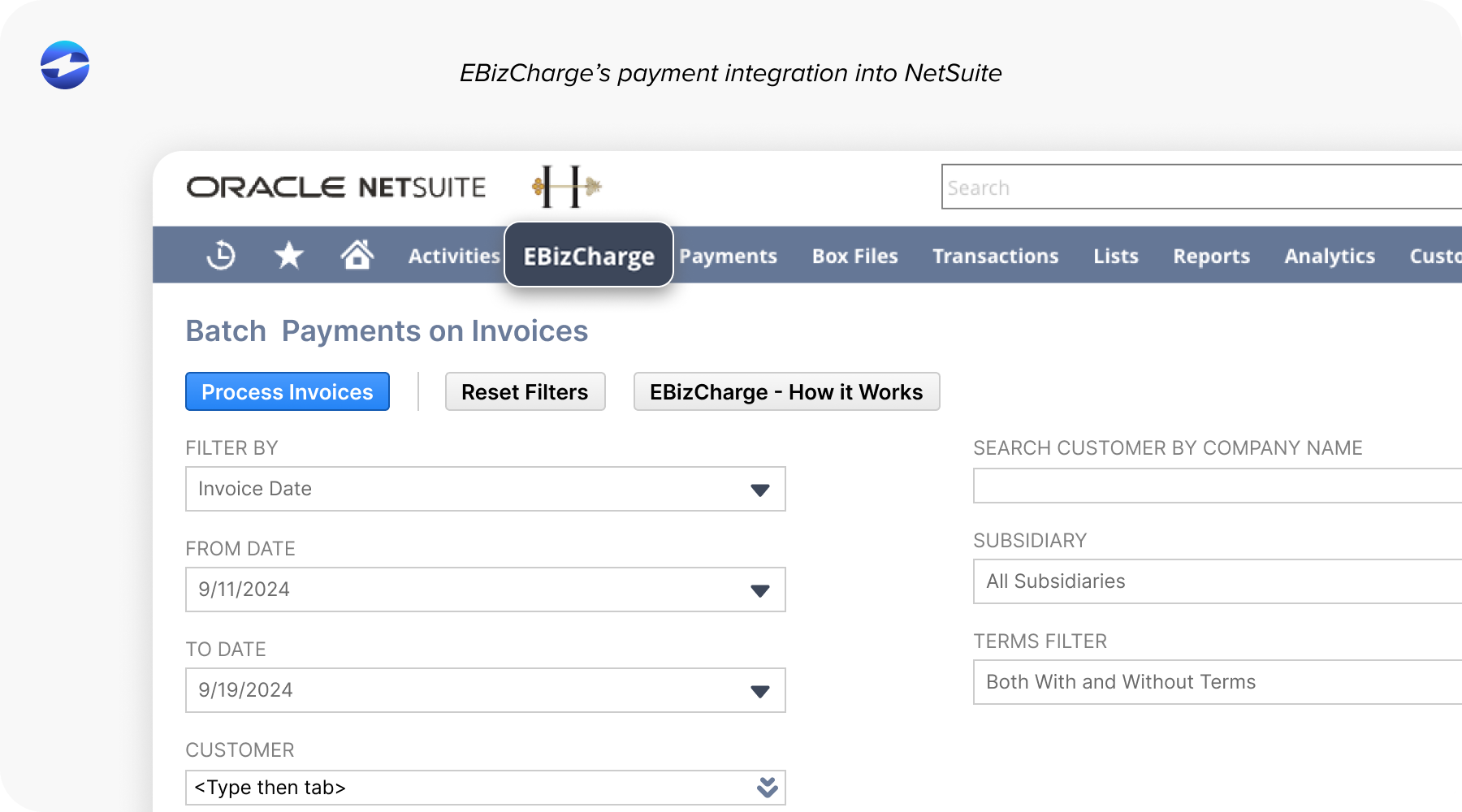
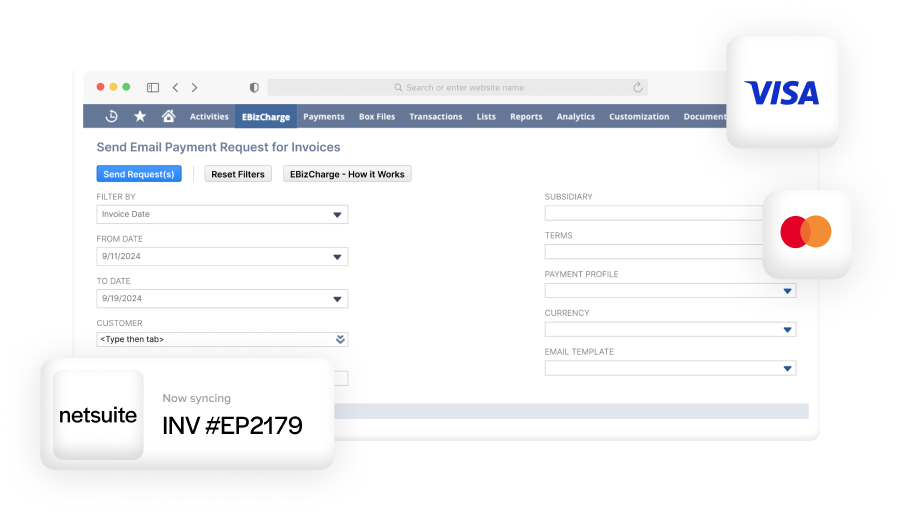
EBizCharge is built specifically to integrate with NetSuite ERP, allowing payments to be captured and applied directly inside NetSuite software. There’s no need for custom development or disconnected systems.
Payments processed through the EBizCharge payment gateway flow straight into NetSuite, where intelligent matching applies them to the correct invoices. Partial payments, overpayments, and unapplied balances are handled automatically, reducing the buildup of unapplied cash.
Because EBizCharge functions as both a payment solution and a payment processor, it keeps payment data synchronized in real time. That means AR reports stay accurate, and teams don’t have to chase down mismatches days later.
For AR teams, this translates into less manual work, fewer errors, and a clearer view of cash flow. As transaction volume grows, the system scales without adding more work to your plate.
In short, EBizCharge helps NetSuite users solve the root causes of unapplied payments, not just clean them up after the fact.
- What Are Unapplied Payments in NetSuite?
- Common Scenarios That Create Unapplied Payments
- Manual Process: Applying Unapplied Payments in NetSuite
- Automation: Applying Unapplied Payments in NetSuite
- Manual vs. Automated Application: A Practical Comparison
- Best Practices for Reducing Unapplied Payments
- Why EBizCharge Is a Great Choice for Automating Unapplied Payments in NetSuite