
Blog > AR Automation for Sage: Automating Accounts Receivable in Sage Intacct and Sage 100
AR Automation for Sage: Automating Accounts Receivable in Sage Intacct and Sage 100

Sage is a capable ERP platform. It gives finance teams solid visibility into open invoices, customer balances, and aging data. But like most ERPs, Sage tracks accounts receivable without automating the workflow around it. Payments still have to be collected, matched to invoices, posted to the ledger, and followed up on when they don’t arrive on time. All of that work still lands on your team.
For AR managers, controllers, and finance directors running Sage Intacct or Sage 100, that workflow gap is where a significant portion of the week disappears. This article covers what accounts receivable automation looks like inside Sage software, how EBizCharge handles it natively for both platforms, and what to consider when you are evaluating AR automation solutions for your Sage environment.
Manual AR Inside Sage: Where Time Gets Lost
The manual AR process inside Sage follows a familiar pattern. Invoices go out individually. Payments arrive through multiple channels (check, ACH, wire, credit card), each carrying different data in different formats. Someone on the AR team retrieves the remittance, identifies which invoices it covers, manually enters the match, and posts the payment to the Sage ledger as a separate step.
At low volume, that’s manageable. At scale, it compounds quickly.
- Unapplied cash builds up when remittance is missing or unclear.
- Sage aging reports show open invoices that may already be paid but haven’t been posted yet.
- Collections reminders go out on balances that customers settled weeks ago.
- Month-end close runs long because payment posting is always the last thing to finish.
- The AR team spends most of their time on matching and data entry rather than on the exceptions and relationships that actually need their attention.
This isn’t a Sage problem. It’s a workflow gap, and AR automation software exists to fill it.
What AR Automation Looks Like Inside Sage Intacct vs. Sage 100
Sage Intacct and Sage 100 serve different types of businesses, and the AR automation priorities for each are worth distinguishing.
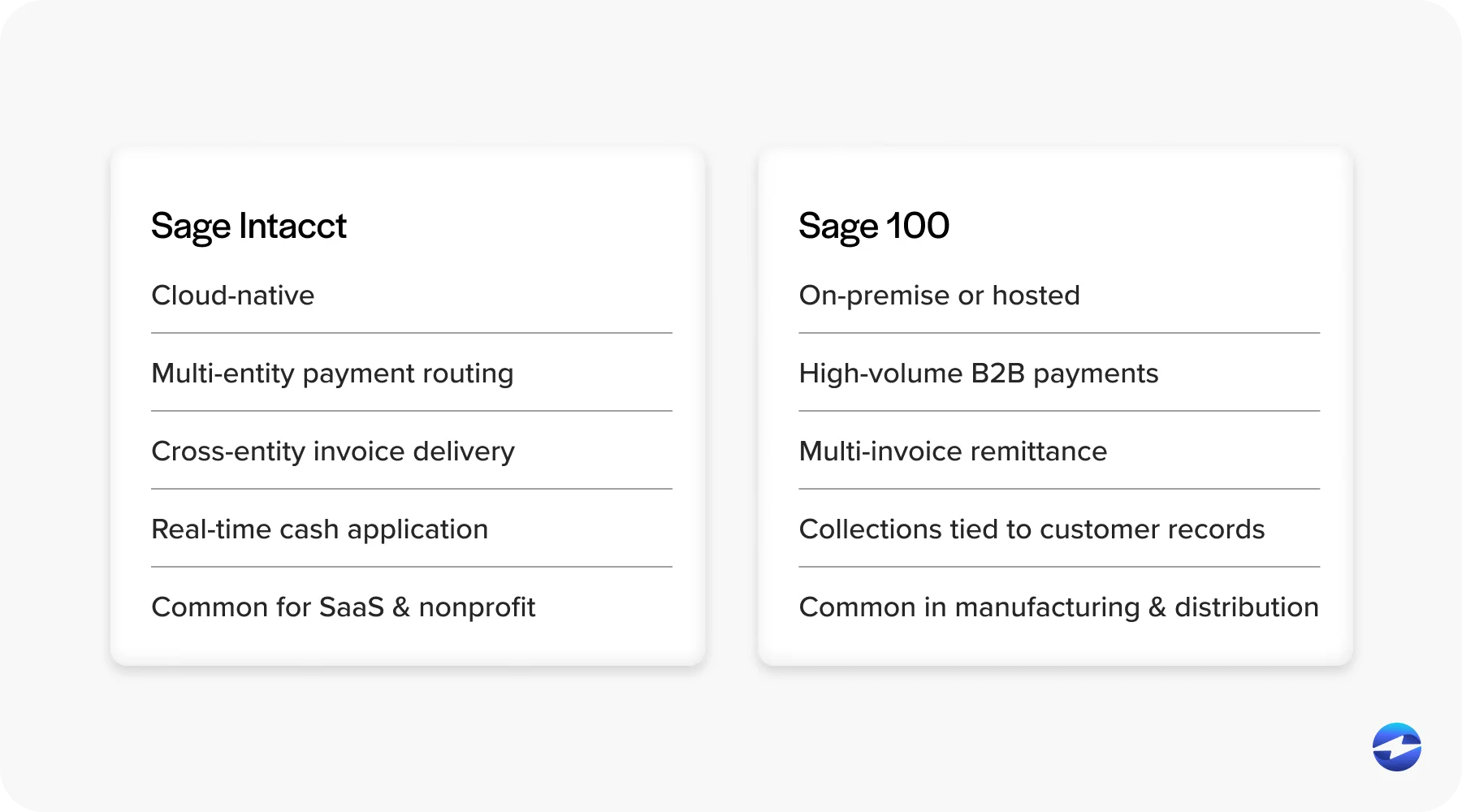
Sage Intacct is cloud-native, built for multi-entity organizations, and commonly used by SaaS and nonprofit finance teams. Sage Intacct AR automation priorities tend to center on multi-entity payment routing, automated invoice delivery across entities, and real-time cash application inside Intacct’s AR module. The integration architecture matters significantly here. A connector that syncs to Intacct on a schedule creates a reconciliation gap between the payment platform and the Intacct ledger. A native integration using Intacct’s own data objects eliminates that gap entirely.
Sage 100 is more commonly found in manufacturing and distribution environments, often running on-premise or in a hosted environment. Sage 100 AR automation priorities are shaped by high-volume B2B payment flows, complex remittance from customers paying multiple invoices at once, and collections workflows tied directly to Sage 100 customer records. The same architectural distinction applies: a tool that lives inside Sage 100’s AR module behaves fundamentally differently from a standalone tool that syncs to it after the fact.
Both platforms share the same core gap. Sage tracks AR but doesn’t automate the payment collection and cash application workflow around it. Automating accounts receivable natively inside either platform, rather than connecting to it from outside, is what keeps the Sage ledger accurate in real time.
EBizCharge Sage Integration Overview
EBizCharge is a native Sage 100 & Sage Intacct payment integration, built on a 15-plus-year partnership with Sage. It’s among the longest-tenured third-party payment integrations in the Sage ecosystem.
The architecture is the key distinction. EBizCharge embeds directly inside the Sage environment using Sage’s own data structures. Payments process and post inside Sage without any middleware layer, without any sync dependency, and without any external tool that your AR team has to log into separately. For Sage Intacct, payments post natively inside Intacct’s AR module across entities in real time. For Sage 100, payments are processed and posted inside Sage 100’s AR module at the moment of the transaction, with aging updated immediately.
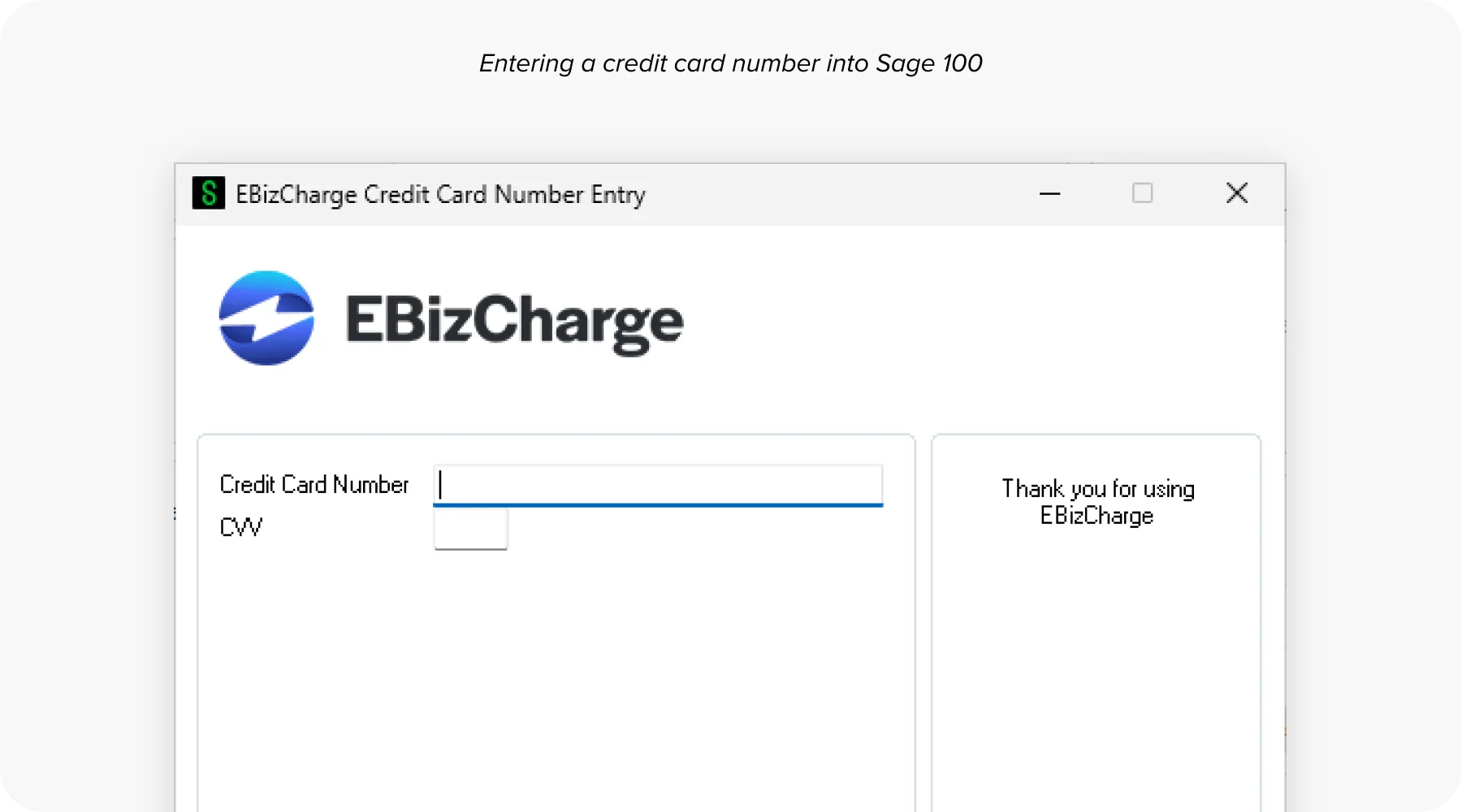
As a payment processing solution, EBizCharge covers the full payment method mix: credit and debit cards, ACH, eCheck, virtual cards, Level 2 and Level 3 B2B processing, and surcharging to offset or eliminate card processing costs entirely.
As accounts receivable software goes, what makes EBizCharge different from most AR automation solutions isn’t the feature list. It’s where the automation happens. Inside Sage, not alongside it.
Feature Walkthrough
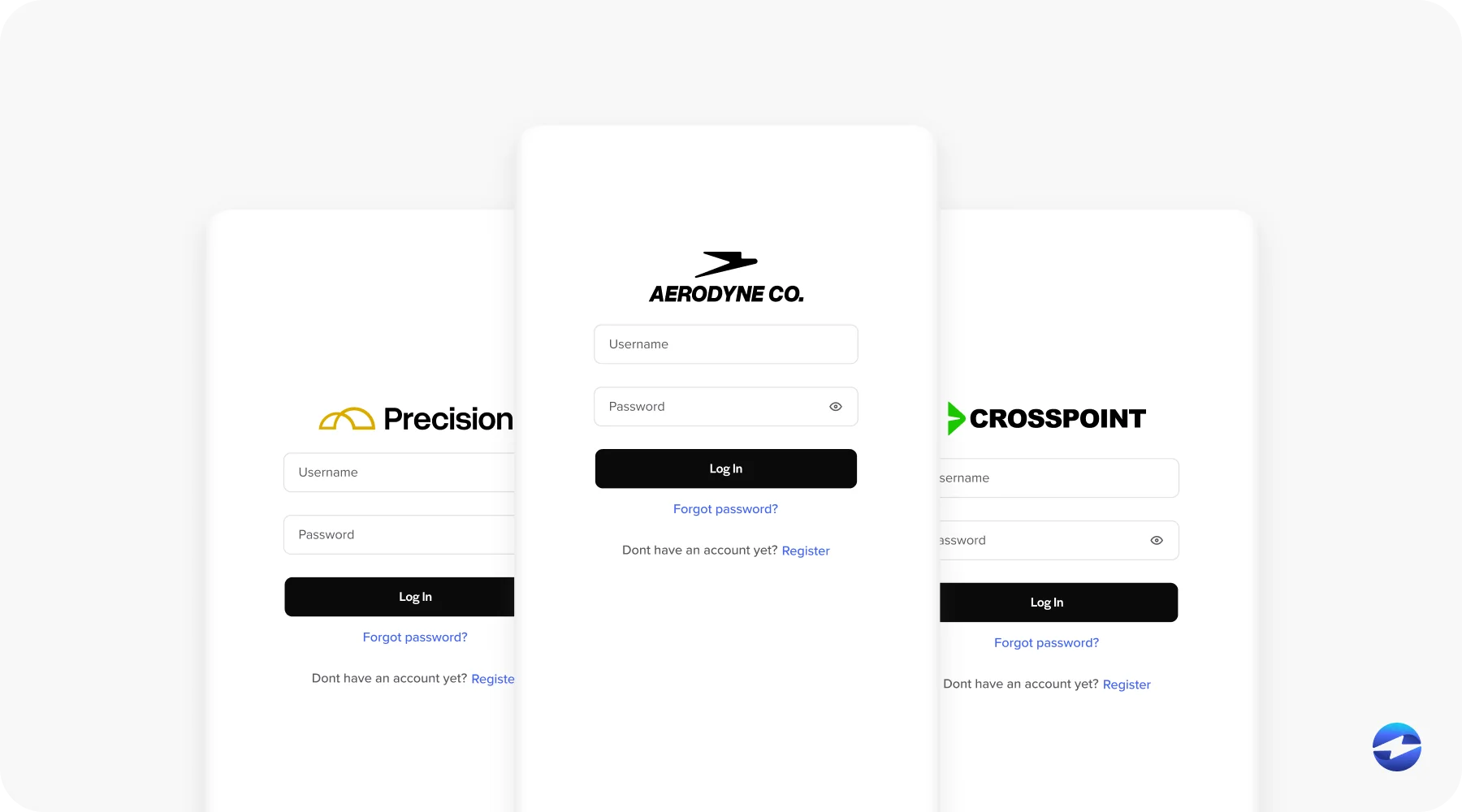
Customer payment portal. Customers can view their open invoices, select what they’re paying, and submit payment by card, ACH, or eCheck through a self-service portal that connects directly to Sage. When a customer selects invoices at the point of payment, remittance arrives pre-structured. The matching problem is largely solved before it ever reaches your AR team. Payment posts directly into Sage’s AR module, the invoice closes, and the balance clears in real time.
Automated cash application. EBizCharge reads remittance from multiple input formats, matches payments to open Sage AR records using rules and confidence scoring, and posts clean matches to the Sage ledger without requiring a manual step. Matches above a confidence threshold are applied automatically. Borderline matches surface for fast human review. Partial payments, deductions, and missing remittance route to a structured exception workflow inside Sage rather than a suspense pile. This is a meaningful distinction from standalone automated cash application software that processes matches outside of Sage and then syncs the results back in. That sync gap is where reconciliation errors live. When cash application happens natively inside Sage, there is no gap to manage.
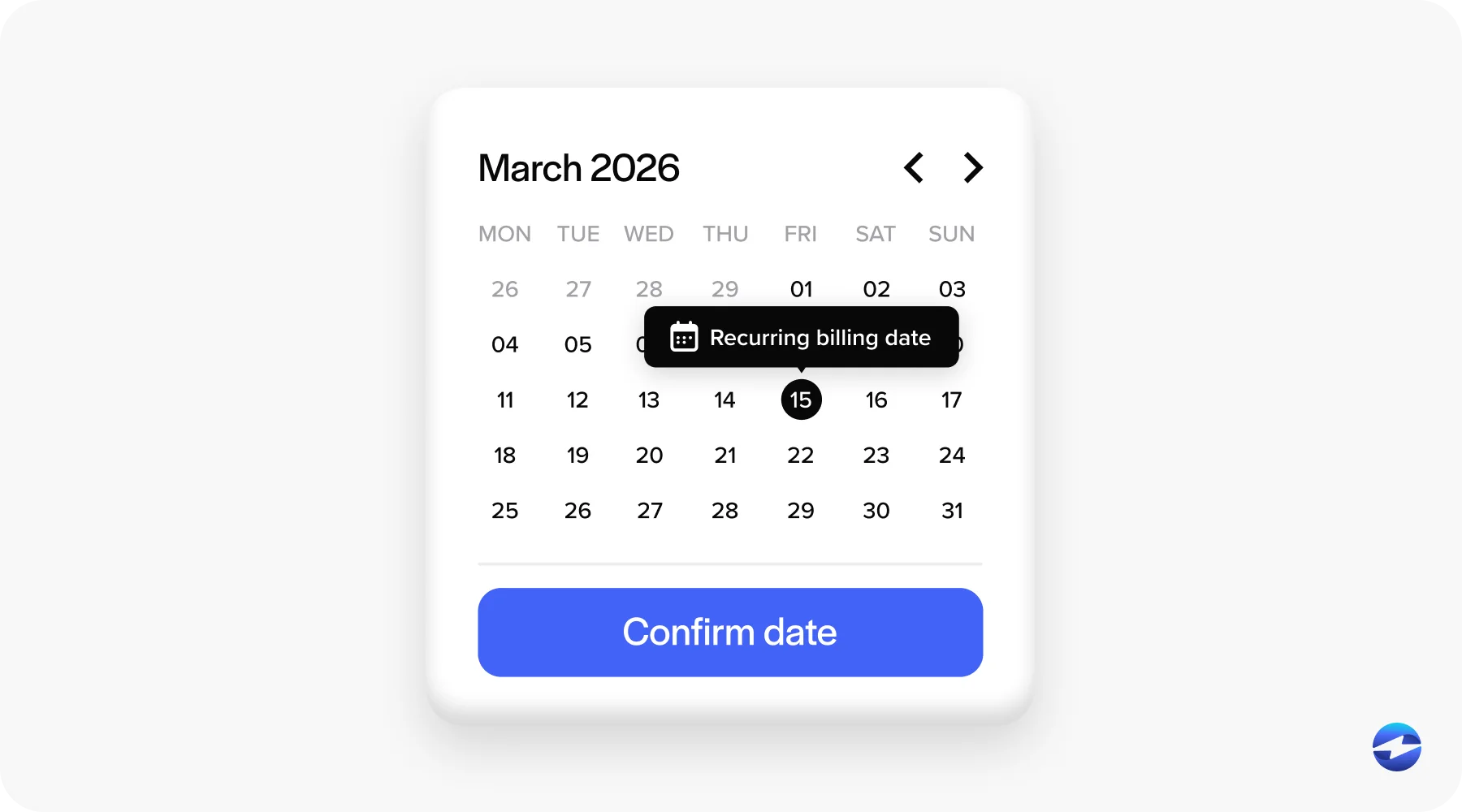
Recurring billing and autopay. Customers can authorize recurring automatic charges, which removes manual payment initiation entirely for predictable accounts. Recurring billing schedules tie to Sage customer records. Charges run automatically, invoices are generated and closed inside Sage, and the AR team doesn’t have to touch the transaction at all. For businesses with a significant percentage of recurring revenue, the reduction in manual AR work per transaction adds up quickly.
Remittance matching inside Sage. One customer payment covering multiple open invoices is matched and posted in a single transaction inside Sage. Partial payments are matched to the correct invoice with the appropriate balance adjustment. Deductions are flagged as exceptions when they can’t be matched cleanly. Your AR team sees current, accurate open balances inside Sage at all times rather than a mix of posted and pending transactions.
Implementation Process
One of the most underestimated variables when evaluating accounts receivable automation is how long implementation actually takes and what it requires from your team.
EBizCharge implementation for most Sage environments takes days, not months. It doesn’t require custom (API) development, middleware installation, or ongoing IT maintenance of a sync layer. It offers configuration rather than development and uses standard Sage credential access to connect the integration. The process covers account setup, payment method configuration, customer portal branding, autopay and recurring billing setup, collections reminder sequences, and testing with live Sage AR data before go-live. Training for the AR team typically runs in a single session.
Post-implementation, one vendor owns the full payment experience inside Sage. There’s no situation where a reconciliation issue falls into a gap between a payment vendor and a middleware vendor, with neither taking responsibility.
EBizCharge vs. SagePay and Standalone AR Tools
SagePay is a UK-based payment gateway that handles transaction processing but doesn’t provide cash application automation, collections workflows, or customer payment portals inside Sage’s AR module. The name creates confusion, but SagePay and Sage AR automation differ in a few important ways. SagePay is a payment processor in the gateway sense. EBizCharge is a full AR automation and payment processing solution built natively inside Sage.
Standalone AR automation software presents a different comparison. These are tools built outside Sage that connect via API or middleware and sync data on a schedule. Payments are matched and processed in the standalone tool, then transferred to Sage through a sync process. That means Sage aging is always slightly behind the standalone tool’s data, collections workflows trigger on data that may not reflect the current Sage AR state, reconciliation is periodic rather than continuous, and when something goes wrong, two vendors are involved instead of one.
Sage AR automation that lives natively inside the platform eliminates all of those layers. No sync dependency, no reconciliation gap, no second system for your team to manage.
Next Steps
Sage Intacct AR automation and Sage 100 AR automation aren’t the same implementation, and the details matter for your specific environment. EBizCharge has dedicated integration pages for both platforms that cover the architecture, features, and implementation process in more detail.
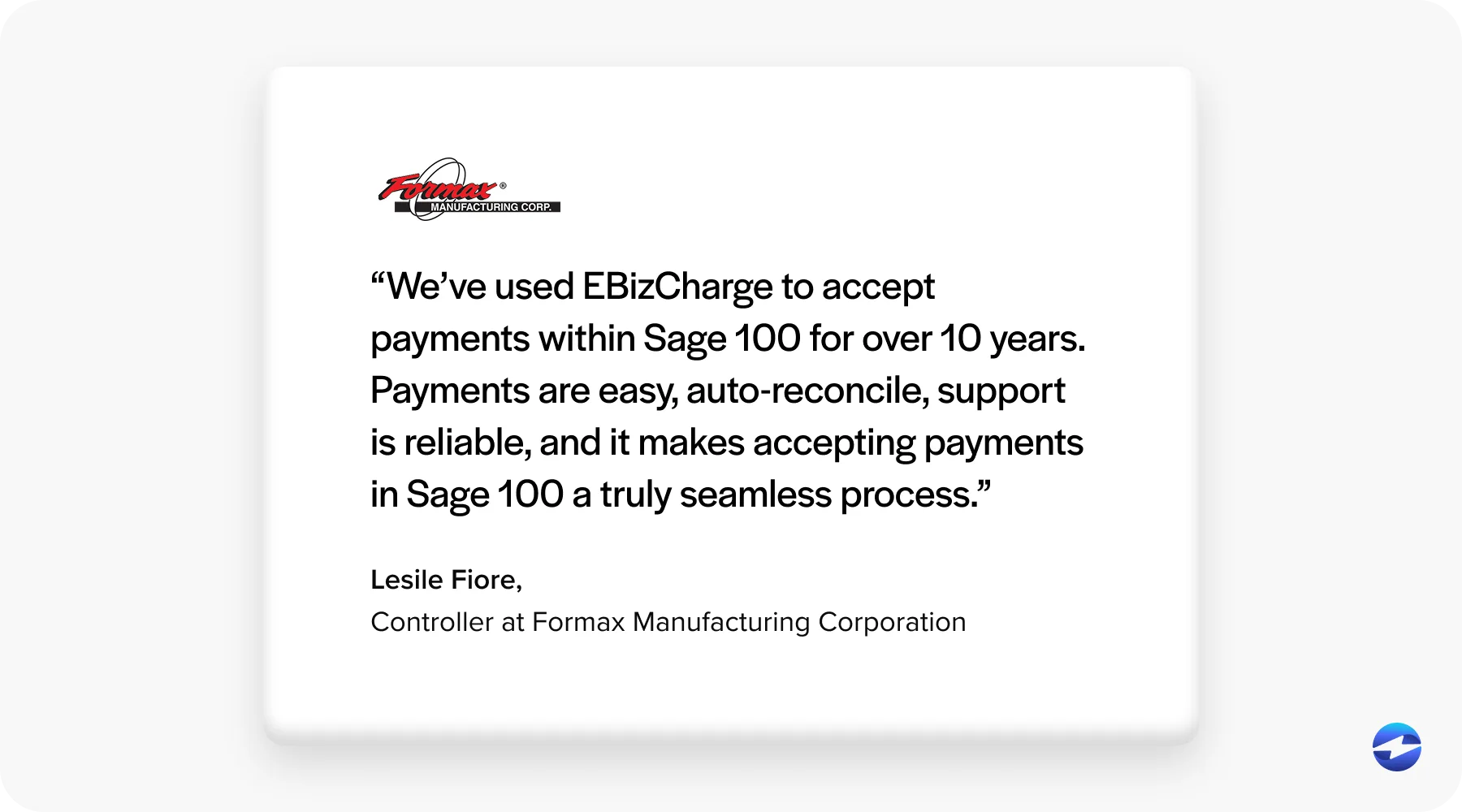
If you’re evaluating AR automation solutions for your Sage environment, the most useful next step is seeing automating accounts receivable work inside your specific Sage platform rather than reading about it in the abstract. Schedule a demo and walk through the full workflow, payment collection, cash application, collections, and reporting, running inside Sage. That’s what good accounts receivable automation actually looks like in practice, and it’s the clearest way to evaluate whether an AR automation software solution is the right fit for how your team works.