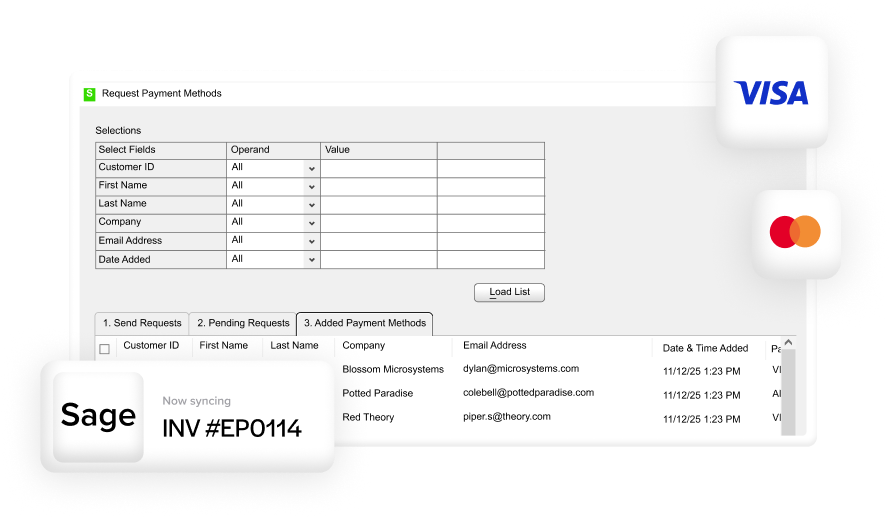

Blog > Sage Billing Software: Features and Alternatives Compared
Sage Billing Software: Features and Alternatives Compared

Most businesses don’t start questioning their billing setup until something breaks. A reconciliation error piles up, the AR team starts spending too much time on manual entry, or customers complain that paying an invoice is harder than it should be. By the time someone starts researching Sage billing software, there’s usually a real frustration behind it.
The tricky part is that the frustration doesn’t always point directly at the right problem. Sometimes the billing process itself is the issue. Other times, invoices are going out fine, but actually collecting payment is where things fall apart. Those are two different problems with two different solutions. Knowing which one you’re dealing with is what makes the difference between fixing the issue and just adding more complexity to it.
This article breaks down what Sage billing actually looks like across the main platforms, where the native features tend to fall short, and which alternatives or add-ons are worth taking seriously. If you’re a controller, AR manager, CFO, or billing manager trying to make a practical decision about your current setup, this should give you a clear picture of where to go from here.
Sage Is Not One Thing
Before comparing features, it’s worth getting clear on which Sage product you’re actually looking for. Sage 50, Sage 100, Sage 300, and Sage Intacct are all different platforms built for different business sizes and operational needs. The billing capabilities vary significantly across all of them, and a feature that exists in Sage Intacct may not exist at all in Sage 50.
The common thread is that all Sage software is built around accounting and financial management. Billing is part of that, but the depth of billing functionality depends entirely on which product you’re running.
What Sage Billing Looks Like Across the Product Line
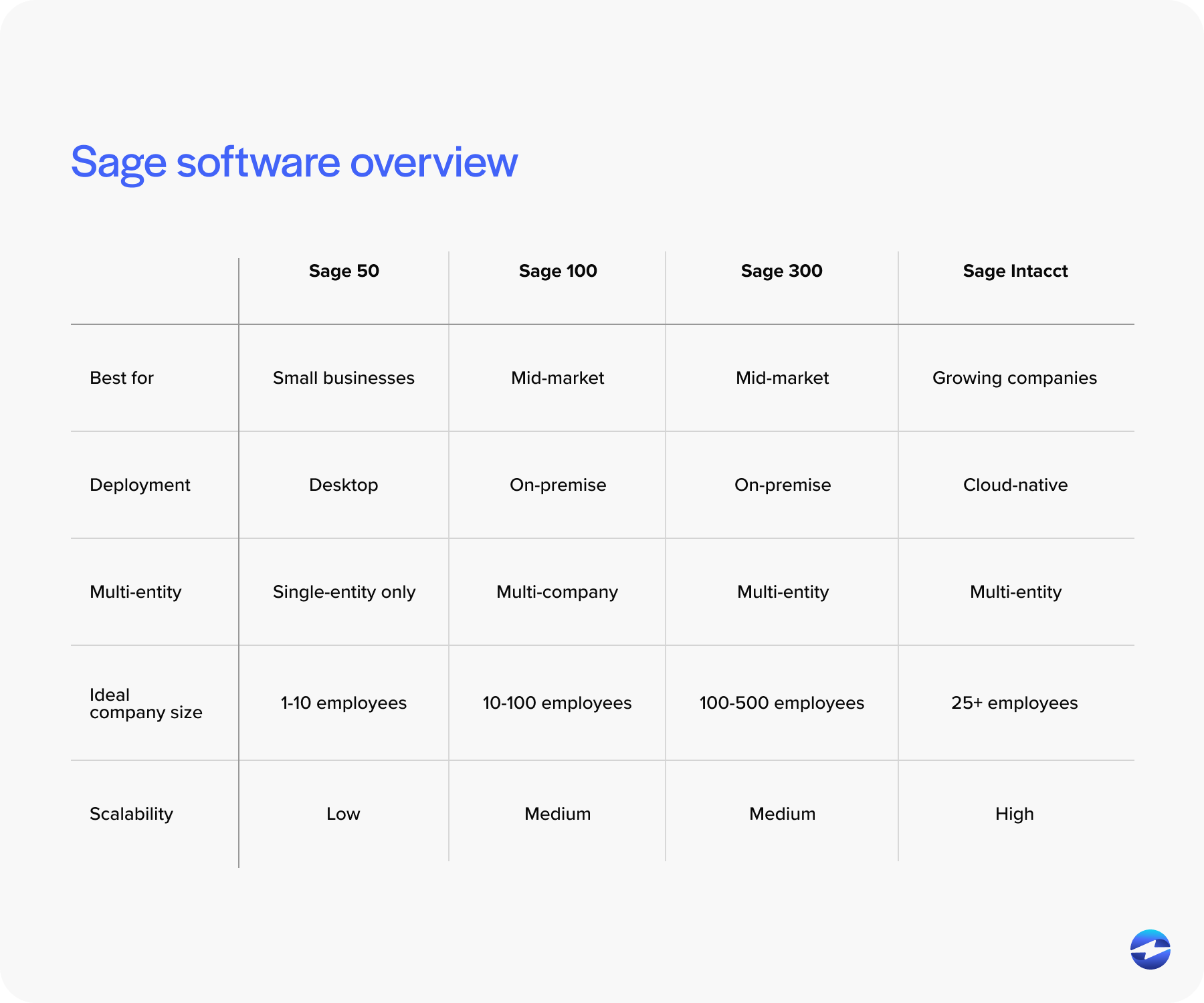
Sage 50 handles the fundamentals well. You can create invoices, set up recurring billing, generate customer statements, and manage basic collections. For small to lower mid-market businesses with straightforward billing needs, it covers the essentials. Where it starts to strain is at volume, when customization requirements grow, or when customers need a more modern payment experience than a mailed invoice can provide.
Sage 100 steps up the billing capabilities considerably. It operates as a full ERP, which means invoicing is tied into broader sales order and workflow automation. You can move from a sales order to an invoice without manual re-entry, and there are more robust tools for credit management and collections. That said, the native Sage billing features in Sage 100 still leave gaps around self-service payment collection. Customers generally can’t log in somewhere and pay their invoices without your AR team being involved.
Sage Intacct is where Sage billing gets a bit more sophisticated. It supports subscription billing, contract billing, multi-entity billing, and revenue recognition in compliance with ASC 606. For businesses with complex, recurring, or usage-based billing models, Sage Intacct is a serious platform. Even so, the gaps around payment acceptance and customer-facing payment tools still exist. Billing and getting paid are related, but they’re not the same thing, and Sage Intacct handles the former much better than the latter.
Sage 300 sits in the mid-market range with solid invoicing, multi-currency support, and multi-entity functionality. It handles billing across complex organizational structures reasonably well. Like the others, though, it wasn’t built to be a payment acceptance platform, and that distinction matters when you’re evaluating whether your current setup is actually working.
Where Sage Billing Falls Short
Across every platform in the Sage family, the same category of gaps tends to show up. Understanding them helps you figure out whether you need a full Sage alternative or just an additional layer on top of what you already have.
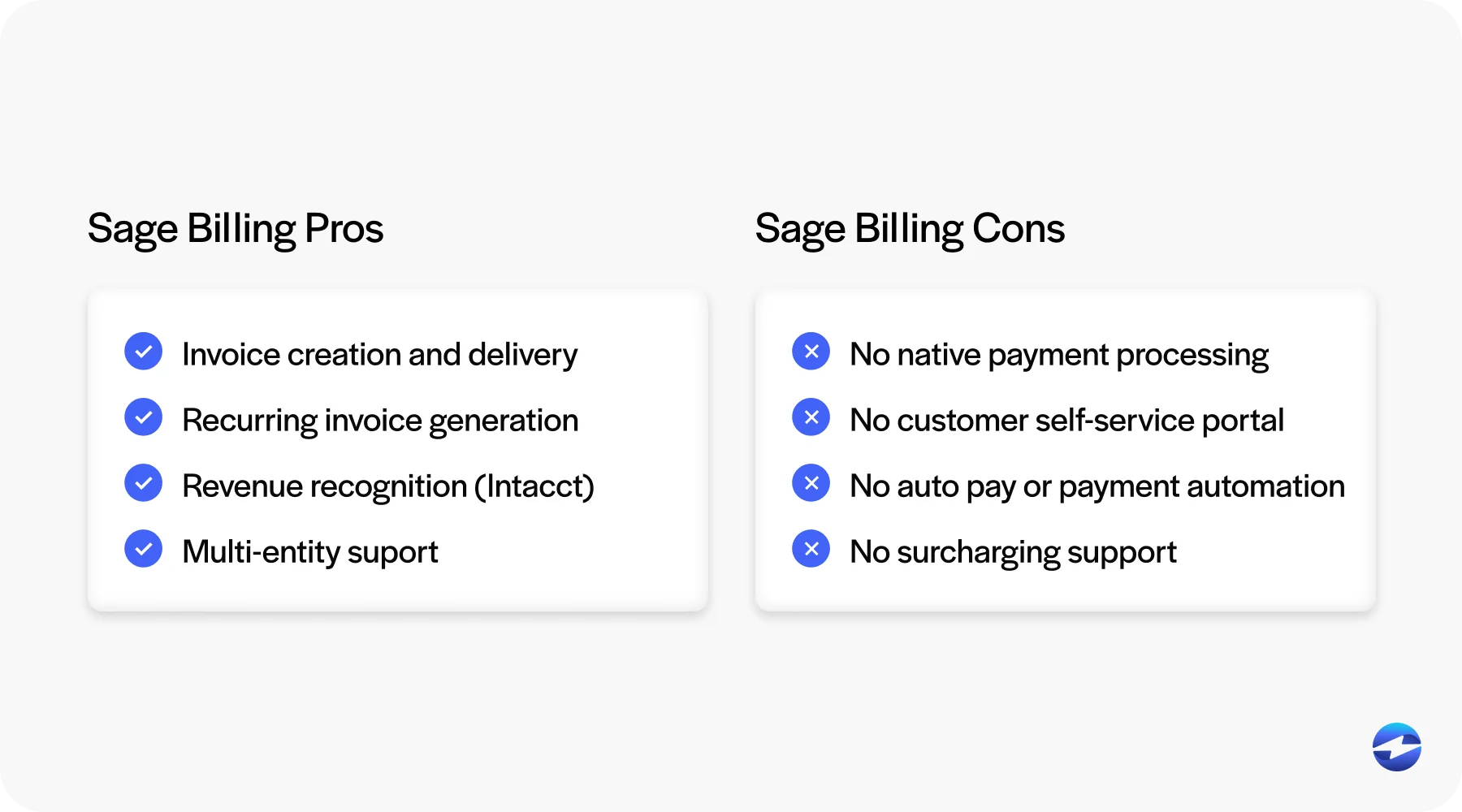
The biggest one is payment collection. Sage software handles invoicing well. It doesn’t natively handle credit card payments, ACH transactions, or customer-facing payment portals in any meaningful way out of the box. That means customers who want to pay electronically either can’t, or your team is routing payments through a disconnected processor and then manually reconciling everything back into Sage. That manual step is where errors pile up and AR hours disappear.
Recurring billing and autopay are similarly limited in base configurations. Most Sage platforms let you automate invoice generation, but automating the actual payment collection requires a third-party solution.
Surcharging is another consideration. While some Sage products offer basic surcharge functionality, applying it consistently and compliantly across card types, customer segments, and jurisdictions often requires additional configuration or a payment solution built to manage that compliance layer for you.
And then there’s reporting. Transaction-level payment reporting inside Sage software is often limited compared to what a dedicated billing and payment platform can offer. If you want granular visibility into payment trends, processing costs, or customer payment behavior, you’re usually exporting data and building reports outside of Sage.
Alternatives Worth Knowing About
When the gaps get big enough, some businesses start looking at a full Sage alternative. It’s worth being clear-eyed about what that actually involves.
Chargebee is a decent option for businesses with subscription or recurring revenue models. It handles billing automation, dunning, and revenue recognition well, but it’s built for SaaS and service businesses. It doesn’t slot into an ERP environment the way a native Sage integration does.
Zuora is an enterprise-grade subscription billing and revenue management platform. It’s powerful, but it’s built for large organizations with complex billing models and the technical resources to implement it properly.
NetSuite and Microsoft Dynamics 365 are both full ERP alternatives that include more sophisticated billing and payment capabilities than Sage 100 or Sage 50. They’re legitimate options for businesses that have outgrown Sage and are ready to make a platform investment. That said, migrating from one ERP to another is expensive, time-consuming, and disruptive. It solves billing problems, but it creates a different set of problems in the process.
Bill.com is popular for AP and AR automation, but its ERP integration depth is limited. It works reasonably well as a standalone tool, but doesn’t offer the kind of embedded, real-time connection that Sage users typically need.
For most mid-market businesses running Sage software, the honest answer is that a full platform switch is overkill for what is essentially a payment collection problem. The billing infrastructure in Sage is sound. What’s missing is the payment layer on top of it.
Add-Ons vs. Platform Switches: How to Think About It
The right question to ask before evaluating any Sage alternative is whether your problem is a billing problem or a payment problem. They sound similar, but the answer changes what you should do about it.
If invoices are going out accurately, general ledger accounts are mapped correctly, and your AR data is clean, but customers still aren’t paying conveniently, and your team is still manually reconciling card payments, that’s a payment problem. You don’t need a new ERP. You need a payment processing solution that integrates directly with Sage and fills in the gaps.
If your billing workflows themselves are broken, invoices are wrong, revenue recognition is a mess, or your platform genuinely can’t handle your business model, then a Sage alternative is worth a serious evaluation.
Most businesses land in the first category.
What a Native Payment Integration Adds
A payment processor built natively for Sage integration changes the billing picture in a few concrete ways. Customers can access a self-service portal where they can view and pay invoices without contacting your AR team. Autopay and recurring payments reduce the manual follow-up cycle. ACH and credit card payments post directly into Sage in real time, so your AR aging report reflects reality, and month-end close doesn’t require a reconciliation marathon.
Surcharging, Level 2 and Level 3 processing, and detailed transaction reporting round out what a purpose-built Sage payment processing layer can do. These are all things Sage billing features don’t cover natively, but that doesn’t require a platform migration to fix.
EBizCharge Across the Sage Product Line
The EBizCharge payment solution integrates natively with various Sage systems, including Sage Intacct. It fills the specific gaps that Sage billing leaves open, including a branded customer payment portal, autopay, ACH and credit card processing, surcharging, and real-time payment sync directly into your Sage environment.
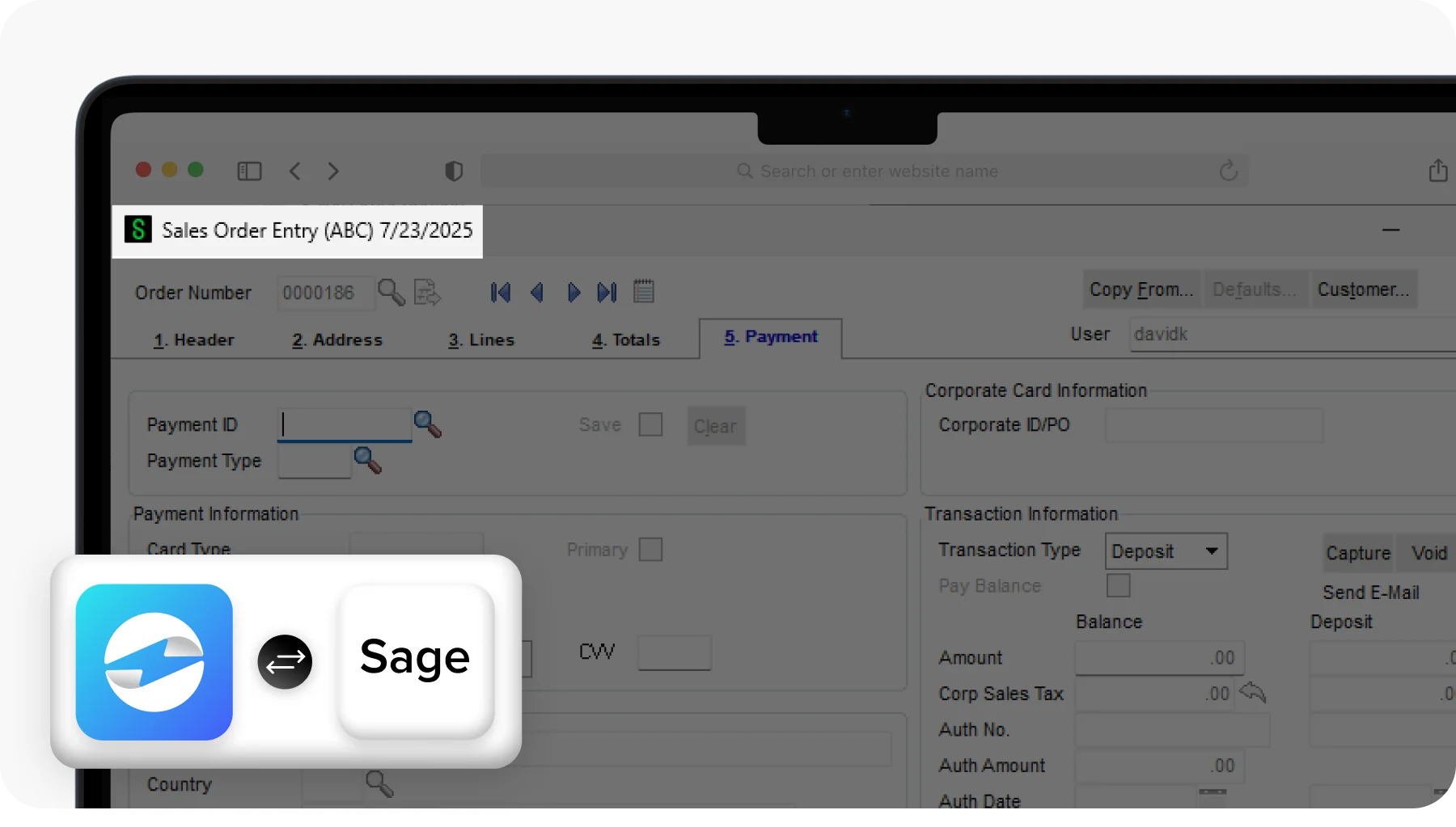
It works inside the platform your team already knows, which means no migration, no retraining on a new system, and no disruption to the billing workflows you’ve already built. The Sage integration just gets a payment layer that handles everything the native tools don’t.
If your billing is mostly working, but getting paid is still creating manual work, that’s the problem EBizCharge is built to solve.