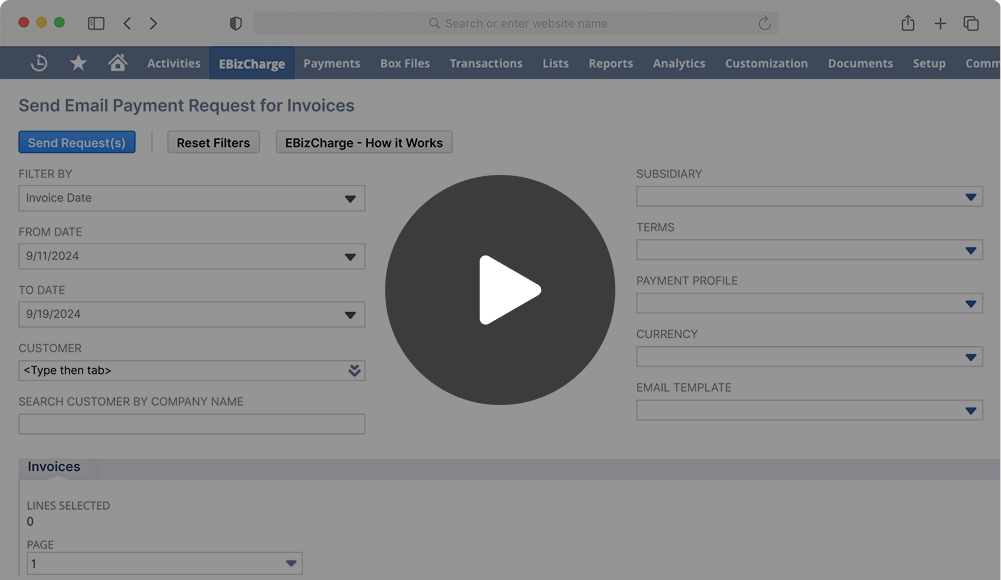
If you work in accounts receivable or finance and spend your days in NetSuite, payment reconciliation probably feels like a job that’s never fully done. Even when payments are coming in on time, there’s always something that needs a closer look – a payment to match, a balance to explain, or a small discrepancy that won’t quite go away. Left alone, those small issues have a way of turning into bigger problems by the time month-end rolls around.
Understanding how to reconcile payments in NetSuite isn’t about ticking off a task and moving on. It’s about trusting the numbers you’re reporting, getting through close without last-minute fire drills, and keeping your team focused on work that actually moves things forward. This guide is meant for NetSuite users who want clear, practical insight into how reconciliation really works inside NetSuite ERP – based on real workflows, not theory.
Why Payment Reconciliation Matters in NetSuite
Payment reconciliation tends to sit quietly in the background until something goes wrong. Then it suddenly becomes very visible.
When payments aren’t reconciled correctly, AR aging reports lose credibility, cash balances don’t line up, questions come up during audits, and finance leaders hesitate to rely on reports pulled from NetSuite software because they’re not confident the data reflects reality.
For teams using NetSuite ERP, reconciliation is also closely tied to cash flow visibility. You may have money in the bank, but if it’s not properly matched to invoices in NetSuite, it’s hard to know what’s actually been collected versus what’s still outstanding.
If you’re responsible for accounts receivable, cash application, or month-end close, you already know this pressure. Getting reconciliation right isn’t optional—it’s foundational.
What Payment Reconciliation Looks Like in NetSuite
At its core, payment reconciliation in NetSuite ERP comes down to making sure three things agree with each other: the payments you’ve received, the invoices those payments should be applied to, and what’s actually showing up in the bank.
Receiving a payment on its own doesn’t complete the job. Reconciliation means confirming that payment is tied to the right invoice, posted to the right account, and reflected accurately in both your AR balance and your cash position.
NetSuite software provides the tools to do this through customer payment records, invoice application, and bank reconciliation features. But those tools work best when the information coming in is consistent and reliable. Once payments are processed outside NetSuite or entered by hand, gaps and inconsistencies start to appear.
Clearing accounts and undeposited funds are often part of the picture, especially with card and ACH payments. Differences in timing – when a payment is authorized, when it’s deposited, and when it’s recorded – can create short-term mismatches that AR teams need to recognize and account for.
This is typically where things start to feel messy. Without a clear, consistent process, teams end up tracking down small differences that quietly consume hours of time.
The Core Payment Reconciliation Workflow in NetSuite
To understand how to reconcile payments in NetSuite, it helps to look at the process as a whole, from the moment a payment comes in to the point where your books and bank activity line up.
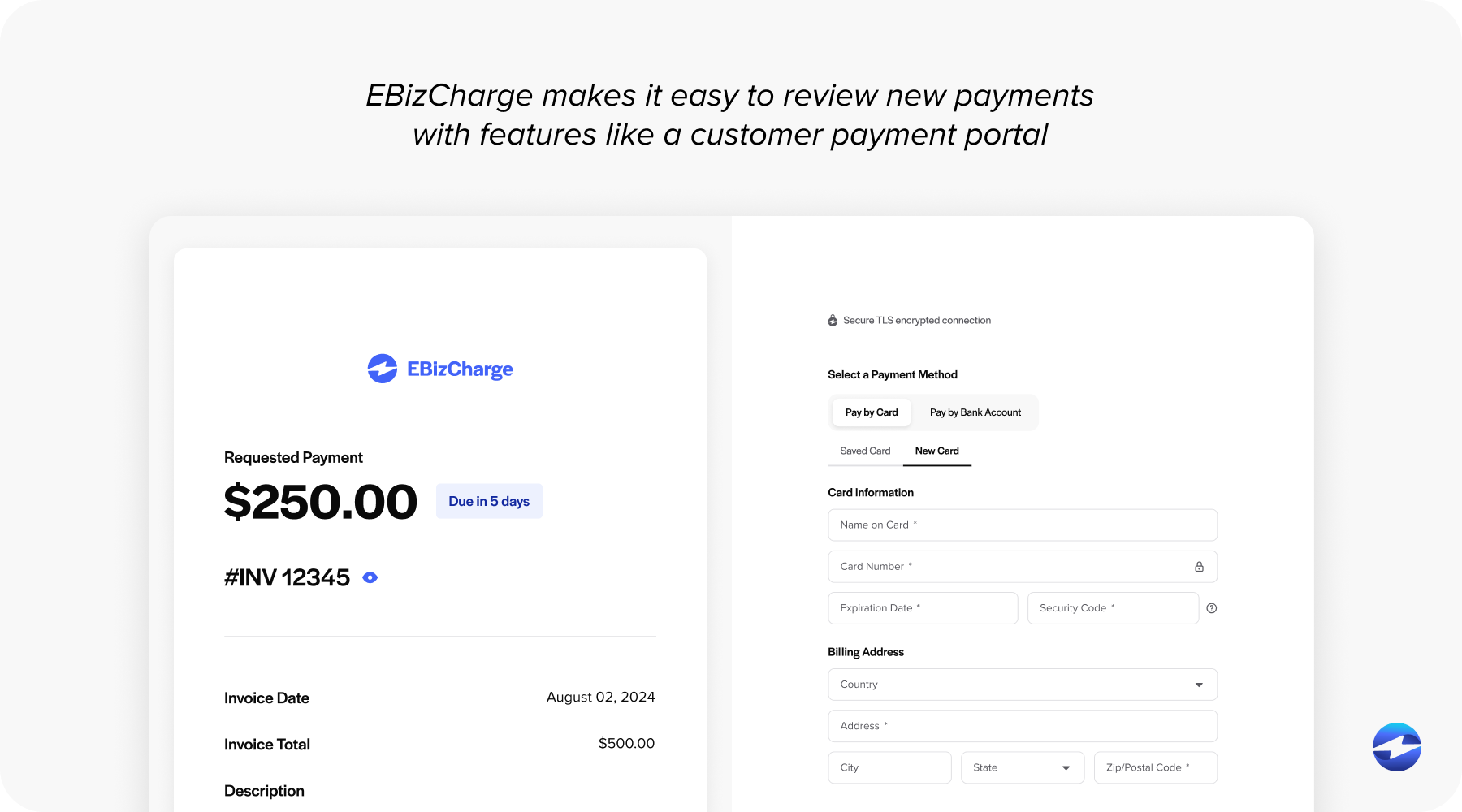
It starts with receiving payments. These may arrive as credit card or ACH payments through a NetSuite payment gateway. Each payment method comes with its own timing and level of detail, which affects how quickly and easily it can be reconciled.
From there, payments need to be applied. That means matching each payment to the correct customer and applying it to one or more open invoices. When remittance details are clear, this step is fairly straightforward. It gets trickier with partial payments, short pays, or customers who send one payment to cover multiple invoices.
Unapplied balances are common and not always a problem, but they do need attention. Advance payments, overpayments, or payments without sufficient information can sit unapplied and quietly throw off AR aging and customer balances if they’re left unresolved.
After payments are applied, it’s important to review AR balances as a whole. This helps confirm that invoice-level activity matches what you’re seeing at the customer level before moving on to bank reconciliation.
The final step is reconciling to the bank. This is where you confirm that what NetSuite shows as received actually matches what was deposited. Differences are often timing-related, but they still need to be understood and documented.
Common Challenges and Mistakes in NetSuite Payment Reconciliation
Many reconciliation problems don’t come from NetSuite itself. They come from everything around it.
Disconnected systems are a major issue. When payments are processed through an external payment processor without tight NetSuite integration, someone has to bridge the gap manually. That’s where errors creep in.
Manual data entry is another risk. Re-keying amounts, invoice numbers, or customer names increases the chance of misapplied payments. These mistakes often aren’t caught until weeks later.
Missing remittance information also causes delays. Without invoice references, AR teams are forced to guess or leave payments unapplied.
High transaction volume compounds all of this. As payment volume grows, even small inefficiencies turn into major time drains, especially during close.
Best Practices for Accurate and Efficient Reconciliation
Strong reconciliation processes should be simple, not complex.
Start by standardizing ownership. Make it clear who is responsible for payment application and reconciliation. Ambiguity leads to inconsistency.
Reconcile frequently. Waiting until month-end increases pressure and makes issues harder to untangle. Daily or weekly reconciliation keeps problems small.
Use reference numbers wherever possible. Encourage customers to include invoice numbers and configure systems to automatically capture that data.
Keep unapplied payments and AR aging reports clean. These reports are early warning systems. Ignoring them allows issues to snowball.
Over time, these habits reduce rework and make reconciliation more predictable.
How Automation Improves Payment Reconciliation in NetSuite
Automation doesn’t remove judgment from reconciliation, but it does remove unnecessary work.
With tighter NetSuite integration, payments processed through a NetSuite payment gateway can be automatically recorded and applied to invoices. This is where automated reconciliation starts to deliver real value.
Automated payment posting reduces manual cash application. It also improves audit trails, since each transaction follows a consistent path through NetSuite ERP.
As volume grows, automation becomes less of a nice-to-have and more of a requirement. Manual processes simply don’t scale without increasing headcount or risk.
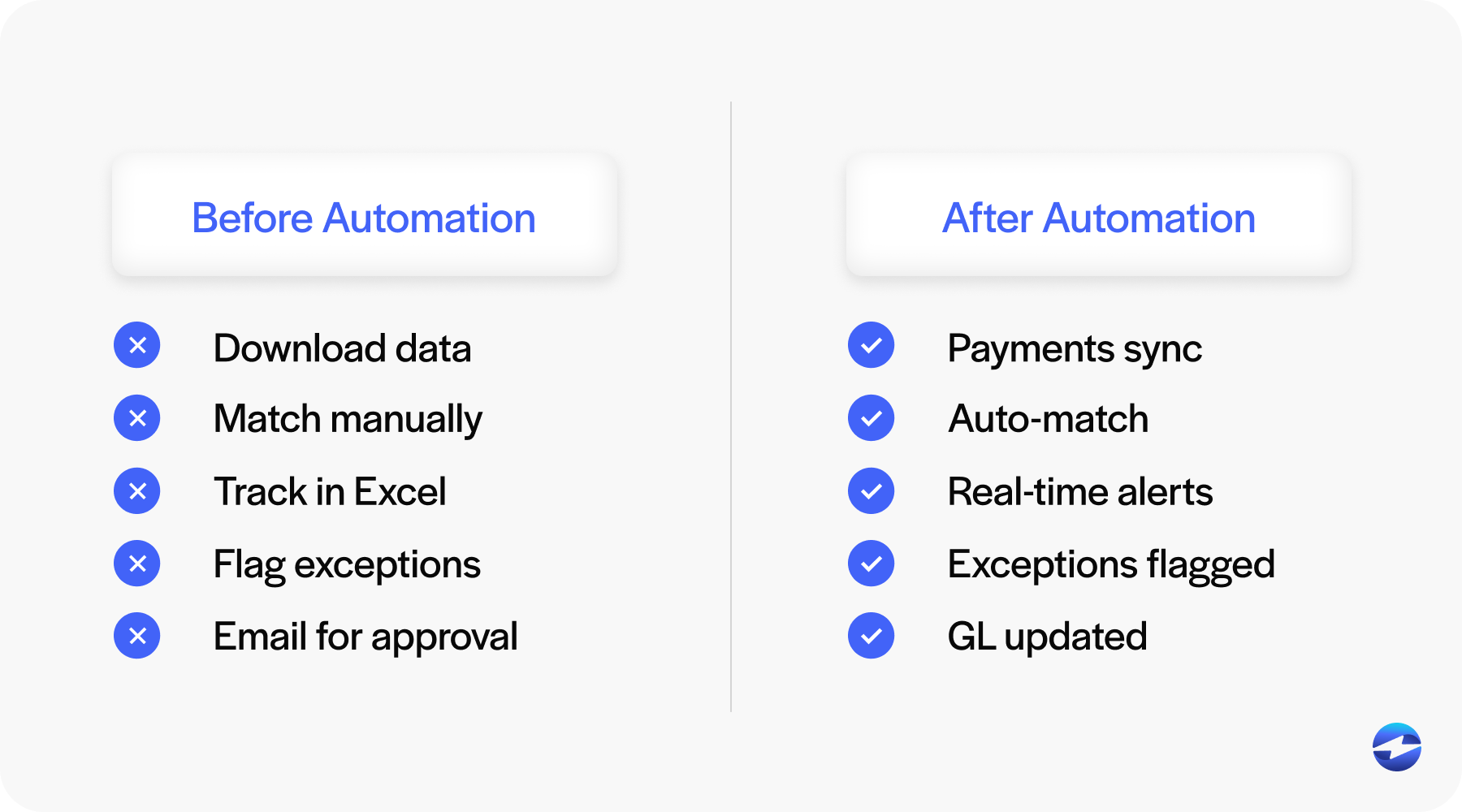
A well-designed payment processing solution allows NetSuite software to stay the system of record, while payments flow in cleanly and consistently.
Why EBizCharge Simplifies Payment Reconciliation for NetSuite Users
EBizCharge is built specifically for NetSuite users who want payment reconciliation to happen inside the system, not alongside it.
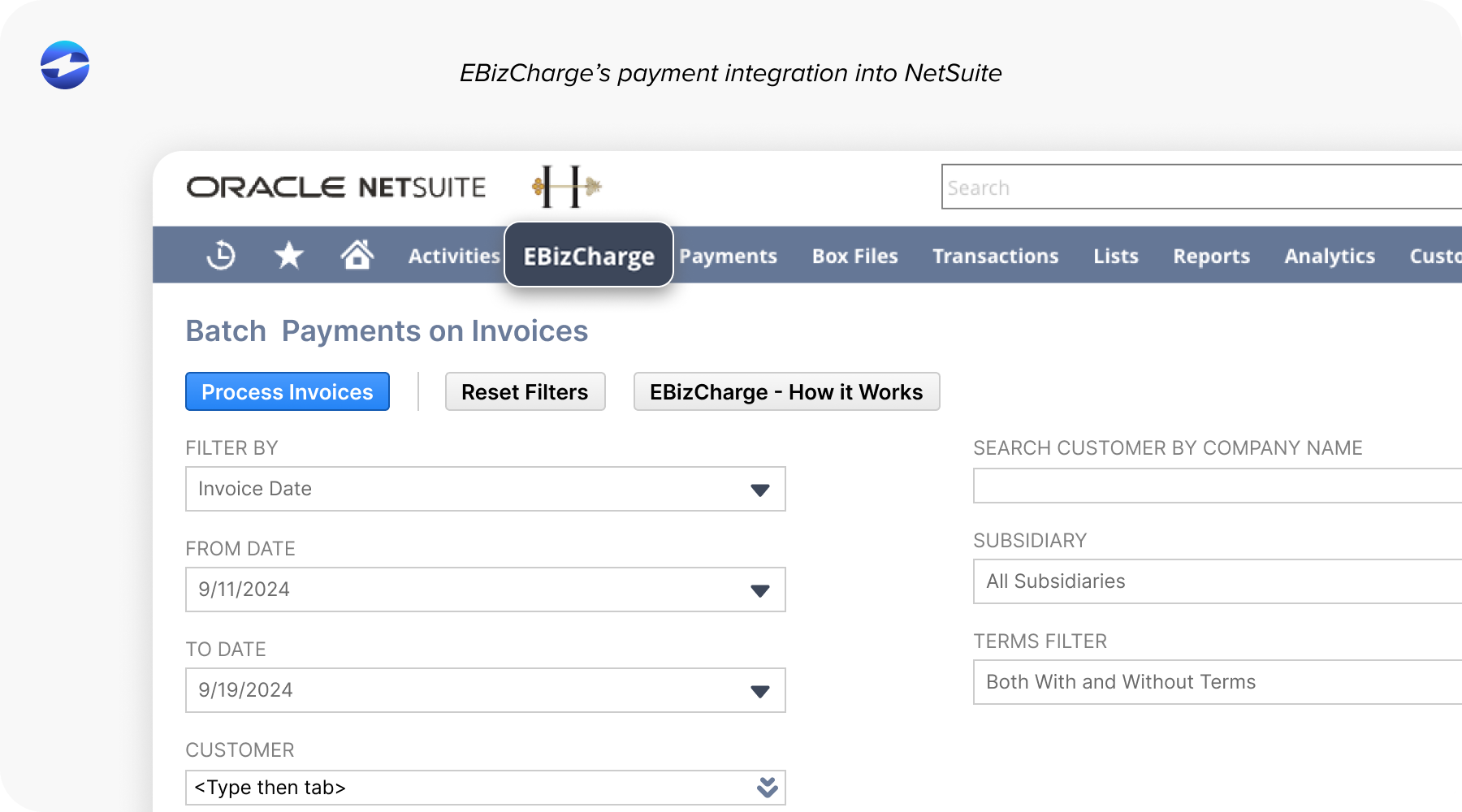
Through native NetSuite integration, EBizCharge connects payment processing directly to invoices and customer records. Payments run through the NetSuite payment gateway are automatically posted and applied, reducing reliance on clearing accounts and manual matching.
Because EBizCharge functions as a payment processor designed for NetSuite ERP, AR teams gain visibility without changing how they work day to day.
The result is fewer exceptions, cleaner AR aging, and a reconciliation process that feels manageable even as volume increases.
Getting Started: Improving Your Reconciliation Process
Before making any changes, it helps to step back and examine how reconciliation works today.
Start by understanding where payments enter NetSuite software. Are they coming through a NetSuite payment gateway, entered manually, or imported from another system? Next, consider how much hands-on effort is required to apply payments, research discrepancies, and prepare for close. Pay attention to recurring issues – unapplied payments, fee differences, or last-minute adjustments.
Identifying these patterns gives you a clearer picture of what actually needs to change. It helps you decide whether you can fix issues with small process improvements, make better use of NetSuite payment processing, or whether a more integrated payment processing solution would save the most time and reduce errors.
Building a Reconciliation Process You Can Rely On
Learning how to reconcile payments in NetSuite isn’t about perfection. It’s about consistency, visibility, and control.
When reconciliation processes are clear and supported by strong NetSuite integration, finance teams spend less time fixing issues and more time trusting their numbers.
For NetSuite users looking to reduce reconciliation effort without sacrificing accuracy, focusing on process first—and automation where it makes sense—is the most sustainable path forward.