

Guides | Automated Acumatica Workflows
5 Acumatica Payment Workflows You Can Automate This Week
5 Acumatica Payment Workflows You Can Automate This Week
Many Acumatica teams accept manual payment work as part of the job, even when it no longer makes sense. This guide walks through five common payment workflows that can be automated inside the ERP, helping reduce cleanup work, improve cash flow timing, and make accounts receivable easier to manage.

Still handling payments manually in Acumatica?
Learn
- How to reduce manual payment cleanup inside Acumatica
- Where automation has the biggest impact on AR efficiency
- How payments can be applied and posted without reconciliation work
- How to prevent payment delays caused by expired cards and follow-ups
- How automated reminders keep invoices moving without micromanagement
- When AutoPay makes sense for statement-based billing
- How to simplify payment collection across multiple invoices
- What a more predictable AR workflow looks like in practice
- How payment automation improves cash flow visibility
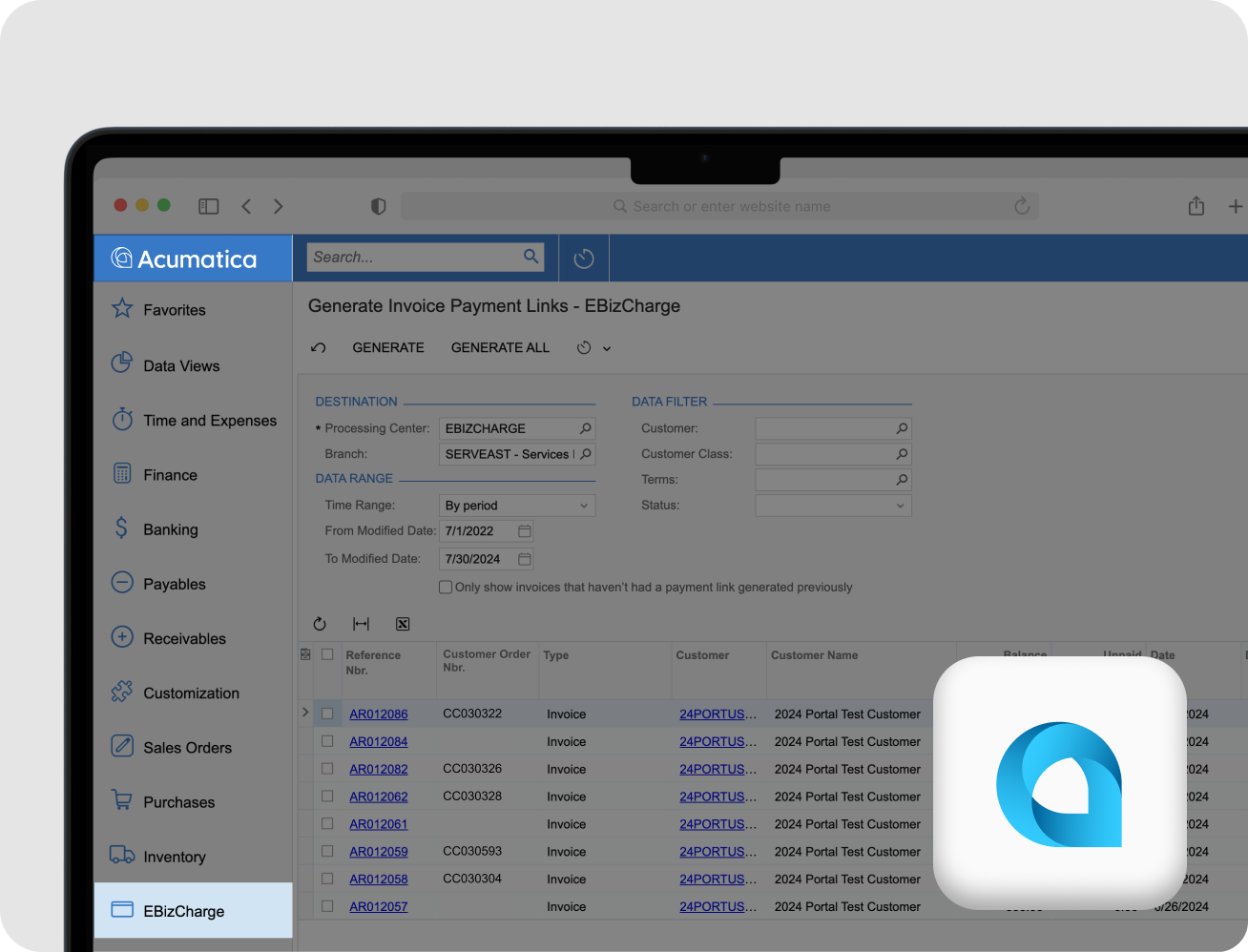
Automating Payments in Acumatica: Where Most Teams Start
Acumatica gives finance teams a flexible ERP, but payment workflows are often where manual work lingers the longest. Many teams still rely on extra steps outside the system to collect, apply, and reconcile payments, even though Acumatica can support a more automated approach.
These manual steps are rarely obvious. They show up as follow-up emails, unapplied cash, expired cards, delayed statements, or reconciliation work at month end. Over time, they slow down accounts receivable and make cash flow harder to predict.
Payment automation inside Acumatica is not about replacing your ERP. It’s about removing friction from the workflows your team already touches every day.
Why Acumatica Payment Workflows Matter for AR
Payment workflows sit at the center of AR performance. When they are manual, even partially, they tend to create:
- Delays between when customers pay and when payments are posted
- Extra reconciliation work during close
- Higher risk of payment failures and follow-ups
- Inconsistent invoice reminders
- More time spent coordinating statement-based billing
These issues don’t usually come from one big problem. They come from several small processes that were never revisited as the business scaled.
The opportunity lies in identifying which workflows can be automated and understanding what changes when payments are handled directly inside Acumatica.
Common Areas Where Manual Payment Work Persists
While every Acumatica environment is different, many teams experience similar friction points, especially as transaction volume grows:
- Applying and posting payments after they are received
- Managing expired cards and outdated payment details
- Remembering when and how to follow up on overdue invoices
- Collecting balances across multiple invoices
- Reconciling payments at month end
These workflows often feel “good enough” until the volume increases or the team is stretched. That’s usually when automation becomes a priority.
What Payment Automation Can Change (Without Rebuilding Your Process)
Automating payment workflows inside Acumatica does not require rethinking your entire AR process. In most cases, it’s about tightening how payments move through the system so fewer tasks require manual intervention.
When payments are automated properly, teams tend to see:
- Faster payment posting and cleaner AR aging
- Fewer failed payments and customer follow-ups
- More consistent invoice communication
- Simpler reconciliation and close
- Better visibility into cash flow
The key is knowing which workflows to focus on first.
Learn Which Acumatica Payment Workflows to Automate First
Not every payment process needs to be automated at once. Some changes deliver far more impact than others, especially for AR teams managing volume, repeat customers, or complex billing cycles.
The full guide breaks down five specific Acumatica payment workflows that are commonly handled manually, explains why they create friction, and shows what changes when they are automated.
If you are looking to reduce cleanup work, improve payment timing, and make AR easier to manage, this guide will give you a clear place to start.
FAQ’s
FAQ’s
Can payment workflows really be automated inside Acumatica?
Yes. Acumatica supports payment automation when payments are handled directly inside the ERP. Many teams simply continue using manual steps because those workflows were never revisited.
Is this guide useful if we already use Acumatica for invoicing?
Yes. The guide focuses on what happens after invoices are sent, where payment collection, follow-ups, and reconciliation often remain manual.
Do we need to change our existing AR process to automate payments?
No. The workflows covered are designed to fit into how most Acumatica teams already operate, without requiring a full process overhaul.
Who should read this guide?
The guide is written for Acumatica users involved in AR, finance, or payment operations, especially teams managing repeat customers or higher payment volume.
What does this Acumatica payment automation guide focus on?
This guide focuses on workflows and outcomes, helping teams understand where automation has the biggest impact before diving into configuration.

“[EBizCharge has] an outstanding reputation among our community members, and we appreciate their support and dedication to our [Acuamtica] community…”
Darcy Boerio, Board Member
AcuConnect
