

Sage 100 | Sage 100 Customer Portal

Customer Payment Portal for Sage 100
Customer Payment Portal for Sage 100
Stop chasing payments. Let customers pay themselves.
Give your Sage 100 customers a secure, branded portal to view and pay invoices 24/7 while you collect payments faster and eliminate manual follow-ups
Join thousands of companies using EBizCharge








Our product
Put your Sage 100
collections on autopilot
Put your Sage 100 collections on autopilot
Put your Sage 100 collections on autopilot
Your customers want to pay on their schedule, not yours. The EBizCharge Customer Payment Portal integrates natively with Sage 100 to give customers instant access to invoices and pay them immediately. Built specifically for Sage 100 users who need to accelerate cash flow.
Your customers want to pay on their schedule, not yours. The EBizCharge Customer Payment Portal integrates natively with Sage 100 to give customers instant access to invoices and pay them immediately. Built specifically for Sage 100 users who need to accelerate cash flow.
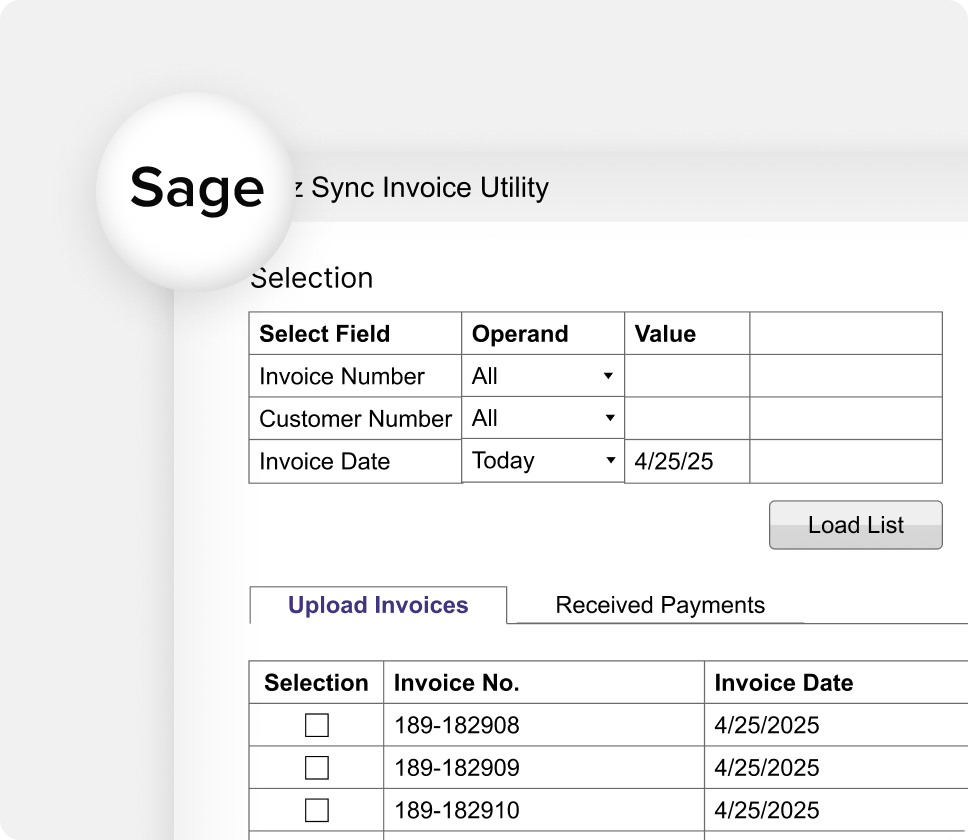
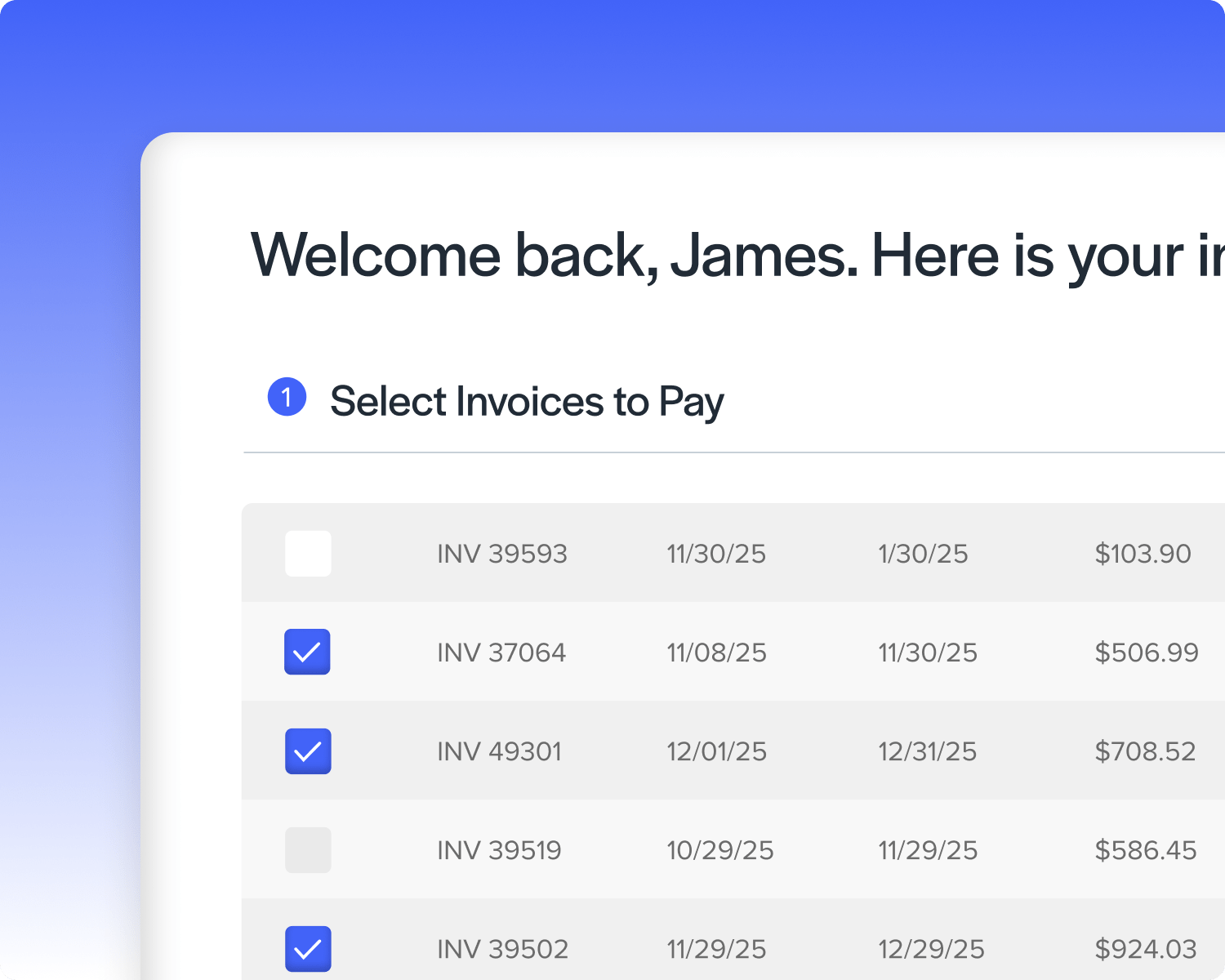
Native Sage 100 integration — no API development required
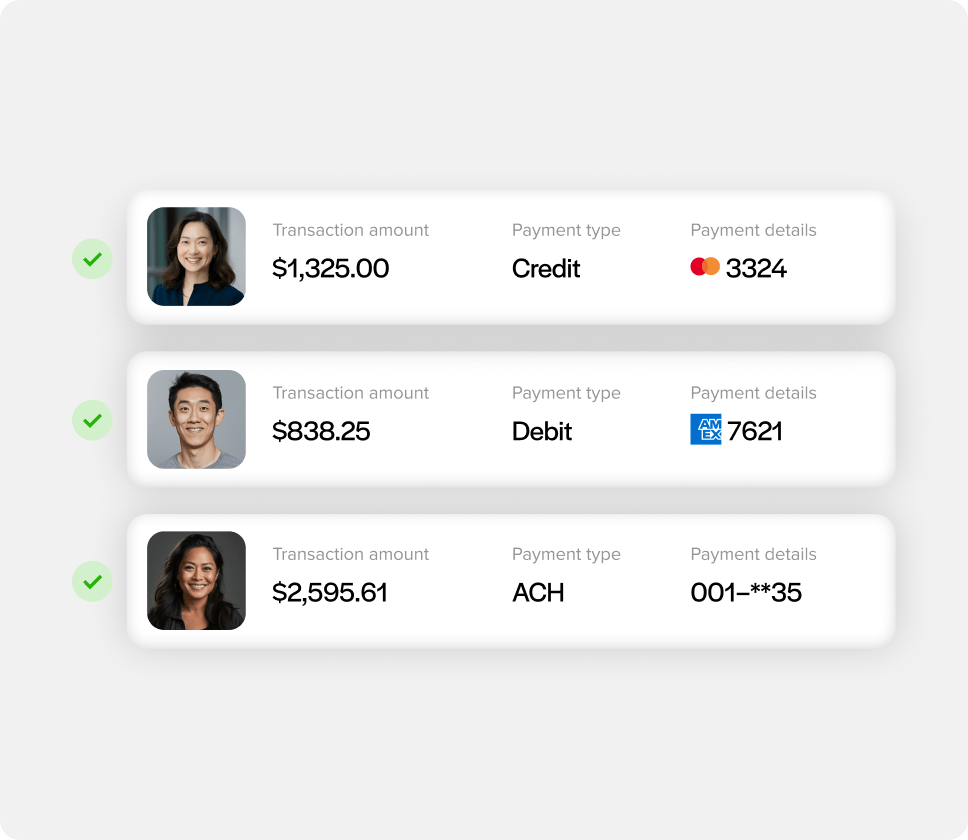
Credit card and ACH payment acceptance
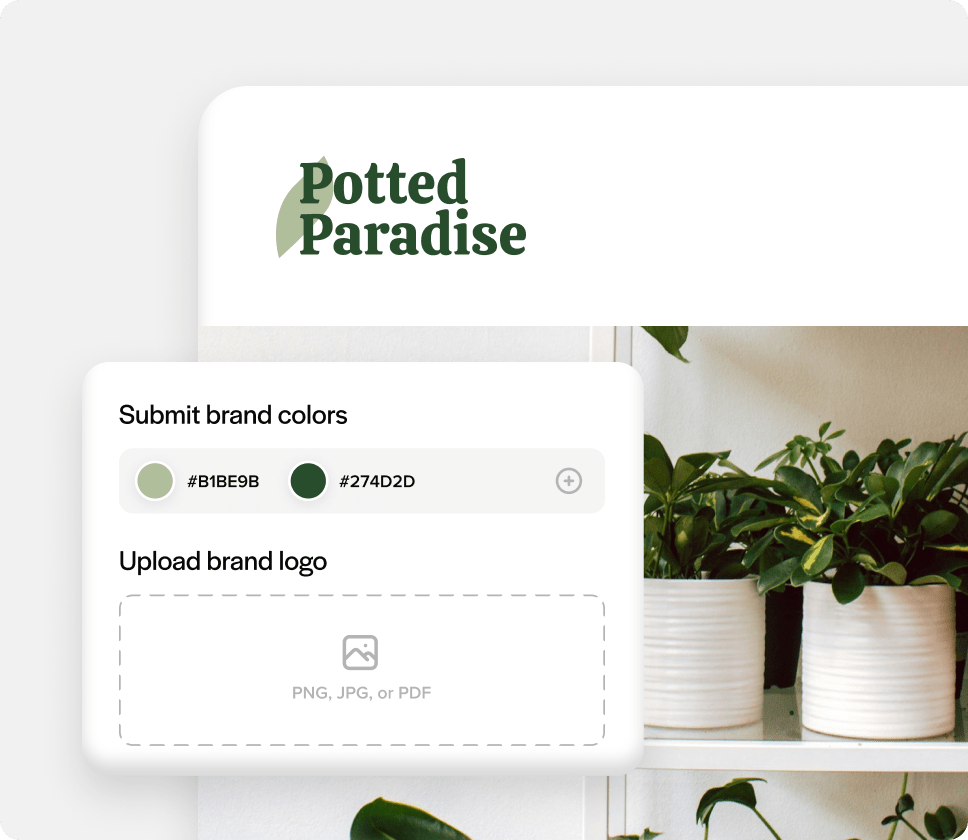
Fully branded portal with your logo and colors
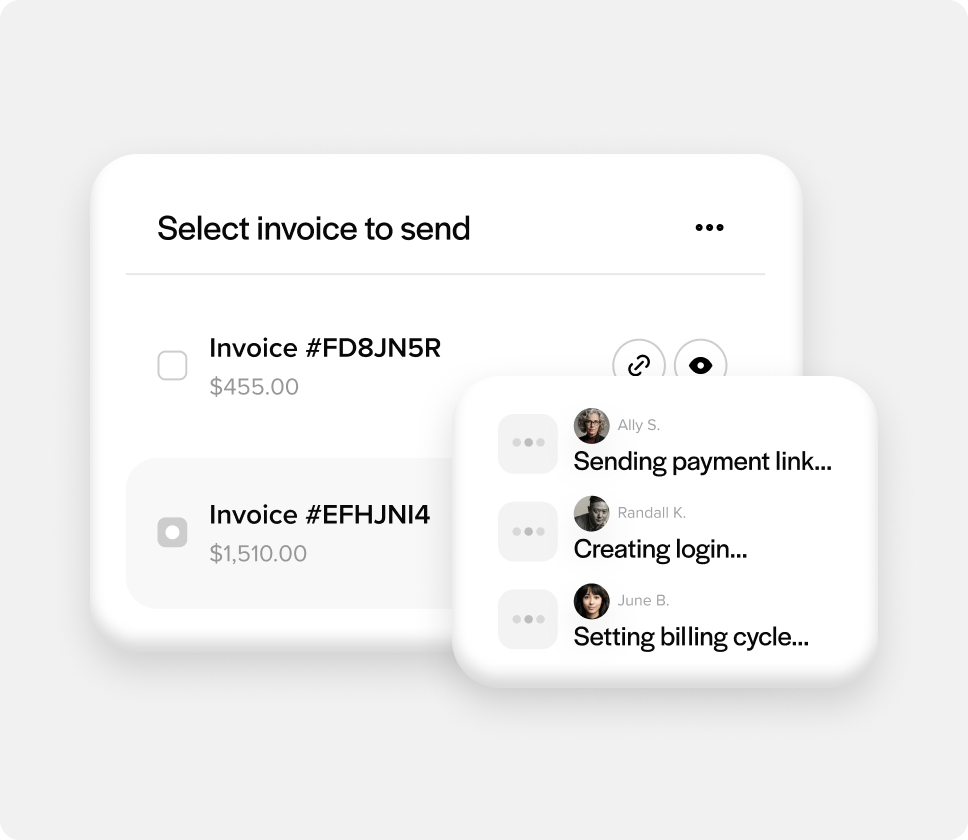
Automatic invoice sync from Sage 100
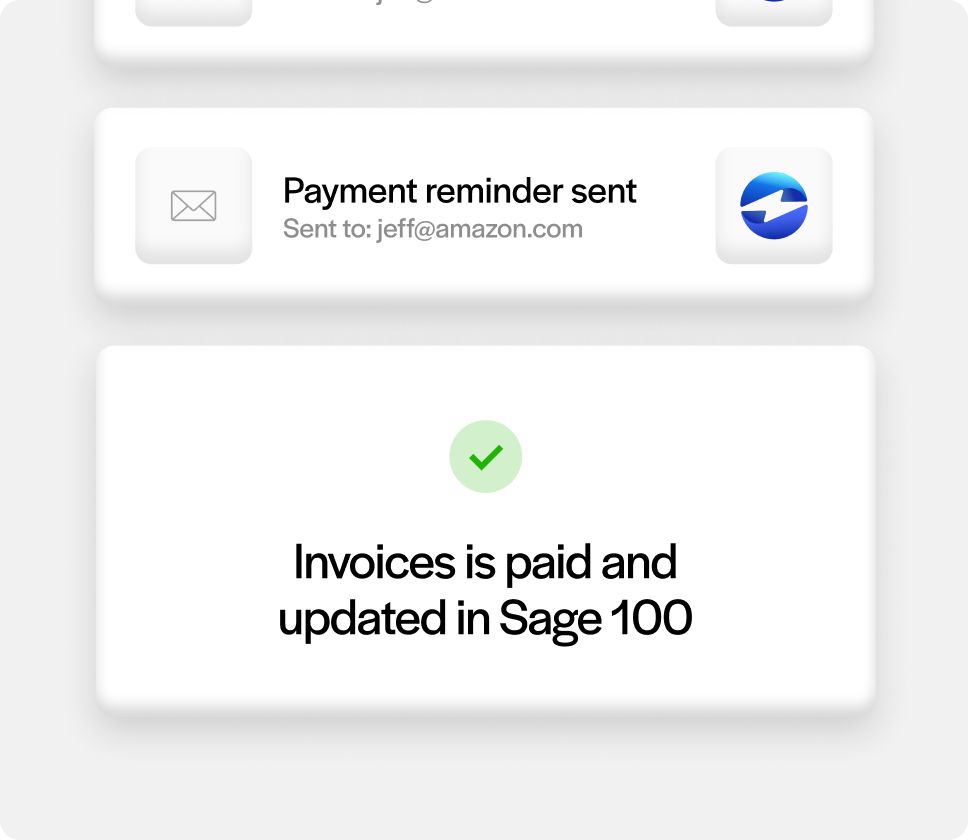
Instant payment posting back to sage 100
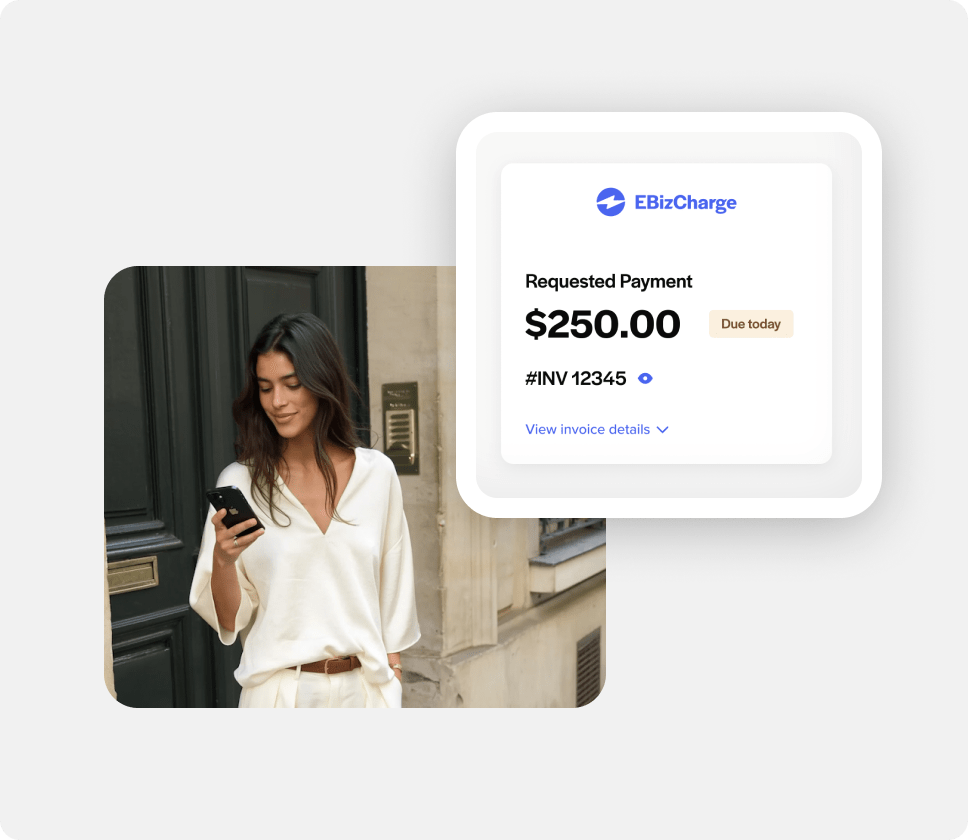
Mobile-responsive for payments anywhere
How it works
How it works
 Invoices sync automatically
New invoices and sales orders from Sage 100 appear instantly in the portal. No manual uploads or data entry.
 Customers login anytime
Your customers access their portal using the email address you have on file in Sage 100. They see their open invoices, payment history, and account balance.
 Pay in one click
Customers select invoices to pay, choose saved payment methods or enter new ones, and submit. Done.
 Payments post to Sage 100
Payment data flows back into Sage 100 automatically, updating AR balances and GL accounts with 100% accuracy.
Key features
Key features
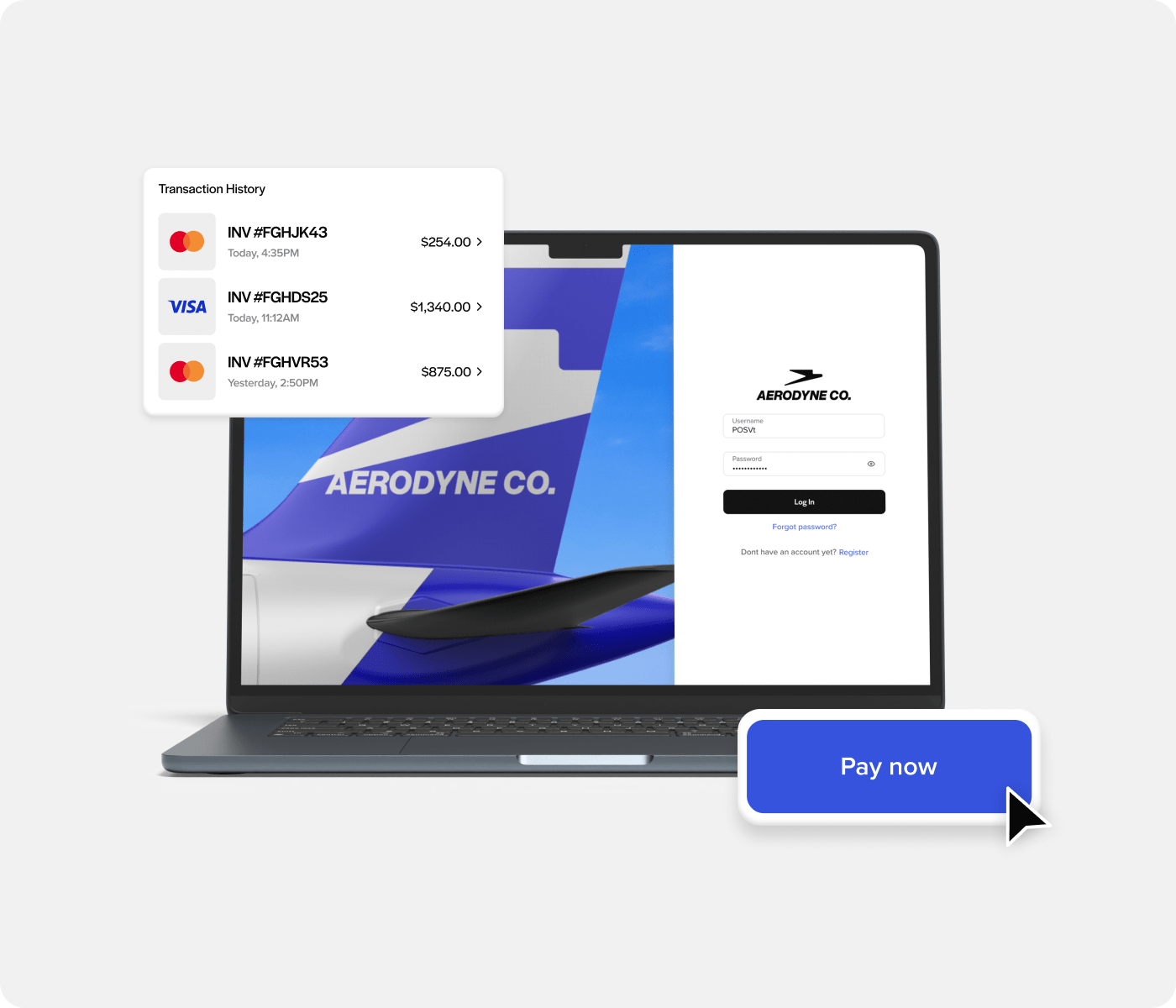
 Self-service payment
Customers view all open invoices, select which to pay, and process payments without calling your office.
 Email notifications
Automated receipts and payment confirmations sent to customers automatically.
 Saved payment methods
Customers securely save credit cards and bank accounts for one-click payments on future invoices. (PCI-compliant tokenization keeps data secure.)
 Automatic payment posting
Every payment made in the portal posts back to Sage 100 immediately—updating invoice balances, AR accounts, and GL automatically.
 Branded experience
Customize the portal with your logo, colors, and domain for a seamless customer experience.
 Mobile optimized
Fully responsive design lets customers pay from any device, anywhere.
Payment history & receipts
Customers access full payment history and download receipts anytime—reducing “Did you receive my payment?” calls.
 Partial & multiple invoice payments
Allow customers to pay partial amounts or pay multiple invoices at once—whatever works for their cash flow.
Companies using the EBizCharge Customer Portal report:
65%
faster payment collection
15+
hours saved per week on
manual follow-ups
DSO
dramatic reduction in DSO
We stand out
Why Sage 100 companies
choose EBizCharge
Why Sage 100 companies choose EBizCharge
Why Sage 100 companies choose EBizCharge



“EBizCharge works seamlessly with our
Sage 100 accounting software”
Penni B., review sourced from Google

