

Integrations / QuickBooks
QuickBooks Payment Processing Integration
Get paid faster, cut processing costs, and eliminate AR busywork — built natively for QuickBooks Desktop & Online. Users save each month with competitive processing rates.
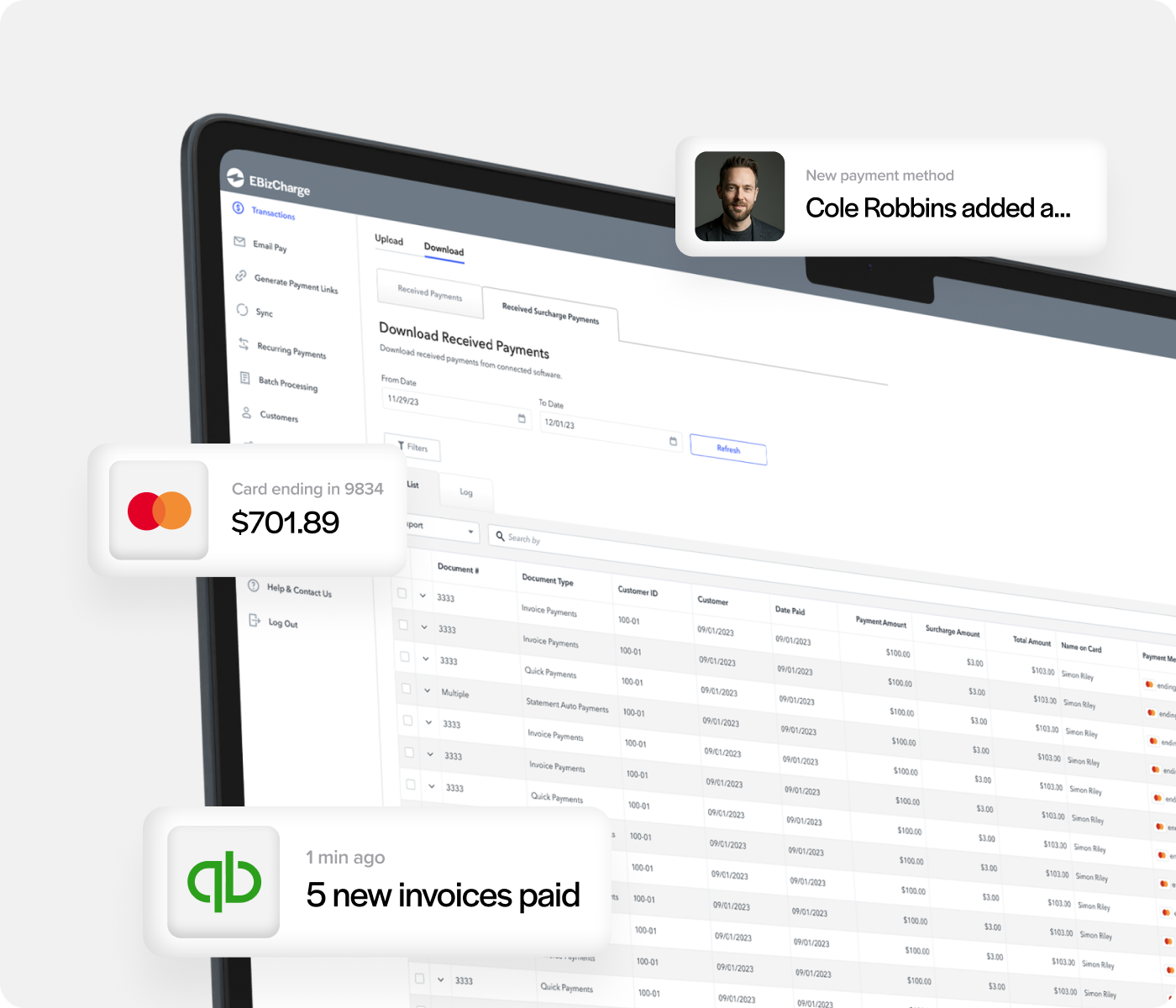
6+ hours
saved each week on AR
40% decrease
in payment processing costs
3x reduction
is days sales outstanding

Featured Highlights
Run transactions natively inside QuickBooks
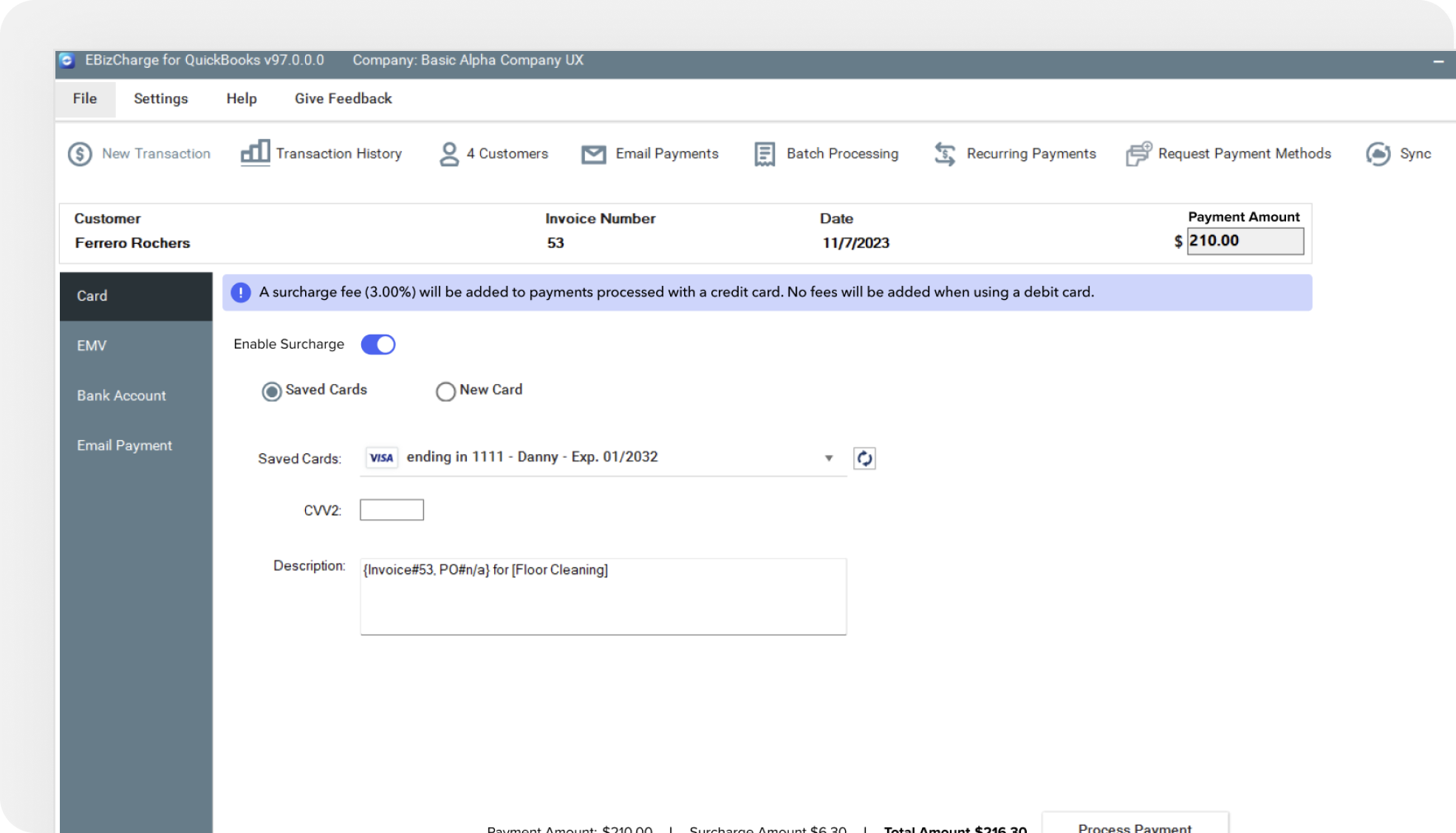
Process credit cards, debit, and ACH payments directly on QuickBooks invoices and sales orders. Authorize, capture, void, or refund without leaving QuickBooks — and watch payments post to the general ledger automatically.
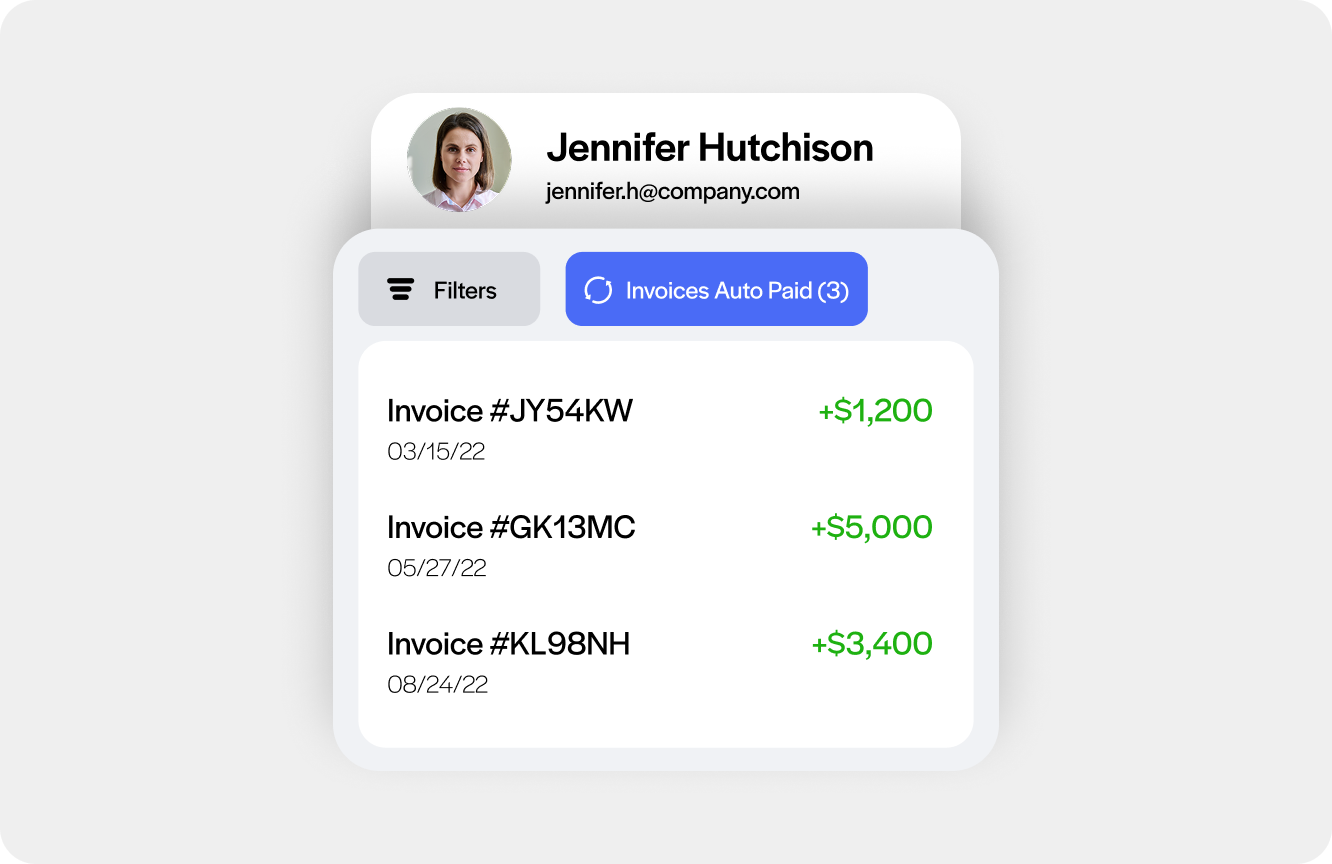
Get paid faster with payment links & a customer payment portal
Send secure payment request links directly from QuickBooks invoices. Sync outstanding balances to a self-service portal where customers can pay on their own time — no phone calls, no paper checks.
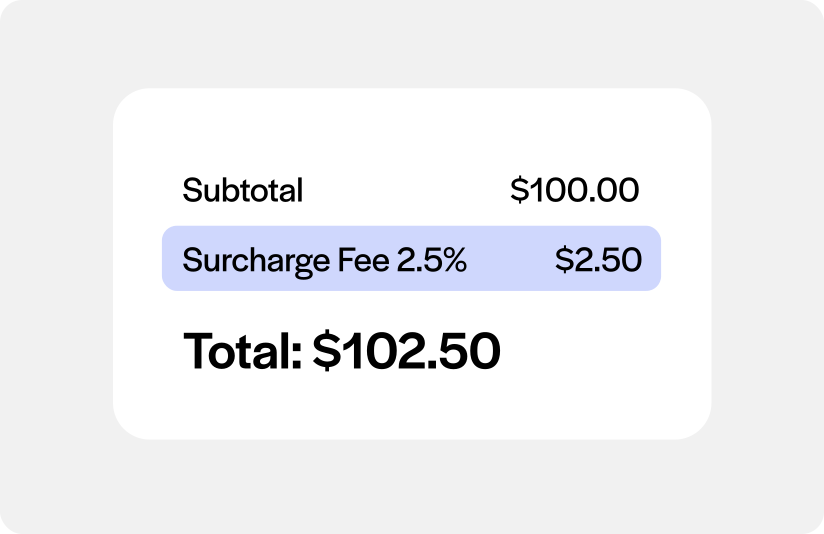
Significantly cut payment processing costs
Reduce your credit card processing costs significantly with level 3 processing rates and surcharging options.
How EBizCharge Works with QuickBooks
EBizCharge is a native QuickBooks payment processing integration built for B2B AR teams. Unlike bolt-on gateways, it runs entirely inside QuickBooks — so payments post to the general ledger automatically, with no manual entry required. Every account is backed by a dedicated EBizCharge Relationship Manager and an in-house support team.
Key features
Accept payments inside QuickBooks
- Process credit card and ACH payments directly on QuickBooks invoices and sales orders
- Connect an EMV device for in-person payments synced to QuickBooks
- Accept Visa, Mastercard, Amex, Discover, debit, and ACH/eCheck
- Authorize, capture, void, or refund right from QuickBooks — no tab switching
- Collect a deposit upfront on a sales order instead of waiting for the final invoice
- Payments auto-post to open invoices and the general ledger instantly
- Search and filter transaction history by customer, date range, or keyword, with full or partial refunds and surcharge details available on each transaction
Get paid without chasing
- Send secure payment request links via email directly from QuickBooks
- Sync invoices to a branded self-service customer payment portal
- Embed “Pay Now” buttons on QuickBooks invoices and sales orders
- Automate payment reminders for outstanding balances
- Automatic retry logic for failed or declined transactions
Automate AR tasks at scale
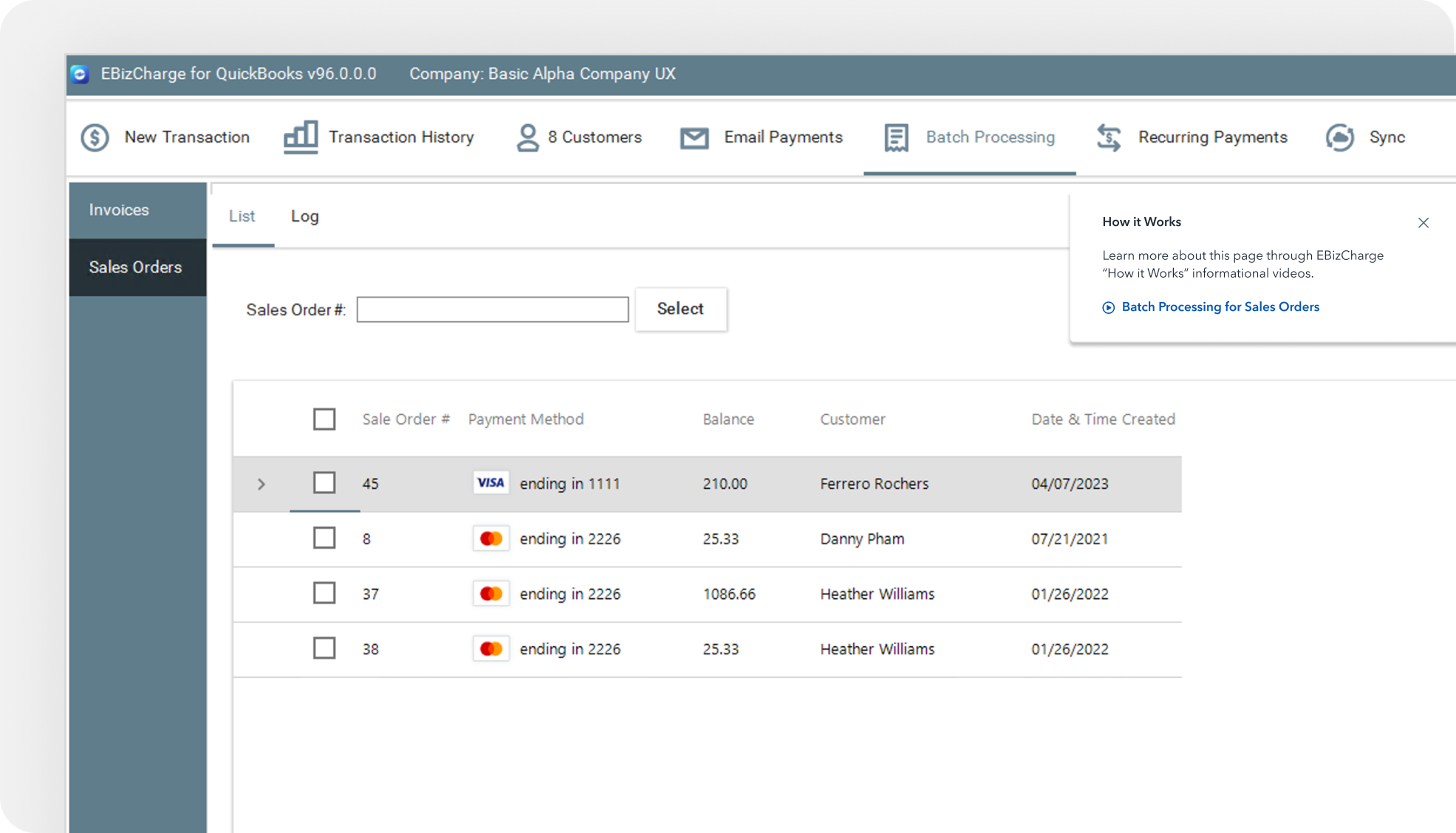
- Batch process payments for multiple customers in one action
- Auto-charge statement balances during a pay period
- Send bulk payment requests in a single click
- Automated general ledger posting — zero manual reconciliation
- Schedule recurring payments or installment plans
- Schedule recurring payments with a new or saved card or bank account, and edit the schedule, amount, frequency, or payment method at any time
- View a log of applied batch and recurring payments, along with hourly sync logs for payments downloaded from the EBizCharge Hub
Enterprise grade security built for QuickBooks
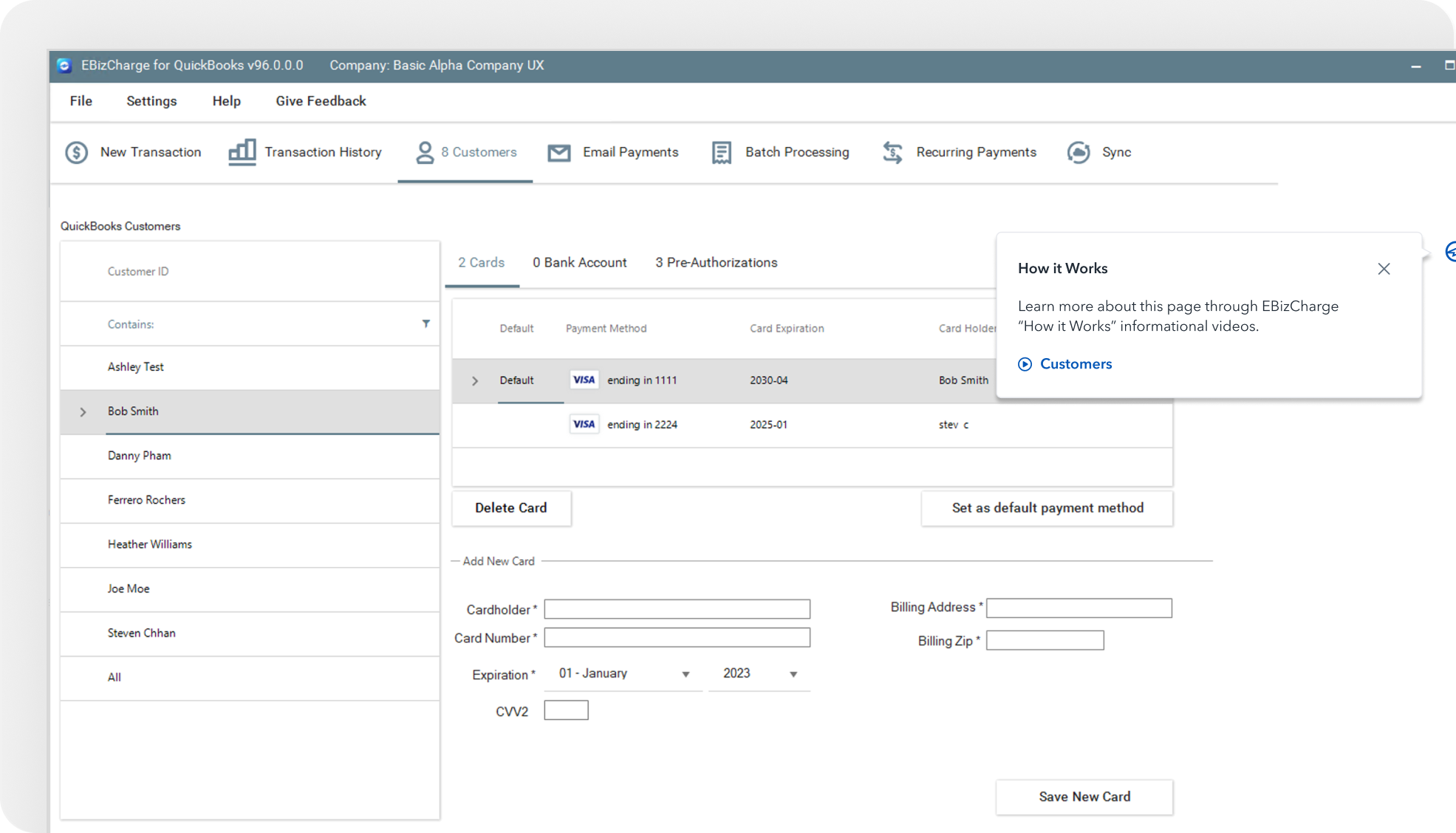
- Securely save customer payment methods for future use
- Request payment details via a secure, branded link
- All card data stored off your servers — reduces your PCI scope
- Tokenization and encryption on every transaction
- Proactive alerts for expiring customer payment methods
Reduce processing costs each month
- Surcharging program to legally pass processing fees to customers
- Competitive base rates for high-volume B2B merchants
Accept payments from a mobile device
- Sync the EBizCharge mobile app with QuickBooks
- Search and pay customer invoices from the mobile app
- Generate invoices on the go and collect payment on the spot
- Use a card reader or scan card details with your device camera