

Integrations / Microsoft Dynamics NAV
Microsoft Dynamics NAV Payment Processing
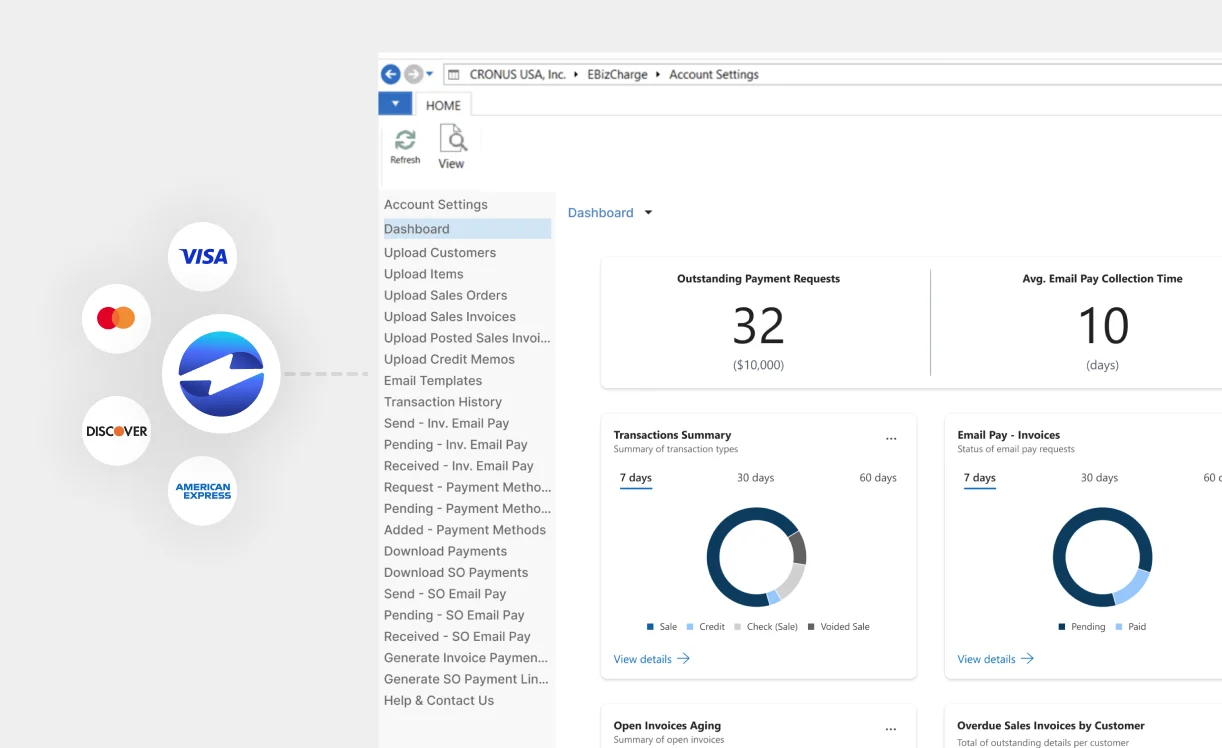
Accept credit card and ACH payments directly inside Microsoft Dynamics NAV. EBizCharge adds payment processing to sales and service documents and brings payments back into NAV, so your team reconciles faster and keys less.
Feature Highlights
Run transactions natively inside Dynamics NAV
Process credit cards and ACH payments on sales orders, invoices, posted invoices, and service documents. Authorize payment methods, void or credit transactions, and refund credit memos without leaving NAV.
Generate and embed payment links
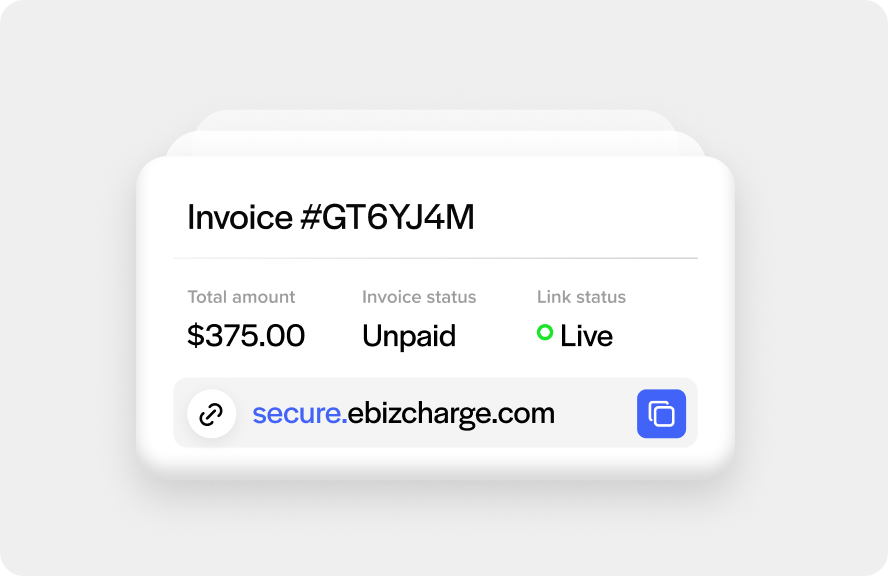
Generate payment links for invoices and sales orders, individually or in bulk, and embed them on the document so customers can pay from what they already received.
Official Microsoft partner and certified application
EBizCharge is a Microsoft Partner, and Certified Application listed on Microsoft AppSource. We also stay active in the Dynamics community through Dynamics Communities user groups and events like Directions North America and Community Summit NA.
How EBizCharge Works with Microsoft Dynamics NAV
EBizCharge is a Microsoft Dynamics Certified Application built for Dynamics NAV. It works natively inside NAV so payments post to accounts receivable and the general ledger automatically, with no manual entry required.
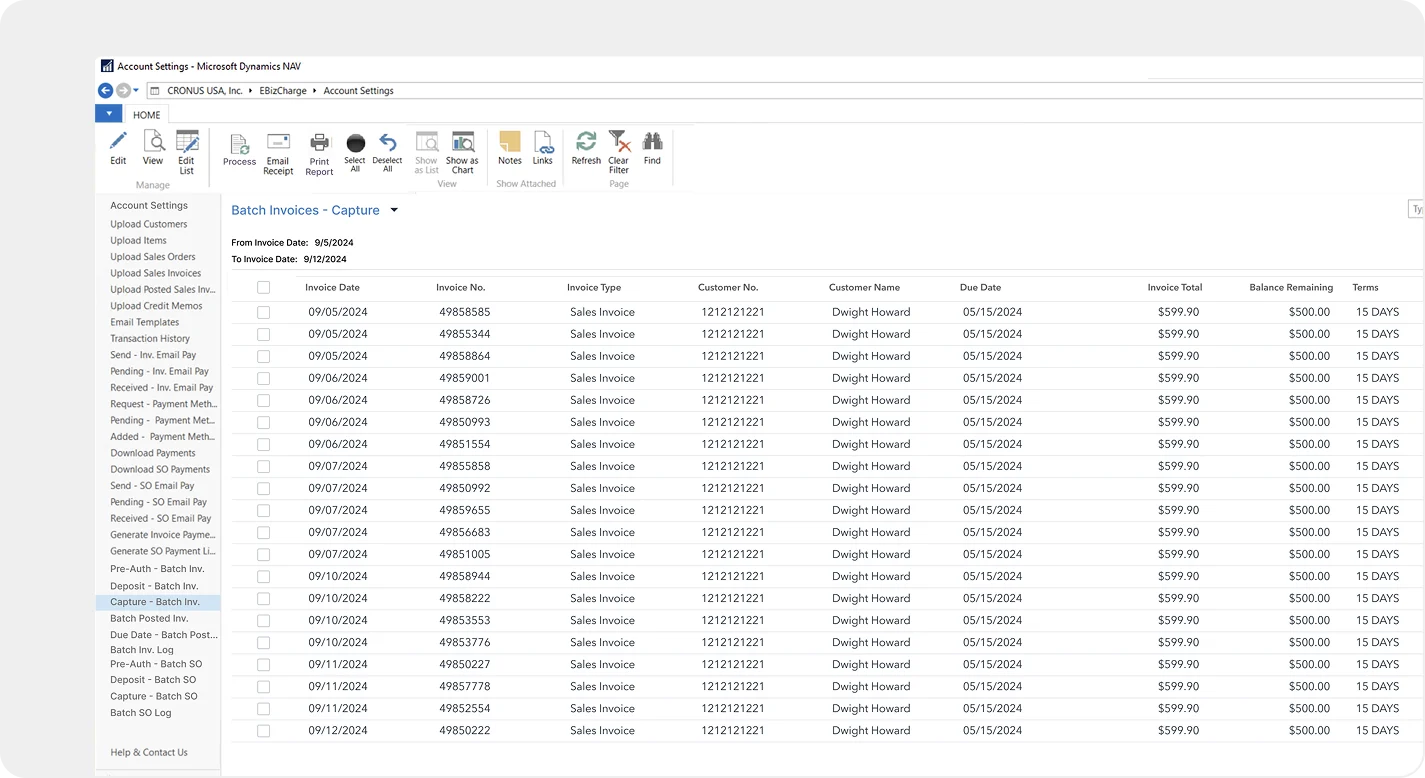
Key features
Accept payments inside Dynamics NAV
- Process card and ACH payments on sales orders, sales invoices, posted sales invoices, and service orders and invoices.
- Process payments from cash receipt and payment journals using Visa, Mastercard, Amex, Discover, or a bank account.
- Authorize payment methods, run prepayments, and collect deposits on sales orders.
- Take in-person payments with EMV devices (MP200/L, VEGA 3000, Lane).
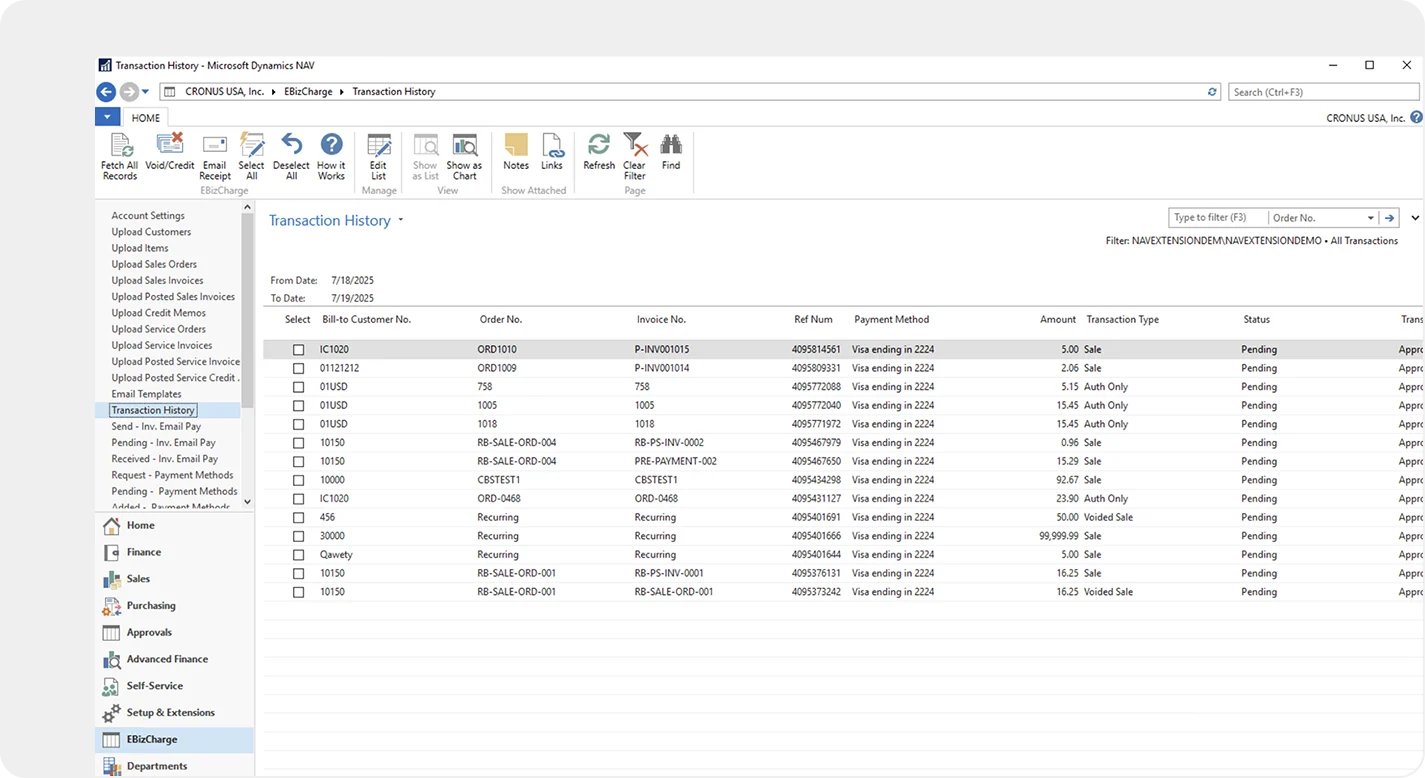
- Void or credit transactions, and refund credit memos and return orders.
- View transaction history by document, filter by date range, and email receipts.
- Received payments from EBizCharge can apply as payments, pre-auths, or prepayments in NAV.
Get paid without chasing customers
- Send secure payment request emails for invoices and sales orders, individually or in bulk
- Generate and embed payment links for orders and invoices
- Sync invoices to a branded, self-service customer payment portal
- Automate payment reminders for outstanding invoices
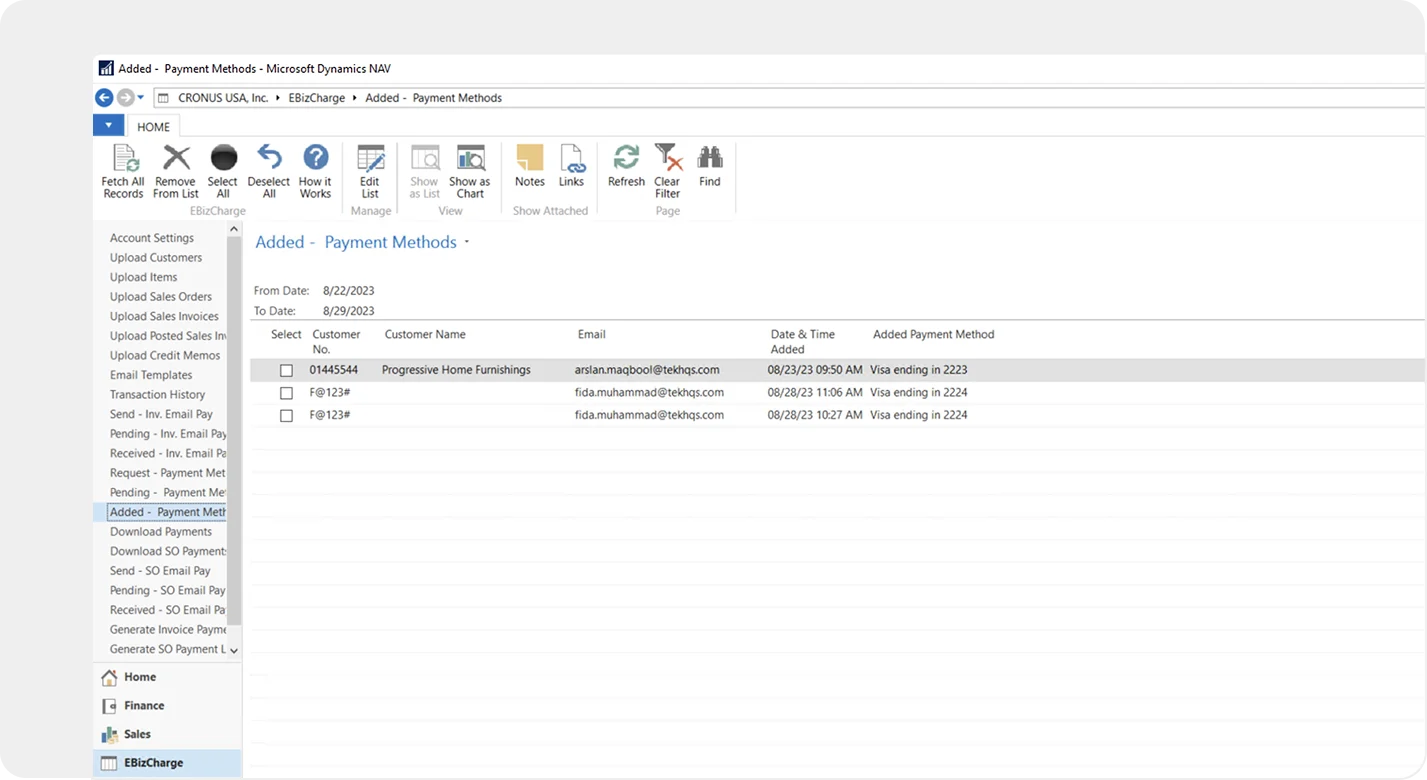
Keep payment methods current
- Request payment methods from customers individually or in bulk.
- Filter customers with no saved methods, cards expiring soon, or expired cards, then send requests.
- Securely save payment methods and keep sensitive data off local machines.
- Apply a stored method as a pre-authorization, prepayment, or customer payment, including long-cycle orders held for authorization before capture.
Enterprise-grade security
- Tokenization and encryption on every transaction
- Fraud prevention capabilities available on the payment webform
- AVS mismatch alerts to flag potential issues
Accept payments from a mobile device
- Sync the EBizCharge mobile app with Dynamics NAV
- Search and pay customer invoices from the mobile app