

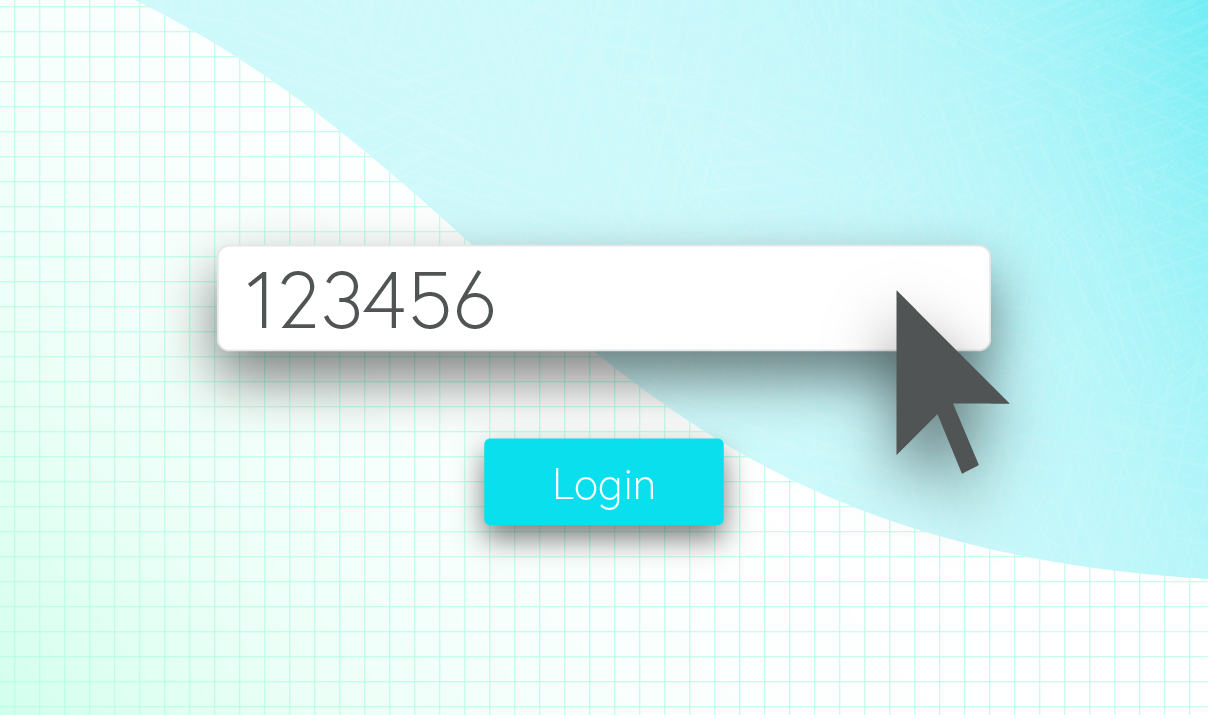
In 2015, the most commonly used password was “123456”, followed by “password”. Without any variety in symbols or characters, these passwords are extremely easy to crack. In fact, 90% of employee passwords can be cracked within 6 hours. To make matters worse, the average cost for a small business to fix security issues after a data breach is $200,000. Luckily, there are many ways to ensure password security for your business.
One of the most essential tools for password security is a password manager. A password manager can generate passwords for your business and store them in a secure, cloud-based vault. It keeps your data encrypted, and can generate new passwords automatically every 90 days.
To ensure top security levels, it is recommended to never share your passwords. A recent study by LastPass found that 95% of U.S. consumers admit to sharing up to six passwords with others. Of these, 25% are work-related passwords.
Passwords should be changed every 3-4 months. However, nearly 50% of U.S. employees reuse passwords for work-related accounts, according to a study by Ping Identity. Luckily, there are ways to ensure password security for your business.
Here are some Do’s and Don’ts for password security:
DO:
- Store passwords in a password manager. This keeps data in a secure, cloud-based vault, and can generate new passwords every 90 days.
- Create a unique password. Use numbers, symbols, and both uppercase and lowercase letters. If you start your password with a symbol, it’s more difficult to crack than if you start with a letter.
- Store passwords in an encrypted document using Microsoft Word or Excel. This adds an extra layer of security for sensitive data.
- Use random passwords. Make sure employees are using different passwords for every account.
- Use caution when opening emails. A reputable company will never ask you to change your password. If an email looks suspicious, just delete it.
- Enter sensitive passwords on an https website. The ‘s’ is an added layer of security that uses encryption to protect data from unfriendly eyes.
- Use a long password. For the best security, passwords should be at least 12 characters in length.
- Enter passwords on a secure network. Home and office networks with a trusted server are generally safe platforms for entering password information.
DON’T:
- Store passwords in a physical location. Never leave passwords on your desk, in your wallet, or under your keyboard.
- Use a pronounceable word. If your password is in the dictionary, it’s much easier to hack.
- Store passwords on your desktop.
- Use the same password for every account. If this single password gets cracked, hackers will have access to all of your information.
- Click on email links that request password information. This is known as phishing, and is an easy way for hackers to access your passwords.
- Enter passwords into an http website. Http websites are not secure. Any information entered here can easily be seen by hackers.
- Use a short password. Passwords shorter than 12 characters are more likely to get cracked.
- Enter passwords while using a public WiFi network. Hackers can break into these networks and see everything you enter.
With these tips, you can keep your sensitive data and your business safe from hackers.